



Apple Gift Card Balance Not Paying for Subscriptions? 6 Reasons and Fixes
AroraShop Editorial & Fulfillment Team
Digital Gaming & FinTech Specialists (Dhaka, BD) • UpdatedYou redeemed an Apple gift card, your balance shows up, but the subscription still won't go through. Or iCloud+ renews on a card you didn't want charged. This happens to a lot of iPhone users, and it's almost always one of a few simple reasons.
Here's how Apple actually uses your balance, based on Apple's own support page, and what to do for each problem.
How Apple uses your balance
Apple's billing rules are simpler than they look:
- Apple first tries to pay the full amount from your Apple Account balance.
- If your balance doesn't cover all of it, Apple charges your main payment method instead.
- If that fails, it tries your other payment methods, top to bottom.
The key word is "full". If a subscription costs $9.99 and you have $9.50, Apple doesn't take the $9.50 and ask for the rest. It moves to your card.
Reason 1: your balance doesn't cover the full price
This is the most common one. US prices often end in .99, and US tax can be added depending on the address on your account. So a $10 card may not fully cover a $9.99 plan once tax is added.
Fix: keep a little more balance than the plan price. For a $9.99 monthly plan, having $12 to $15 in your account is safer.
Reason 2: some subscriptions can't be started with balance
Apple's support page says plainly that you can't start some recurring subscriptions with your balance. But once a subscription is running, renewals can come from your balance, as long as the balance covers the whole charge and you have another valid payment method on file.
This matters in Bangladesh, where many people don't have a card that works with Apple. If Apple asks for a card when you try to start a subscription, that's probably why. It's Apple's rule, not a problem with your gift card.
What you can do: one-time purchases, like in-app items and paid apps, can be paid with balance. For subscriptions, check if the app or service offers another way to subscribe, or ask a family member with a working card to help set it up.
Reason 3: wrong region
Apple gift cards only work in the country they're made for. A US card works on a US Apple Account. A Turkey card works on a Turkey account. If the regions don't match, the code won't redeem at all.
Fix: check your Apple Account region before you buy a card. Our guide to US vs Turkey Apple gift cards explains which one fits your account.

Reason 4: a card is set ahead of your balance
Some users on Apple's community forum found that a card listed as their main payment method was charged even when they had balance. Apple's own page says balance is tried first, but the forum advice for this problem is simple.
Fix: open Settings, tap your name, then Payment and Shipping. Check which payment methods are listed and in what order. If you want to rely on balance, make sure your balance covers the full price before the renewal date.
Reason 5: Family Sharing
If you're in a Family Sharing group, your balance is only yours. Apple says family members can't spend it, and money you add is only for you. Apple also charges your personal balance before the family organizer's payment method.
Fix: if a family member is trying to use your balance, they can't. They need their own balance or their own payment method.
Reason 6: you're trying to buy a gift
Apple doesn't let you use your balance to send gifts or buy gift cards. If you're trying to gift an app or a subscription to someone, it won't work with balance.
What happens if a renewal fails
If Apple can't charge any of your payment methods, your account can show a negative balance. Until you fix it, Apple says you can't buy, download or update apps. If that happens, add balance or update your payment method, and the account starts working again.
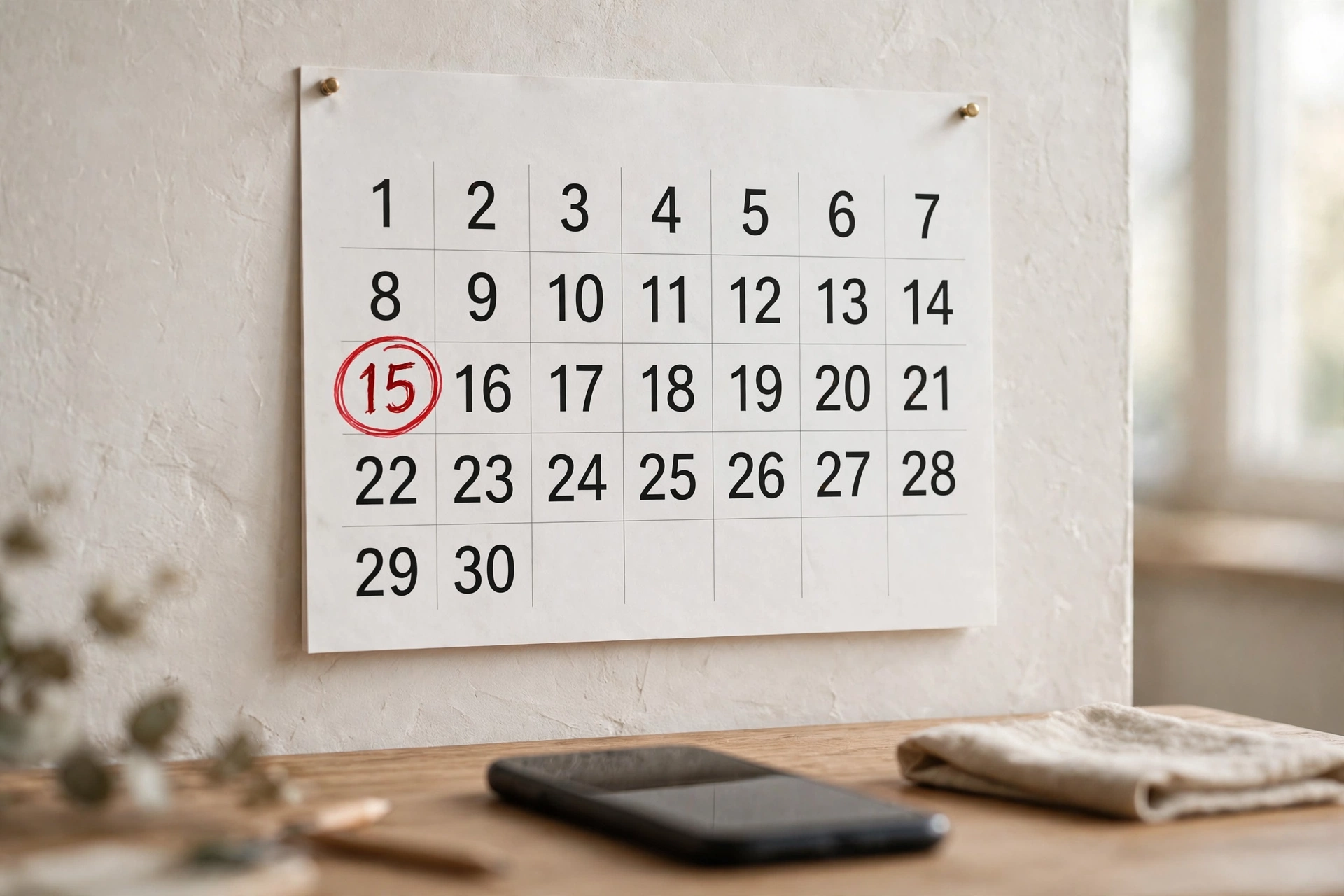
A simple checklist before renewal day
- Check the subscription's renewal date in Settings, then your name, then Subscriptions.
- Make sure your balance is more than the full price, with a little extra for tax.
- Check your payment methods list.
- If you don't want to renew, cancel at least a day before.
Topping up your Apple balance from Bangladesh
On our Apple iTunes gift card page, US cards cost ৳290 for $2, ৳1,400 for $10, ৳3,450 for $25 and ৳6,900 for $50, paid with bKash, Nagad, Rocket or Upay. The small $2 card is handy for topping up a little extra when your balance is just short.
Planning what to pay for? Our guides on iCloud+ plans and Apple Music and Apple One prices show what each plan costs in Taka.
Frequently asked questions
Why won't my Apple gift card balance pay for my subscription?
Usually because the balance doesn't cover the full price, or because Apple doesn't let some subscriptions start with balance alone.
Does Apple use part of my balance and charge the rest to my card?
Apple's support page says it tries to cover the full amount from balance first. If the balance isn't enough, it charges your payment method.
Can I pay for iCloud+ with an Apple gift card?
Renewals can come from your balance if it covers the full price. Some subscriptions need another valid payment method on file.
Can my family use my Apple balance?
No. Apple says your balance is only for you, even in Family Sharing.
Why won't my US Apple gift card redeem?
Your Apple Account is probably not set to the United States. US cards only work on US accounts.
What happens if my Apple subscription renewal fails?
Your account can show a negative balance, and you can't download or update apps until you add funds or fix your payment method.
How much is a $10 Apple gift card in Bangladesh?
On AroraShop, a $10 US Apple gift card is ৳1,400.
Sponsored
Categories
- Beginners Gamers 1
- Top Up 0
- Gift Card 3
- Announcement 0
- Technology 31
- Artificial intelligence 11
- Updates & Guides 338
- Games 3
- Business & Tech 1
- Freelancing & Career 2
- Tech Tips & Tutorials 1
- Make Money Online 1
- Tech & AI Tools 2
- Crypto & Airdrops 3
- Career & Business 1
- Money Making 2
- Guides 0
- Game Top-Up Guides 0
- Subscription Guides 1
Sponsored
Recent Posts

Sponsored