Leave a Review


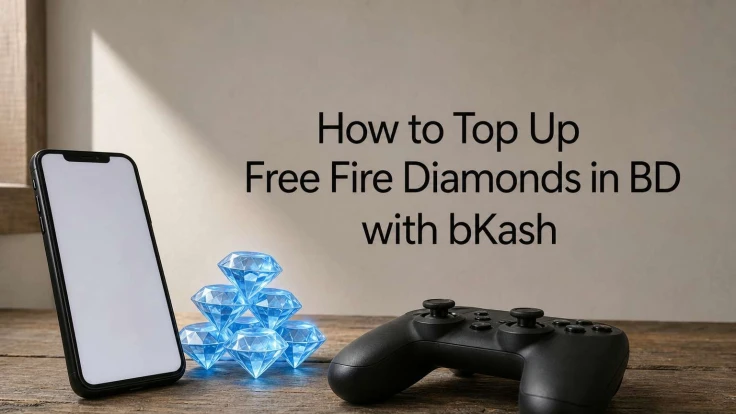
Running low on diamonds right before a ranked match is frustrating, especially when your card details don't work on the official Free Fire store or the payment just fails halfway through. If you've been searching for free fire diamond top up bd bkash, you're probably tired of failed transactions, confusing exchange rates, or shady Facebook resellers asking for your login info. That's a real problem for Bangladeshi players who rely on bKash instead of international cards, though there are ways to get a Fasset debit card in Bangladesh if you do need card payments later.
The good news: topping up Free Fire with bKash takes less than five minutes once you know the right steps. You just need your player ID, a trusted platform that supports local payment methods, and a few taps to confirm your order.
In this guide, we'll walk you through the exact process of buying diamonds using bKash, Nagad, or Rocket, from finding your in-game ID to choosing the right pack size, whether that's a quick 25 diamond top up or a bigger 100+ bundle. We'll also cover common mistakes that cause failed orders and how AroraShop delivers your diamonds instantly after payment, so you're back in the game without the wait.
Before you open any top-up site, gather three things: your Free Fire player ID, a working bKash, Nagad, or Rocket account with enough balance, and a clear idea of which diamond pack you want. Skipping any one of these is the fastest way to end up with a stuck order or a support ticket that takes hours to resolve.
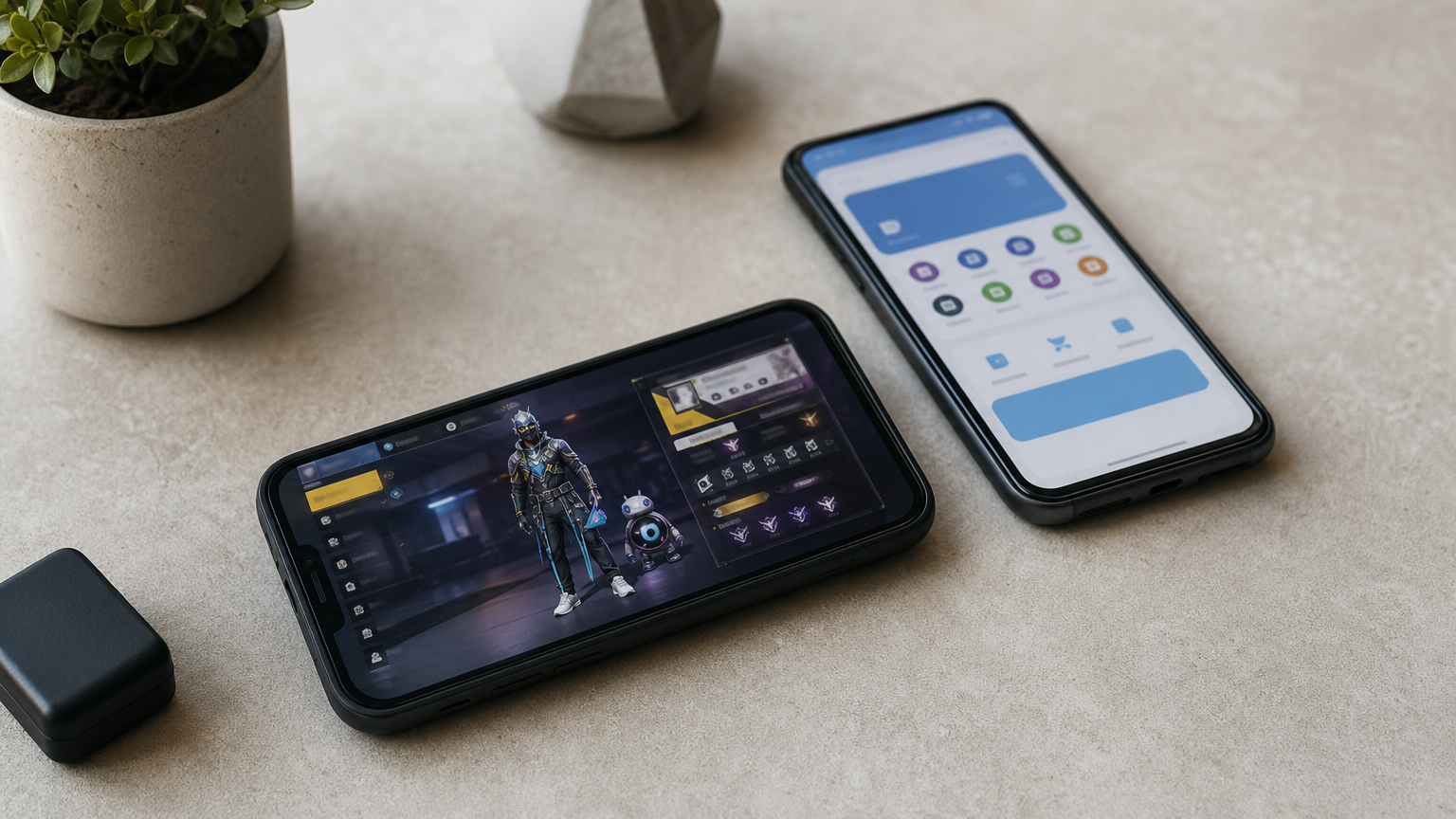
Your player ID sits under your in-game name on the profile screen, usually a 9 to 12 digit number. Copy it exactly, because a single wrong digit sends diamonds to someone else's account, and most stores can't reverse that once delivery is confirmed. Double-check it against your username before you submit any order.
Next, confirm your mobile financial service balance covers the pack you want. A 25 diamond top up in Bangladesh usually runs under 30 taka, while a 100 diamond pack costs more, so open your bKash or Nagad app first and check the available balance rather than finding out mid-checkout.
Get your player ID right and your wallet funded first, and the actual top-up takes less than a minute.
Here's a quick checklist to run through before you start:
Once you've got these ready, the actual buying process is straightforward, and that's what the next steps cover.
Start by picking a platform built for Bangladeshi buyers, not a random Facebook page offering "cheap diamonds" through inbox messages. A trusted top-up website should show a live diamond top up list with clear prices, accept local wallets directly at checkout, and have real reviews you can verify on Trustpilot or Google Maps. AroraShop's Free Fire diamond top up page lists every pack size with the bKash, Nagad, and Rocket price shown upfront, so there's no guessing or DM negotiation involved.
Check three things before you trust any site with your money: does it show your order status instantly, does it have a working customer support channel, and does it process free fire diamond top up bd bkash orders without asking for your Free Fire password. A legit store never needs your login, only your player ID.
If a seller asks for your account password to "verify" your top-up, close the tab immediately.
Skip resellers who only communicate through Messenger with no website or app behind them. Reliable platforms operate through an app or browser, keep order history visible, and refund you if delivery genuinely fails.
Open AroraShop's Free Fire diamond top up list and scroll through the available bundles. Most Bangladeshi players stick to a few common sizes, so here's what the pricing typically looks like:
Package Typical Use Case Approx. Price (BKT) 25 diamonds Quick emote or skin preview Under 30 taka 50 diamonds Small skin purchase Under 60 taka 100 diamonds Weapon skin or bundle piece Around 110 taka 310+ diamonds Elite pass or gun crate pulls Varies by bonus tierTap the pack that matches your goal, whether that's a fast 50 diamond top up bd bkash for a small item or a bigger bundle for the elite pass.
After selecting the pack, the form asks for your Free Fire player ID. Paste the number you copied earlier instead of retyping it, since typos here cause the most support tickets. Some sites also show your in-game username automatically once the ID is valid, which confirms you're sending diamonds to the right account.
One correct ID entry saves you an hour of chasing support later.
Review the order summary once more before moving to payment.
After confirming your order summary, tap your preferred payment method. AroraShop supports bKash, Nagad, and Rocket at checkout, so pick whichever wallet holds your balance and follow the on-screen prompts. You'll either get redirected to a payment gateway or asked to enter your wallet PIN directly, depending on the method.
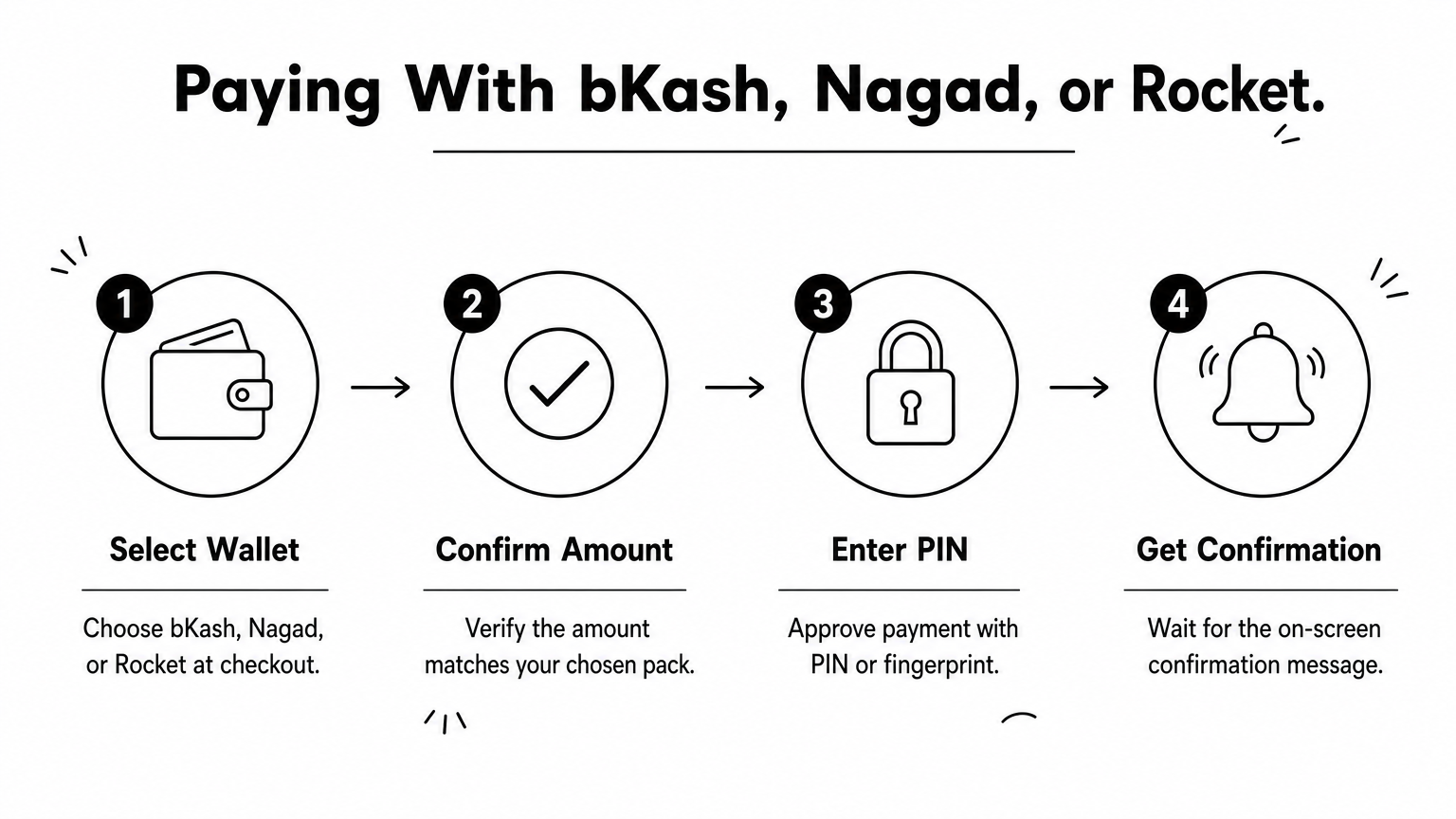
For free fire diamond top up bd nagad orders, the flow works the same way: select Nagad, confirm the amount, and authorize with your PIN or fingerprint. Never share the OTP sent to your phone with anyone claiming to be support staff, since AroraShop never asks for it over chat or call.
Your wallet PIN stays yours; a legit top-up site never needs it beyond the payment screen itself.
Here's what a typical payment step looks like:
Once the payment clears, you'll see a transaction ID and order confirmation. Keep that screenshot handy in case you need to reference it with support later.
Most free fire diamond top up bd bkash orders complete within 1 to 5 minutes once payment clears. Open Free Fire, head to the diamond shop icon on your home screen, and check your current balance against what you just purchased. If the new diamonds show up, you're done, no restart or relogging needed on most devices.
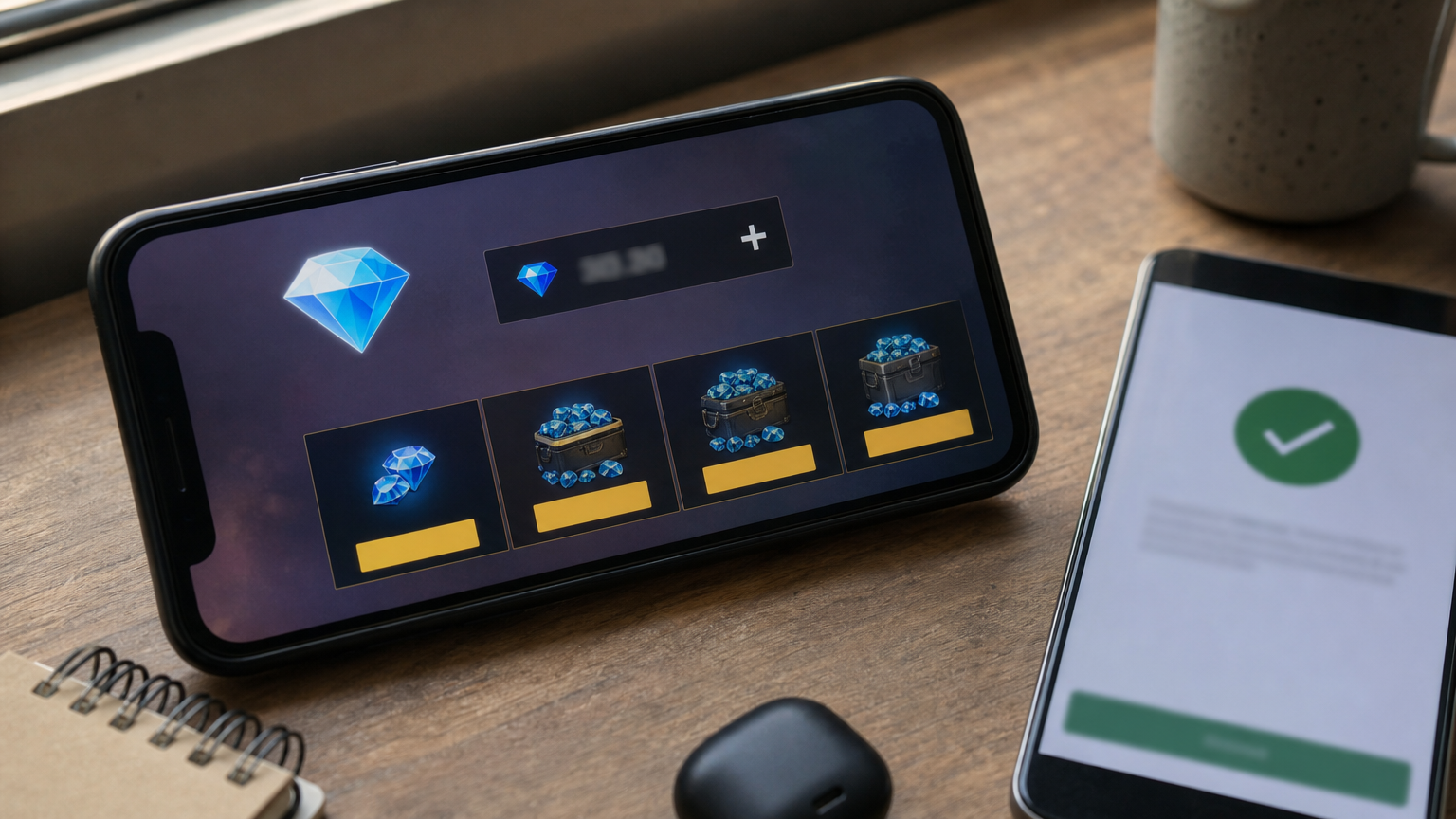
Sometimes delivery lags behind, especially during peak evening hours when servers process thousands of orders at once. Give it 10 minutes, then refresh your in-game wallet before assuming something's wrong. If diamonds still haven't landed, check your order status on the AroraShop dashboard using the transaction ID from checkout, since that confirms whether the free fire diamond top up bd id code was processed correctly on the backend.
A delayed top-up isn't a failed one, give it a few minutes before you panic and contact support.
Still missing after 15 minutes? Reach the AroraShop support team directly with your order ID, player ID, and payment screenshot ready, that combination resolves most delivery issues within the hour.
Getting Free Fire diamonds in Bangladesh doesn't need to involve failed card payments or sketchy resellers asking for your password. Once you've got your player ID ready and your bKash, Nagad, or Rocket balance topped up, the whole process takes less time than loading into a match. Pick the right pack, double check your ID, pay through a trusted method, and you're geared up before your squad even finishes the lobby countdown.
Keep this guide bookmarked for the next time you're low on diamonds before an elite pass deadline or a limited skin drop. The steps stay the same whether you're grabbing a small 25 diamond top up or stacking up for a bigger bundle, and knowing what to check beforehand means fewer stuck orders down the line.
Ready to restock? Buy Free Fire diamonds in Bangladesh from AroraShop and get them delivered instantly with bKash, Nagad, or Rocket.