Leave a Review


You want to free fire diamond top up karo without waiting for hours or handing your password to a random Facebook page. Most players in Bangladesh hit the same wall: in-game purchases through Google Play get expensive fast, and card payments simply aren't an option when you only have bKash or Nagad in your wallet. That gap is exactly why so many gamers search for a reliable top up diamond ff method that actually delivers before the match starts.
The fix is simpler than it sounds. You don't need your login credentials at all, just your game UID, a payment method you already use daily, and a site that processes orders instantly. AroraShop works this way, letting you punch in your UID, pick a diamond pack, pay through bKash, Nagad, or Rocket, and get your diamonds credited within minutes.
In this guide, we'll walk through exactly how the ff diamond top up app process works, what UID actually means and where to find it in your Free Fire profile, and how a free fire diamond top up uid purchase compares to buying directly through Google Play. By the end, you'll know how to top up safely without overpaying or risking your account.**
Before you open AroraShop and start clicking buttons, gather a handful of details so the whole process takes less than five minutes. Free Fire diamond top up karo searches usually end in frustration when players skip this prep step and then get stuck mid-checkout hunting for their player ID or fumbling with a payment app that isn't verified. Save yourself the hassle and have everything ready first.
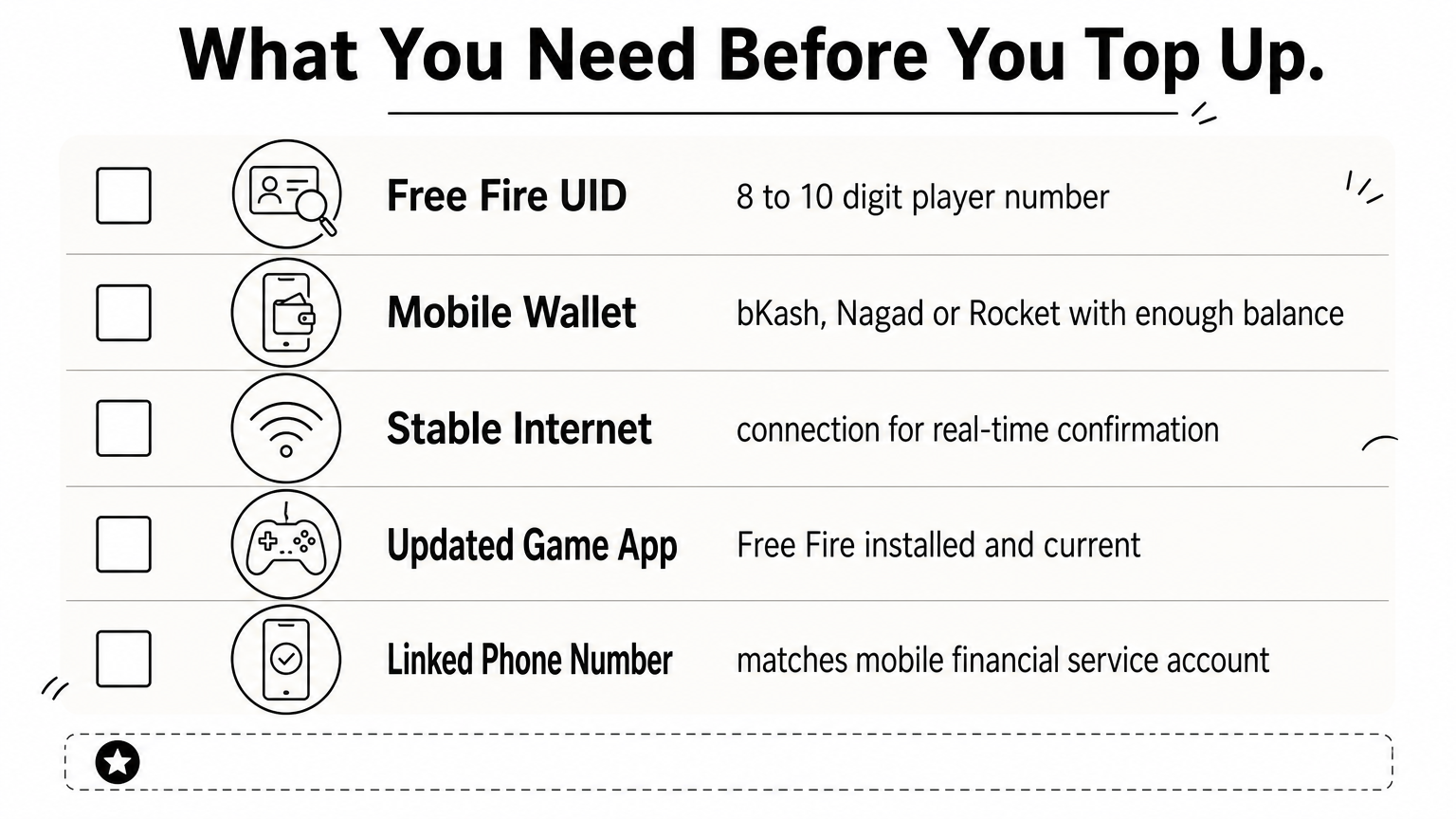
Here's the short checklist:
Getting your UID wrong is the single most common mistake players make, and it's also the easiest one to avoid if you double-check it. Diamonds sent to the wrong UID cannot be refunded or transferred, since the delivery is instant and irreversible once processed.
Double-check your UID before you pay. Once diamonds land in the wrong account, there's no taking them back.
Nothing here requires technical skill or extra apps beyond what you already use daily. Skipping the in-game purchase menu means you also skip Google Play's markup, which on average adds 20 to 30 percent to the price of diamond packs in Bangladesh, and there are other ways to buy top-ups at a lower price using iTunes gift cards too. Once you've confirmed these five items, you're ready to move to the actual top up steps below.
Opening the game is the fastest way to grab your Free Fire UID, and it takes less than thirty seconds once you know where to look. Tap your profile icon in the top left corner of the main screen, right below your character avatar. Your UID appears immediately under your username, shown as a string of 8 to 10 digits with no letters or symbols mixed in.
Here's the quickest route:
Copy your UID directly from the profile screen instead of typing it from memory.
Check this number twice against what you paste into AroraShop's order form. A single wrong digit sends your free fire diamond top up uid purchase to a stranger's account, and there's no way to reverse an instant delivery. Some players also confuse their UID with their nickname, so remember it's always numeric, never text. Once you've confirmed the right string of numbers, you're ready to pick a package.
Heading to the Free Fire diamond top up page on AroraShop shows you every pack size at once, from small refills to bundles built for battle pass purchases. Browsing this list beats scrolling through Google Play's limited menu, since AroraShop lists weekly and monthly membership options alongside straight diamond packs, all priced in taka.
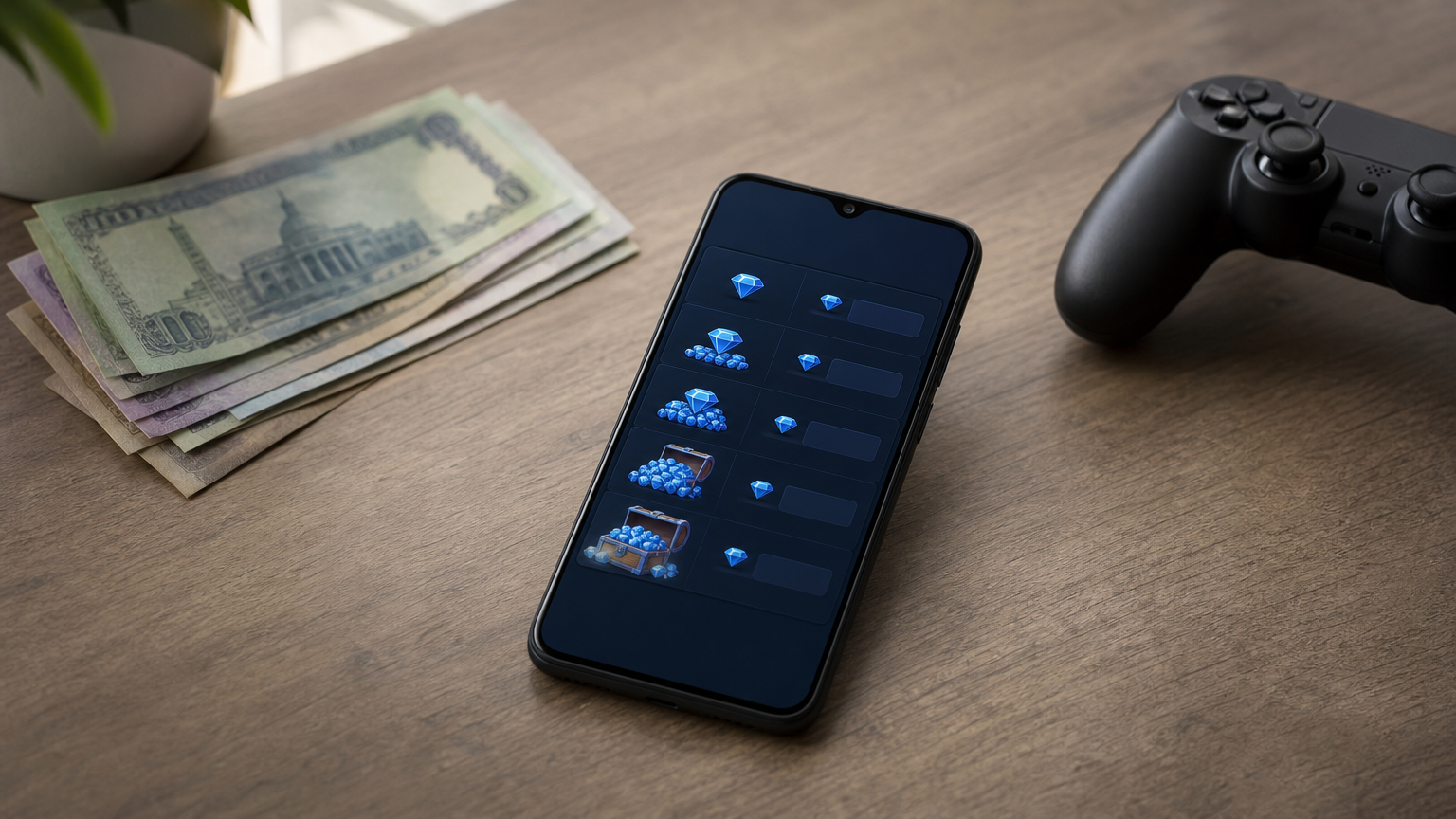
Selecting the right pack depends on what you're spending diamonds on next, whether that's a gun skin, an elite pass, or a character bundle. Compare a few common options before you commit:
Diamond Pack Typical Use Case Approx. Price (BDT) 100 Diamonds Small in-game item ~90 310 Diamonds Weekly lucky draw ~260 520 Diamonds Bundle or emote ~430 1060 Diamonds Elite pass upgrade ~850Typing your UID into the order form comes right after you pick a pack, so paste the number you copied in Step 1 instead of retyping it. Reviewing the UID field one more time here catches mistakes before they become unrecoverable.
Pick your pack first, paste your UID second, and you'll never send diamonds to the wrong account.
Adding the pack to your cart triggers the checkout screen, where your top up diamond ff order waits for payment confirmation.
Checking out on AroraShop takes seconds once your cart shows the right pack and UID. Tap the checkout button and you'll see three familiar logos: bKash, Nagad, and Rocket. Pick whichever wallet you already use for daily transactions, since AroraShop doesn't charge extra for any of the three.
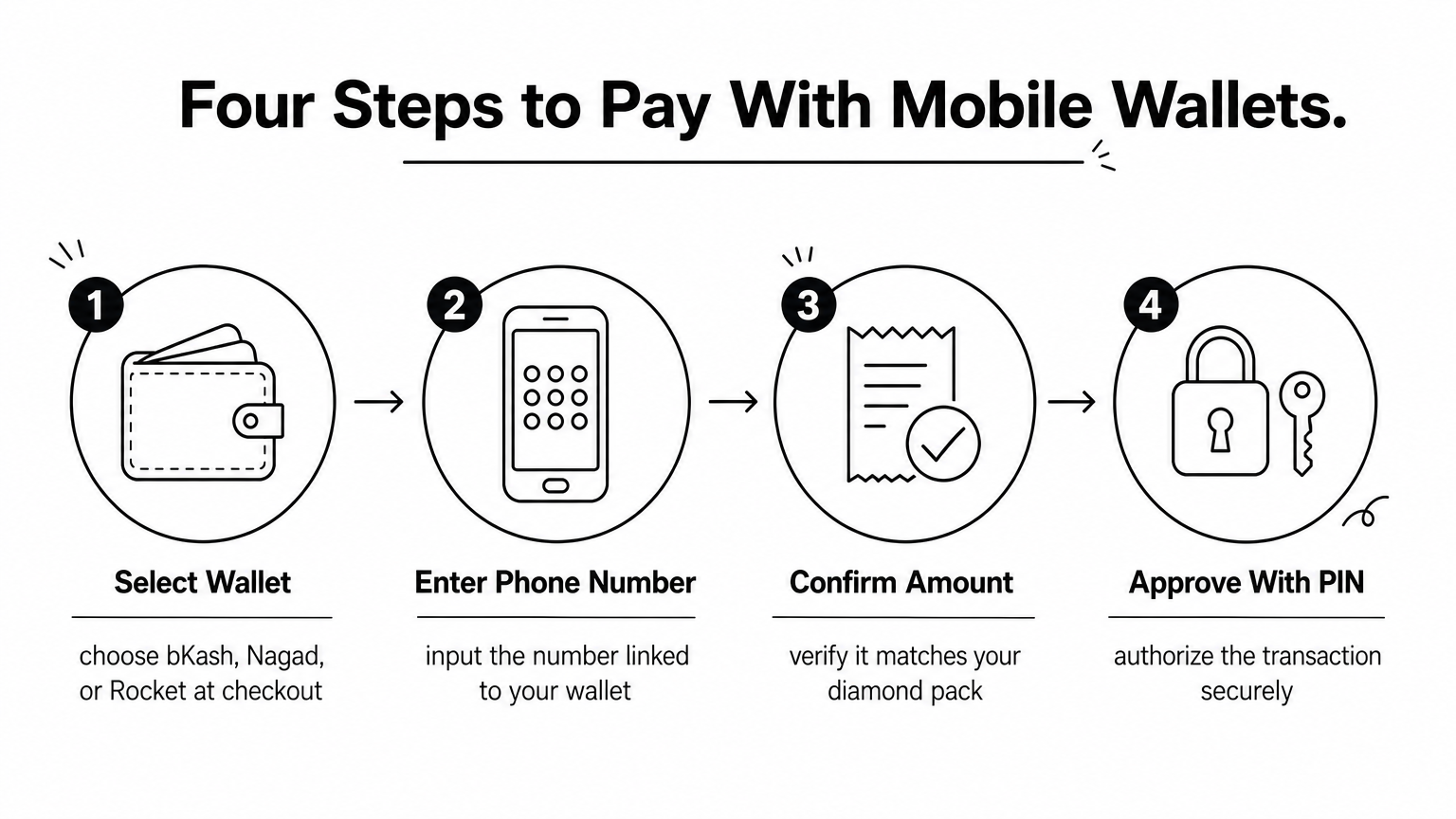
Getting through payment only takes a few taps:
Moving through this flow feels identical to sending money to a friend, because that's essentially what's happening behind the scenes. Nothing here asks for your Free Fire password or any sensitive game credentials, only your UID and payment details.
Your wallet PIN is the only password this purchase ever needs.
Local payment support matters here because most Bangladeshi gamers don't carry a Visa or Mastercard, and Google Play blocks bKash entirely, which is why a Google Play gift card paid for with bKash is the only other route into the store. Waiting for a confirmation message follows immediately after you approve payment, usually within a few seconds. Once that confirmation lands, your order moves straight into delivery.
Watching your phone right after payment confirms the order moved into AroraShop's system, and a confirmation message usually lands within one to two minutes. That message repeats your UID and the pack size, giving you one last chance to catch a typo before diamonds settle into an account.
Checking Free Fire itself comes next, so open the app, load your profile, and look at the diamond counter next to your avatar. Most free fire diamond top up karo orders finish inside five minutes, even during busy evening hours when a lot of Bangladeshi players are online at once.
Delivery finishes when your diamond count changes in-game, not when the payment app says success.
If the number hasn't moved after fifteen minutes, don't panic, just work through this short list:
Support teams resolve delayed top up diamond ff orders quickly once they have those two details, so keep them saved until diamonds show up.
Getting your Free Fire diamond top up karo done doesn't need to eat up your evening or your trust. Grab your UID, pick a pack that matches what you're buying next, pay through the wallet already sitting on your phone, and watch your diamond count update before your squad finishes loading into the lobby. No passwords shared, no Google Play markup, no waiting on a stranger's Facebook page to reply.
Bangladeshi players keep coming back to this method because it just works, match after match, top-up after top-up. Once you've done it the first time, every future top up diamond ff order takes under a minute from checkout to confirmation.
Ready to gear up before your next match? Go buy Free Fire diamonds with bKash, Nagad, or Rocket, paste in your UID, and get your diamonds credited while your teammates are still picking drop spots.