Leave a Review


You search for a Free Fire diamond UID method, and you find two kinds of results. One group promises free diamonds if you type in your player ID. The other group sells diamonds and asks for the same ID. Only one of them works, and the other can cost you your account.
Here is the short answer. Free diamond generators do not work. No site or app can push diamonds to your UID without a real payment or an official Garena reward behind it. Those pages usually want your login, your OTP, or a survey that earns them money. The safe route is a UID-based top-up from a legitimate store, where you enter only your player ID and pay for what you get.
At AroraShop, we handle Free Fire top-ups for Bangladeshi players every day, paid with bKash, Nagad or Rocket. This guide shows you how to find your UID, how a safe top-up works step by step, and which scam signs to spot before you enter anything. You will also learn what to do if something goes wrong.
Your UID is the number that identifies your Free Fire account. A top-up store uses it to credit diamonds to the right player, much like a bank account number receives a transfer. A UID can only receive diamonds. It cannot log in, spend your balance, or change your settings.
A UID lets someone send you diamonds. It never lets them take anything from you.
Because of that, a real Free Fire diamond UID top-up asks for your ID and nothing else. There is no password, no OTP and no Facebook login involved. If a page asks for more, it is not a top-up service.
Scammers like the UID because it feels harmless. Players post it in clan chats, comments and friend requests, so typing it into a "free diamond" site raises no alarm. Searches like "free fire uid diamond" attract these pages because the promise sounds effortless. The UID is the bait, and your login is the real target. After you enter it, the page asks for a Google or Facebook sign-in, a verification code, or a survey that pays the site owner for every completion.
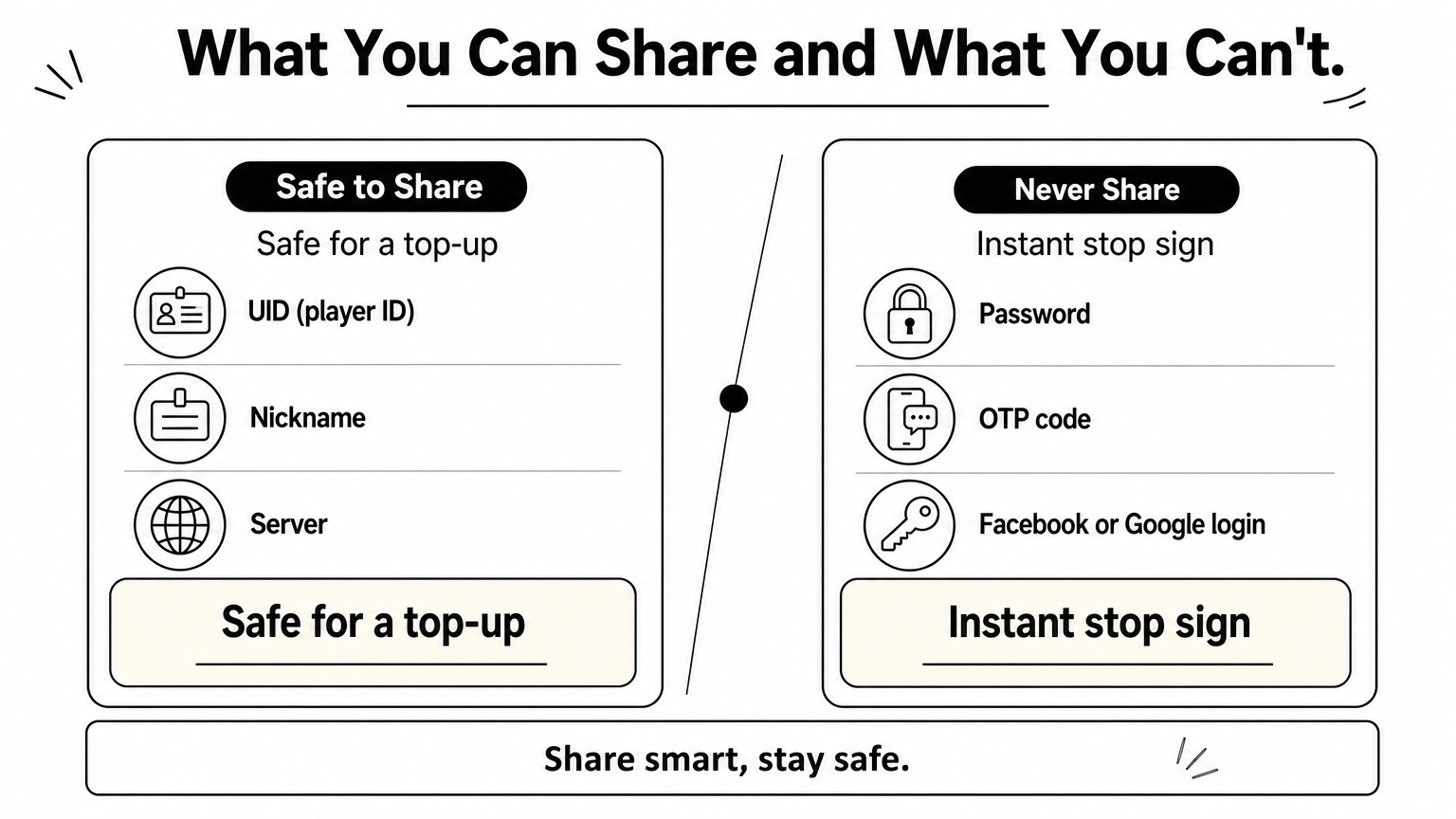
Here is a quick check of what you can and cannot hand over:
Information Safe to share? UID (player ID) Yes, for a top-up In-game nickname and server Yes Password Never OTP or verification code Never Facebook or Google login linked to your account NeverKeep this table in mind. Sharing anything below the first two rows is how accounts get stolen.
Every top-up starts here. Getting your Free Fire diamond UID right takes about 30 seconds, and one wrong digit sends your diamonds to a stranger, so it helps to see how to buy diamonds with just your UID from start to finish.
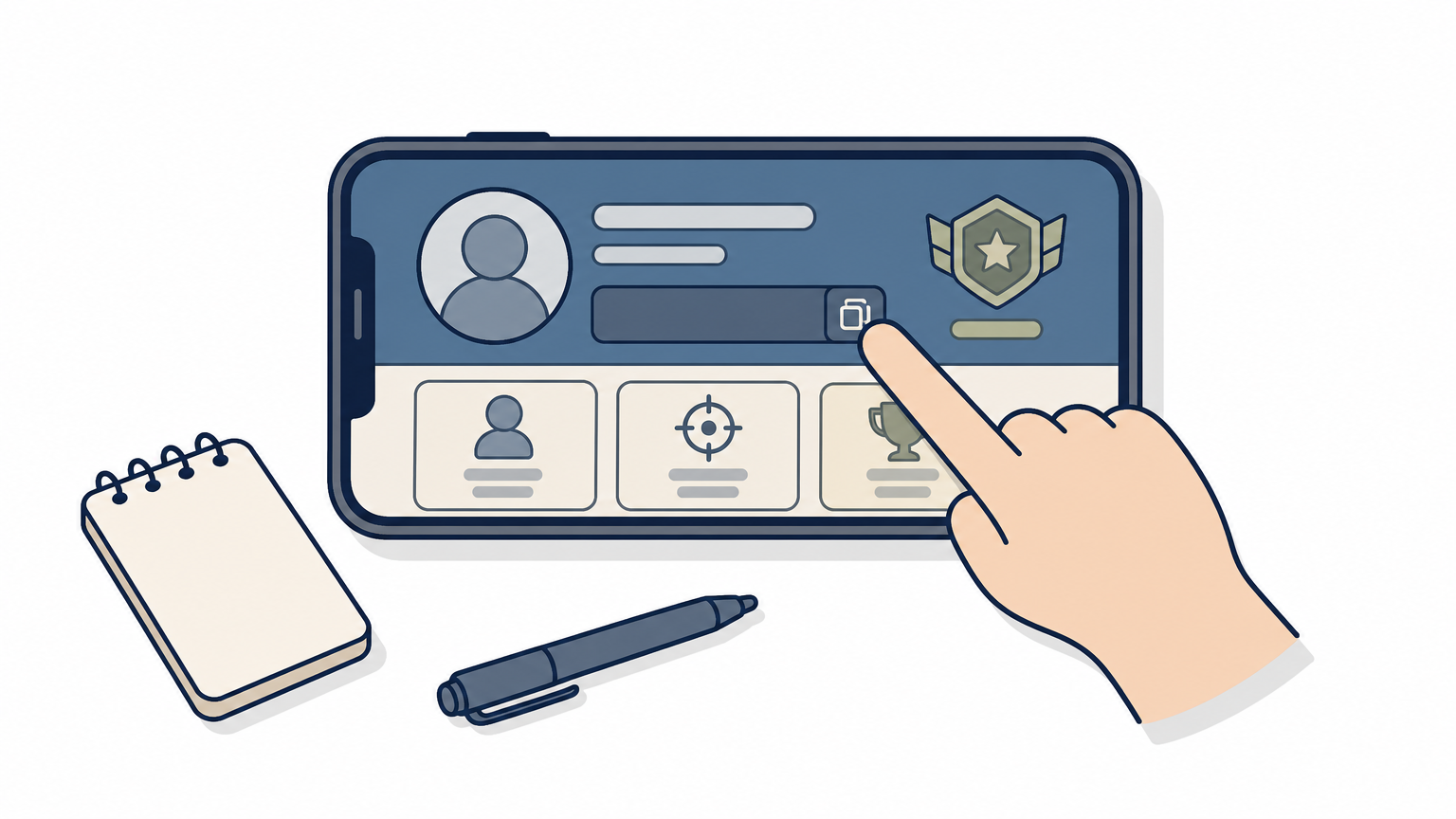
Menus shift a little between updates, but the UID always sits on your profile screen. If you play on more than one account, check that you opened the right one.
Paste the copied number into the store's ID field. Typing by hand invites mistakes, and diamonds sent to the wrong UID are very hard to recover. Before you pay, compare the first and last three digits with your game screen.
Copy your UID, paste it, and check it twice before you pay.
Saving your UID in a phone note is fine if you top up often. It is a public identifier, not a secret like your password.
Any page offering a free Fire diamond UID reward is a script, not a service. It shows a fake progress bar, then asks for something in return. Watch for these signs:
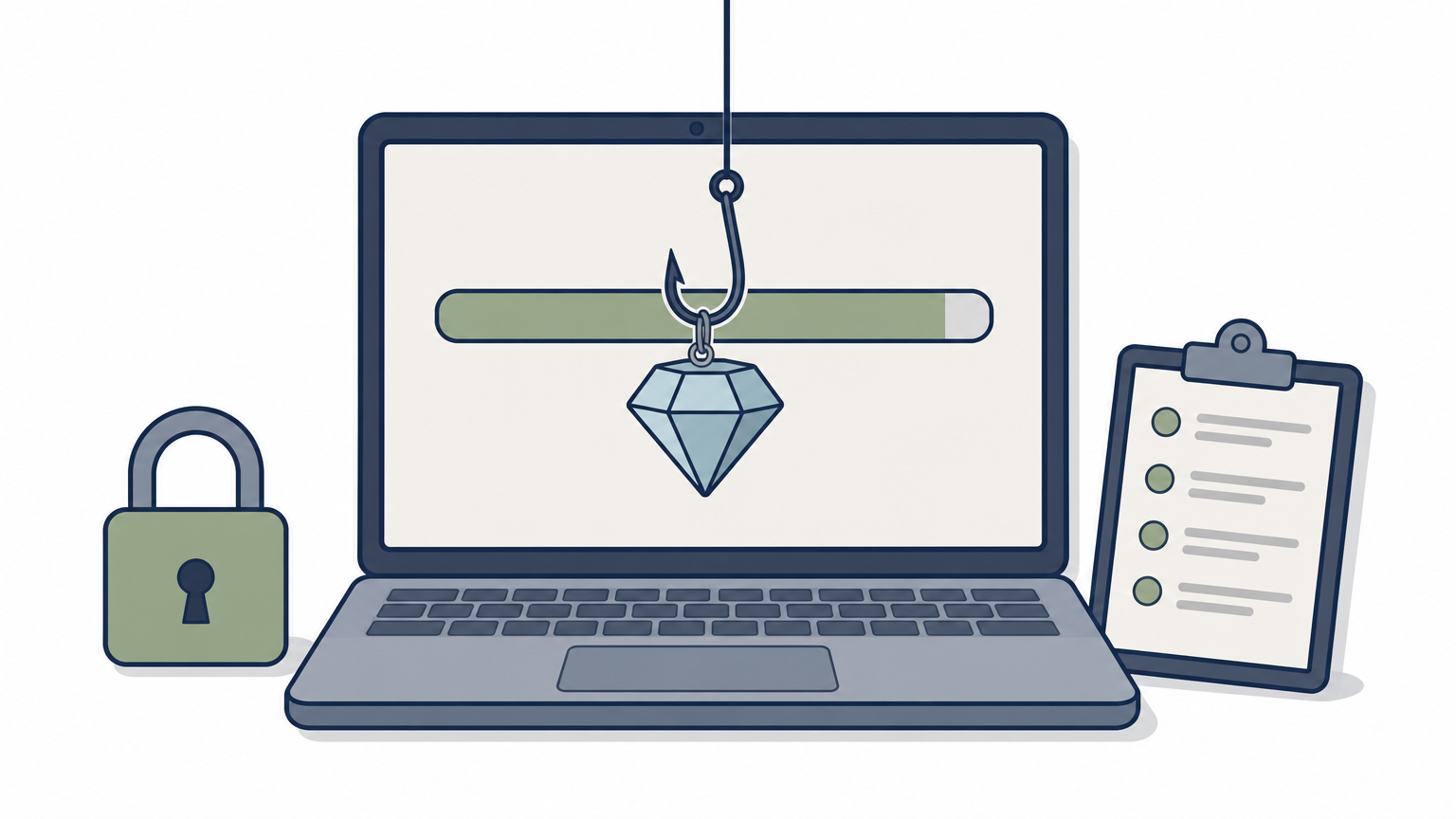
If a site gives away diamonds for free, you are the product.
Reward apps need more care. Some pay out tiny gift codes, but most exist to show ads and collect your data. Before installing, open the Google Play listing and check the developer name, the install count and the newest reviews.
Next, remember that Garena gives away free diamonds only through in-game events and official redeem codes. Any app claiming to send diamonds straight to your UID is lying. If you already typed a password into one, change it immediately and unlink the login connected to your account.
Not every shop that accepts a Free Fire diamond UID deserves your money. Run through this list first:
A trusted store takes your UID and a local payment, and nothing else.
Be wary of prices far below every other seller. Unrealistic discounts often mean stolen cards or no delivery at all.
Free Fire diamonds are tied to a server, so the store region must match your account. Pick the option that fits your server, or the top-up may fail or land on the wrong profile.
If you are unsure, open your profile in the game and check the server or region shown there. Then select the same one at checkout. Stores like AroraShop list Free Fire denominations clearly, so you can compare packs before you commit.
With your UID copied and a store chosen, a Free Fire diamond UID top-up takes about two minutes. Follow this order:
Most UID top-ups arrive within minutes. Open the game, check the diamond balance in your lobby, and look for a top-up notice in your in-game mail. If the number has not changed, restart the app before you assume anything went wrong.
A top-up is complete only when the diamonds show in your lobby balance.
If nothing appears after 15 minutes, contact the store's support and send your UID, order number and a payment screenshot. Never share a password to help them fix it. A real support team does not need one to resolve a missing delivery.
Safe top-ups come down to one habit. Share your UID and nothing else. Free diamond generators and reward apps cannot deliver, so skip them. A genuine Free Fire diamond UID top-up never needs more than that number, so treat any request for a password, OTP or Facebook login as an instant stop sign.
Before you pay, copy your UID from your profile, match the region to your server, and pick a store with local payment and real reviews. After paying, check your lobby balance and keep your transaction ID until the diamonds show up.
When you are ready, top up Free Fire diamonds with your UID on AroraShop. Pay with bKash, Nagad or Rocket, enter only your player ID, and get back to the game with your account untouched.