Leave a Review


You open Free Fire, see a skin or an Elite Pass you want, and your diamond balance is short. Now you need a Garena diamond top up that works fast, costs a fair price, and does not put your account at risk. Many players in Bangladesh also face a second problem: no international card to pay with.
The short answer is that you only need your Free Fire player ID and a payment method. You enter the ID, pick a diamond pack, pay, and the diamonds land in your account within minutes. You never share your password. If you see a store asking for your login, close the page.
This guide shows the exact steps for a Garena Free Fire diamond top up by ID, from finding your player ID to confirming the delivery in game. You will also learn how to compare the official Garena center with a trusted third-party store like AroraShop, where you can pay with bKash, Nagad, or Rocket. We finish with common mistakes that cause failed or delayed top-ups.
Five minutes of prep prevents most failed orders. Gather the items below first, and your Garena diamond top up takes about two minutes from start to finish.
Check your wallet balance before you start. A payment fails when your balance is short of the pack price plus any fee your wallet charges. If you pay with bKash, Nagad, or Rocket, also keep the app open on your phone so you can approve the payment without delay.
Free Fire top-up by ID needs exactly one piece of account information, and that is your player ID. Any site that asks for your password, Facebook login, or Google login is not doing a real ID top-up. Close it immediately.
A legitimate top-up asks for your player ID, never your password.
Your wallet PIN and one-time codes belong only inside the bKash, Nagad, or Rocket app. No store or support agent needs them, so never type them into a chat or web form. Stay alert to this and you remove nearly all the risk from buying diamonds online.
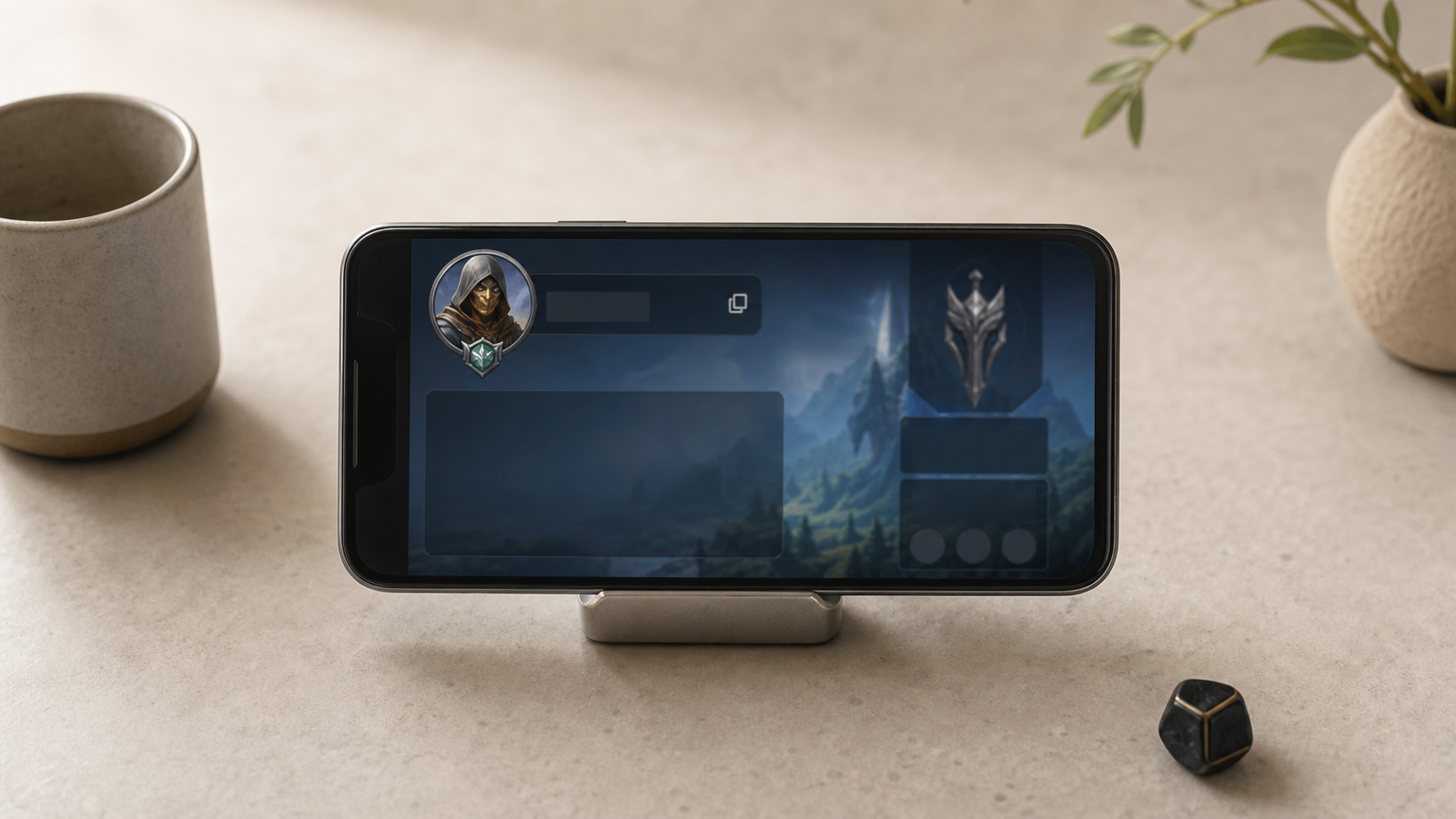
Your player ID is a long number on your profile screen. Read it inside the game, because that is the only place you can trust the number. Follow these steps to copy it exactly.
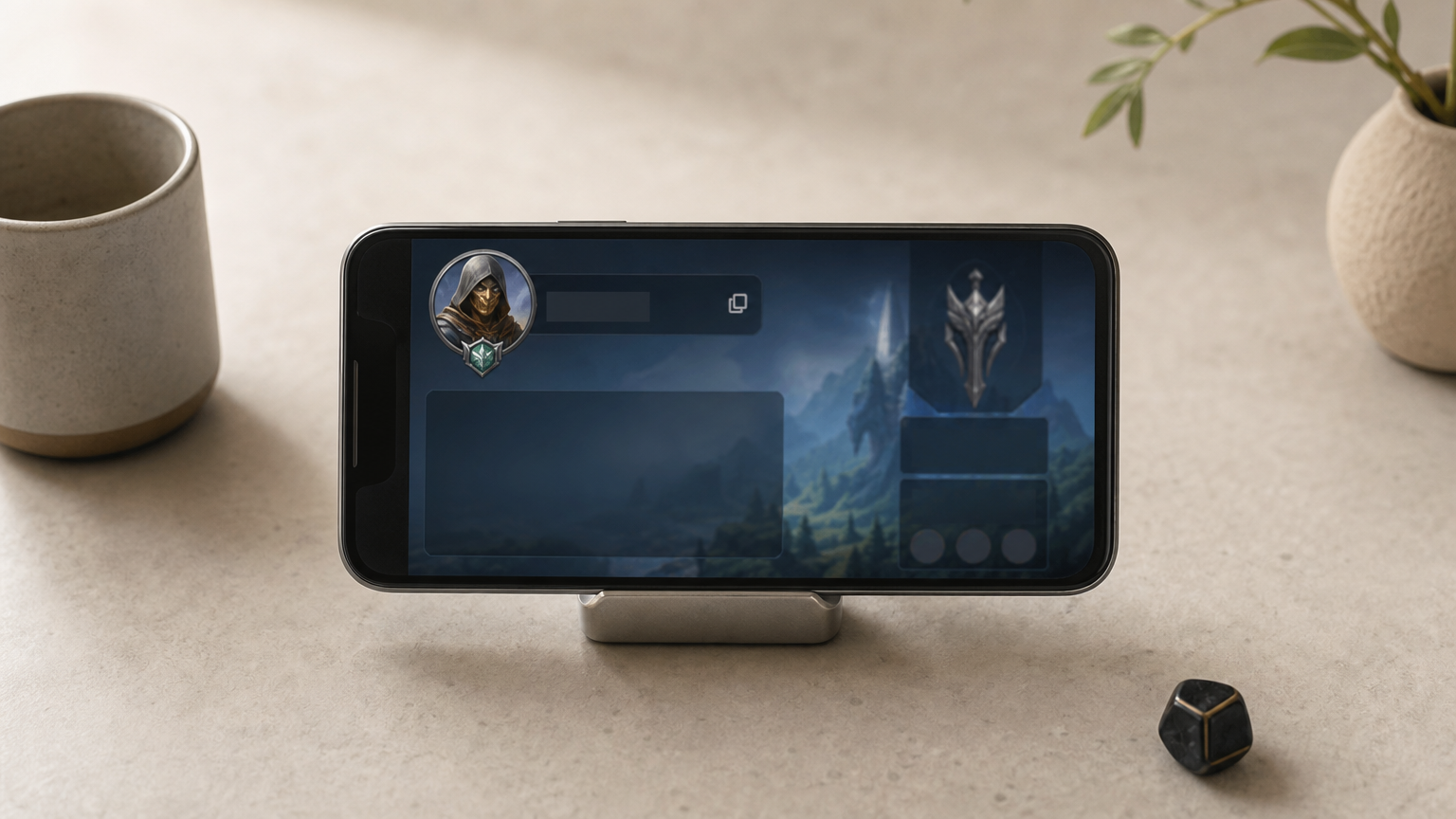
Paste the ID into the store's field instead of typing it by hand. One wrong digit can send your diamonds to someone else's account, and a store usually cannot reverse that. Many stores show your nickname after you enter the ID, so match it to your own before you continue with your Garena diamond top up.
Copy your ID from the game, paste it into the store, and check the nickname before you pay.
Guest accounts need extra care. If you play as a guest, bind the account to Facebook, Google, or another login in the settings first. Otherwise you can lose the account, and every diamond on it, when you change phones.
You have two safe routes for a Garena diamond top up by ID: the official Garena center or a trusted third-party store. Both need only your player ID, so choose by payment method and price per pack.
Compare the two on payment options and who each one suits before you commit. If you pay with local wallets, a store like AroraShop is the easier fit.
Official Garena center Third-party store Payment Cards, limited local options bKash, Nagad, Rocket Best for Players with international cards Players paying by mobile wallet Delivery Usually instant Usually within minutesCheck these four things before you pay anywhere:
A store that wants more than your player ID has not earned your payment.
Start by comparing the price per diamond across packs. Bigger packs usually cost less per diamond, but buy only what you will spend. If you want steady income, a weekly or monthly membership gives you diamonds every day instead of one lump sum.
Open your chosen store and finish your Garena diamond top up in five moves, keeping the tab open until it confirms:
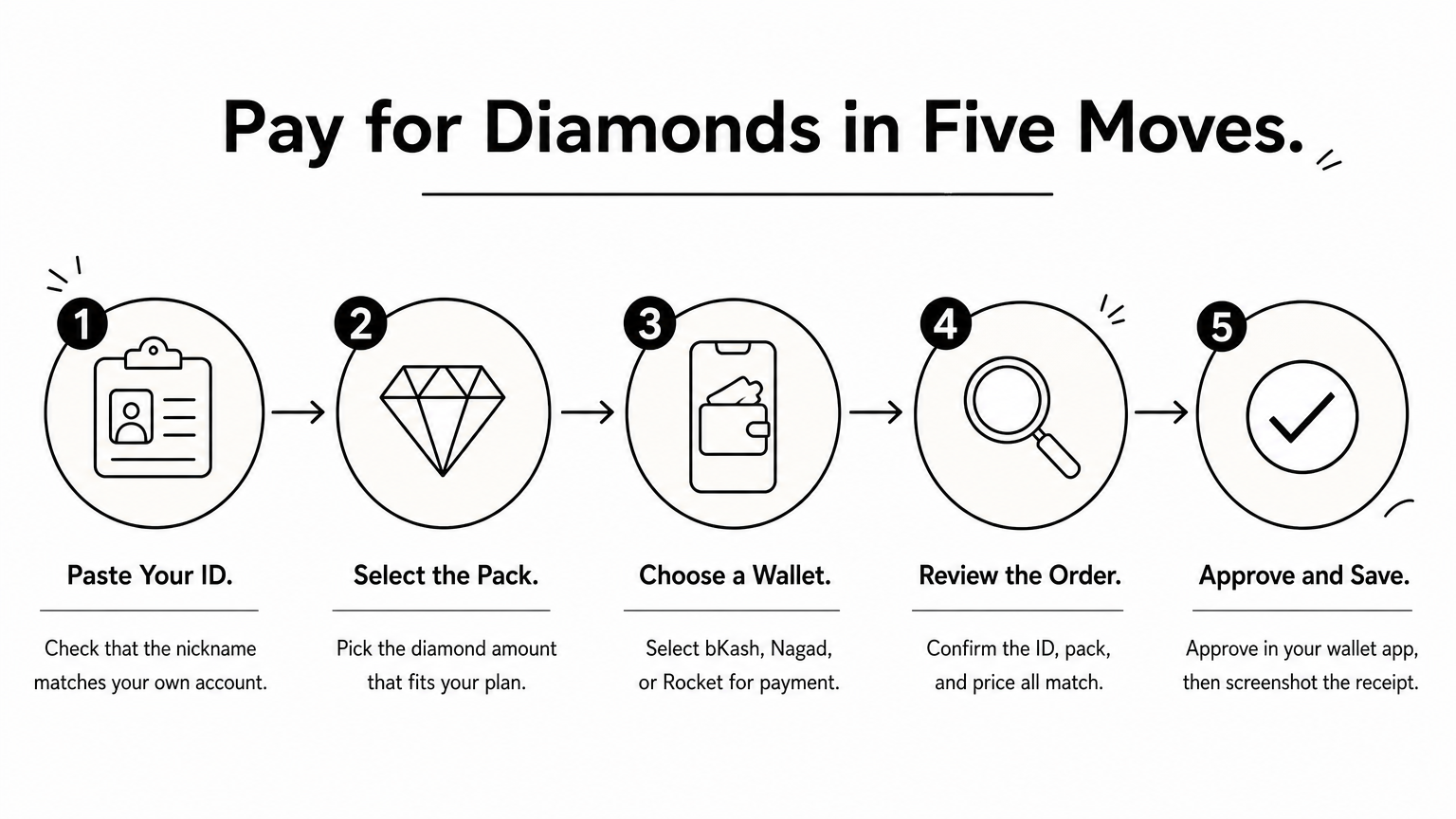
Never tap pay until the ID, pack, and price all match your plan. After payment, wait for the success message, then screenshot the receipt with your order number. Support needs it if they have to trace the order.
Read the order summary twice, because a paid order with the wrong ID is hard to undo.
Delivery is the final check on your Garena diamond top up. Open Free Fire, restart the game, and look at the diamond balance in the lobby. Most orders arrive within minutes, so wait ten minutes before you assume something broke.
Run through these checks in order, and do not pay again until you finish them:
Never pay a second time until support confirms the first order failed.
Support works fastest with complete details. Send your order number, player ID, and payment screenshot in one message. If the ID on the receipt is wrong, say so first, because that case needs manual review.
Once the diamonds show up, keep the receipt for a few weeks. It is your proof of purchase if a dispute comes up later, and it saves you repeat questions in any future chat.
A safe Garena diamond top up comes down to four habits. Copy your player ID from the game, choose a store that asks for nothing else, pay with a wallet you already trust, and confirm delivery before you ever pay a second time.
Skip those habits and mistakes follow, like a wrong ID, a shared password, or a double payment. Keep them and the whole order takes about two minutes, with no international card needed if you pay by mobile wallet. Save your receipt, and you are covered if anything goes wrong.
Your next step is simple. Top up your Free Fire diamonds at AroraShop, paste your player ID, and pay with bKash, Nagad, or Rocket. The diamonds arrive in minutes, so you can get back to the match and grab that skin.