Leave a Review


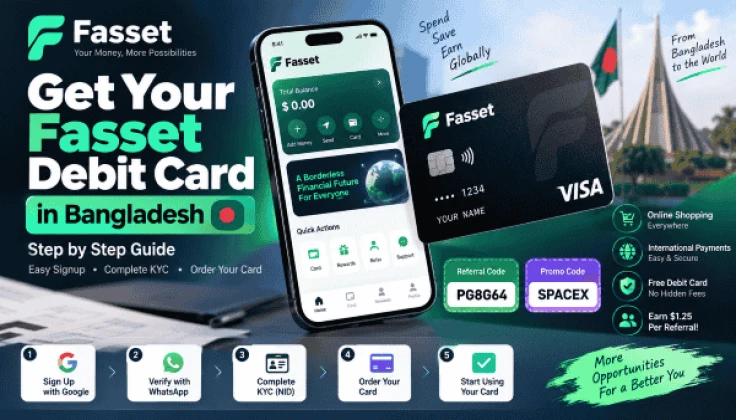
In my previous post, I showed you how to get a free debit card that can be used for all kinds of online shopping and various other tasks. However, many were unable to obtain the card because they couldn't complete the verification process; this post is for them—and for those who haven't applied yet, you can give it a try too.
Download app: https://play.google.com/store/apps/details?id=com.fasset.cashapp
I am providing the referral code and promo code right away; please enter them step-by-step.
Referral Code: YFCKBT
Promo Code: SPACEX
You can use my referral code if you wish, or you can skip it if you prefer.
However, I would be happy if you used the referral code.
Once the app is downloaded, open it and follow the steps shown in the screenshots.
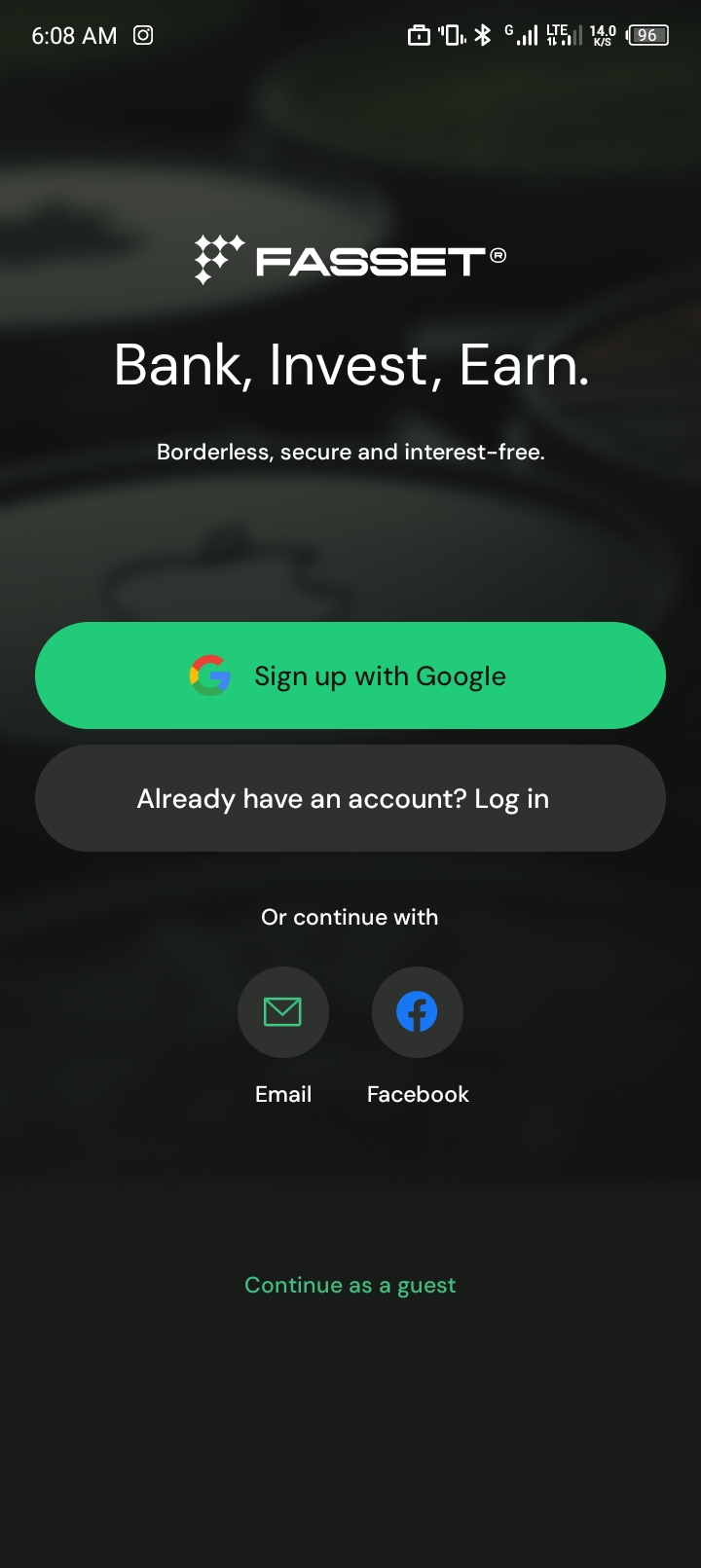
Sign up using Google.
Then, enter your full name and WhatsApp number.
Make sure it is a WhatsApp number.
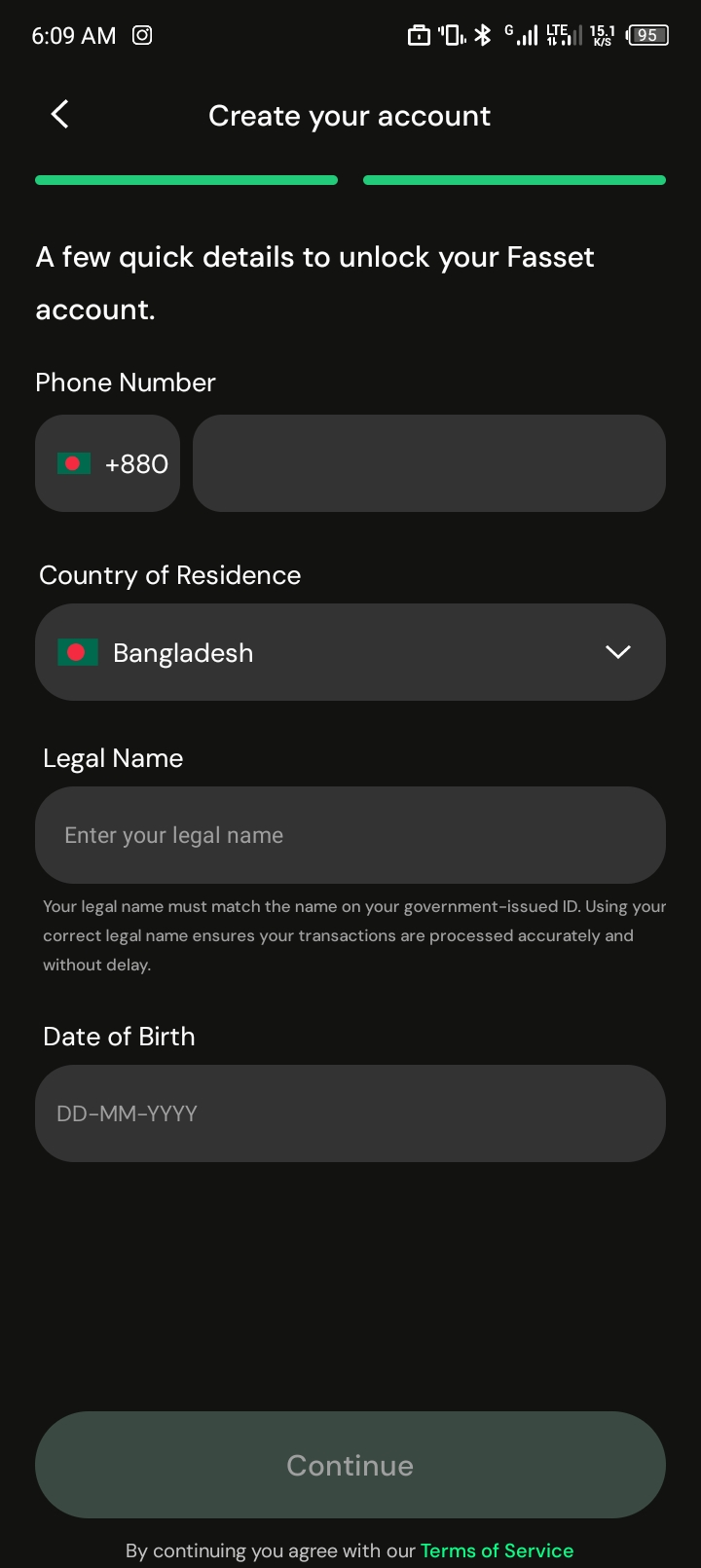
A code will be sent to your WhatsApp; enter that code to complete the verification.
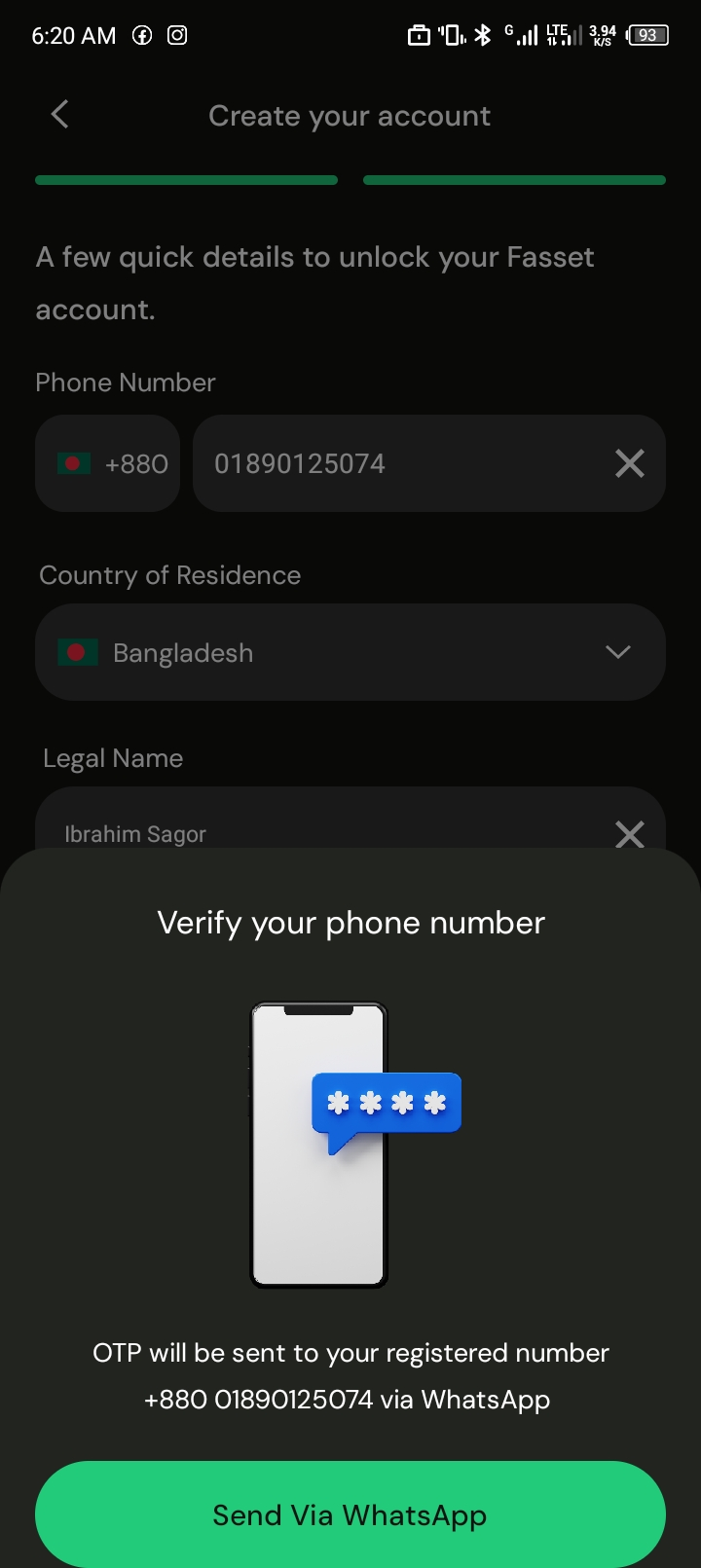
Once WhatsApp verification is complete...
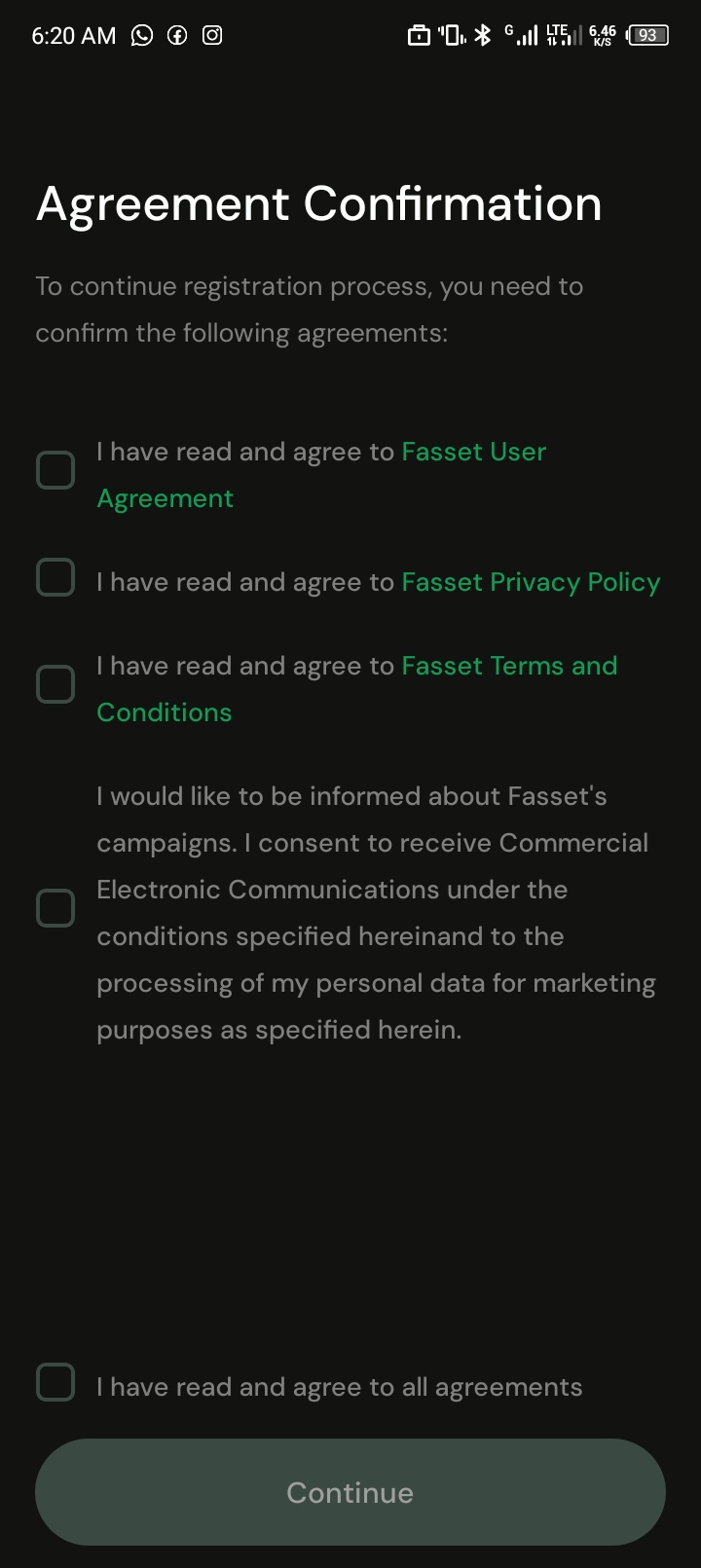
Referral Code: YFCKBT
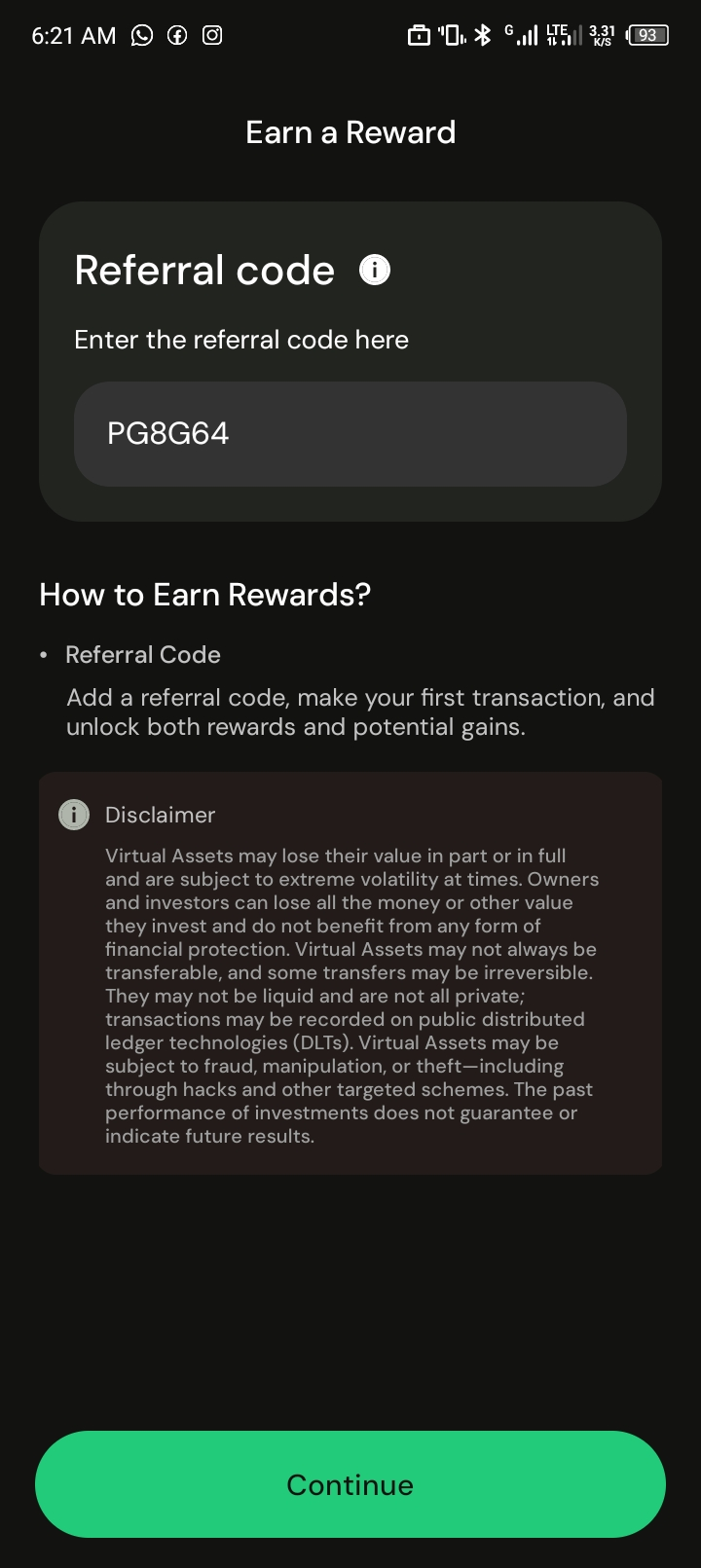
Now, proceed according to the screenshots.
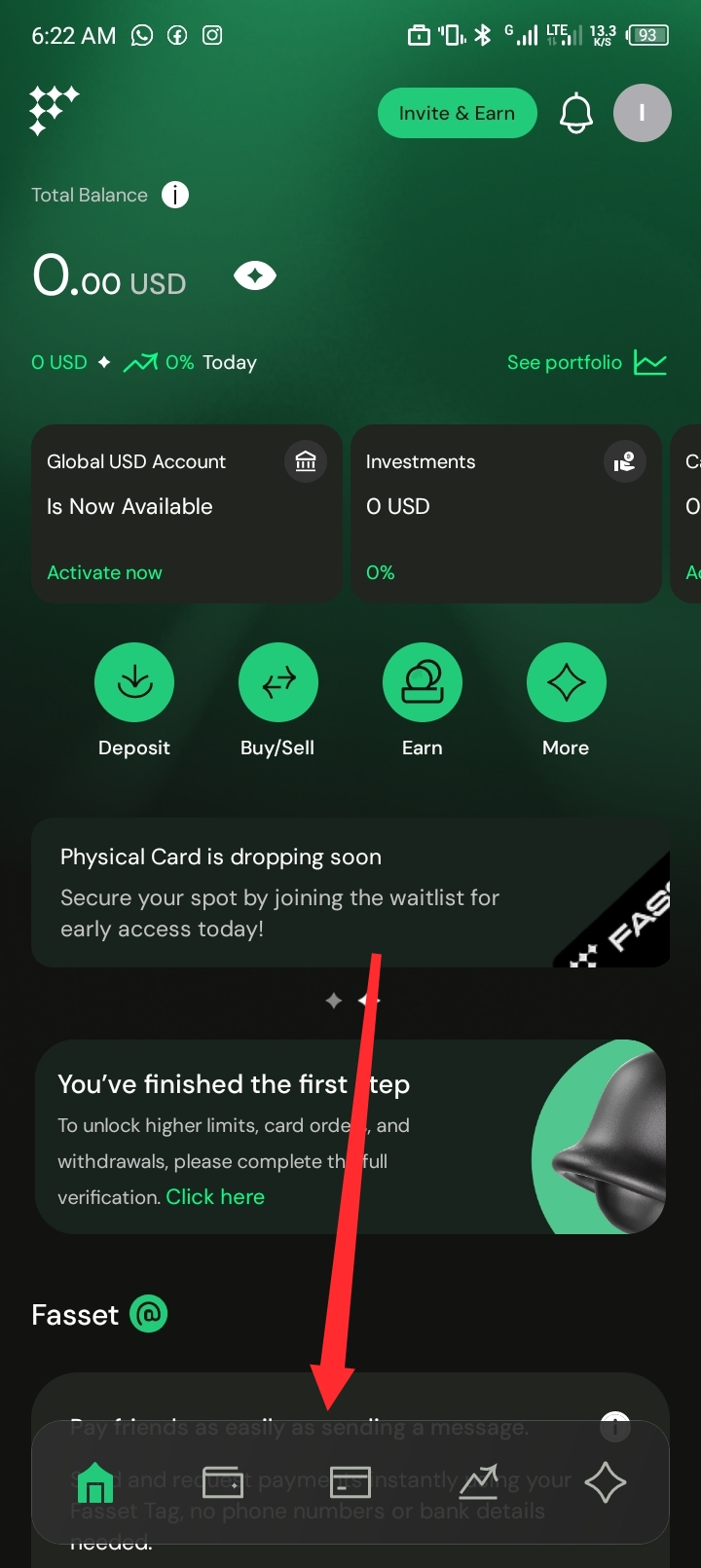
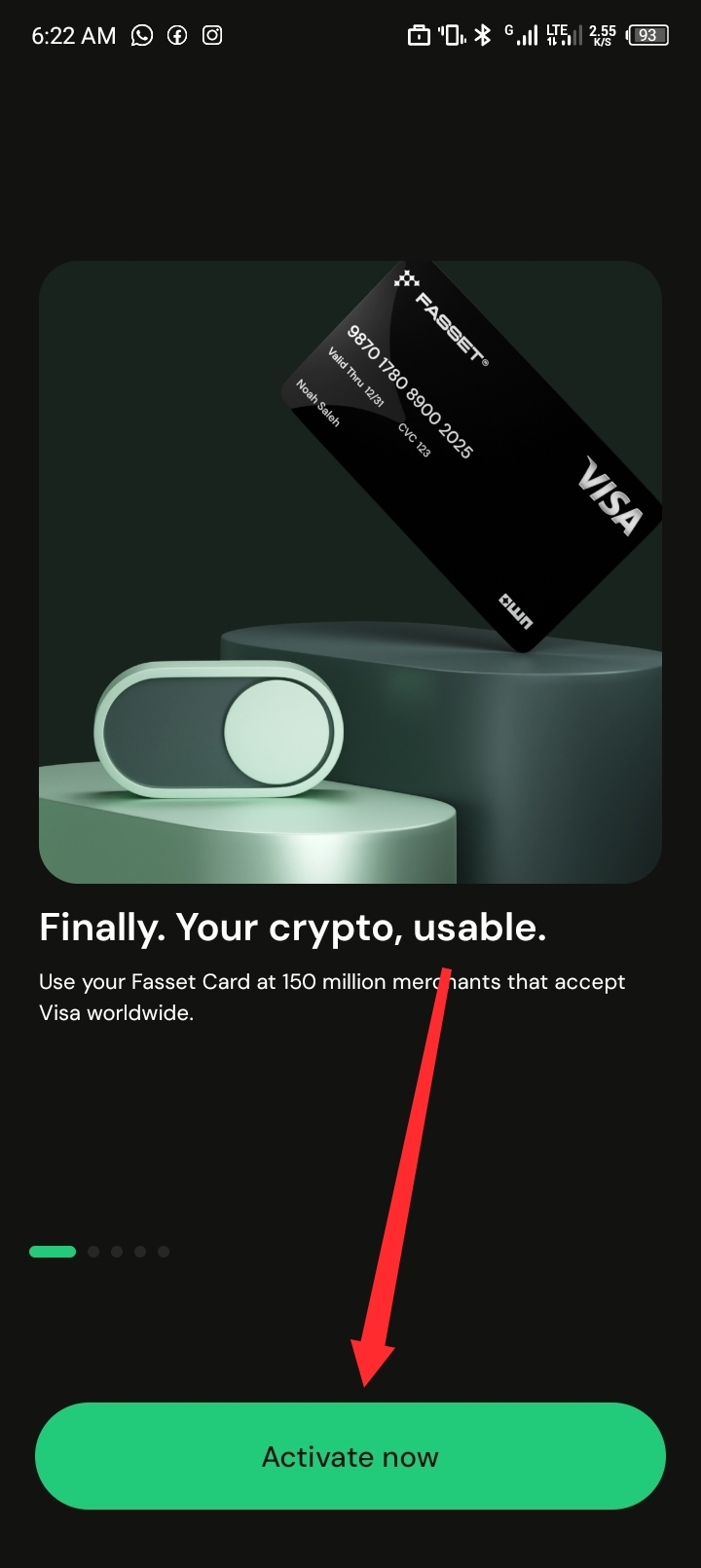
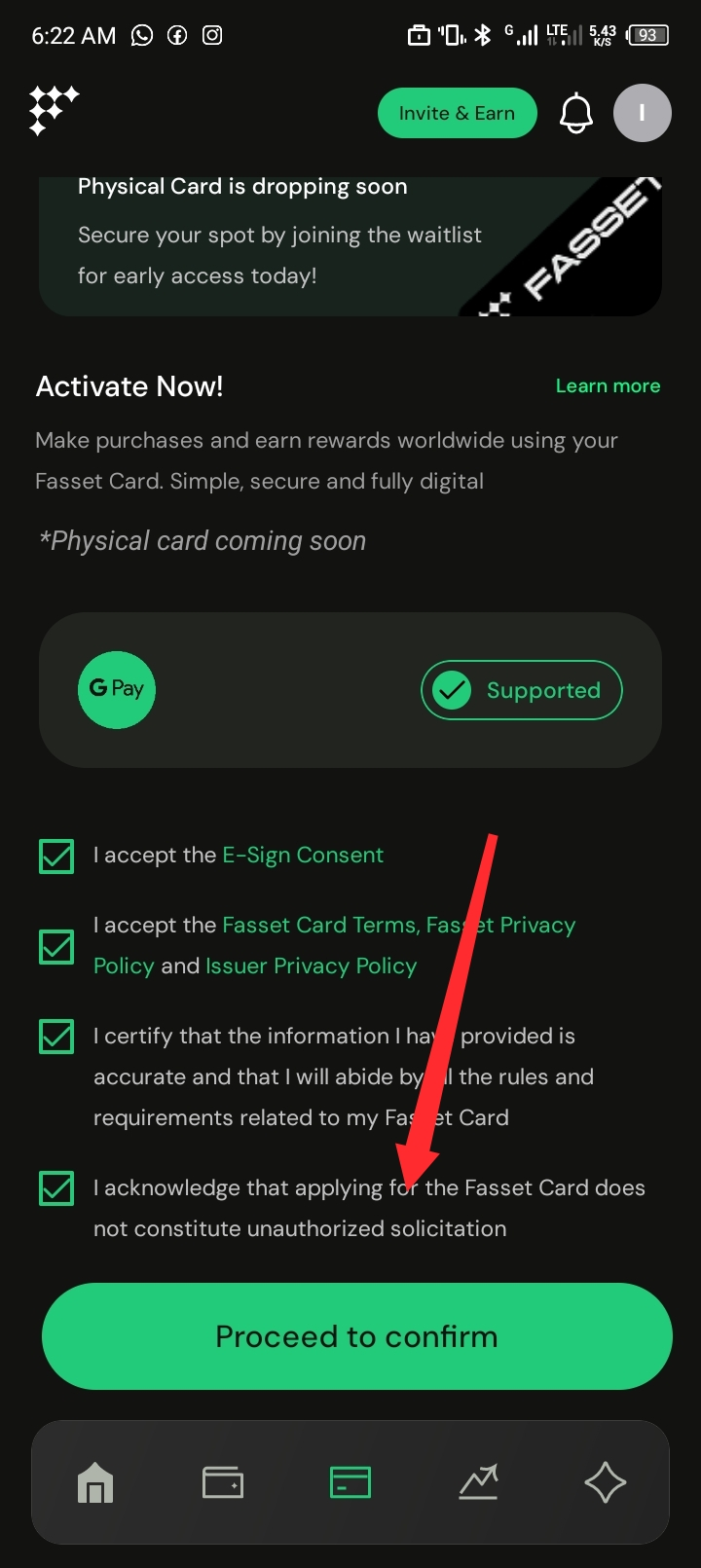
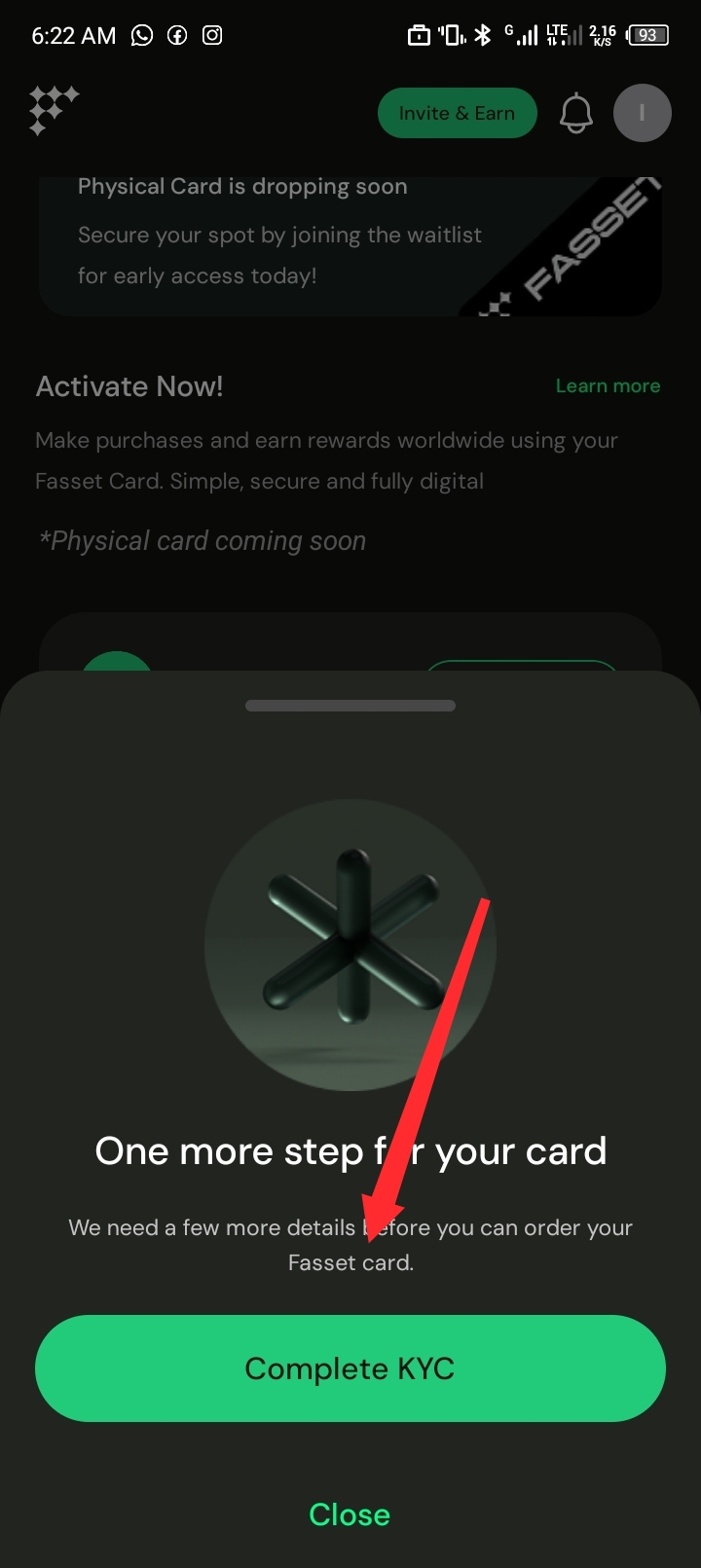
Go to "Complete KYC"...
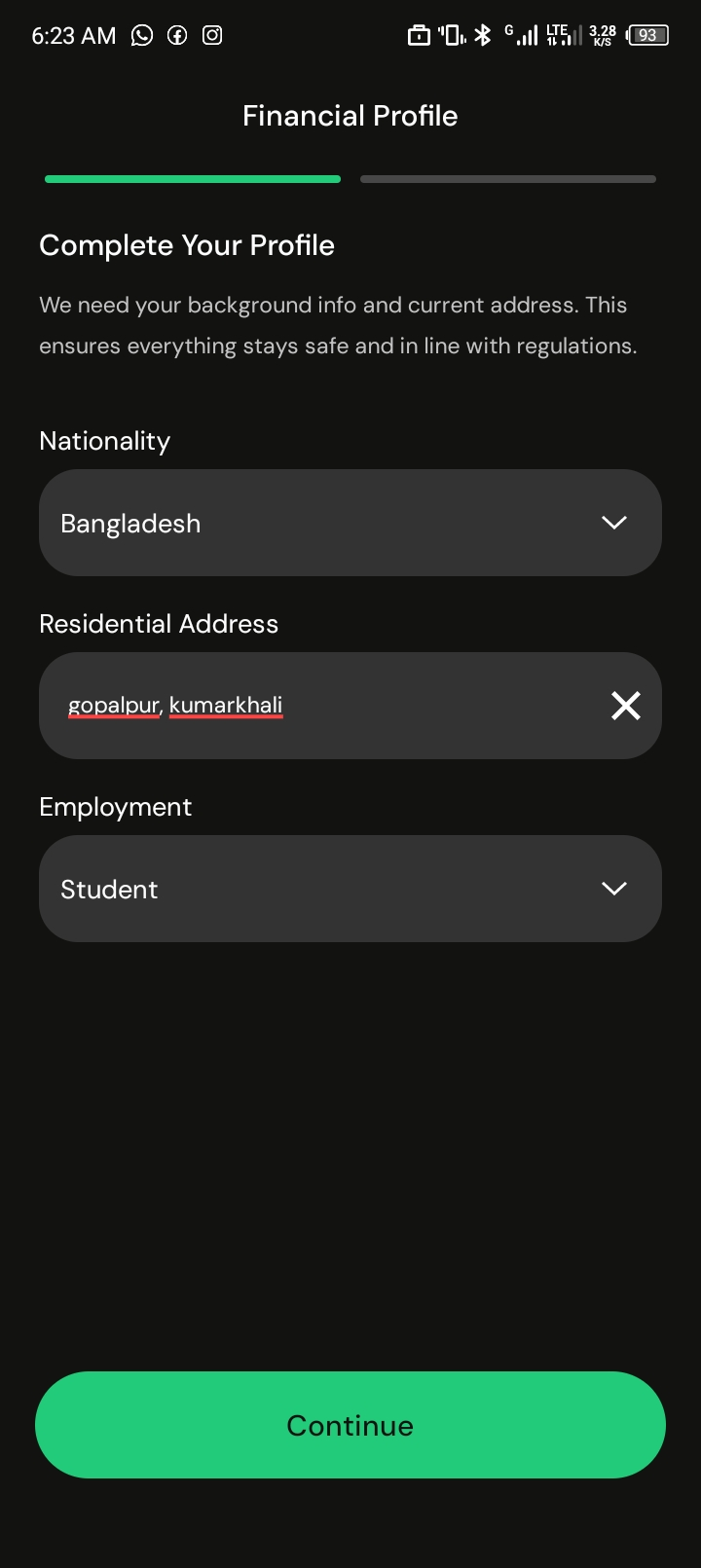
Enter the details like this...
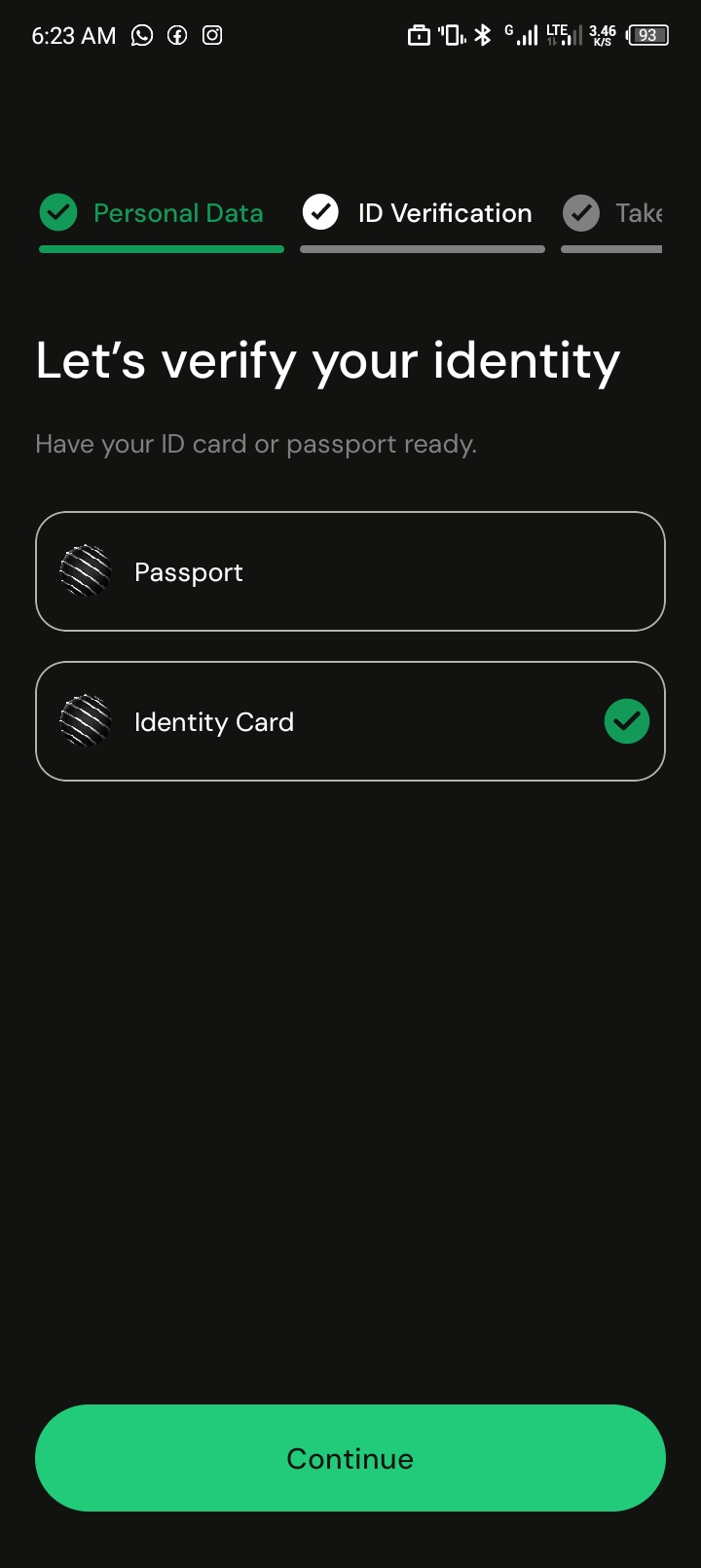
Select "NID" here.
For security reasons, screenshots cannot be taken beyond this point, so please pay close attention to this step.
You will be redirected to a webpage for NID verification; select "Bangladesh" and then choose the "NID" option.
Under the NID section, you will see two options:
Regardless of which type of NID you have, make sure to select the "Other card" option.
Next, upload photos of both sides of your NID.
Ensure the photos are clear.
Now, complete the face verification.
After submitting, your account will be verified after a short while.
Now, go to the "Card" section.
Click on "Order Card" to place your order.
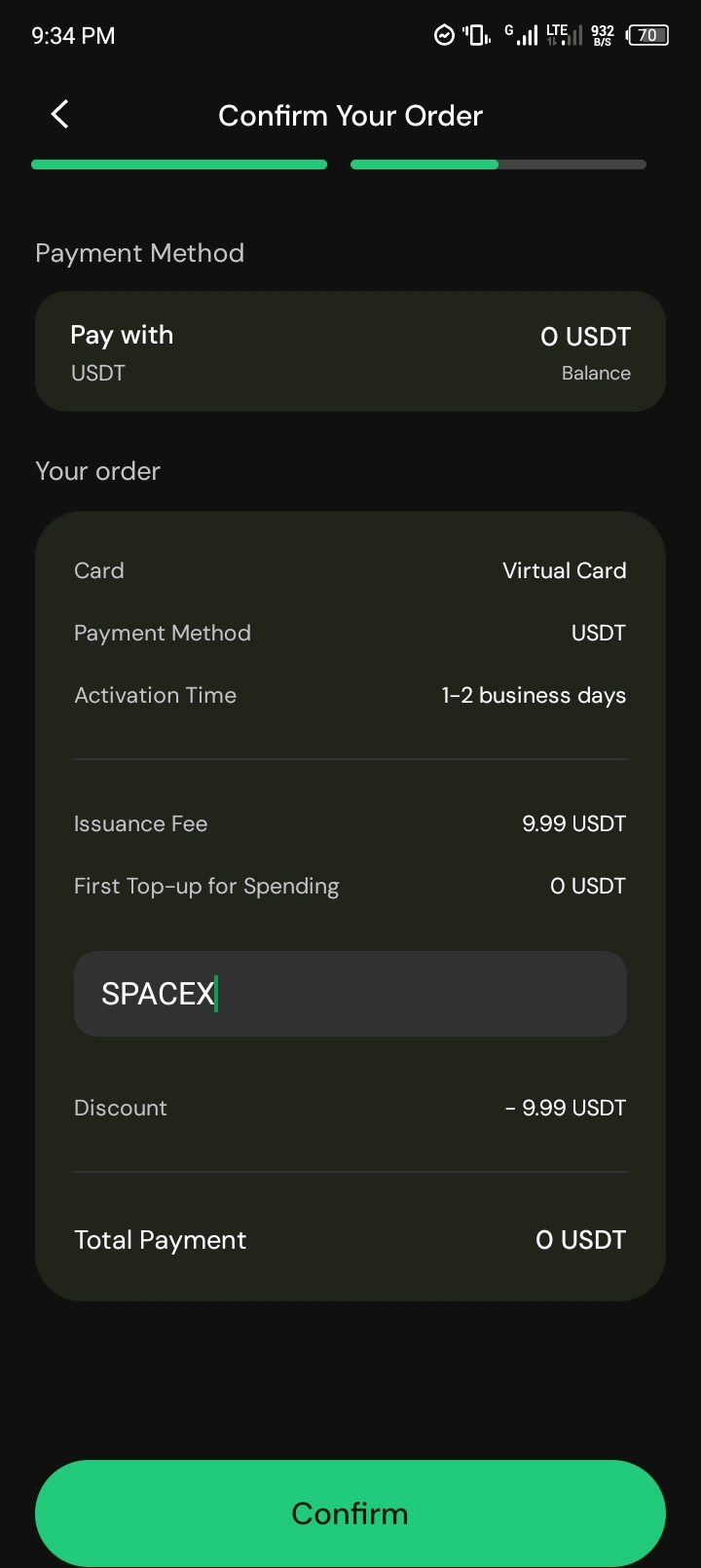
Enter the promo code SPACEX.
Promo code: SPACEX
Now, click "Continue."
Insha'Allah, your card will be activated within a few minutes.
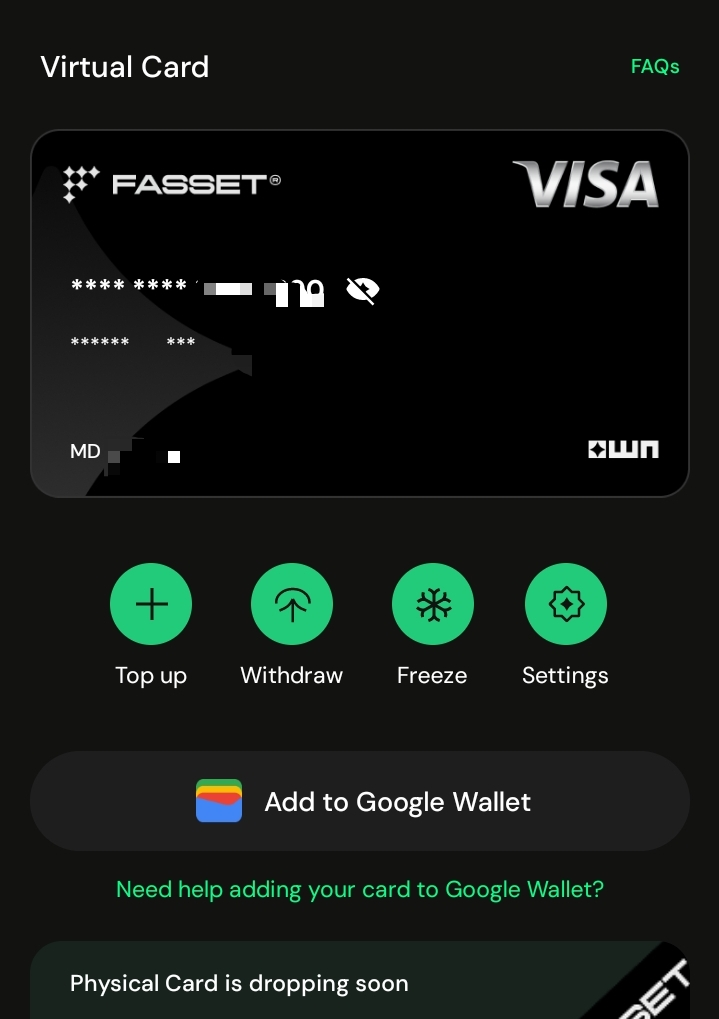
To earn dollars, get as many people as possible to sign up using your referral link; you will receive $1.25 for each referral.
So, earn by referring others. I couldn't write the full details in the previous post due to a lack of time, but I have covered everything today.
I hope you liked this post. Please leave a comment if you face any issues.