Leave a Review


You want diamonds in Mobile Legends, but you don't have an international card. Many stores ask for one, and the ones that accept local payments are not always trustworthy. Some deliver late, some charge too much, and some ask for details they should never need. A reliable mobile legends diamond top up bd option should take bKash, deliver in minutes, and need only your game IDs.
Here is the short answer. Pick a trusted store, enter your User ID and Zone ID, choose a diamond pack, and pay with bKash or Nagad. The diamonds then land in your account, usually within minutes. You never share your password. If you want to top up ml diamond packs the safe way, this is the method.
This guide walks you through each step on the AroraShop website and Android app, where this process runs daily. You will learn where to find your IDs, how to pay with bKash, how to check that your diamonds arrived, and what to do if an order is delayed. We also cover simple checks that help you spot a fake or overpriced store.
Gather a few things first and the whole order takes about two minutes. Most failed orders for mobile legends diamond top up bd come from a wrong ID or a wallet with too little money, not from the store itself.
Open Mobile Legends: Bang Bang and confirm you can log in. Diamonds go to the account you enter, so check it is the right one if you run a second profile. Keep the game updated so the new balance shows up cleanly, and note both IDs before you open the store.
Item Why it matters User ID Tells the store which account gets the diamonds Zone ID Points to your game server, so a wrong digit sends the order astray bKash or Nagad wallet Pays for the order Wallet balance Must cover the full pack priceNext, check your wallet. You need an active bKash or Nagad account and enough balance for the pack you want. Most Bangladeshi stores accept both, so you do not need an international card.
A legitimate store asks for your User ID and Zone ID, nothing more. Never give your password, login code, or the email linked to your account. Anyone who asks for those wants to take the account, not top it up.
A diamond top up needs your two IDs, never your password.
Every mobile legends diamond top up bd order starts with two numbers. Get them right and the rest is easy.
Open the game and tap your profile picture in the top left corner. Your User ID appears under your nickname, with the Zone ID in brackets beside it.
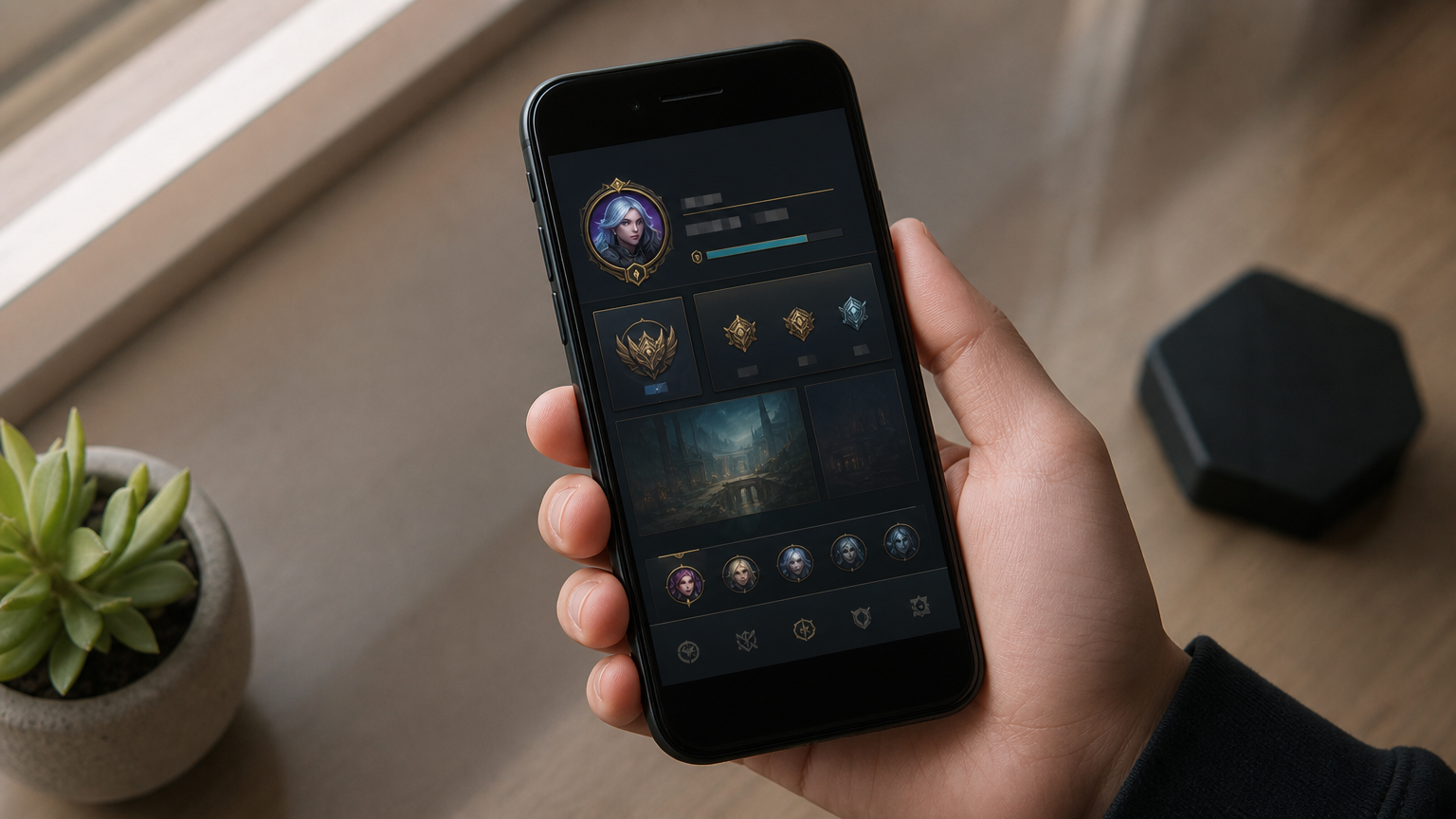
Type both numbers into separate fields, User ID first and Zone ID second. Leave out the brackets, and compare every digit with your game screen before you pay.
One wrong digit sends your diamonds to a different account, and that is hard to undo.
Some stores show your nickname after you enter the IDs. If the name does not match yours, stop and recheck before you continue.
Your store decides whether a mobile legends diamond top up bd order lands in minutes or never. Spend one minute on basic checks before you pay.
Run this list on any BD game top up site, AroraShop included. A store that passes all five is safe enough to use, and one that fails even one deserves a second look.
A trusted store asks for two IDs and a payment, nothing else.
Cheap bait is the usual trap. A price far below the market rate often points to a scam or stolen payment methods. Also walk away if the store wants your password, hides its support contact, or tells you to send money to a personal number outside checkout.
At AroraShop you pay with bKash, Nagad, or Rocket, and your order is delivered instantly after payment. The Android app also offers app-only discounts, which helps if you top up often.
Now comes the quick part. With your IDs ready, choosing a pack and paying takes under a minute, and it is the core of any mobile legends diamond top up bd order.
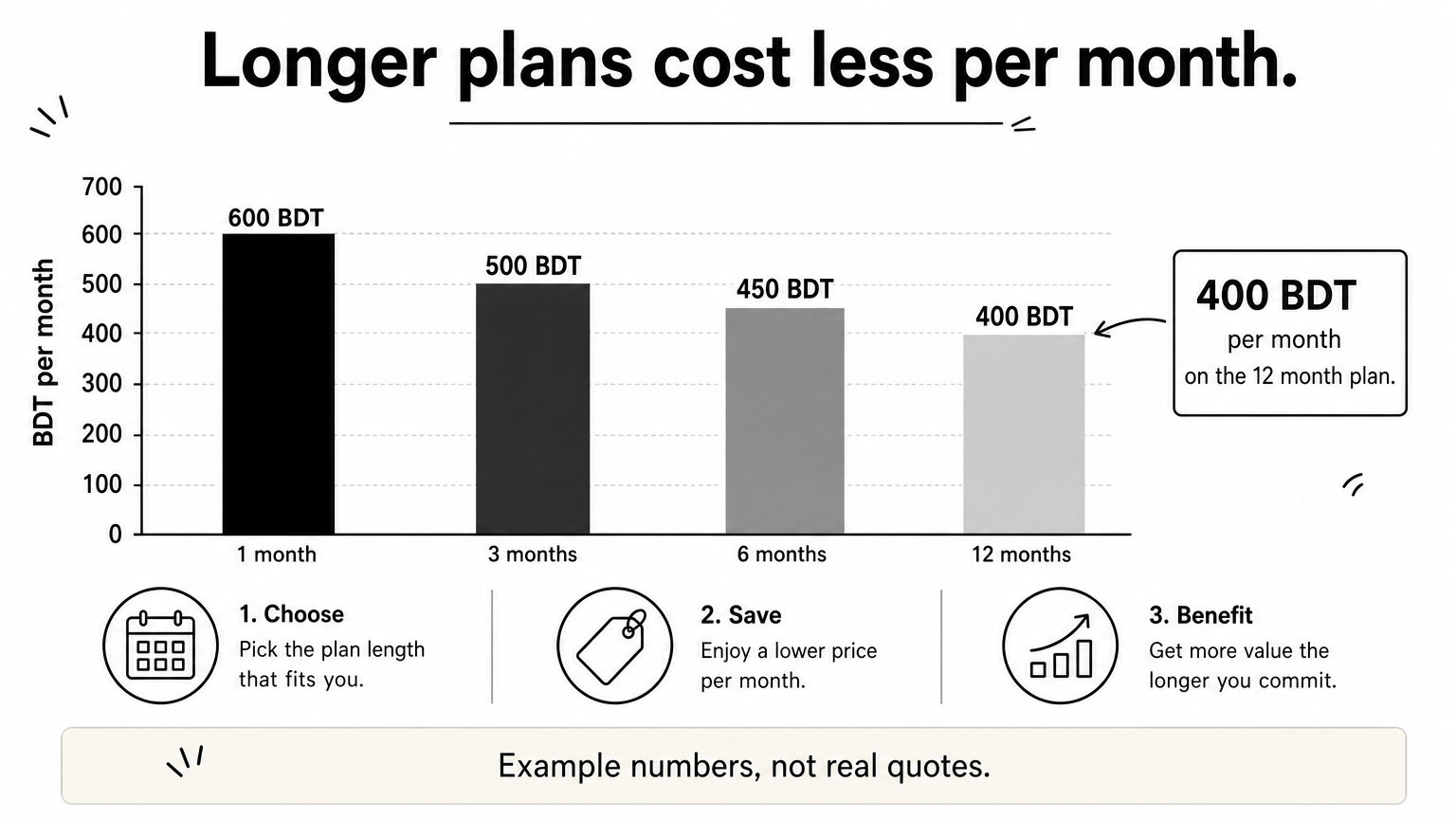
Compare the price per diamond, not the headline price. Bigger packs often cost less per diamond, but only buy what you will spend soon. Also check whether the pack lists bonus diamonds, since some stores include them and some do not.
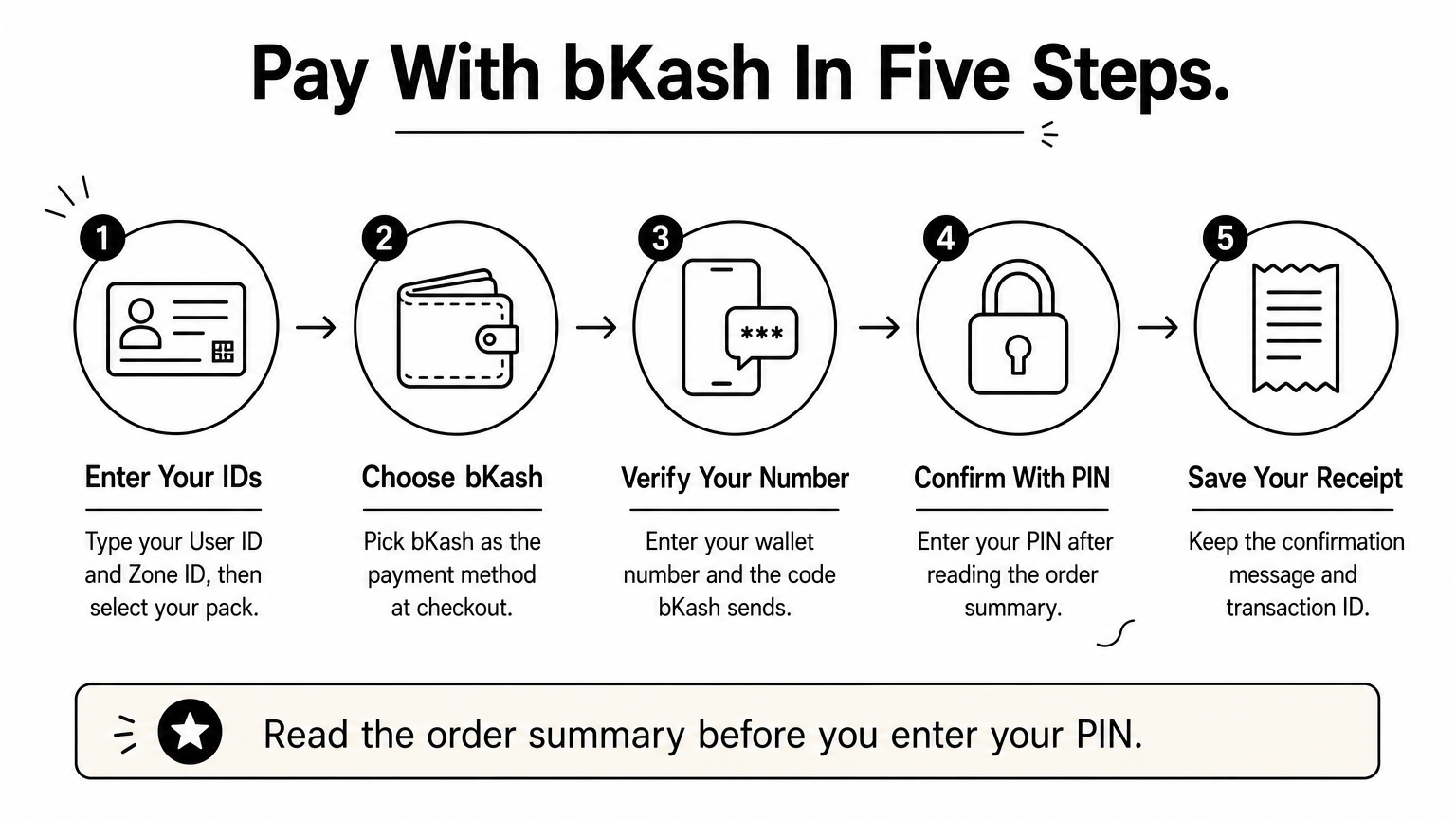
Then follow the checkout prompts. Each store words them a little differently, but the flow is usually the same:
Read the order summary before you enter your PIN, not after.
Keep that transaction ID. If you need to top up ml diamond packs again or contact support, it is your proof of payment.
Delivery usually takes a few minutes. Open Mobile Legends and look at the diamond count at the top of the shop screen. If the game was open during payment, restart it so the balance refreshes.
Also look for a confirmation message or email from the store. It should show the same transaction ID that bKash gave you.
Wait ten minutes before you worry, since a busy hour can slow any mobile legends diamond top up bd order. After that, match your symptom in the table.
Problem Likely cause What to do No diamonds after 10 minutes Queue or server delay Restart the game, then contact support Diamonds in the wrong account Wrong User ID or Zone ID Contact support at once Money taken, no order shown Failed confirmation Send your bKash transaction IDContact support with your transaction ID before you ever pay a second time.
Send support your User ID, Zone ID, pack name, and transaction ID in one message. That lets them trace the order fast, and you avoid paying twice for the same pack.
A mobile legends diamond top up bd order comes down to four moves. Find your User ID and Zone ID, pick a store that passes the basic checks, pay with bKash, then confirm the diamonds arrived. Through all of it, never share your password, because no real top up needs it.
Do those things and the process stays quick and low risk. You do not need an international card, and you do not need to guess which store to trust. Check every digit before you pay, and save your transaction ID until the diamonds show up in your account.
Whenever you are ready, top up your Mobile Legends diamonds on AroraShop with bKash, Nagad, or Rocket. Enter your two IDs, choose your pack, and your diamonds arrive in minutes. The Android app adds app-only discounts, so it is worth installing if you top up often.