Leave a Review


Assalamu Alaikum friends, how is everyone doing?
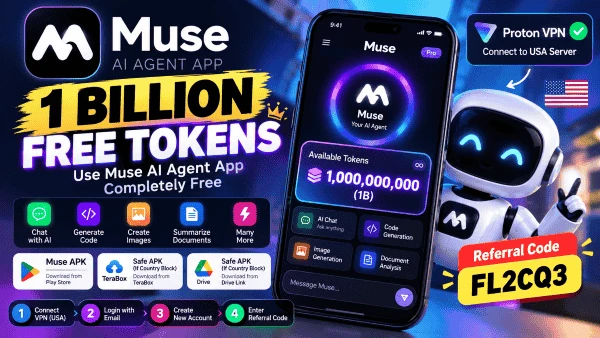
You can use this AI agent app called "Muse" completely for free. Plus, you get 1 billion (1B) tokens—absolutely free of charge.
Let me mention one thing right away: simply downloading and launching the app won't get you the 1B tokens. I’ve explained the actual method to claim the tokens at the end of this post, so please read it carefully to the very end.
Proton VPN — 👉 Download from Play Store
Premium-unlocked Mod APK (Proton VPN) — 👉 Download from TeraBox
Premium-unlocked Mod APK (Proton VPN) — 👉 Drive Link
Muse APK — 👉 Download from Play Store
Safe APK (Muse) if there's a country block — 👉 Download from TeraBox
Safe APK (Muse) if there's a country block — 👉 Drive Link
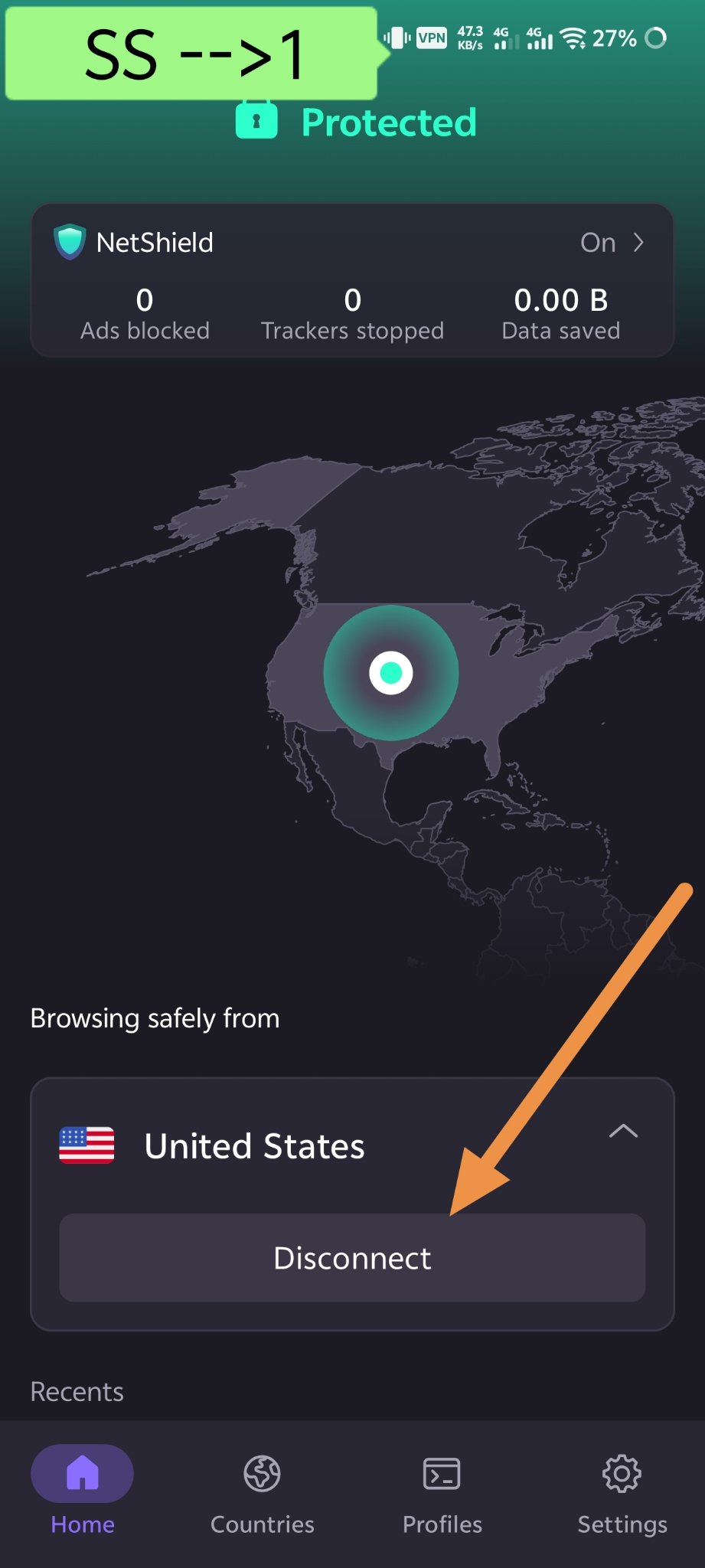
Open Proton VPN and connect to a United States server. Muse doesn't work directly in our country, so you cannot proceed without a VPN—this step is absolutely essential.
VPN connected to USA server
Screenshot 1: VPN connected to USA server
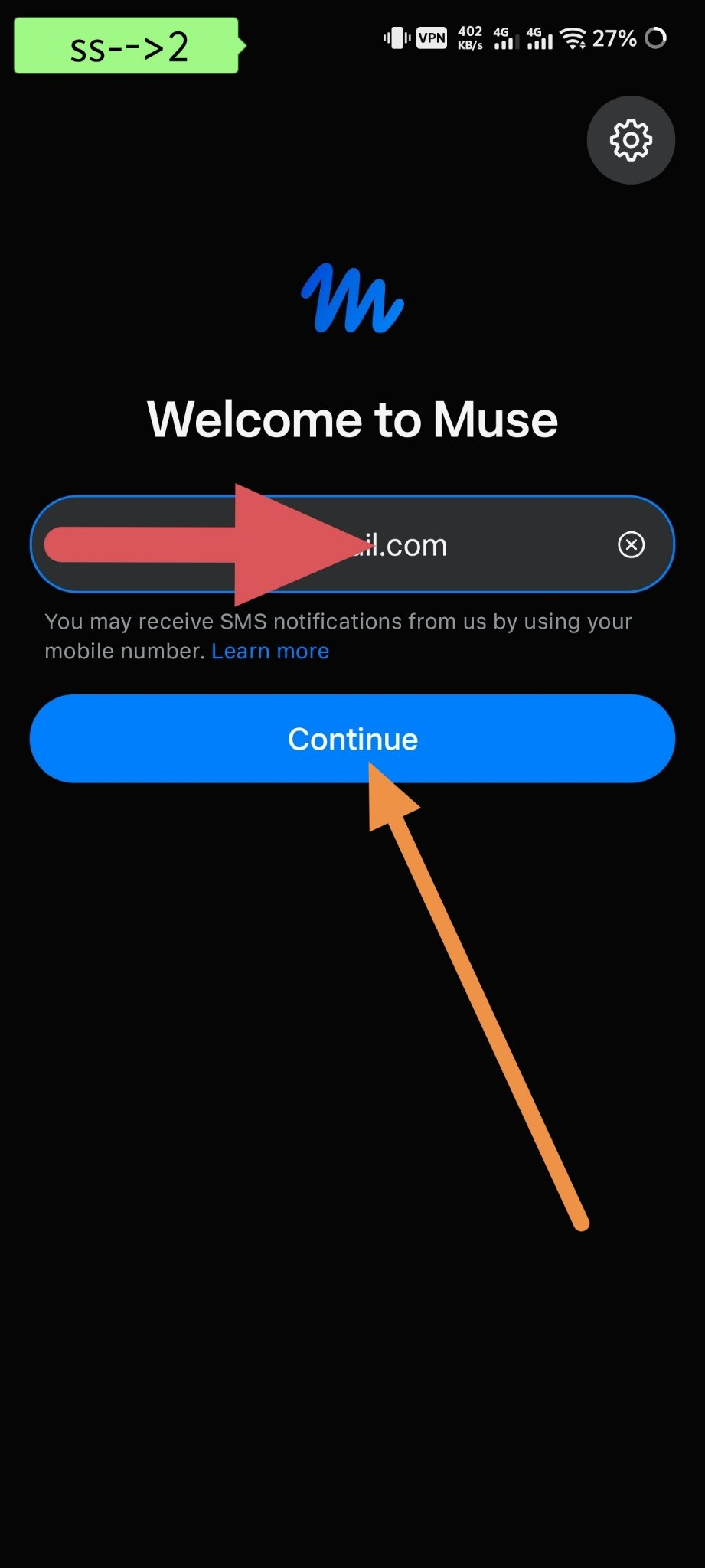
Open the Muse app, enter your email address, and tap "Continue."
Continue with email
Screenshot 2: Enter email and tap "Continue"
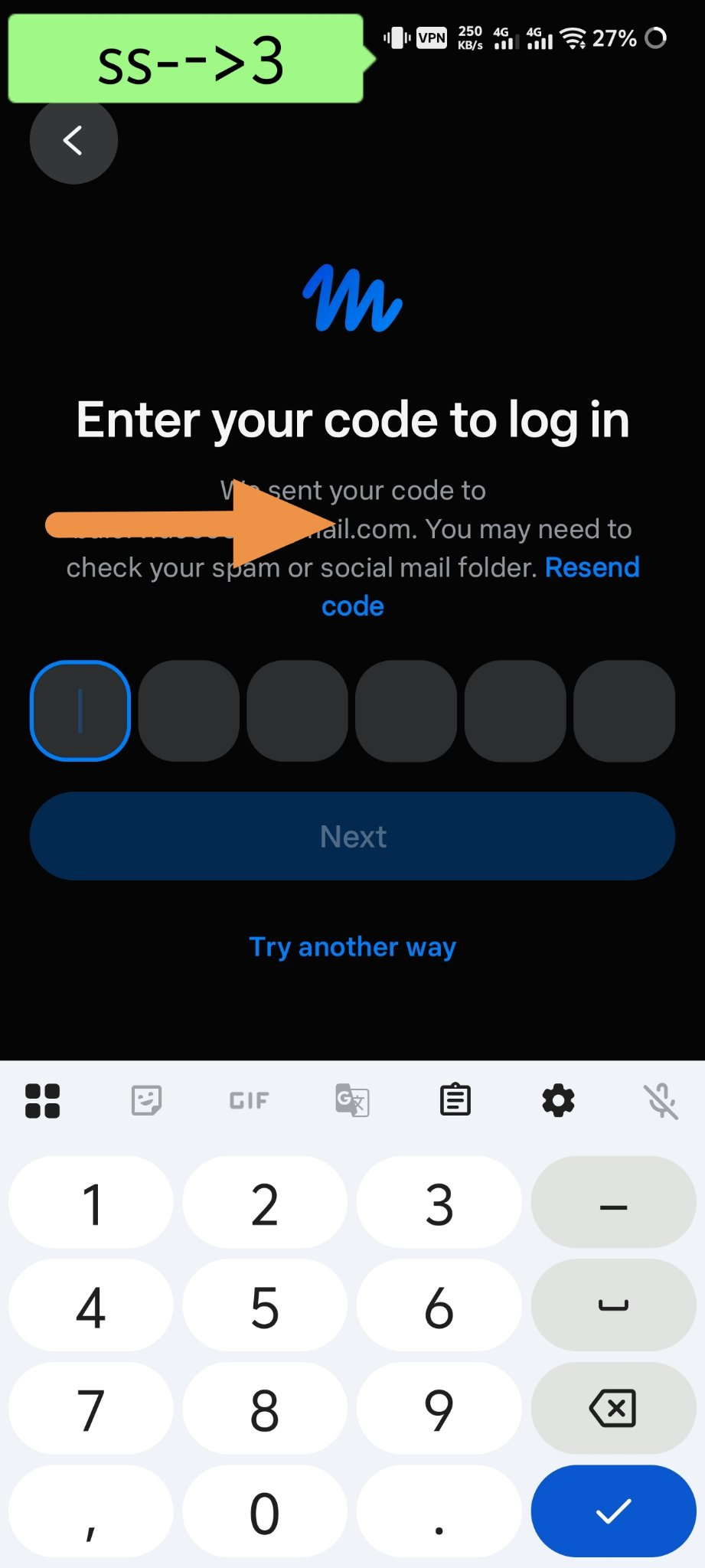
You will receive a 6-digit code via email. Enter that code to log in, and you're all set.
6-digit login code
Screenshot 3: Enter the 6-digit login code
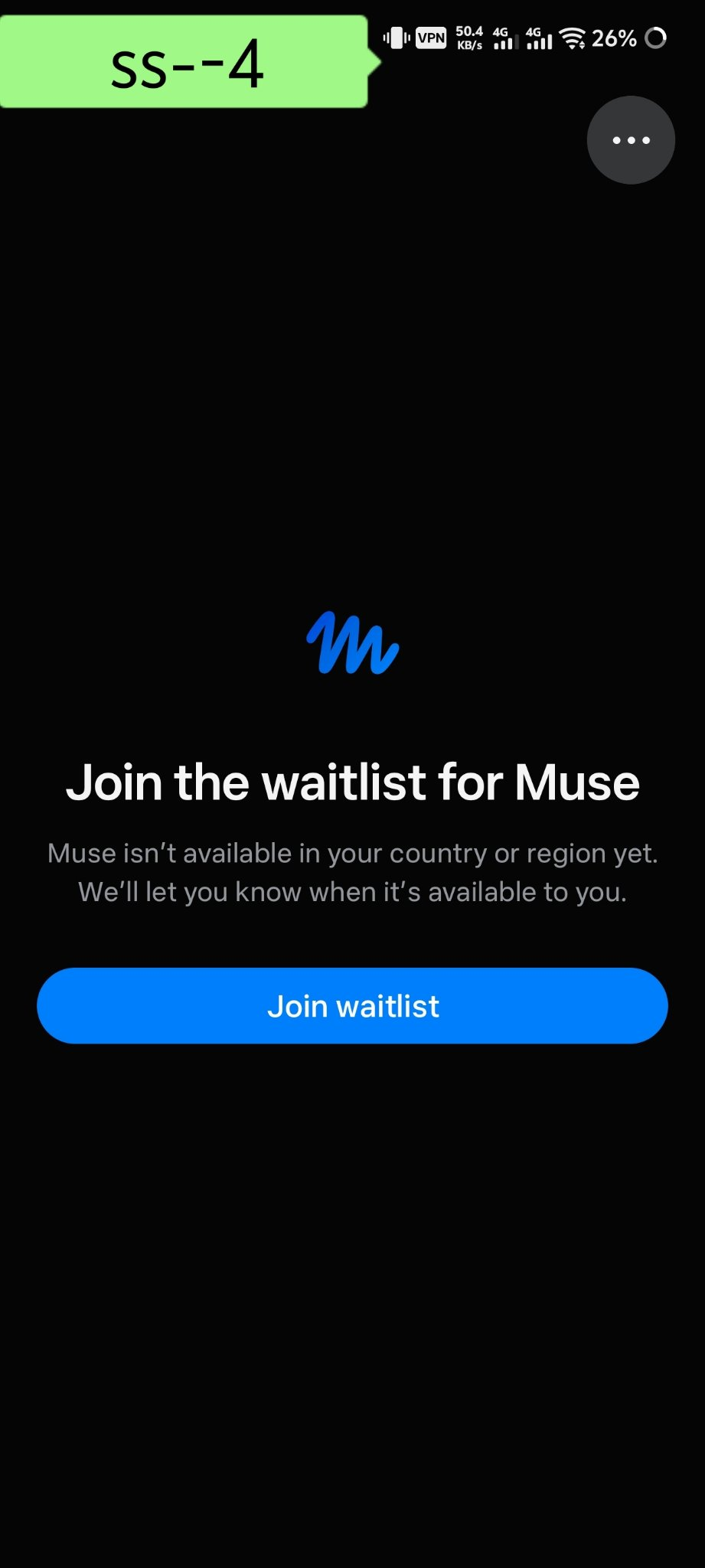
⚠️ Warning: If you see a "Join the waitlist" screen like the one below, it means that email won't work. In that case, try again with a different email address.
Waitlist Screen
Screenshot 4: If you see this screen, try using a different email.
Keep one thing in mind while logging in—do not select your previous profile or an old Meta account by mistake. Start fresh with a brand-new Gmail account.
💳 No need to worry about the card: In 99% of cases, no card is required. However, for some users—especially when creating a second ID—a $1 verification payment might be requested. There is no need to worry; the money is refunded within two days.
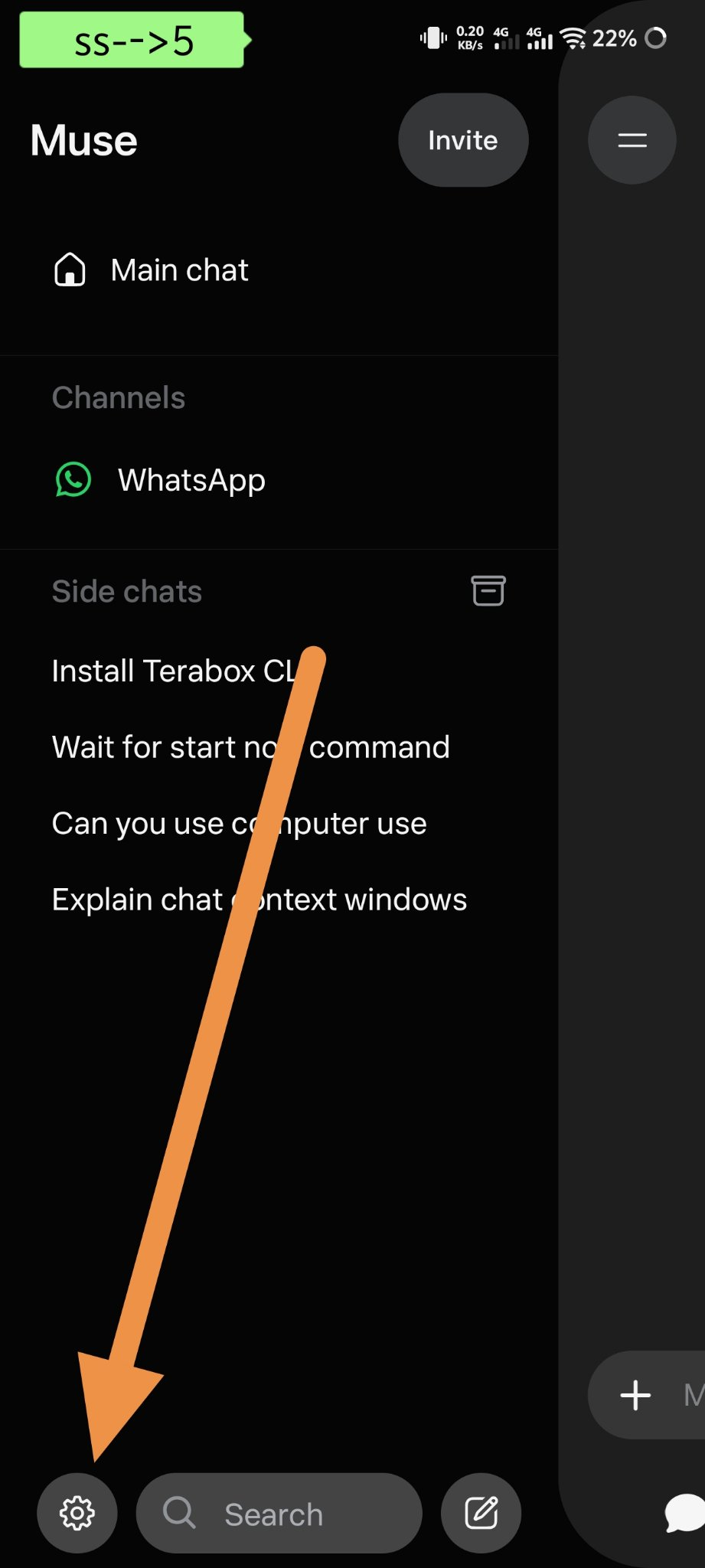
Now, tap the settings (⚙️) icon at the bottom left.
Tap the settings icon.
Screenshot 5: Tap the settings icon.
👇 If you need a new code or assistance, tap the button below to join the Telegram group:
📢 Join the Telegram group.
Go to "Redeem referral code" within Settings and enter the code below—
FL2CQ3
Redeem referral code
Screenshot 6: Enter the code in "Redeem referral code."
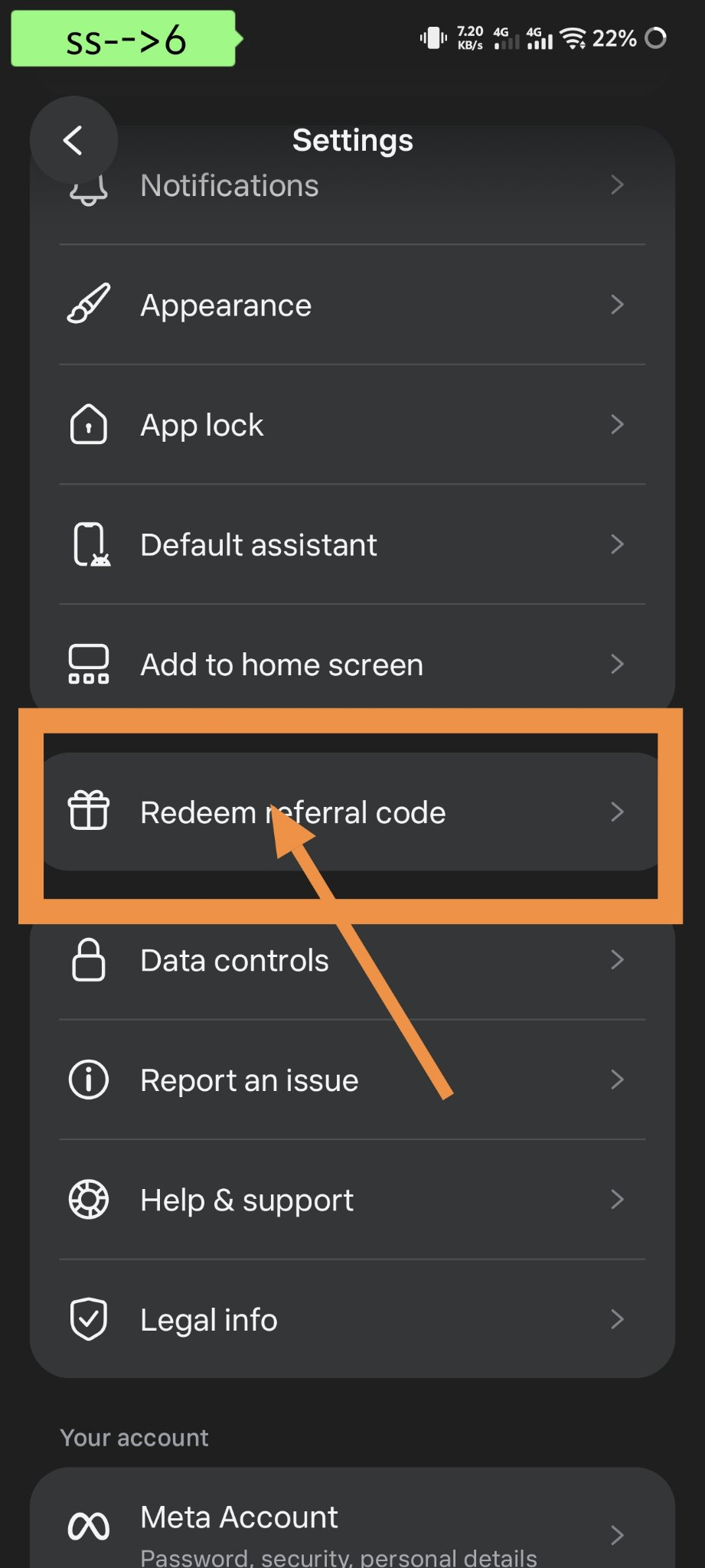
That’s it! As soon as you enter the code, 1B tokens will be added to your account.
⏰ Keep two things in mind: this code is available for only 19 more people. You must enter the code within the first 48 hours of joining—if you delay, you won't even find the 'Redeem' option anymore.