Leave a Review


Assalamu Alaikum.
I am here with another new article. Today, I am going to talk about cloud gaming. I hope this post will be helpful to you.
So, let's get started.
Many of you may already know what cloud gaming is. Still, it is worth explaining.
Cloud gaming is an online gaming platform where you can stream even powerful games to your device through remote servers without installing the games on your device.
You do not need to install any game for cloud gaming. If you have a stable internet connection on your phone or PC, you can enjoy cloud gaming.
There are many different cloud gaming platforms available today. Some platforms allow you to enjoy cloud gaming for free, while others require you to purchase a subscription.
Some platforms allow you to play games without even creating an account, while others require you to log in before playing.
Among the thousands of platforms available today, only a small number offer a really enjoyable cloud gaming experience.
So today, I am going to talk about one such cloud gaming website.
The website is really fun. You can enjoy more than 400 games without paying anything. You can find games suitable for people of all ages, and you do not necessarily need to create an account to start playing.
Another interesting thing is that new games are regularly added to the website.
I personally liked the website a lot, and I hope you will like it too.
The website I am talking about today is Webgame.fun.
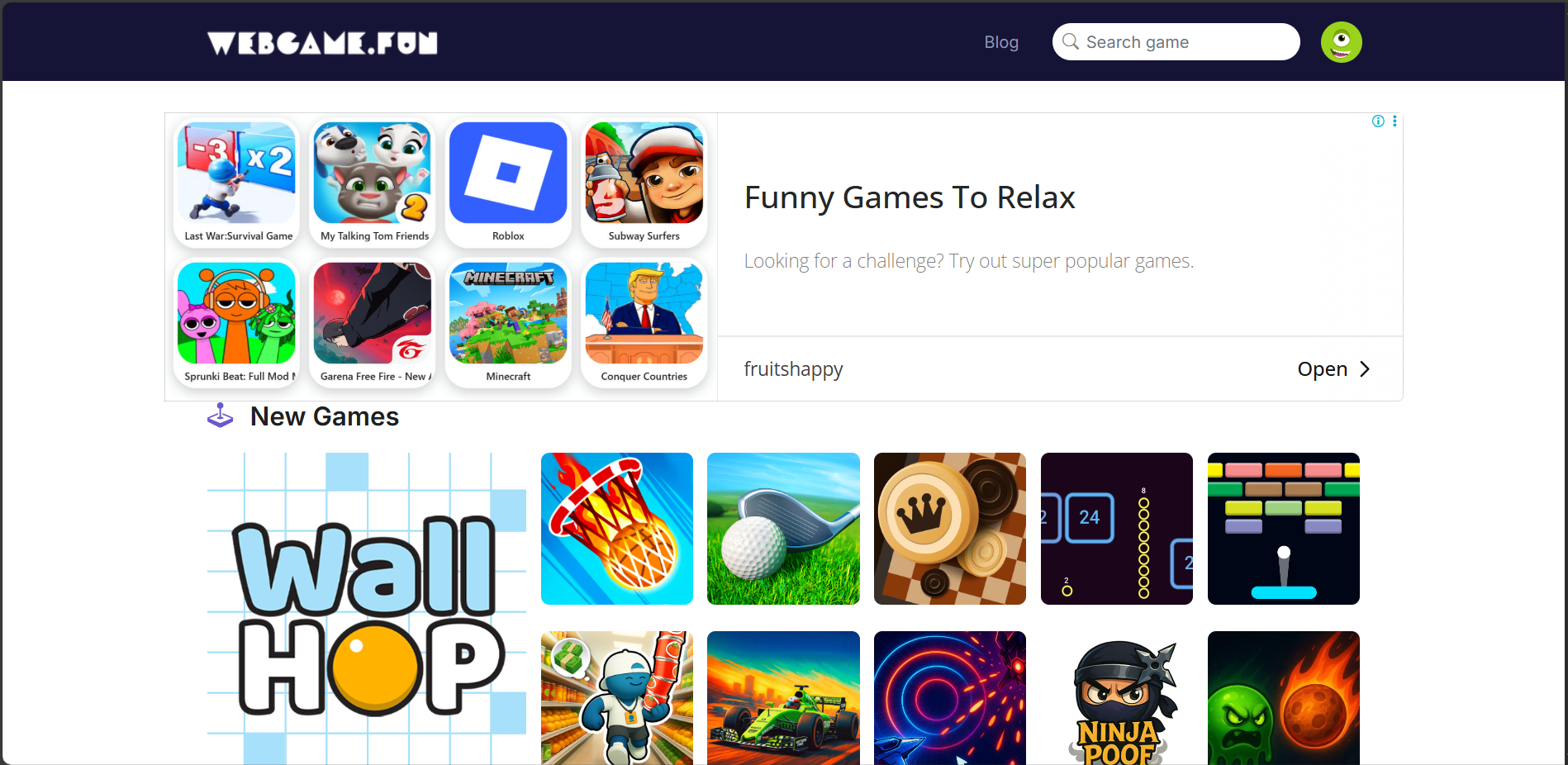
First of all, I would say that the interface of Webgame.fun is relatively better than many other platforms.
The games are also organized into different categories. You can easily see how many games are available in each category.
If you want, you can save games to your profile and access them later.
You can find different types of games from various categories on the website.
The website is relatively new. However, I personally found the gaming experience quite good compared to many other popular websites.
Another good thing is that the games do not require a very heavy internet connection to run. With a basic internet connection, you can enjoy the games without too much trouble.
Another important thing is the website's design.
The website is designed in a way that allows you to enjoy the games smoothly from different types of devices.
Since I have actually played games on this website, I think it is important to share both the good and bad sides with you.
There is no point in talking only about the good things. The disadvantages should also be mentioned.
While gaming on this website, I noticed that it shows a little more advertising compared to some other platforms.
This can sometimes be annoying.
An advertisement may appear between rounds, and you may also see an advertisement when you try to play again after failing a round.
However, since this is a free platform, advertisements are understandable.
Apart from this one issue, I found almost everything else quite good.
I also think the gaming experience would be even better if the website had a darker theme.
You do not necessarily need to create an account to play games on this website.
However, I think it is better to create an account because you can get some additional features.
I will discuss those features below.
If you click the link below, you will see an interface similar to the one shown in the screenshot.
After scrolling down a little, you will find different types of games. If you scroll further, you will also find games organized by category.
Webgame.fun:
https://webgame.fun/
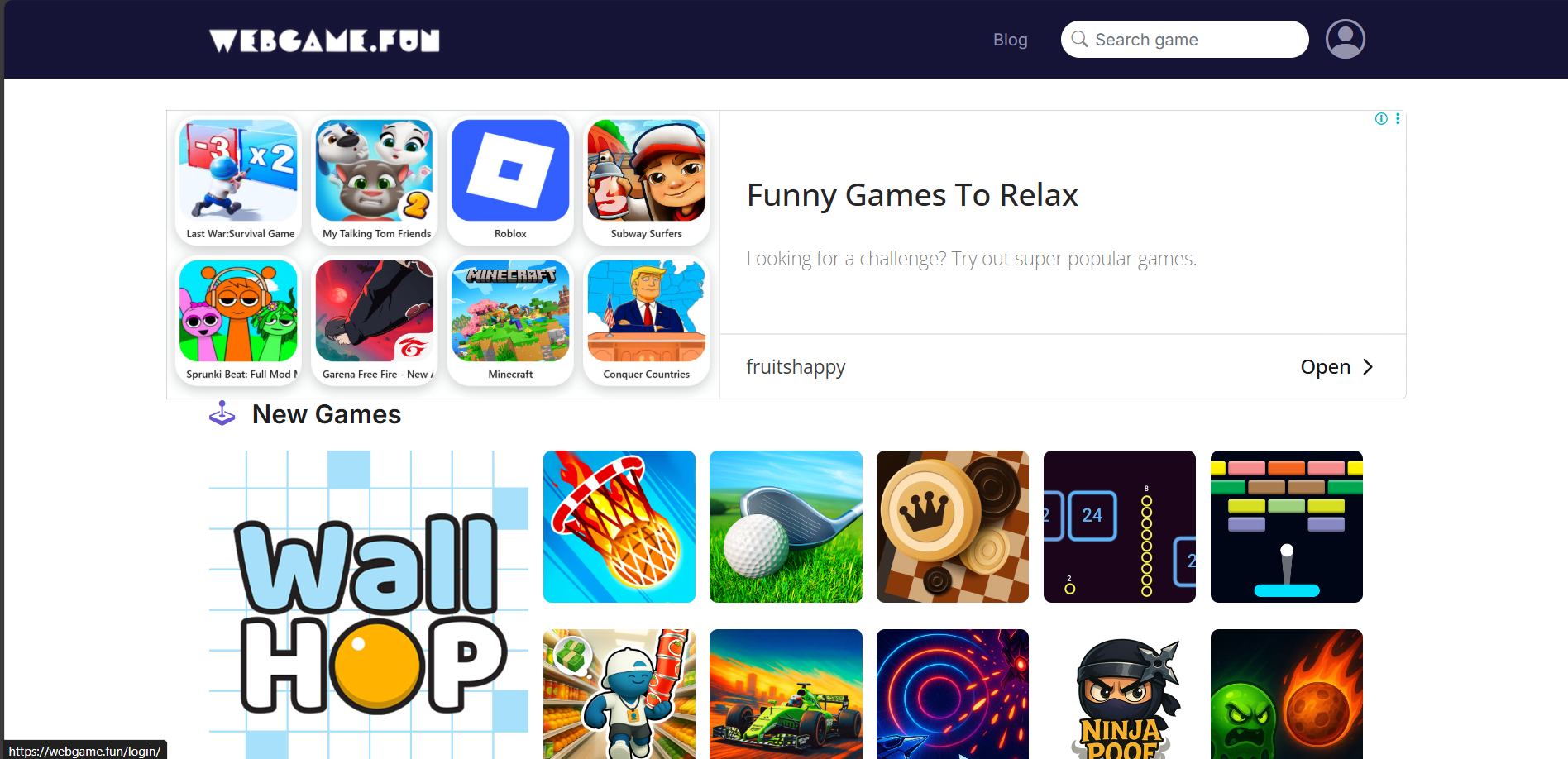
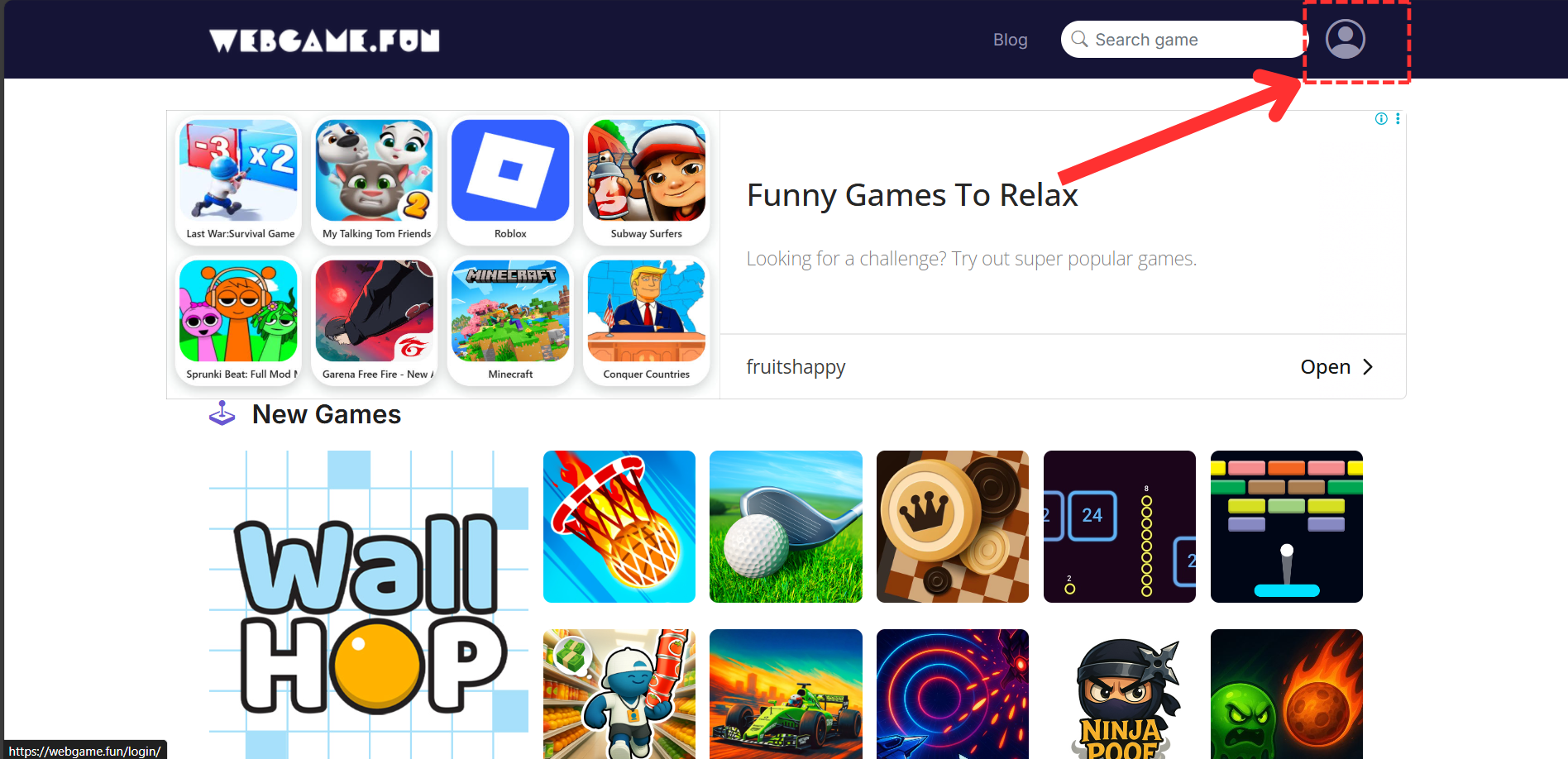
To create an account, click the Login button located at the top-right corner of the website.
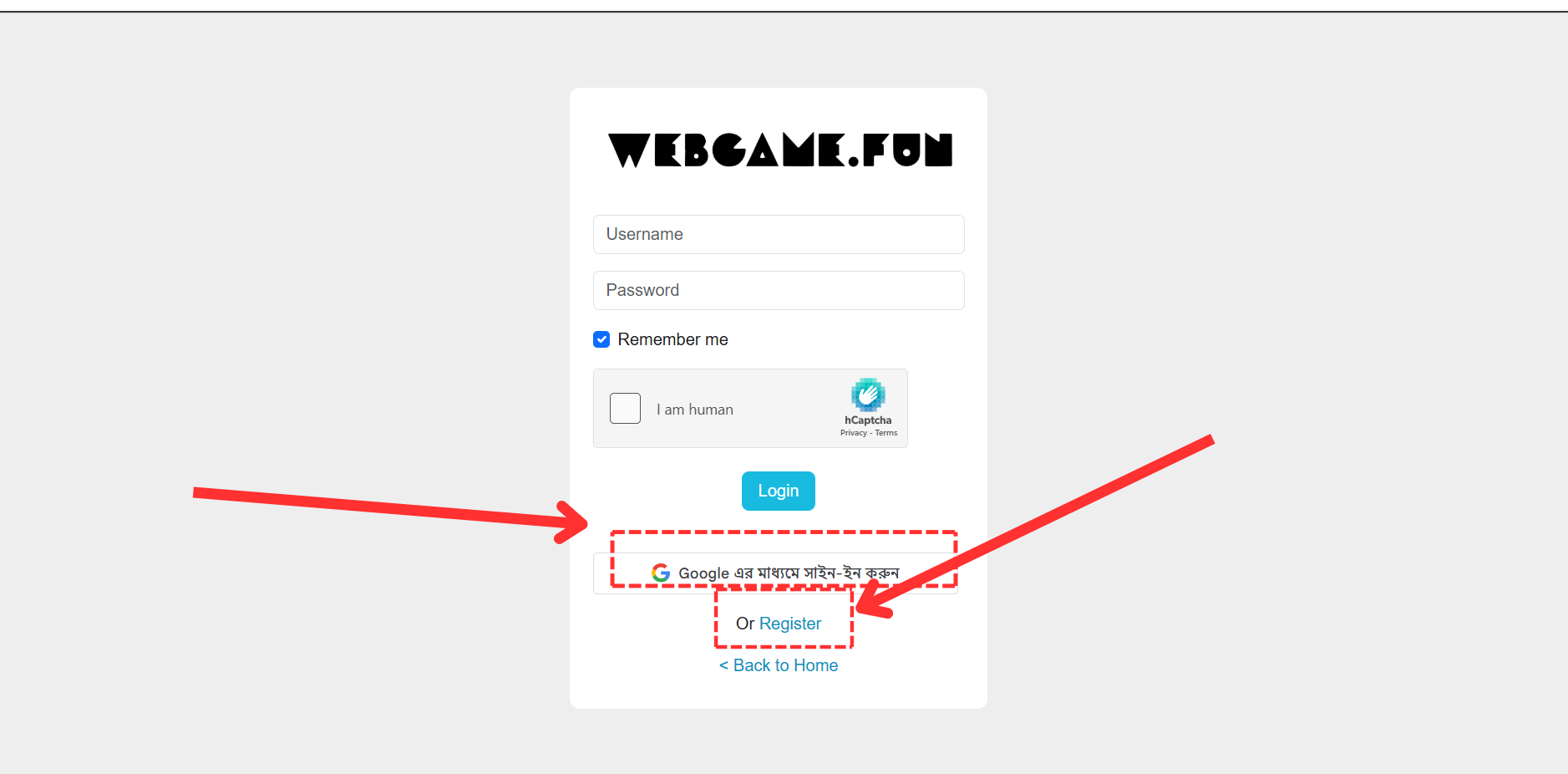
You will then be taken to the login page.
There, you can log in using your Google account.
You can also manually create an account.
For this, click the Register button.
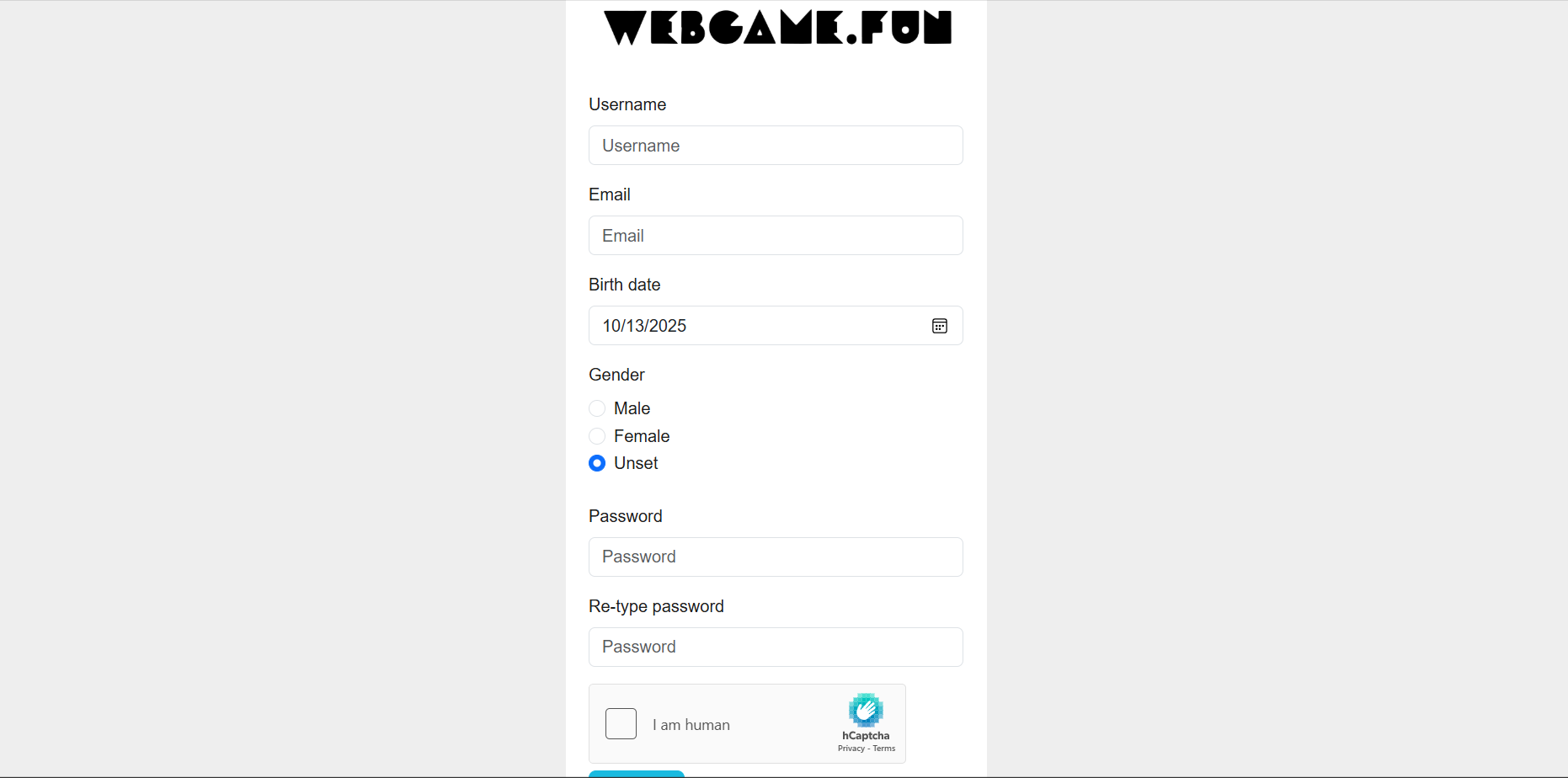
You will then be taken to a page similar to the one shown in the screenshot.
Here, you can enter the required information and create your account.
After creating your account, you can return to the main page and click on any game.
You can also search for a game using the search bar at the top.
Once you open a game, you can start playing it.
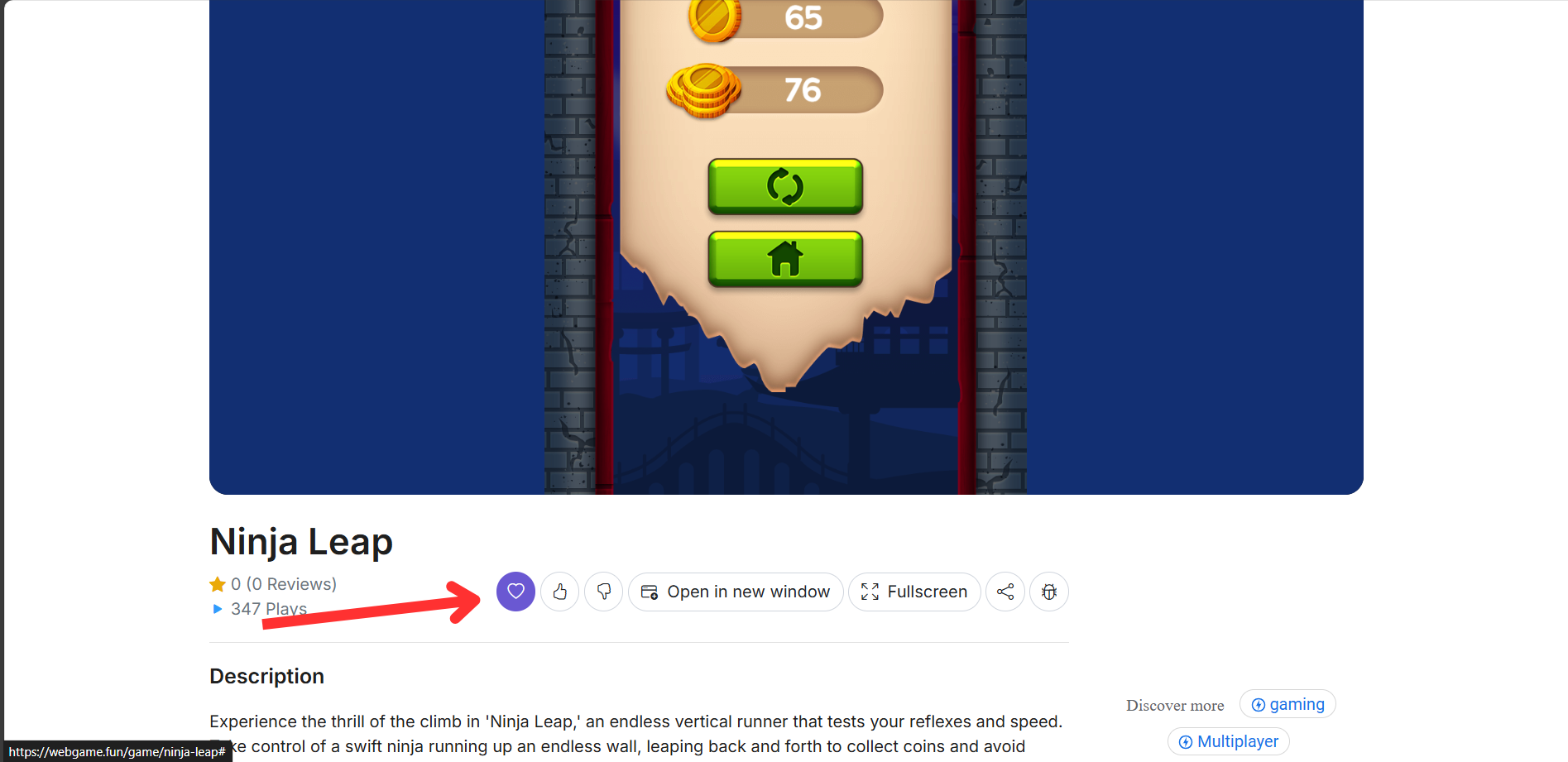
If you like a game, you can give it a like.
If you want to save a game and play it later, you can click the heart/love button to add it to your favorites.
You can later access these games easily from your account.
You can also leave comments and share your opinion.
You can tell others about your experience after playing the games.
One of the things I liked most about this website is its account section.
If you click the button at the top-right corner of the website and go to the My Profile option, you will find several different options.
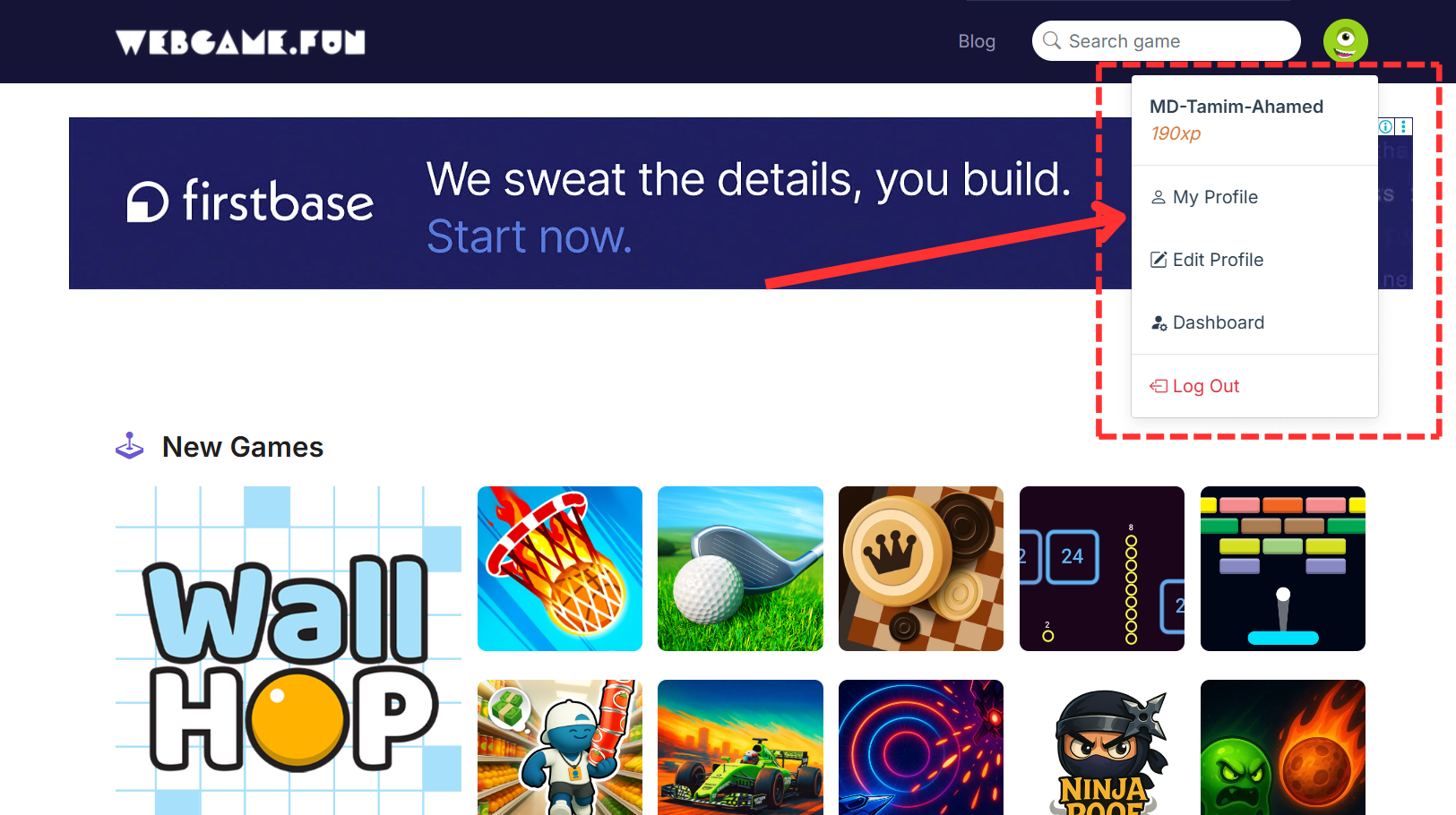
After entering your account, one of the first things you will notice is the website's ranking, badge, and level system.
As you perform different activities on the website, you will continue to earn points in your account.
The more points you earn, the higher your ranking will become.
I found this feature quite unique because I have not seen this type of system on many other gaming websites.
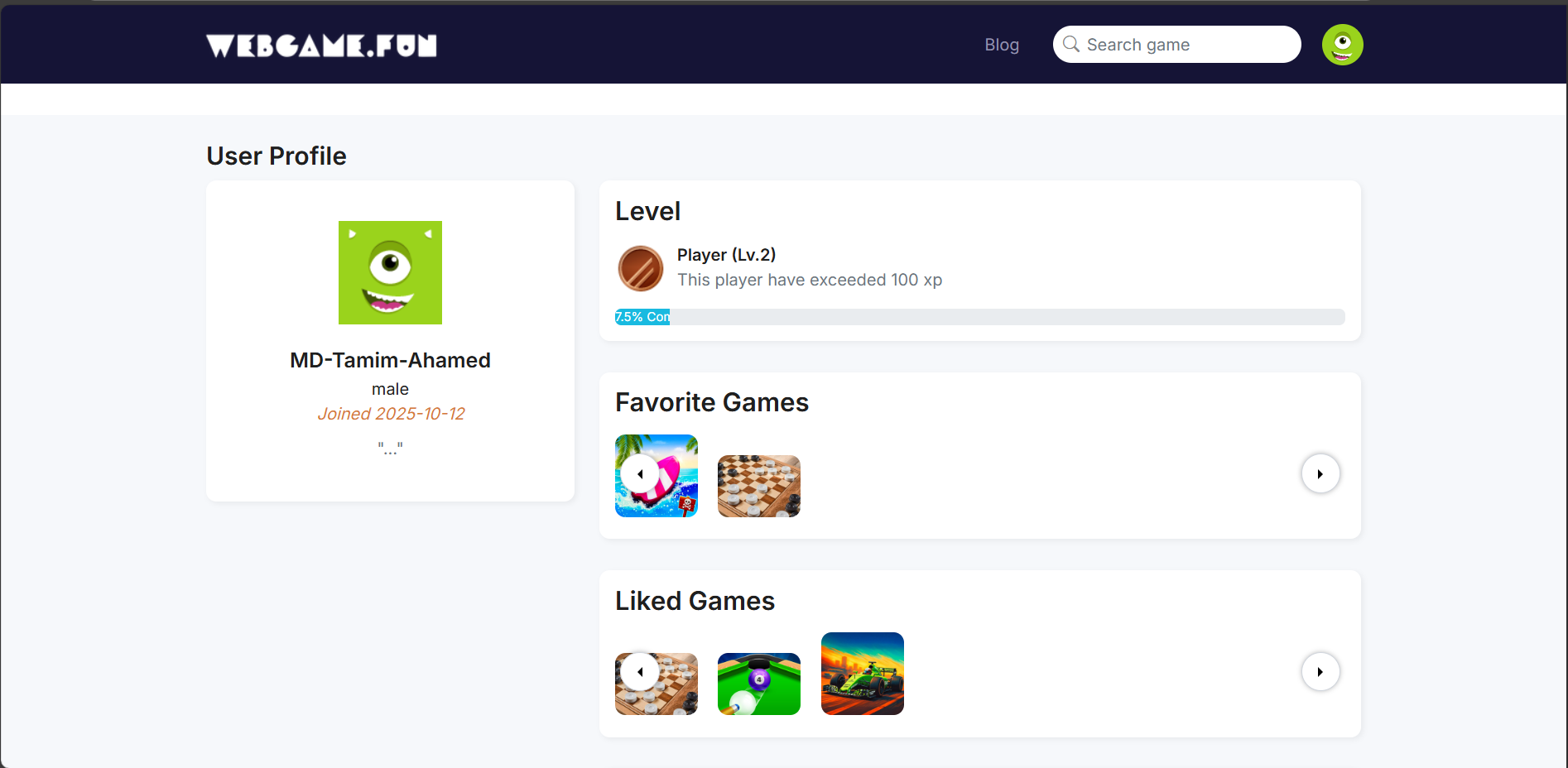
The next feature you will notice is the Favorite Games section.
Here, you can see all the games you have previously added to your favorites.
You can easily access these games whenever you want.
After the Favorite Games section, you can see the games that you have liked.
All the games you like will be saved in this section.
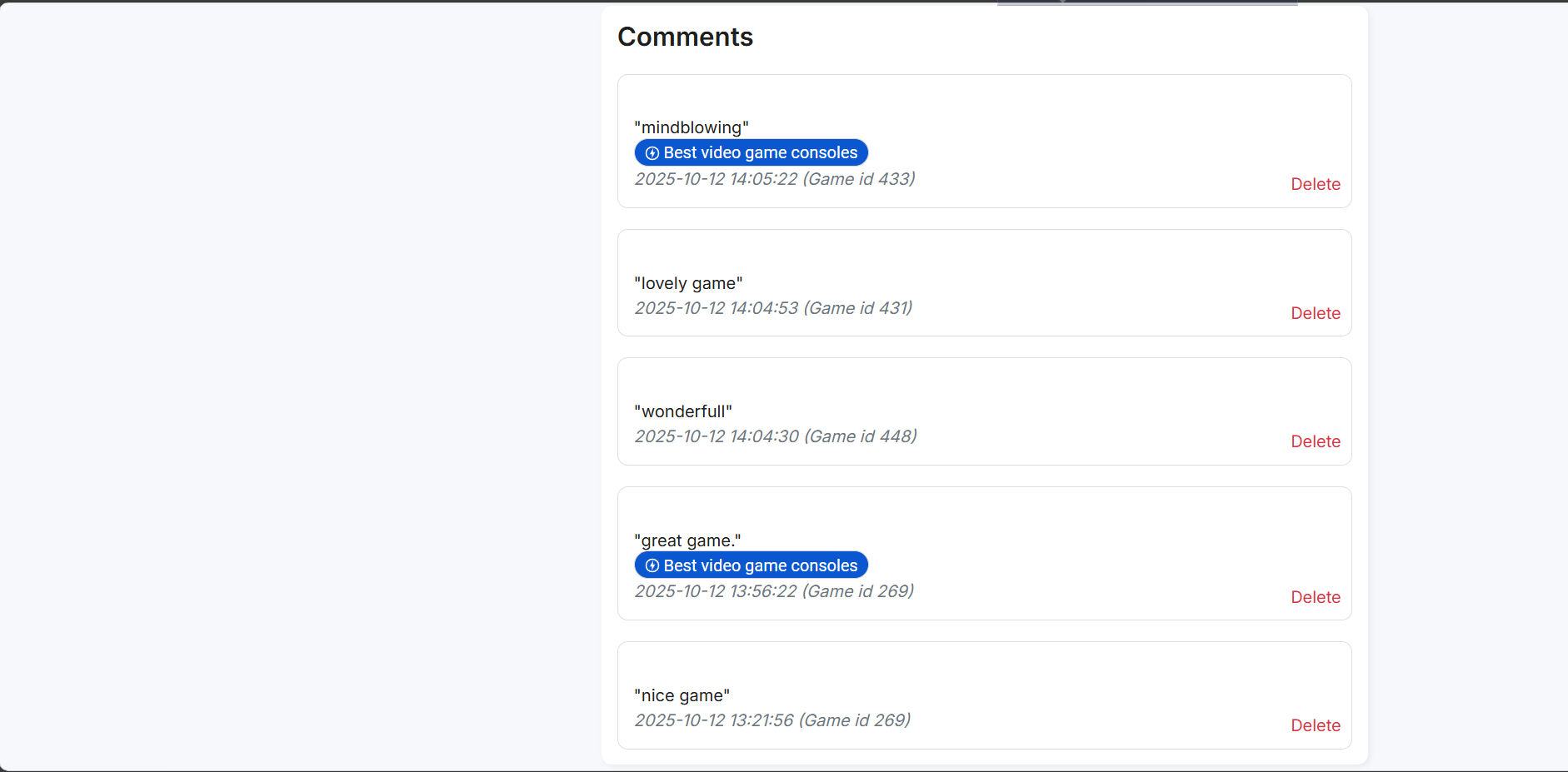
This is another interesting feature of the website.
You can see all the comments you have posted on the website.
In other words, no matter how many comments you have made since you started using the website, you can find them all here.
You can also delete your comments directly from this section with just one click.
This is a feature that you may not even find on many large gaming platforms.
Overall, I really liked the profile section of this platform.
You can also review any game and share your experience with other users.
That's all for today's article.
I hope you enjoyed it.
Whether you want to play games on this website or not is completely up to you.
You may already be using another platform for cloud gaming that you like more.
However, I personally liked this platform.
I also found some unique features on this website that are not commonly available on other traditional gaming platforms.
That's why I decided to share it with you.