Leave a Review


If you play Free Fire in Bangladesh, you already know the problem. Regular diamond packs cost a lot over a month, and many sellers ask for your password or take hours to deliver. A weekly diamond top up is the cheaper route, because you get daily diamonds for seven days from a single small payment. You also never share your login.
Here is the short answer. You can buy the Weekly Lite membership with just your Free Fire UID, pay with bKash, Nagad, or Rocket, and receive it within minutes. You do not need an international card. You only need a store that tops up directly to your ID and delivers instantly.
This guide walks you through the exact process on AroraShop, from finding your UID in the game to confirming the payment. You will also learn the difference between Weekly Lite and the full Weekly pass, which one suits your play style, and what to check if the membership does not show up right away.
Both options are 7-day memberships attached to your Free Fire account. You open the game once a day and claim your diamonds from the membership tab. What changes between them is the price and the total number of diamonds you collect.
Garena adjusts diamond counts and prices from time to time, so check the current numbers on the product page before you pay. The structure stays the same: a 7-day timer with one claim per day.
Choose Weekly Lite if you play a few matches a day and want a small, low-risk purchase. It is also a good way to test a new store before you spend more.
Pick the full weekly pass if you log in every day and use diamonds for crates, bundles, or the Elite Pass. The higher payout makes up for the higher price.
Weekly Lite costs less, the full weekly pass gives more, and both only pay out if you claim every day.
Miss a day and you lose that day's diamonds, so buy only when you can log in for the next 7 days.
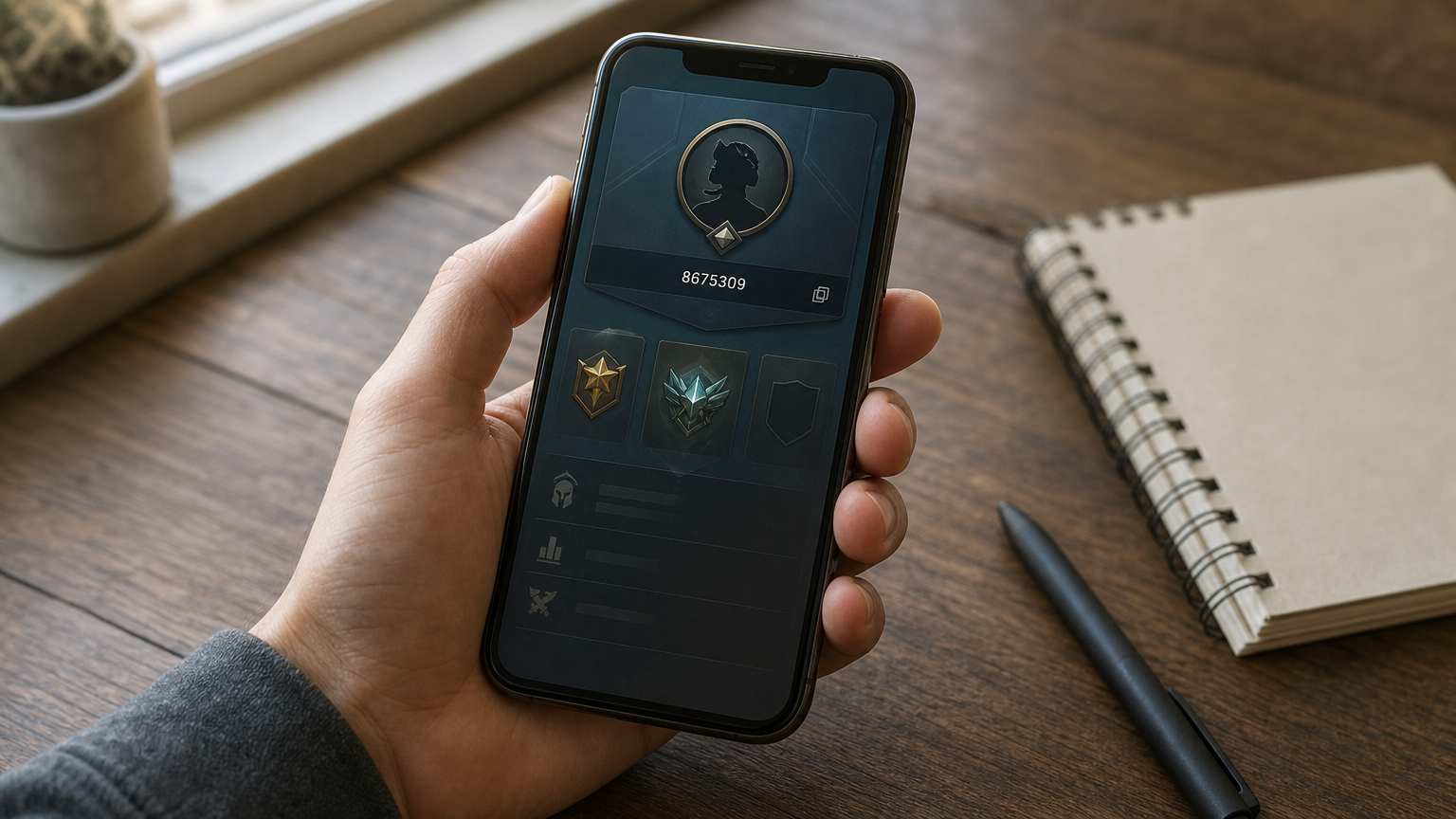
Your Free Fire UID is the only account detail a weekly diamond top up needs. It is a public number, so never share your password, Facebook login, or OTP with any seller.
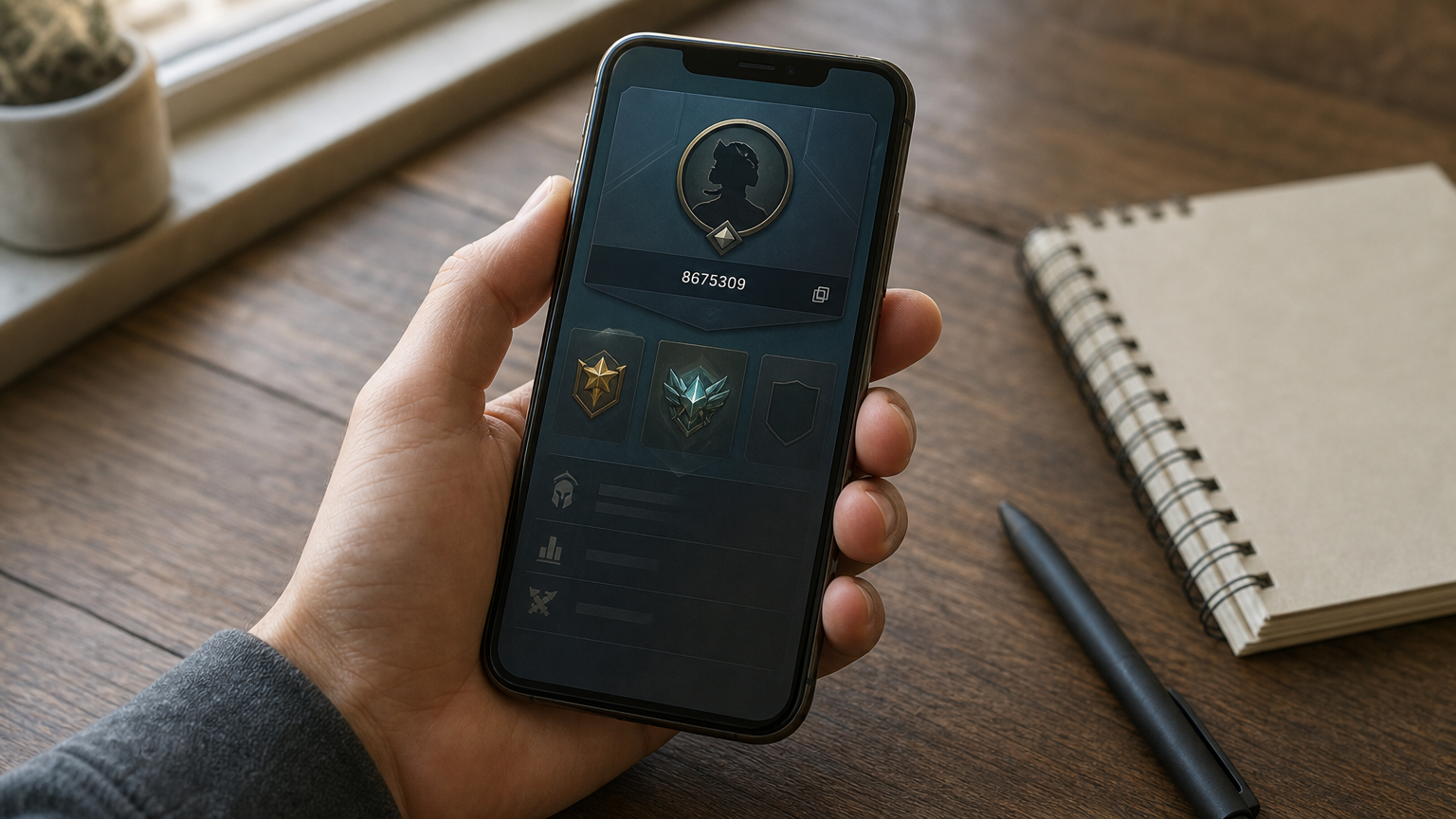
A real UID top up never asks for your password.
Paste the number into a note so you can use it at checkout.
Typos are the most common reason a top up fails. Compare the pasted number with the one in your profile, digit by digit. Also confirm that the server region you pick at checkout matches your account, because a correct UID on the wrong server will not receive the membership.
Now that you have your UID, it is time to pick the membership. Open the Free Fire top-up page on the AroraShop website or app, then scroll to the membership products, not the regular diamond packs.
Open the right listing and fill in the order form in this order:
Products like these sit close together on the page, so confirm the exact name before you continue. A Weekly Lite order will not turn into a full pass later, and a regular diamond pack will not give you a 7-day membership.
Check the product name and UID before you pay, because instant delivery means there is little time to fix a mistake.
Once the order summary shows the right item, the correct UID, and the right server, move on to payment.
At checkout, AroraShop lets you pay for a weekly diamond top up with a local mobile wallet, so you do not need an international card. Pick the wallet you already use and make sure it holds enough balance for the BDT price plus any fee your wallet charges.
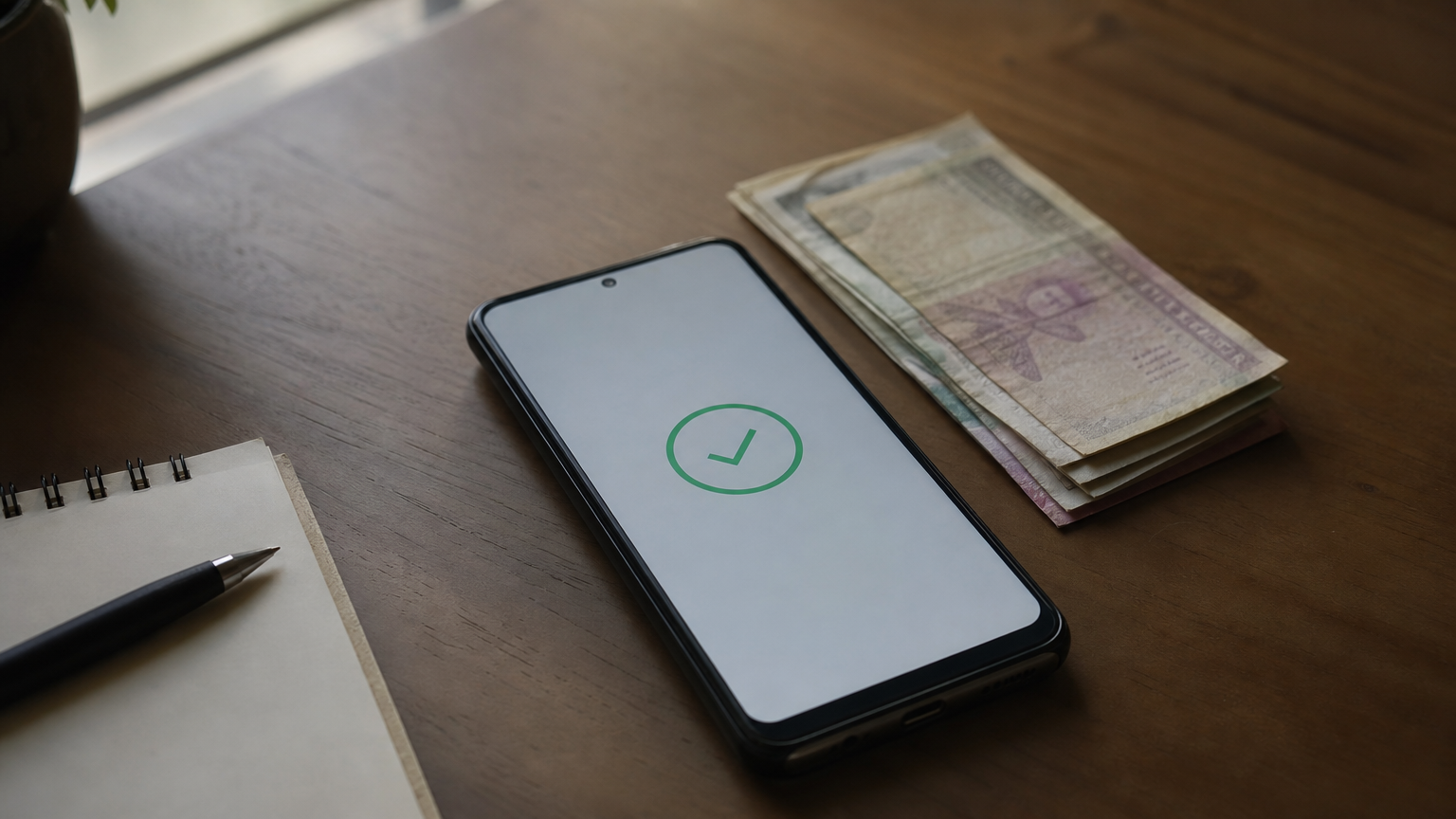
The flow is short, so keep your wallet app open and your PIN ready.
Send the exact amount from the order summary. A short payment can leave the order pending, and an extra amount will not buy you extra days.
Pay the exact amount shown, and save your transaction ID until the membership arrives.
Screenshot the confirmation message from your wallet. If something goes wrong, that transaction ID is the fastest way for support to find your payment.
A weekly diamond top up usually lands within a few minutes of payment. Open Free Fire, go to the membership tab, and check that your Weekly Lite or weekly pass shows 7 days left.
Claim your first diamonds right away. Then set a daily reminder, because each missed day is lost for good while the 7-day timer keeps running.
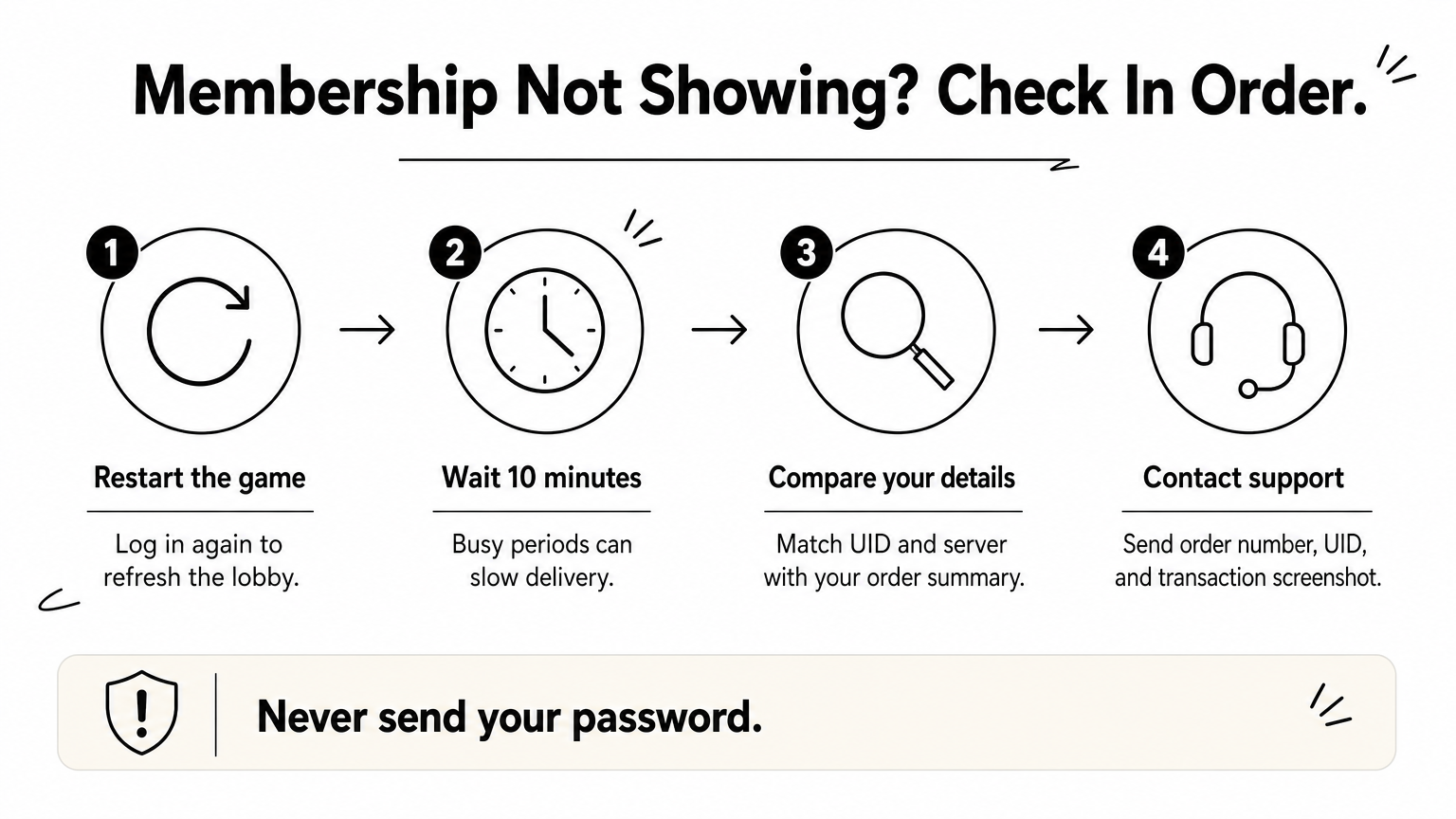
Most delays have simple causes, so work through these checks in order:
If the membership is still missing after 15 minutes, send support your order number and UID, never your password.
Support can trace an order fast only when you give exact details, so keep the payment screenshot from Step 3 handy.
A weekly diamond top up comes down to four moves. Copy your UID from your profile, pick Weekly Lite or the full weekly pass, pay the exact amount with bKash, Nagad, or Rocket, and confirm the membership in the game. You never share your password, and you do not need an international card.
Lite suits casual players, and the full pass rewards anyone who logs in daily. Either way, claim your diamonds every day for 7 days, because the timer keeps running whether you log in or not. If something goes wrong, your order number, UID, and payment screenshot let support fix it fast.
Now you know the process, so the only step left is to do it. Head to AroraShop and top up your Free Fire Weekly Lite by UID with instant delivery and local payment, and your first daily diamonds will be waiting within minutes.