



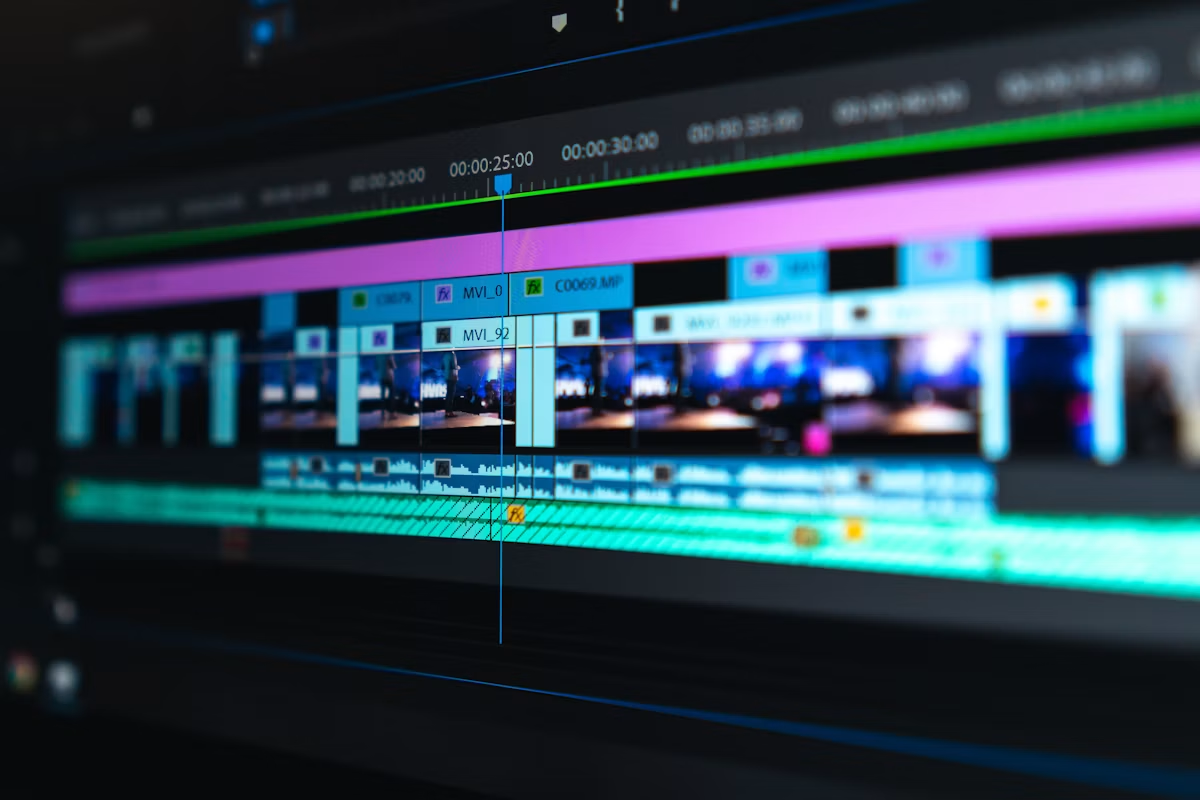
Wondershare Filmora for PC: Features, Overview, and Download Guide
AroraShop Editorial & Fulfillment Team
Digital Gaming & FinTech Specialists (Dhaka, BD) • UpdatedToday, we are highlighting Wondershare Filmora for PC-one of the most popular and versatile video editing suites available for creators. While there are numerous video editors for Windows, Filmora stands out because it strikes the perfect balance: it is remarkably easy for beginners to learn, yet powerful enough to execute complex, professional-grade edits.
Whether you create YouTube videos, Shorts, Instagram Reels, gaming highlights, or educational tutorials, Filmora provides an efficient, user-friendly creative environment.
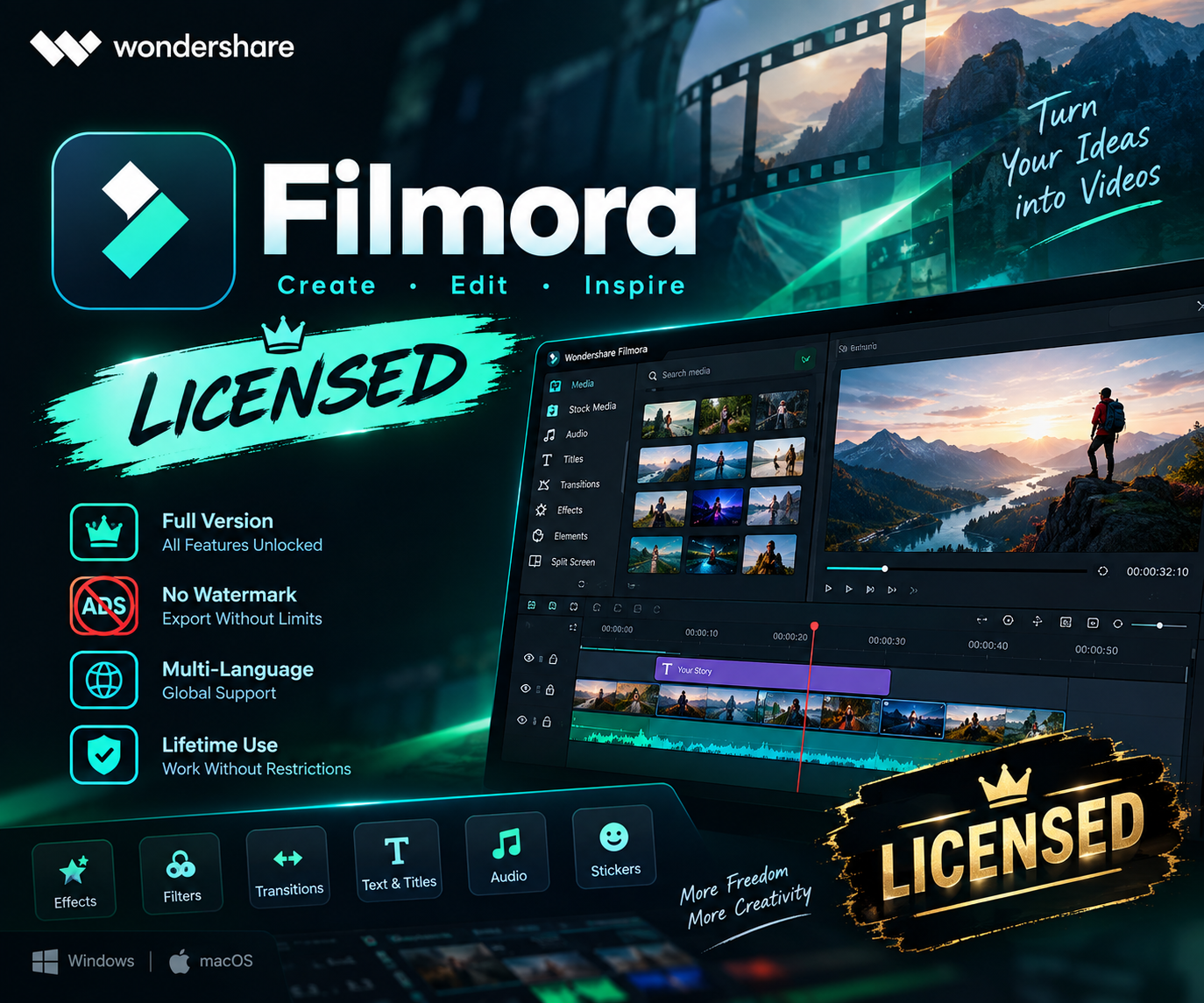
Standout Features of Wondershare Filmora
- Core Video Editing Tools: Intuitive timeline tools to cut, trim, split, crop, and merge clips with precision.
- Extensive Effects & Transitions: A vast library of built-in visual effects, modern transition presets, and motion graphics to elevate video pacing.
- Dynamic Text & Titles: Fully customizable typography, animated titles, lower thirds, subtitles, and callout captions.
- Comprehensive Audio Editing: Dedicated audio track controls to integrate background music, voiceover recordings, sound effects, audio ducking, and noise reduction.
- Filters & Color Correction: Advanced color grading tools, 3D LUTs, brightness, contrast, and saturation adjustments for cinematic looks.
- Keyframe Animation: Granular control over position, scale, rotation, and opacity to create smooth custom animations.
- Chroma Key (Green Screen): Effortlessly remove green or solid background colors to place subjects in any virtual setting.
- Precise Speed Control: Create dramatic slow-motion sequences or dynamic speed ramps with custom speed curves.
- Multi-Layer Timeline: Stack multiple video, audio, image, and text tracks simultaneously for complex compositing.
- Flexible Export Options: Render high-resolution exports across diverse formats (MP4, MOV, MKV, etc.) optimized for YouTube, mobile, and web playback.
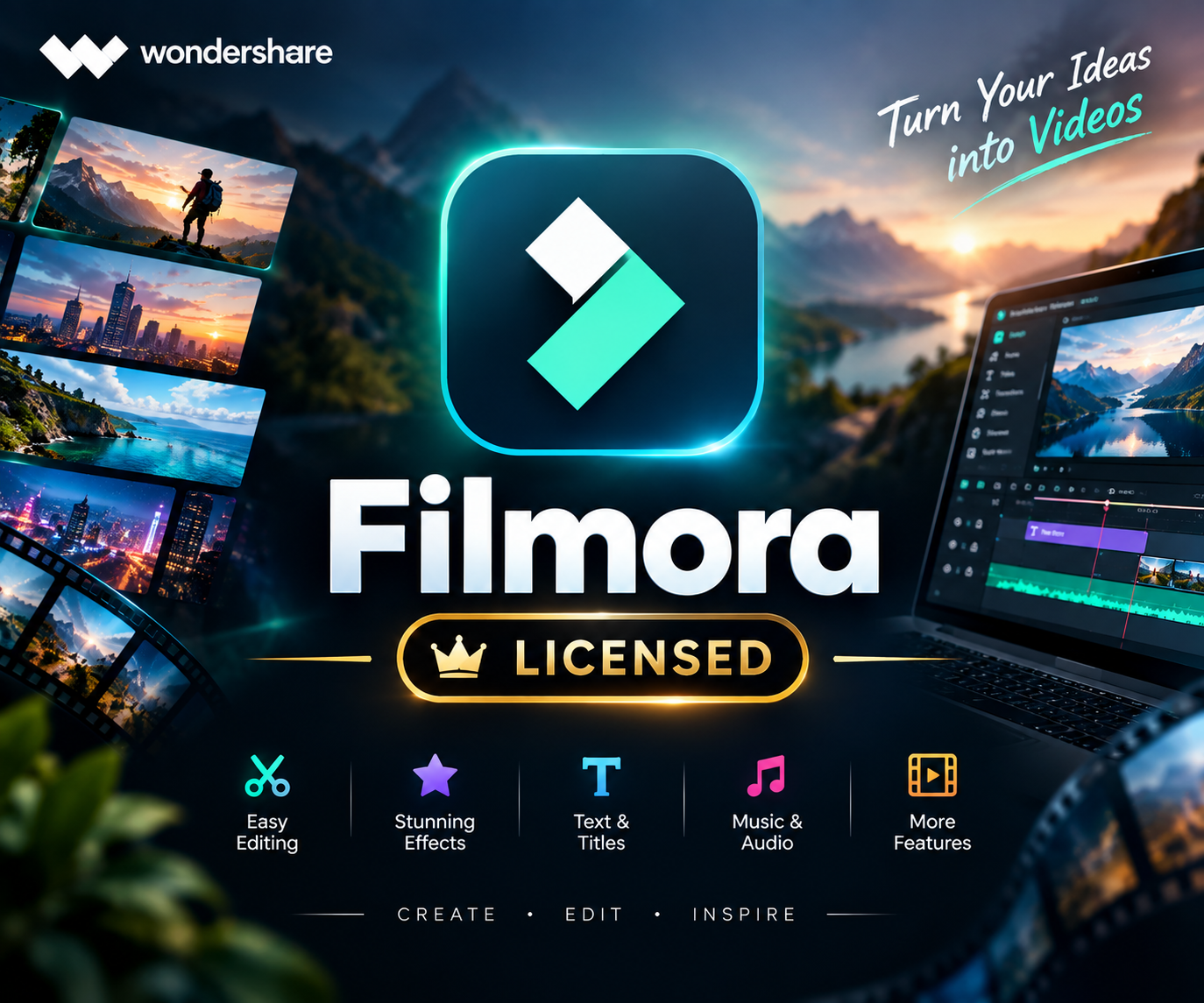
Package Highlights & Setup Options
For users who want to jump into video creation without getting bogged down by overly complex, heavy workstation software, Filmora remains an ideal solution:
- Unlocked Features: Full access to export presets and premium creative assets without watermarks.
- Multi-Language Support: Interface support across multiple global languages.
- Cleaned Package: Optimized archive stripped of redundant telemetry and background bloatware for lightweight performance.
Download and Official Links
You can explore the setup options below to get started:
For more PC and mobile utility tools, check out the author's PC Mods Channel and Android Mods Channel.
For the latest digital resources, tutorials, and creative software guides, visit AroraShop.
Sponsored
Categories
- Beginners Gamers 1
- Top Up 0
- Gift Card 3
- Announcement 0
- Technology 31
- Artificial intelligence 11
- Updates & Guides 306
- Games 3
- Business & Tech 1
- Freelancing & Career 2
- Tech Tips & Tutorials 1
- Make Money Online 1
- Tech & AI Tools 2
- Crypto & Airdrops 3
- Career & Business 1
- Money Making 2
- Guides 0
- Game Top-Up Guides 0
- Subscription Guides 1
Sponsored
Recent Posts



Sponsored