Leave a Review


Video editing is a popular skill in modern times, an essential requirement for content creators, filmmakers, and digital marketers. In this era of social media, making good videos means delivering your message more effectively to viewers. Therefore, in this post, we will discuss important tips and tricks to take video editing from the beginning to a professional level. So let's get started.
It is not merely a creative skill, but also a medium for effectively communicating your ideas to viewers. If you are new to video editing or want to become more skilled, then this post will help take you from the beginning to a pro level, Insha'Allah.
A good PC or desktop is an important item for video editing. Below are some recommended hardware configurations that are minimally required for video editing:
There are several software options for video editing. Below is an overview of some popular software:
When starting video editing, it is essential to master some basic techniques. These will build the foundation of your editing skills.
The most fundamental step in video editing is cutting away unnecessary parts. Cutting at the right places will make your video more dynamic and better organized in its subject matter.
Using slides, fades, or custom transitions during scene changes makes videos more attractive. However, avoid excessive use of transitions so that the video does not look unprofessional.
Don't forget to add titles, subtitles, or infographics on top of the video! Title design is very easy in Adobe Premiere Pro. In addition, visually appealing templates can be used with Filmora software.
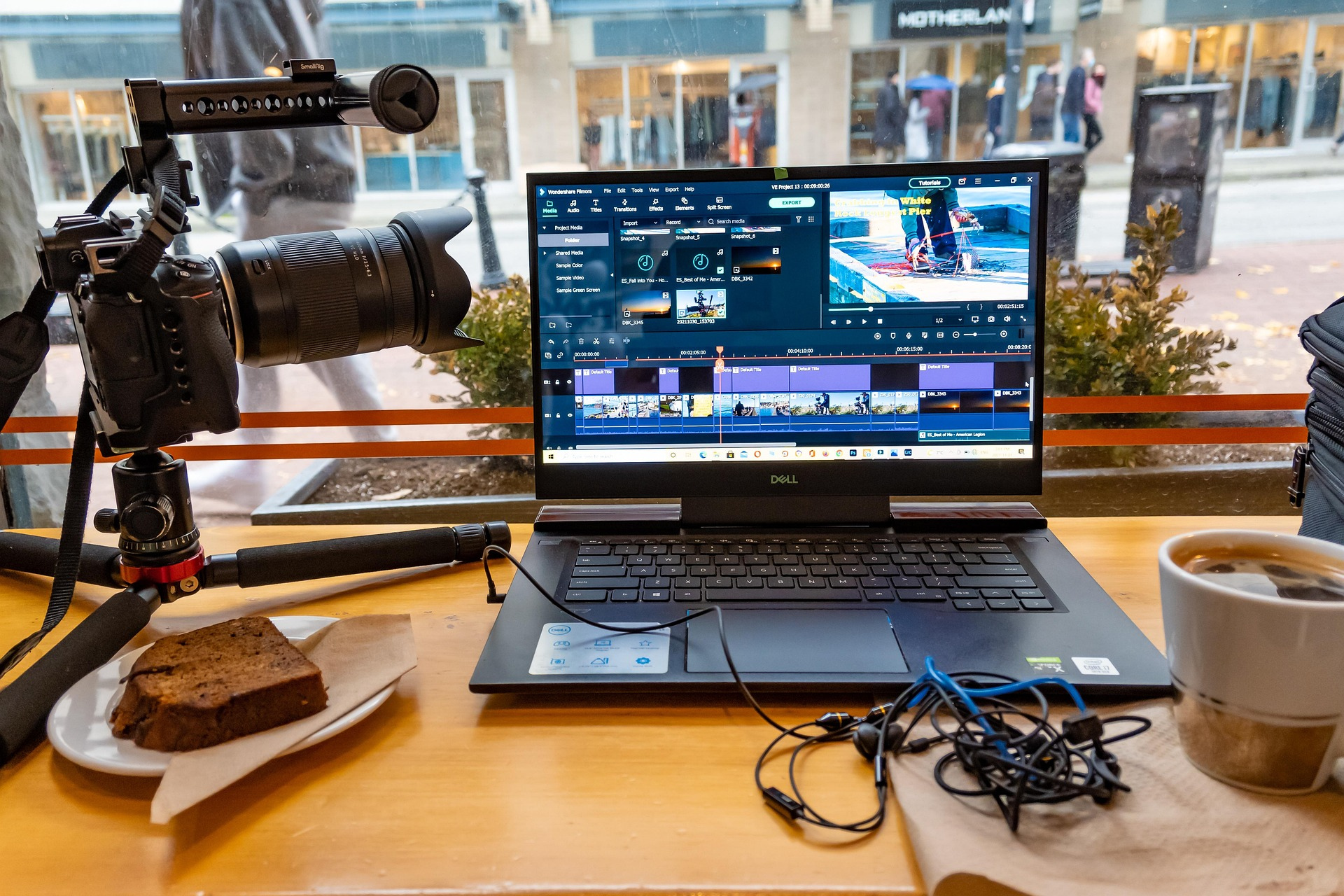
The process of fixing the lighting or colors of video footage is called color correction. Proper color correction enhances the quality of video and gives it a professional look. Color correction work can easily be done with DaVinci Resolve.
Color grading is extremely important for setting the mood or tone of your video. For example, you can use warm tones for a romantic scene, and a cool blue shade for a thriller. Color grading can make your storytelling much more engaging.
Good audio multiplies the quality of a video several times over. Therefore, adding audio that matches the video's visuals is critically important.
Audio background noise can be easily removed using Adobe Audition or Audacity. This will further improve your video's audio quality.
You need to choose suitable sound effects and background music for the video. For this, free sound effects in YouTube Audio Library are a great source of music. Additionally, by searching copyright-free music on YouTube, you can easily find many good sounds.
To make the message shown in the video clearer, you can add a clean voice-over. This will help maintain viewer attention.
You can create basic motion graphics with Adobe After Effects—such as logo animations, title cards, etc.
Slow-motion, green screen, and tracking effects play a big role in professional video editing. Using VFX, you can make videos much more engaging.
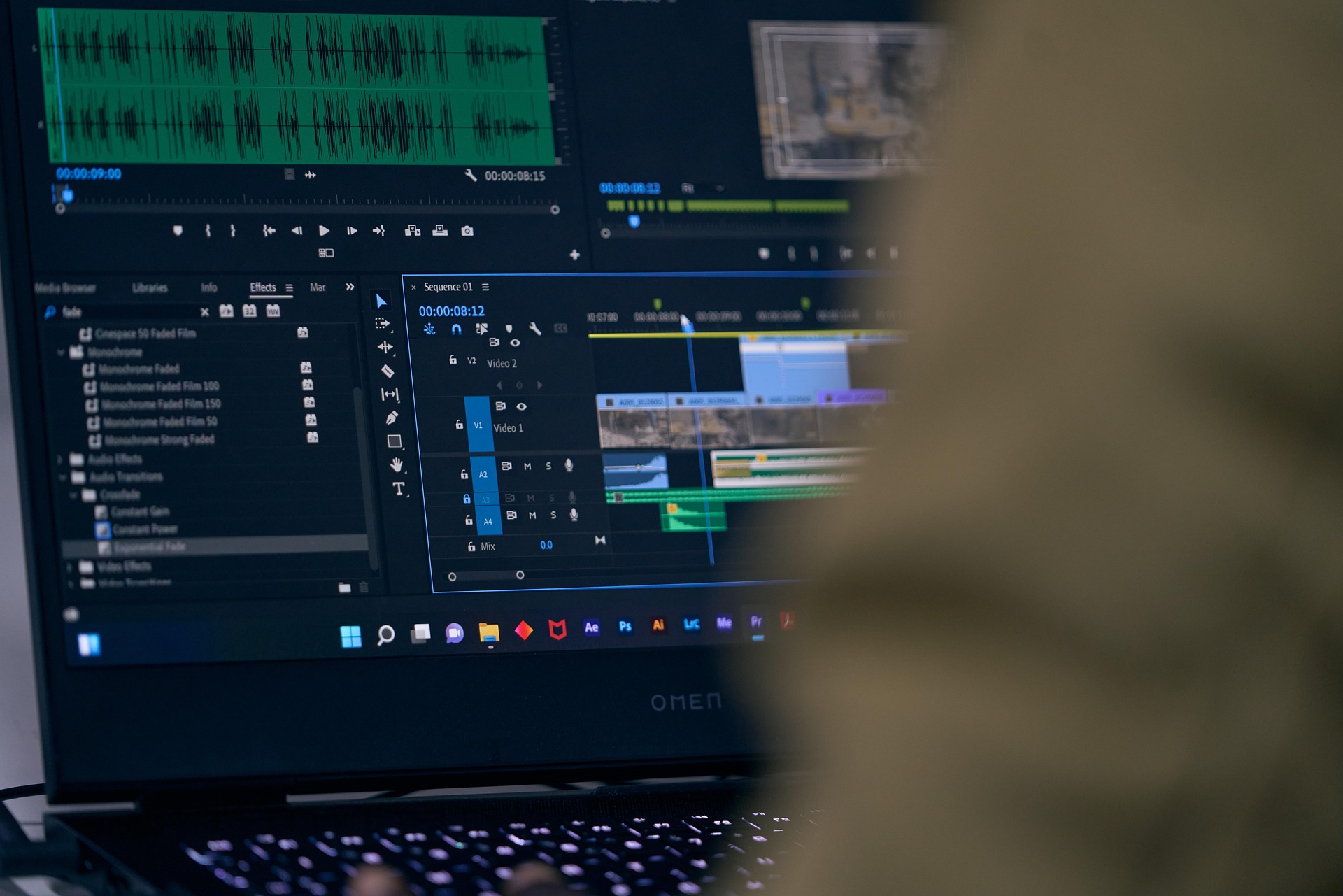
There are some special techniques for editing short videos for social media. They are highlighted below:
Keep project files organized. Keep the names of each clip easy to understand so they can be found quickly.
Explain each step of the video with clients and work according to their feedback. This will help further improve work quality.
Select the correct format and resolution when rendering videos. Generally, H.264 format and 1080p resolution work well for YouTube or social media.
In addition, here are some further guidelines you need to know when editing video:
Video editing jobs can be found through Upwork, Fiverr, and Freelancer. For this, a professional profile must be created and work samples uploaded.
Organize your best work into a portfolio. For this, you can use Behance or Vimeo.
To increase your skills, you can take courses from online platforms, such as Udemy, Coursera, or LinkedIn Learning.
Learning video editing requires patience. However, through proper planning and practice, you can quickly reach a professional level. Try to improve your standard of work by following the tips above and build video editing as a career. Constantly learn new techniques and elevate the quality of your work.