Leave a Review


Assalamu Alaikum friends, how is everyone doing?
Manus has launched its new app called “Cue.” It is a personal AI agent app where each agent has its own email, phone number, wallet, and computer.
And the biggest news is that the Plus plan, which normally costs $19.99 per month, is currently available for free for a limited time!
Cue is not just a chatbot like ChatGPT that simply answers your questions.
Cue's AI agents can actually perform tasks on your behalf.
It was launched on September 28 alongside Manus 2.0.
Each agent has its own identity. It can send messages using its own email, make payments within a budget you set, and even answer your calls and provide summaries.
You can also put multiple agents into a single group chat and make them work together as a team.
Below, I will explain the different features of the app using screenshots.
When you open the app, you will see a chat list.
You can have a separate chat with each agent. There is also a “New Group Chat” option that lets you use multiple agents together for a shared goal.
The app includes an option called:
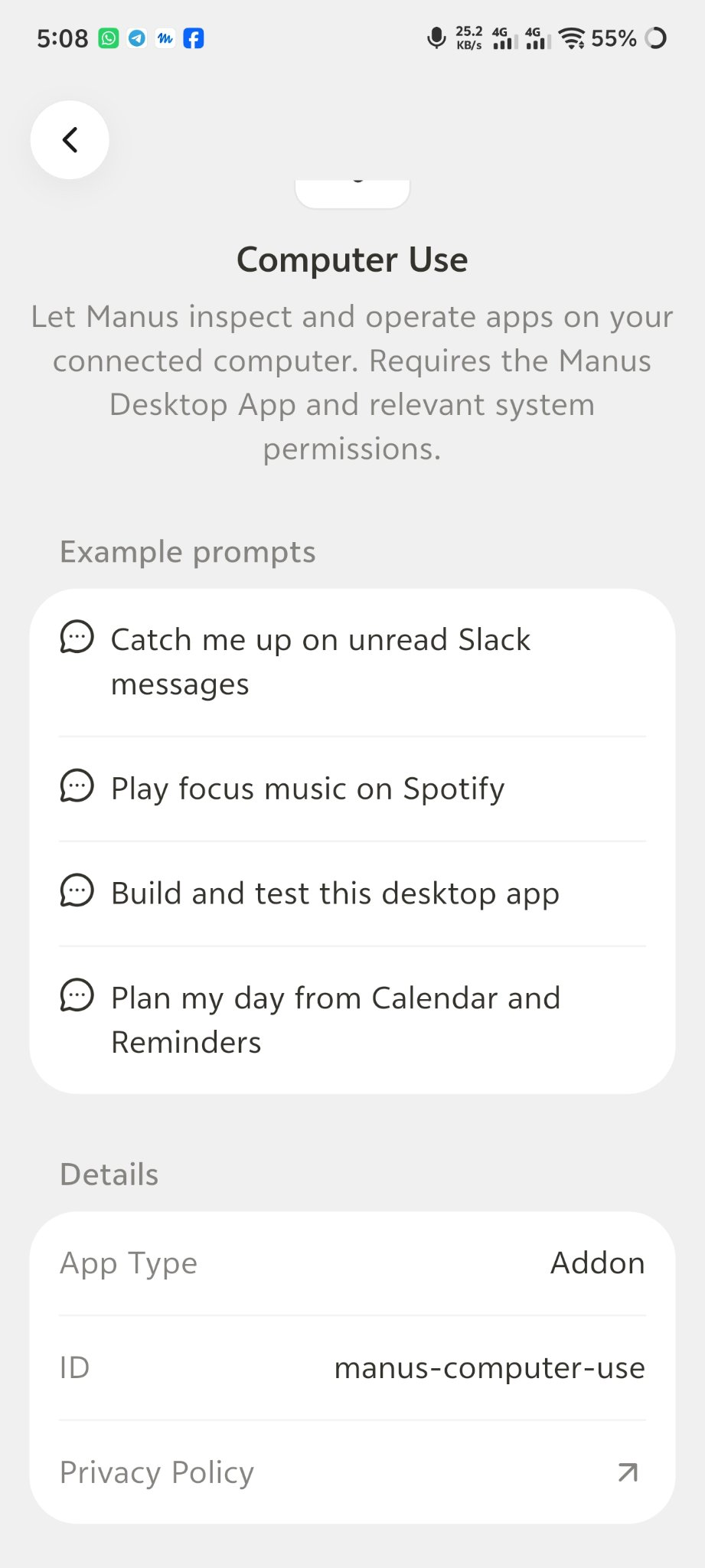
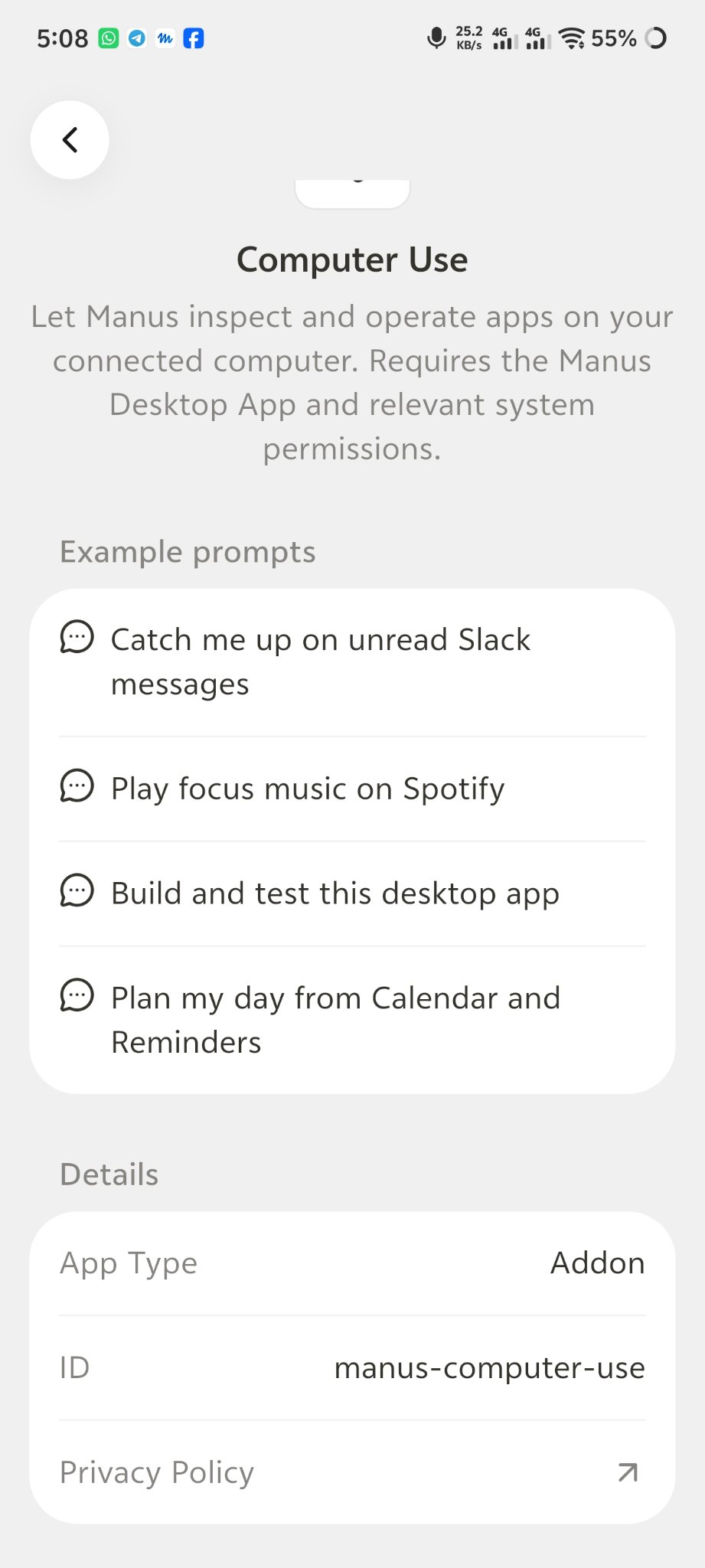
“Let Manus inspect and operate apps on your connected computer.”
This means your AI agent can operate applications on your connected computer.
Some example tasks shown in the app include:
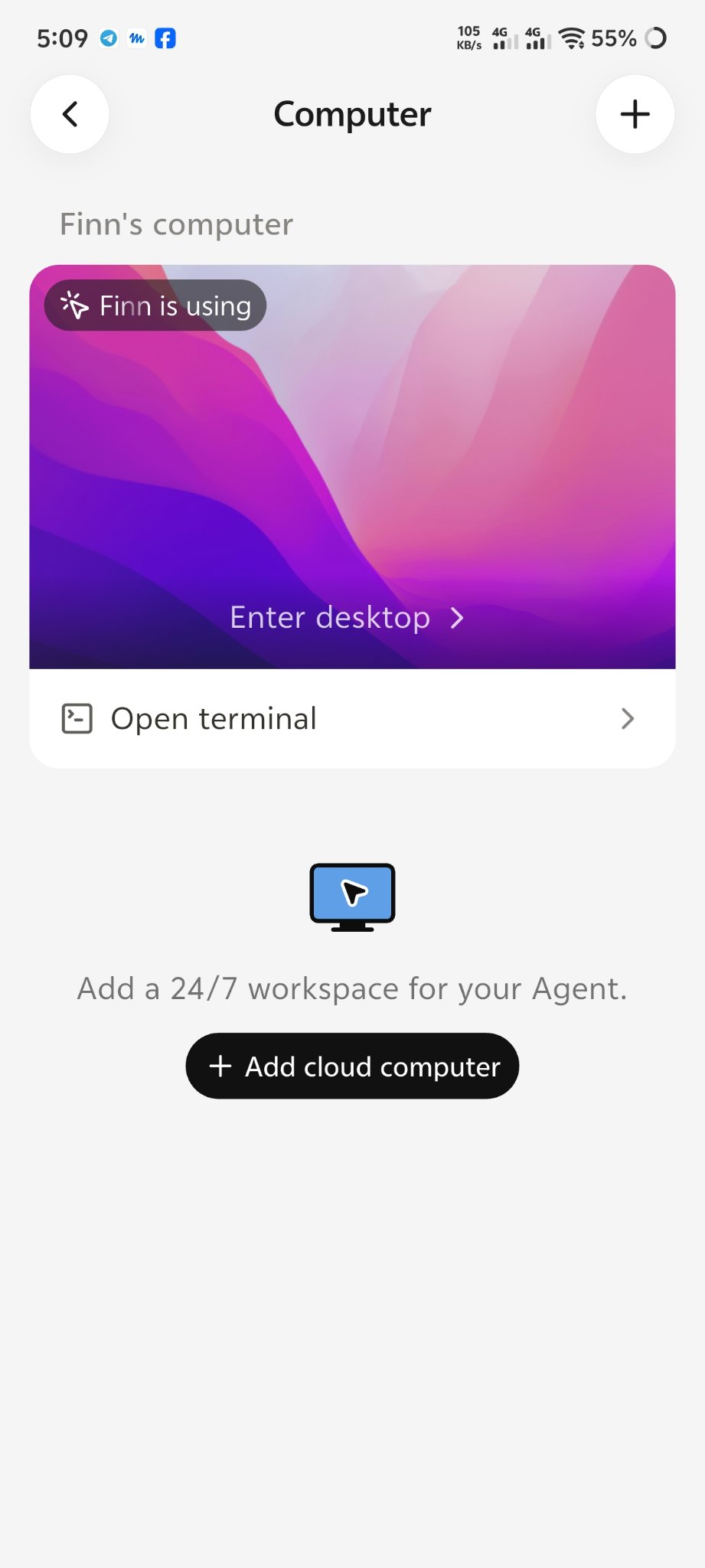
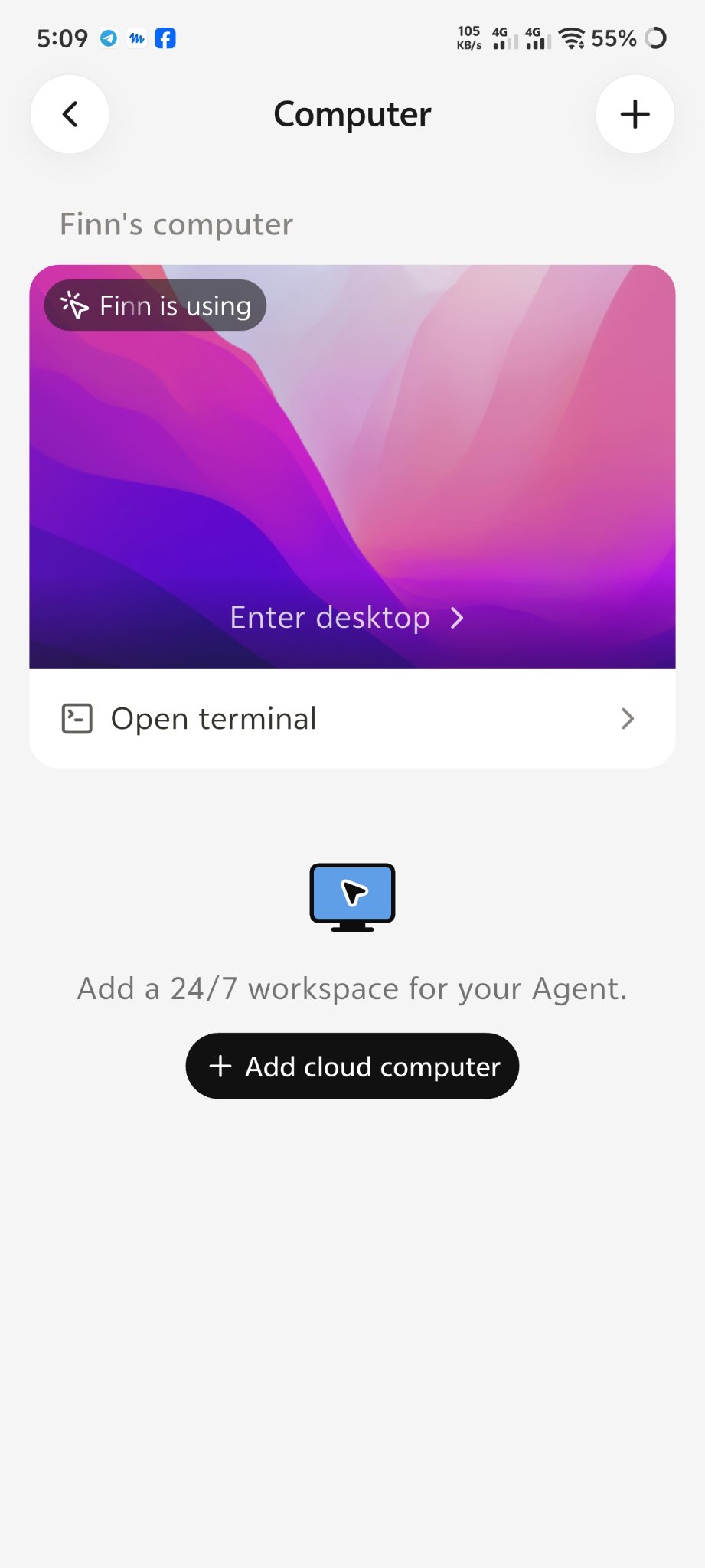
With “Enter desktop,” you can view your live desktop.
There is also an “Open terminal” option that lets you open a terminal.
This means you can leave your computer at home and still access and control it from your phone while you are outside.
Cue also provides a “Add a 24/7 workspace for your Agent” option.
By selecting “Add cloud computer,” you can add a cloud computer for your agent.
This means your agent can continue working even when your phone is turned off.
Each agent gets its own email address.
For example:
The agent can use this email address to communicate with people and services outside the platform.
There is also an option called “Add a phone.”
After adding a phone, the agent can automate certain calls and messages.
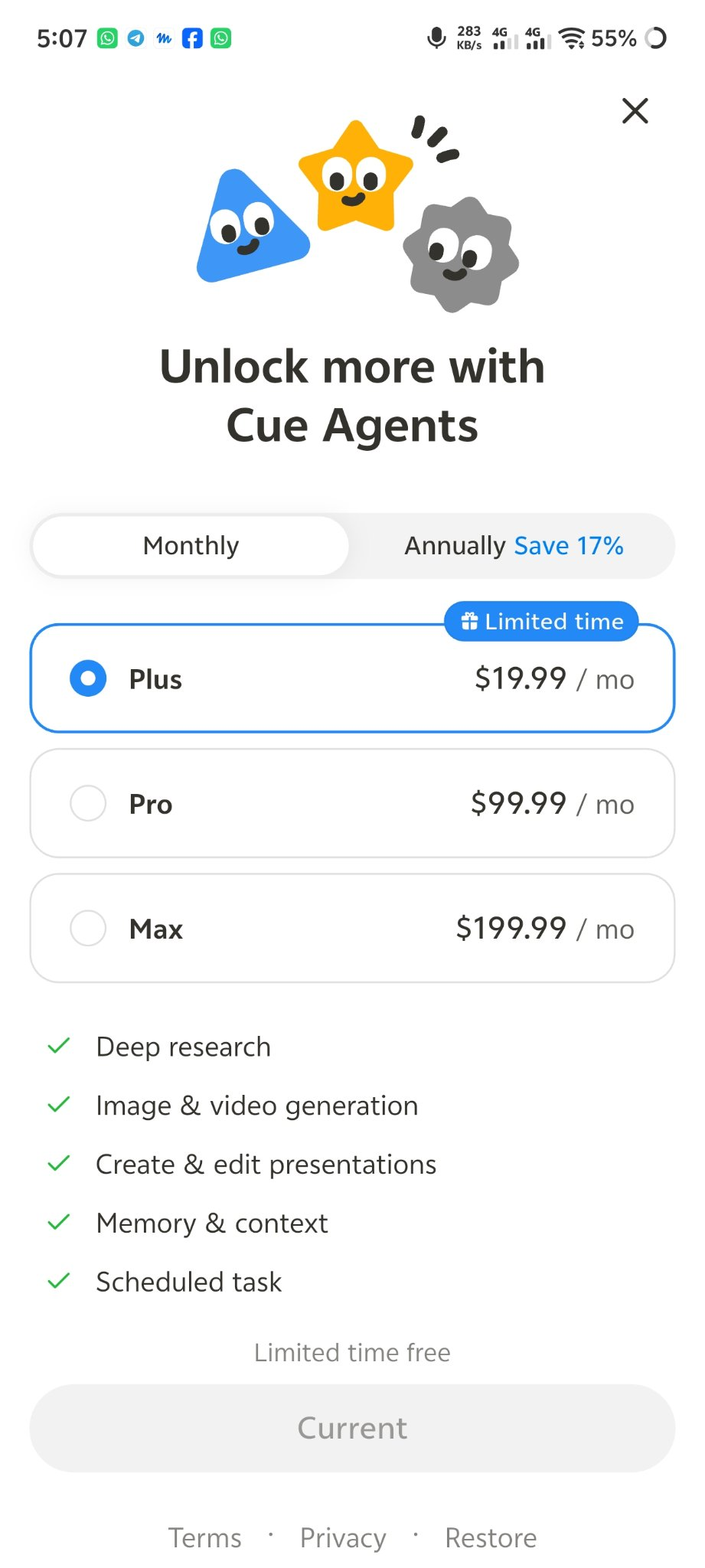
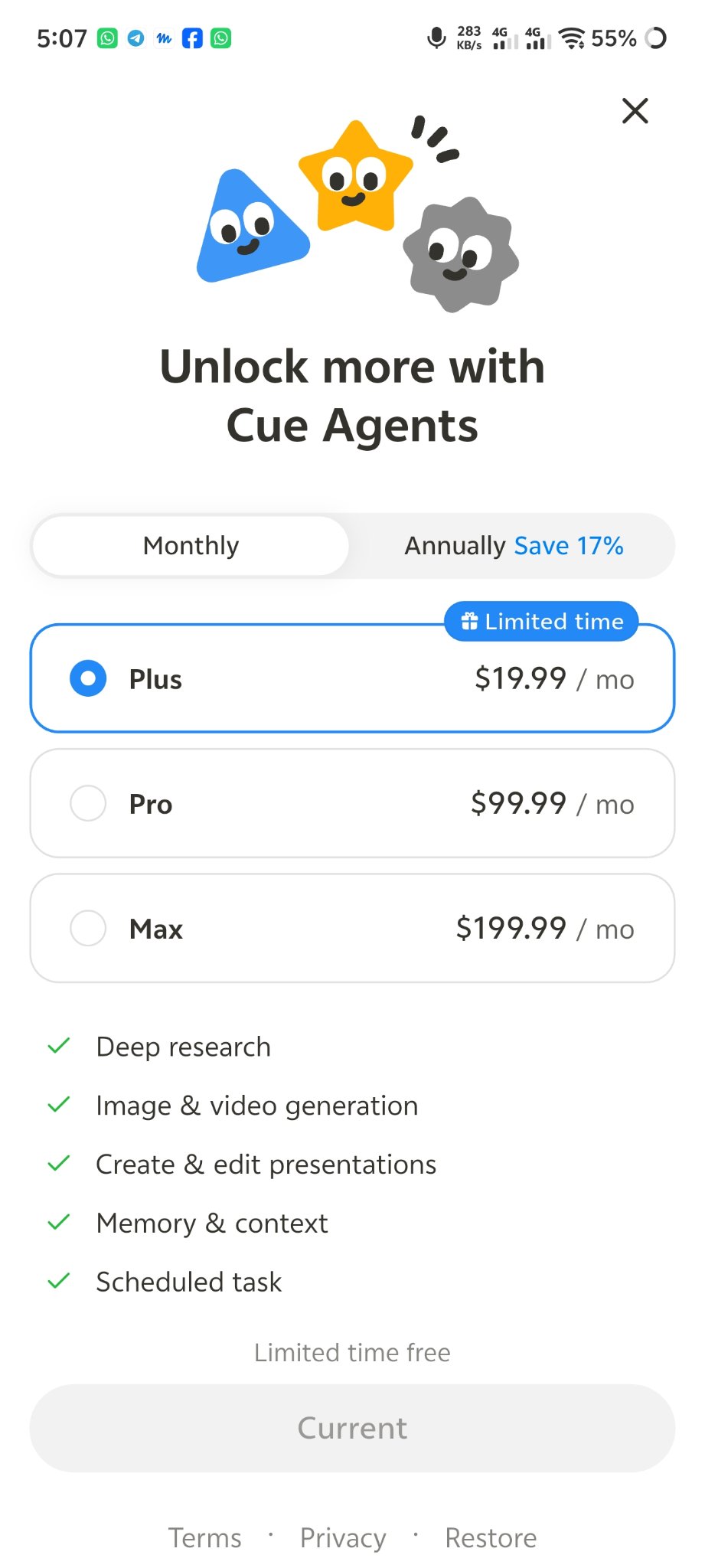
On the “Unlock more with Cue Agents” screen, there are three plans:
The Plus plan currently shows “Limited time free,” and the button shows “Current.”
This means the Plus plan is currently available for free according to the screen shown in the app.
Visit cue.im to access Cue.
It is available on the web, desktop, and Android. The iOS version is coming soon.
Use one of the invite codes below to join.
After entering the app, check the Plus plan and activate the “Limited time free” offer if it is available on your account.
🎁 $20 Free Code
M8MU8
Or
SMESB