Leave a Review


Nowadays, from programming to almost every development project, GitHub has become an important part of the development world. On one side, a programmer's coding bio is represented by their GitHub profile. On the other side, the complete development history of a project, from its beginning until launch, can be found in its GitHub repository.
Simply put, GitHub is a kind of open-source programming dictionary and diary, where programming ideas, projects, coding collaboration, contributions, and many other activities come together.
Anyway, if we enter a keyword into GitHub's default search engine, it performs a normal text-based query, such as:
https://github.com/search?q=keyword&type=repositories
It mainly matches the search keyword and shows related top repositories.
However, you don't get separate and detailed options for searching developers, code specifications, repository programming languages, developer profiles, profile categories, and other specific information.
Highlighting this problem, GitEye is an independent and useful search engine created for GitHub. It allows you to make your search more specific and get more effective results based on your needs.
The GitEye interface is designed to be as simple and smooth as possible. Instead of using a terminal-based system, it provides a simple web application where you can enter your keyword and search normally.
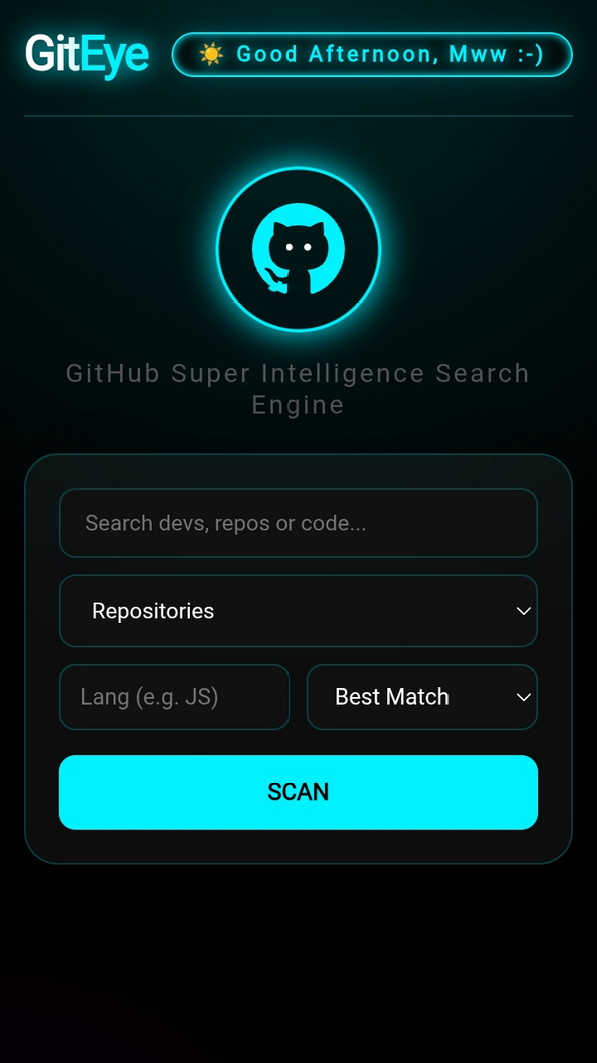
Here, you can search for repositories using the keyword you enter.
To make repository searches more effective, you can choose your required Programming Language. You can also classify the top results based on Stars or the Latest Update.

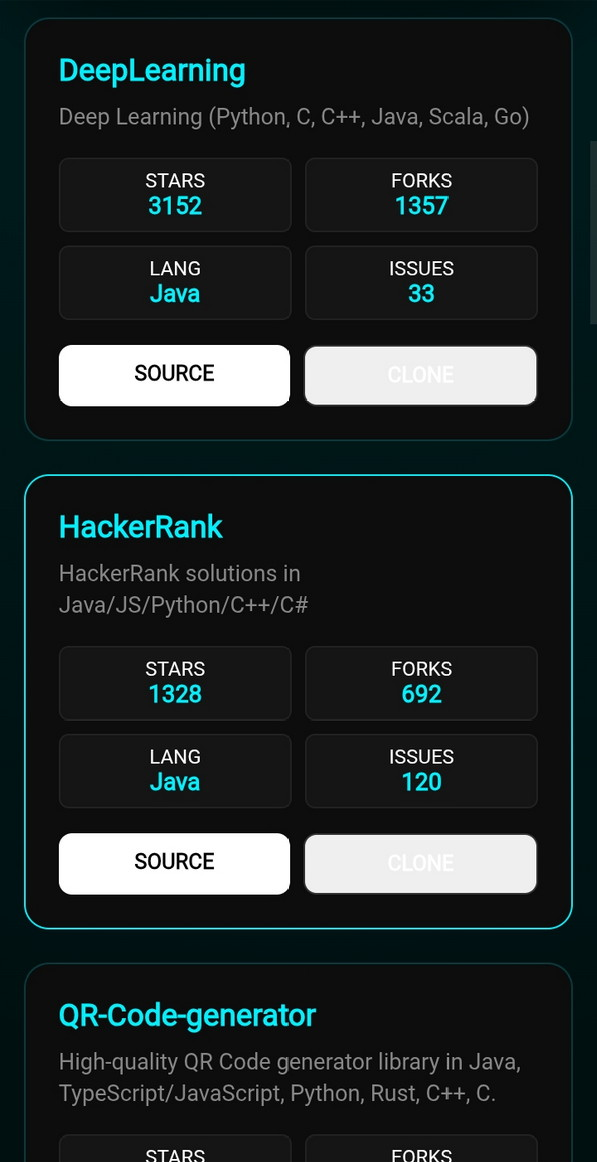
In the repository search results, you can see the repository name and a short highlight about it. This makes it easier to understand whether the repository is useful or preferable for you.
You can also see information such as the programming language, number of Stars, Forks, and Issues.
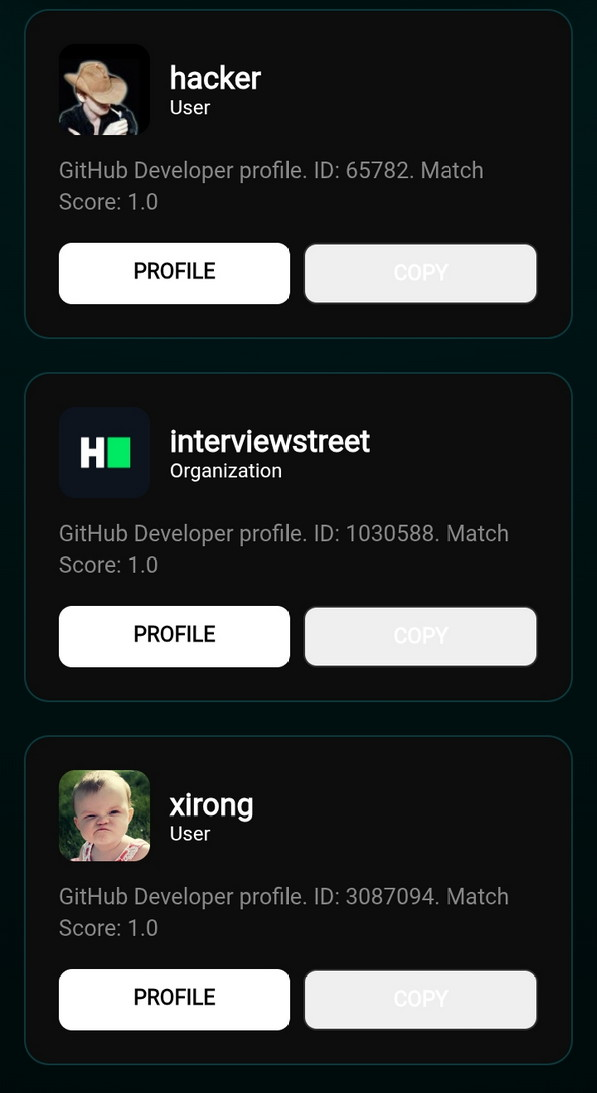
From here, you can enter a keyword and search for specific developers.
Using the Best Match option, you can find the most relevant coder or programmer based on your search.
You can also see the developer ID and score from the GitHub user profile and directly navigate to the developer's GitHub profile.

You can access the GitEye search engine here:
You can also customize it according to your needs using GitHub's open resources.
This may not be something extremely special, but when you need to explore coding resources in a short amount of time, it can save you some time and make your work easier.
If you can turn every problem into an opportunity, you can surely use tools like this to create more productive projects.
Best wishes and lots of love for your beautiful life.
Web invitation: TrickandTech.com
Thank you 🙂