22 Oct 2026
•
6 min read
•
33 views
•
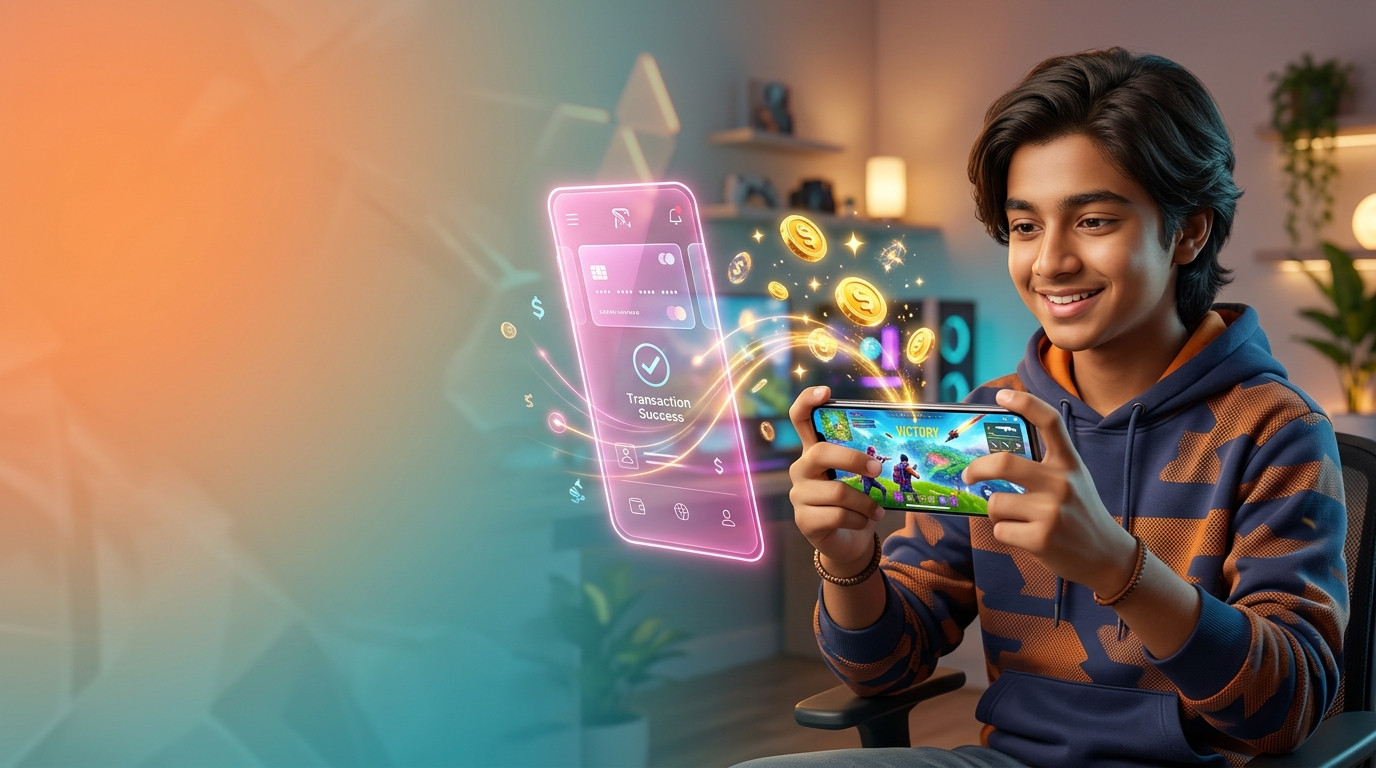
Diamonds are the premium in-game currency used in Garena Free Fire and Free Fire MAX. Players use Diamonds to unlock the Booyah Pass, legendary gun skins, stylish outfits, pets, and powerful character abilities.
If you try to buy Diamonds inside the game app in Bangladesh, Google Play and the Apple App Store require a dual-currency credit or debit card enabled for international transactions. Because most gamers do not have an active passport or an international credit card, buying directly inside the application can be challenging.
Fortunately, you do not need a bank card. You can easily complete a Free Fire Diamond TopUp using your bKash mobile wallet and your numeric Player ID (UID). This comprehensive guide shows you how to find your ID and buy Diamonds safely and instantly in Bangladesh.
Three Things to Check Before You Buy Diamonds
Before confirming your bKash payment, check these three important details to ensure a seamless transaction and prevent order delays:
- Your Account Must Be on the Bangladesh Server: Standard Free Fire Diamond TopUp BD packages are region-locked to Bangladesh Server accounts. They will not deliver if your account is registered on the India, Singapore, or Indonesia servers.
- Your Numeric Player ID (UID): You only need your public numeric player number. You never need to share your Facebook, Google, or VK account password for a standard UID top-up.
- Sufficient bKash Balance: Verify that your bKash wallet contains sufficient Bangladeshi Taka (BDT) to cover the chosen Diamond package or Membership.
How to Find Your Free Fire Player ID (UID)
Entering an incorrect Player ID during checkout can result in your Diamonds being credited to another player's account. Once Diamonds are delivered to a valid UID, orders cannot be reversed or refunded. Follow these quick steps to copy your exact ID:
- Launch Free Fire or Free Fire MAX on your smartphone.
- Tap your profile banner in the top-left corner of the main lobby screen.
- Locate the 8-to-12-digit number displayed below your profile name, right next to the UID label.
- Tap the small copy icon next to the number. Copying your UID directly avoids manual typing mistakes.
Two Safe Ways to Buy Free Fire Diamonds with bKash
Gamers in Bangladesh have two safe, reliable methods to buy Diamonds using bKash. You can place a direct UID top-up order on a trusted local platform like Arora Shop, or purchase an official UniPin voucher code to redeem on the Garena Topup Center.
| Feature |
Direct UID Top-Up (Arora Shop) |
UniPin Voucher + Garena Shop |
| How It Works |
Enter your UID and pay with bKash in one single step |
Purchase a voucher code first, then redeem it on Garena's site |
| Available Packages |
Standard Diamond packs, Weekly, and Monthly Memberships |
Standard Diamond denominations and Memberships |
| Convenience Level |
Extremely simple and instant (1 website) |
Moderate (requires navigation across 2 websites) |
| Customer Support |
Dedicated local customer care in Bangla and English |
Email ticket support via UniPin or Garena |
Method 1: Direct Player ID Top-Up on Arora Shop
Using a trusted local digital store like Arora Shop is the fastest and most convenient method for Bangladeshi gamers. You do not need to manage complicated PIN codes, and you can top up regular Diamonds as well as Weekly or Monthly Memberships using only your UID:
- Open Arora Shop on your smartphone or PC browser.
- Navigate to the Free Fire Diamond TopUp section for Bangladesh.
- Select your desired Diamond package or Membership (e.g., 115 Diamonds, 240 Diamonds, 610 Diamonds, 1240 Diamonds, or a Weekly/Monthly Membership).
- Paste your numeric Free Fire UID into the designated Player ID field.
- Proceed to checkout and choose bKash as your payment method.
- Complete your payment. If using the automated bKash gateway, enter your bKash mobile number, the SMS verification OTP, and your secret PIN. If paying manually, transfer the exact amount and paste your bKash Transaction ID (TrxID).
- Submit your order. The Diamonds will be credited directly to your Free Fire account within minutes of payment confirmation.
Method 2: Using UniPin Vouchers on the Garena Topup Center
Alternatively, you can purchase a digital UniPin voucher with bKash and redeem the code on Garena's official redemption portal:
- Purchase a Bangladesh UniPin Voucher (UP Gift Card) from UniPin Bangladesh or through Arora Shop using bKash.
- Copy the digital voucher serial number and secret PIN provided upon purchase.
- Visit the official Garena Topup Center website for Bangladesh and choose Free Fire.
- Log in using your Free Fire Player ID (UID) and confirm that your in-game nickname matches.
- Select the UniPin Voucher option, pick the corresponding Diamond denomination, paste your voucher PIN code, and confirm redemption.
UID Top-Up vs. In-Game Login Top-Up: Protect Your Account
When searching for a Free Fire Diamond TopUp BD provider, you will generally encounter two delivery methods: UID Top-Up and In-Game Login Top-Up.
- UID Top-Up (100% Safe): Only requires your public numeric Player ID. Nobody ever accesses your game account or login credentials. Because your login details remain completely private, there is zero risk of account theft.
- In-Game Login Top-Up (High Risk): Requires you to provide your personal Facebook, Google, or VK login credentials so an unknown third party can log in and purchase special in-game crates or discounted bundles. Never share your password with unverified social media sellers offering suspiciously cheap Diamonds—account hijacking is rampant in these channels. Stick exclusively to safe UID top-ups.
What to Do If Your Diamonds Are Delayed
Most UID top-ups are completed automatically within 2 to 5 minutes. If your bKash balance was deducted but your Diamonds have not appeared yet, follow these steps:
- Restart your Free Fire app: Fully close the game application and relaunch it to refresh the server sync and update your displayed Diamond balance.
- Verify your Player ID on the receipt: Cross-check your order confirmation invoice to ensure no numbers were mistyped or omitted from your UID.
- Preserve your bKash Transaction ID (TrxID): Take a clear screenshot of your bKash payment confirmation SMS or app statement. Reach out to customer support with your Order ID and TrxID for immediate priority resolution.
For instant game top-ups, digital gift cards, and gaming accessories in Bangladesh, visit Arora Shop!