Leave a Review


Assalamu Alaikum, friends.
Welcome to the second part of earning money by creating cartoons.
In Part 1, I showed you how to create cartoons using Plotagon.
Those who haven't read that post yet can read it via the link below. In the previous post, I highlighted some limitations of creating cartoons with Plotagon.
For example, good characters, good scenes, good character outfits, and character walking options cannot be accessed for free.
However, through the app I am going to write about now, you can get them for free. Of course, in this case, you earn "popcorn" by watching 1 ad.
Special Features of the App:
Attractive characters, beautiful scenes, walking scenes, custom character creation, custom clothing design, etc.
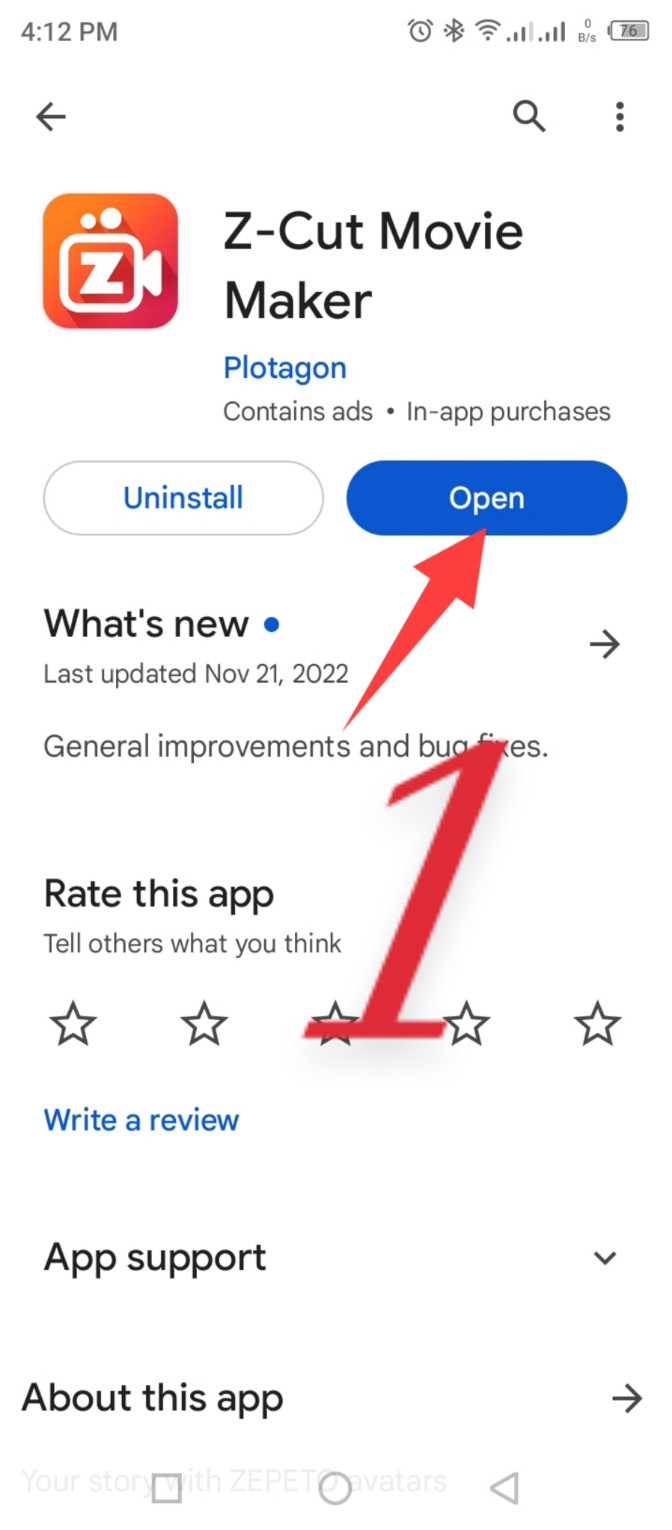
Search for Z-Cut movie maker on the Google Play Store and install it.
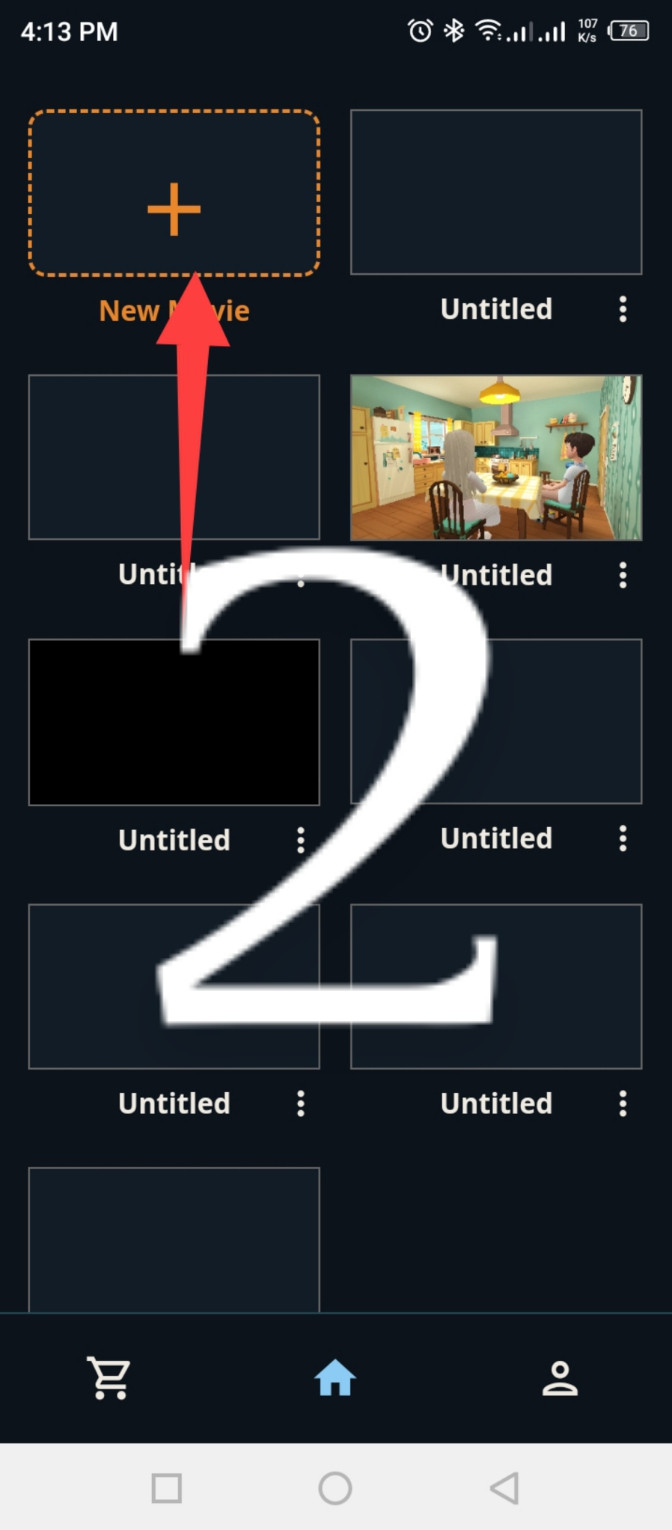
Grant permissions to the app and click on the + (plus) icon.
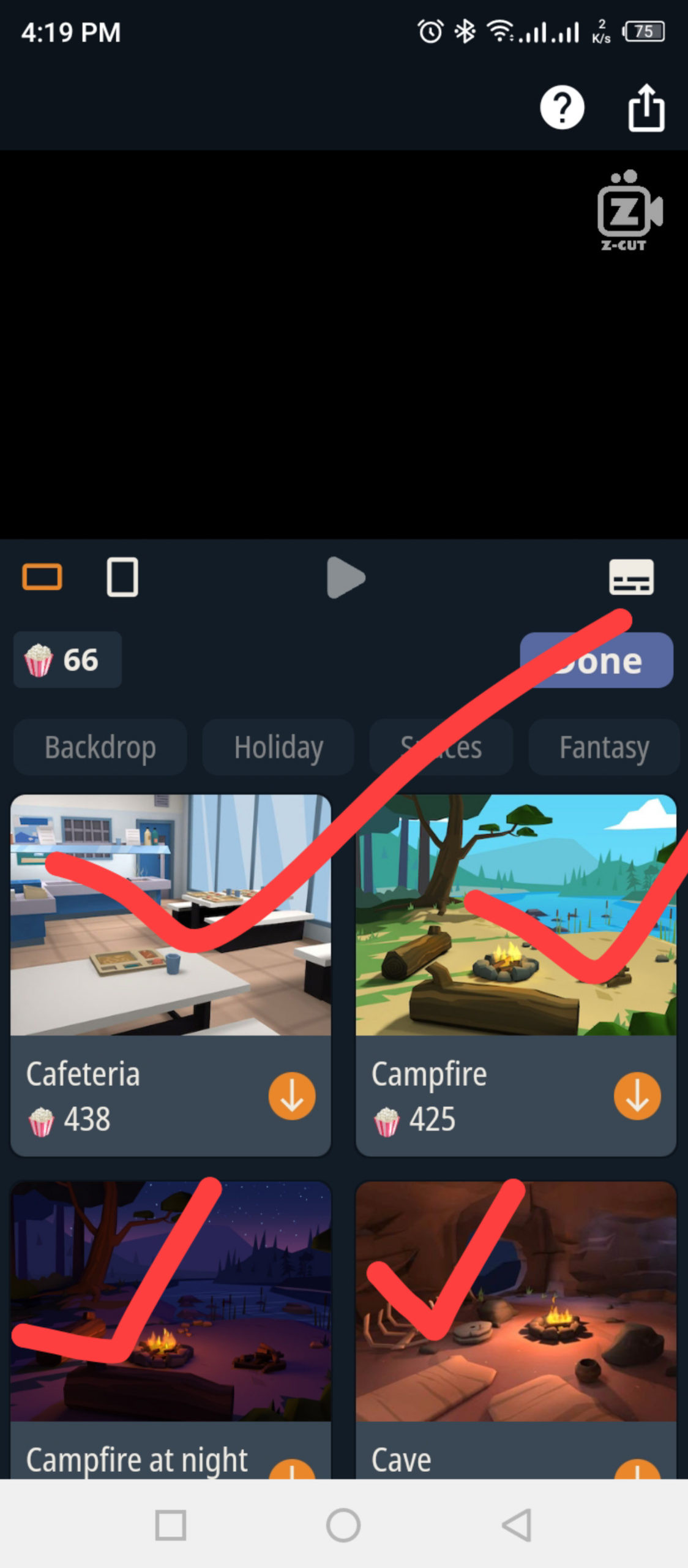
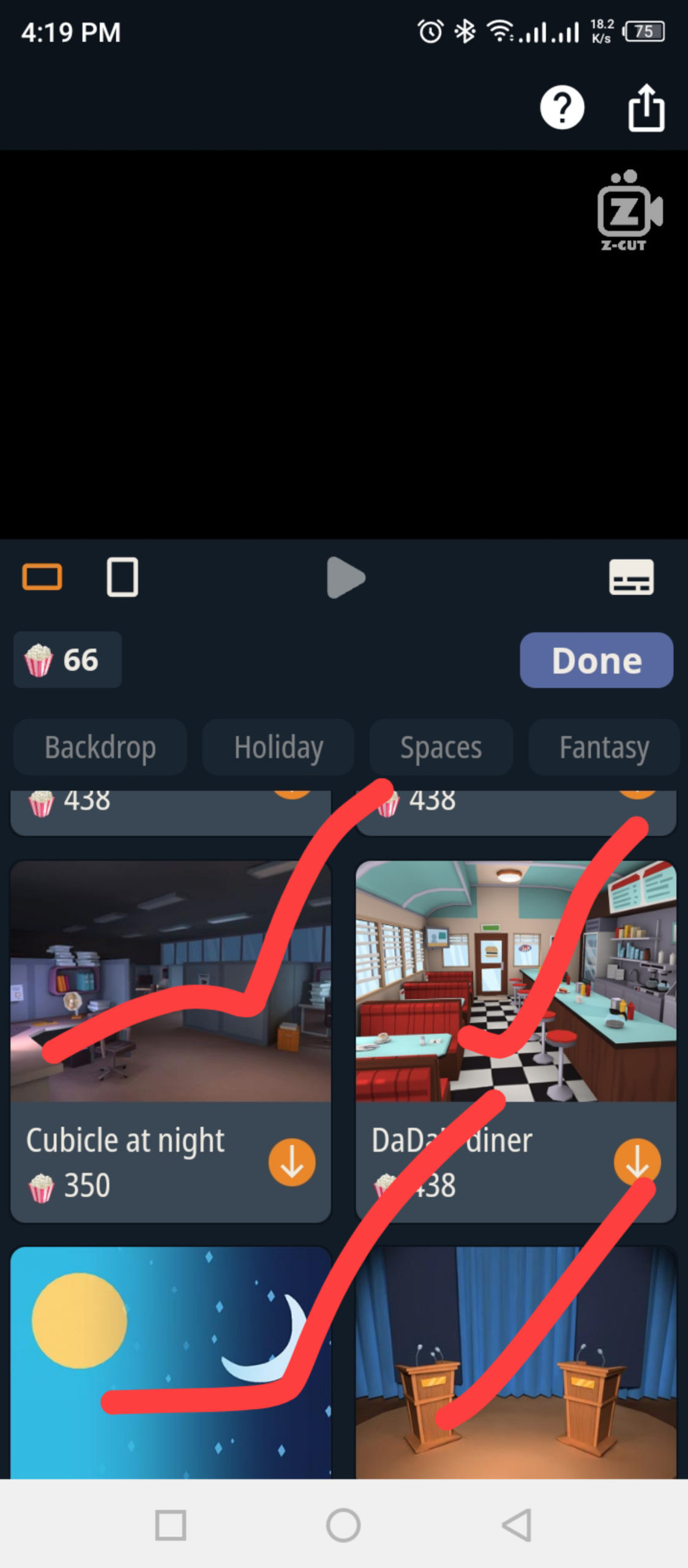
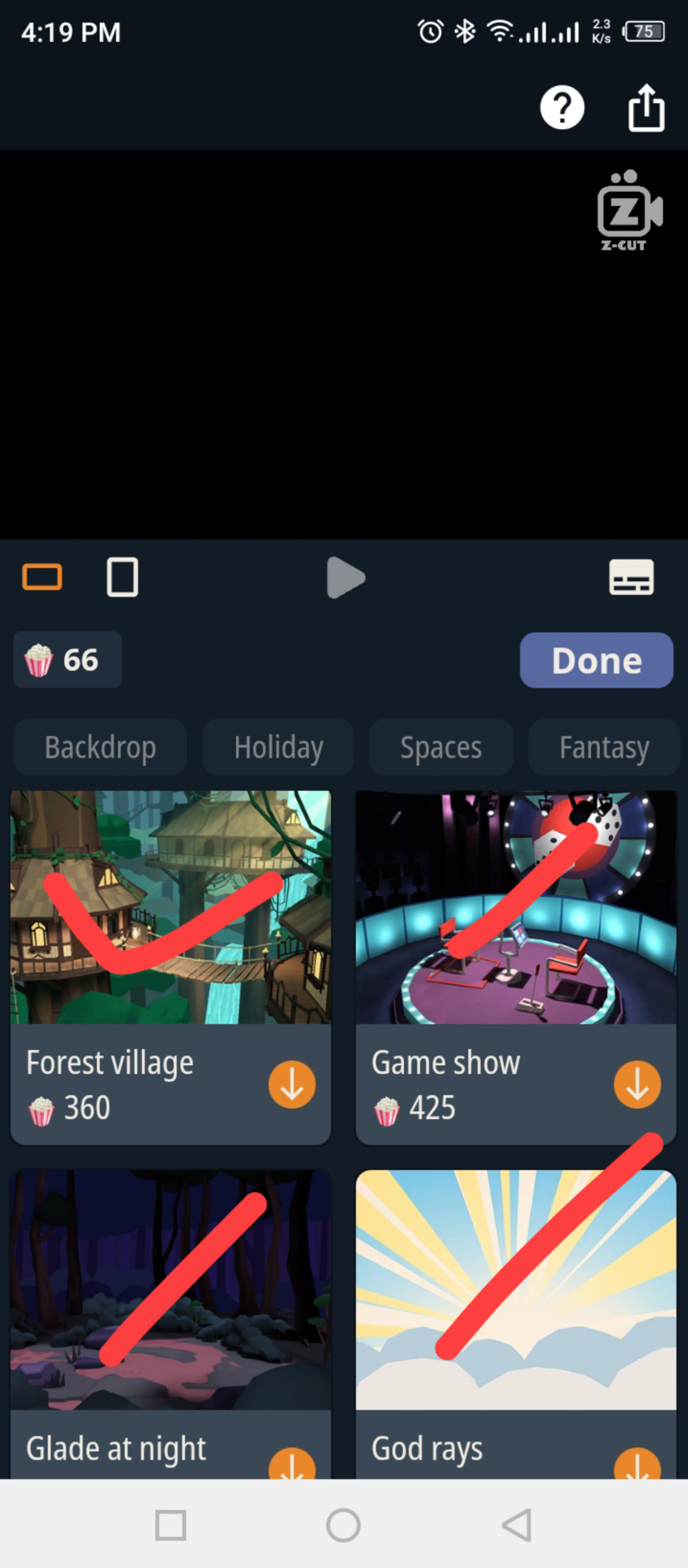
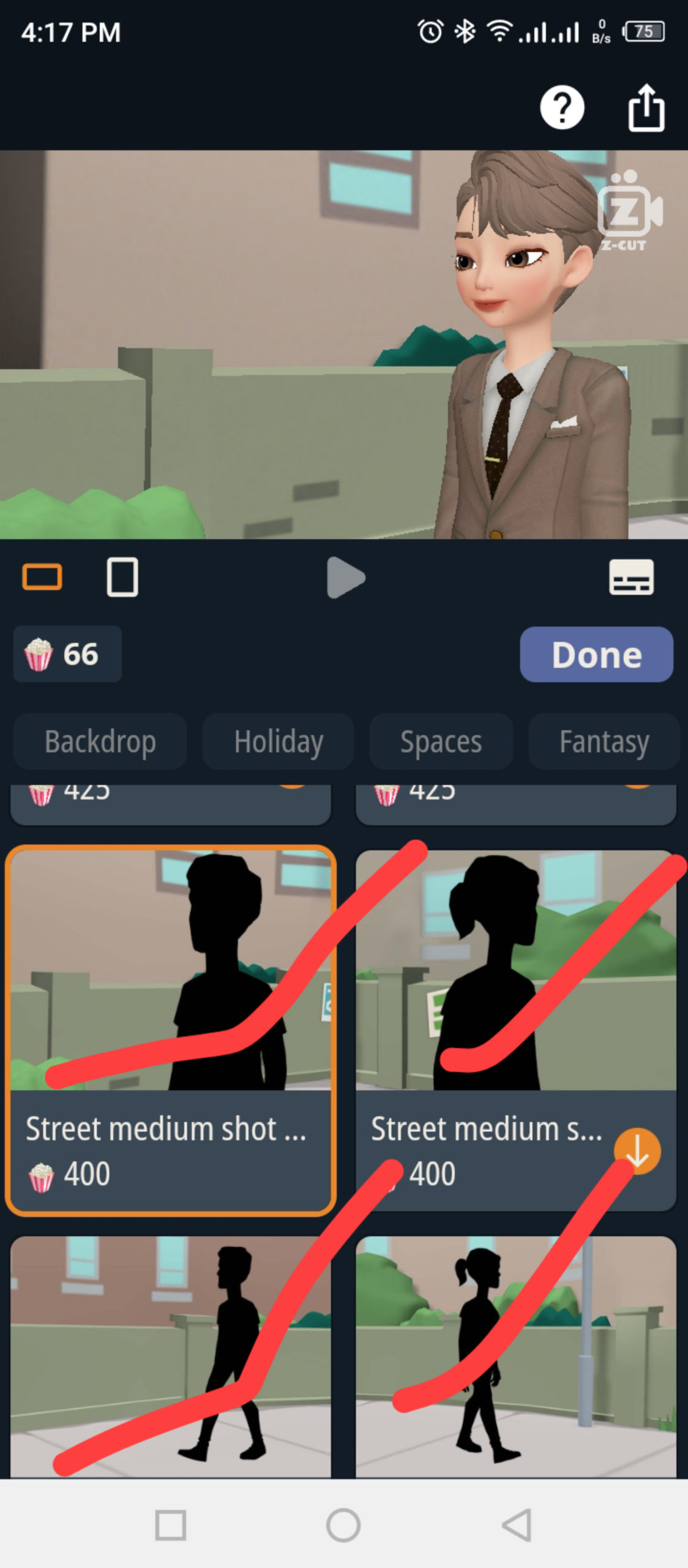
By clicking on the "Pick scene" option, you can easily use any scene.
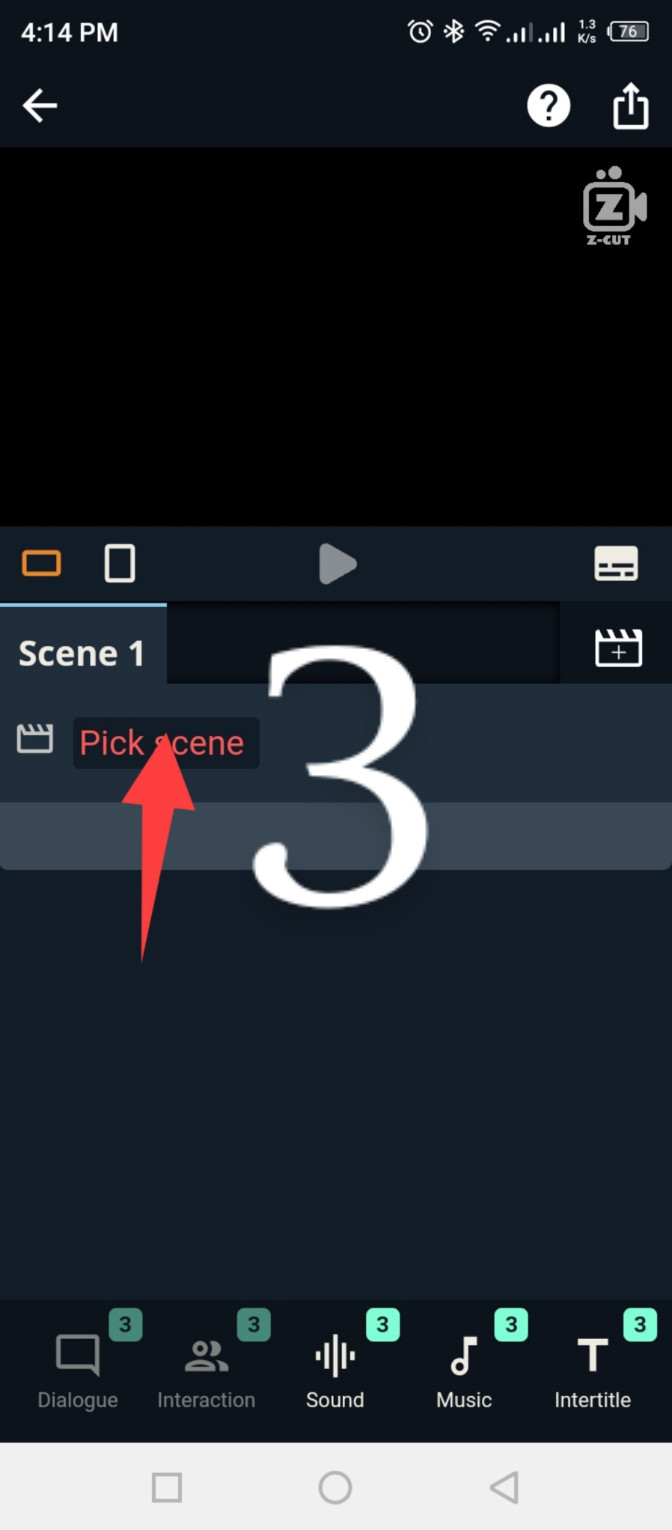
I selected a walking scene.
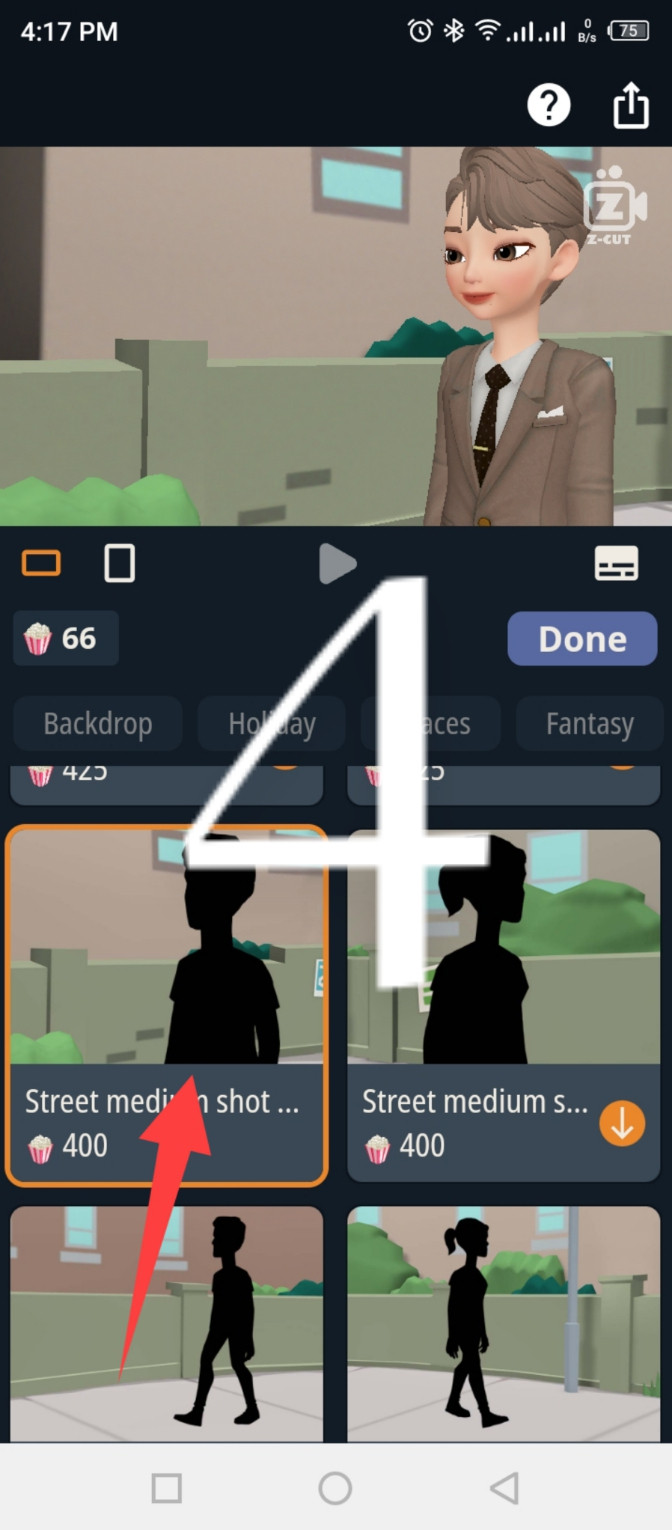
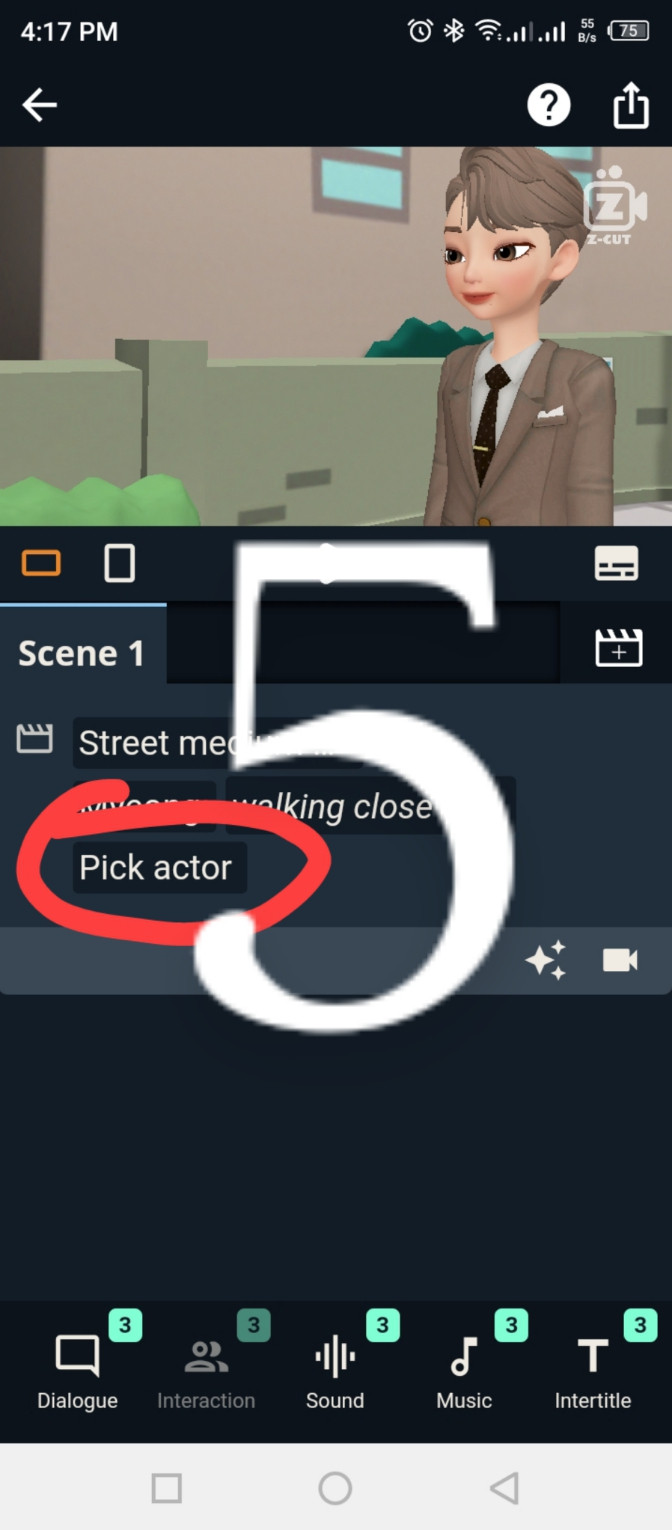
Click on "Pick actor" to select one or multiple actors.
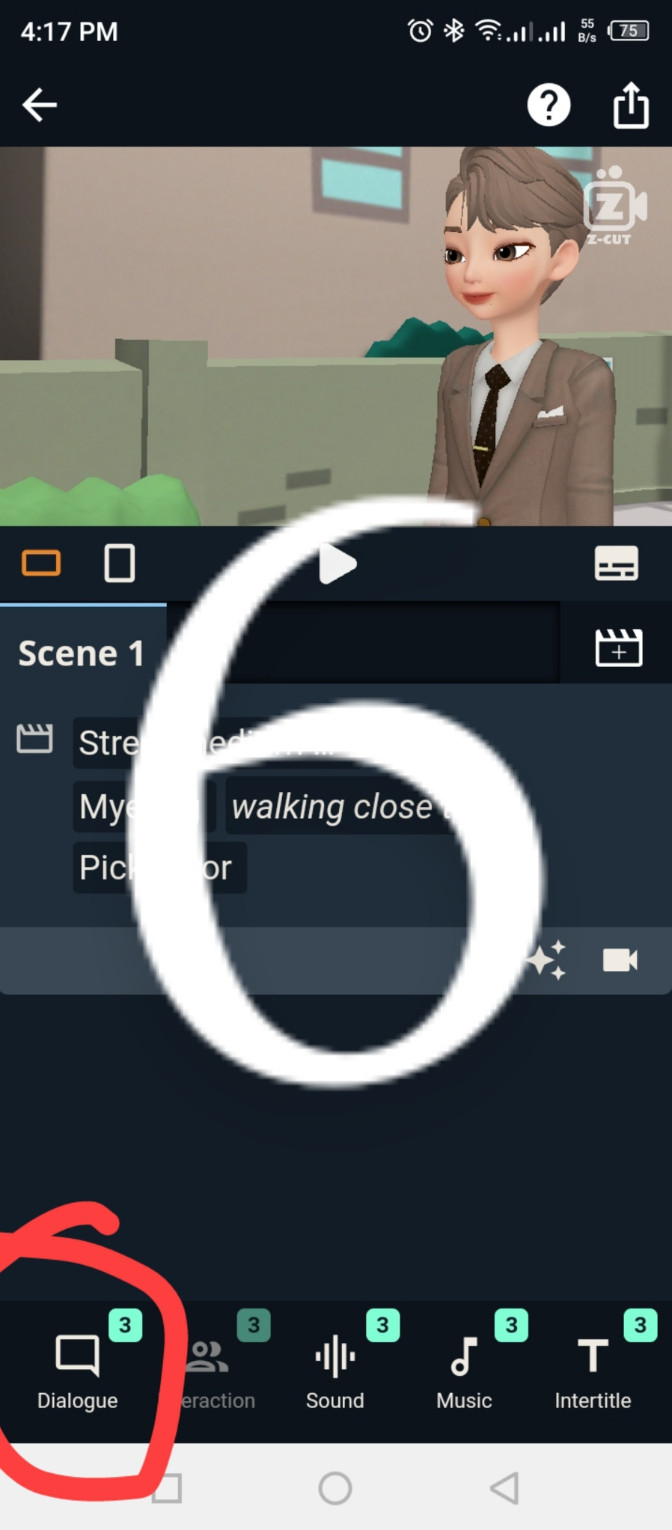
Click on the "Dialogue" option to make the actor speak. The first three times are free. After that, by watching 1 ad, you can get three dialogue turns each time unlimitedly.
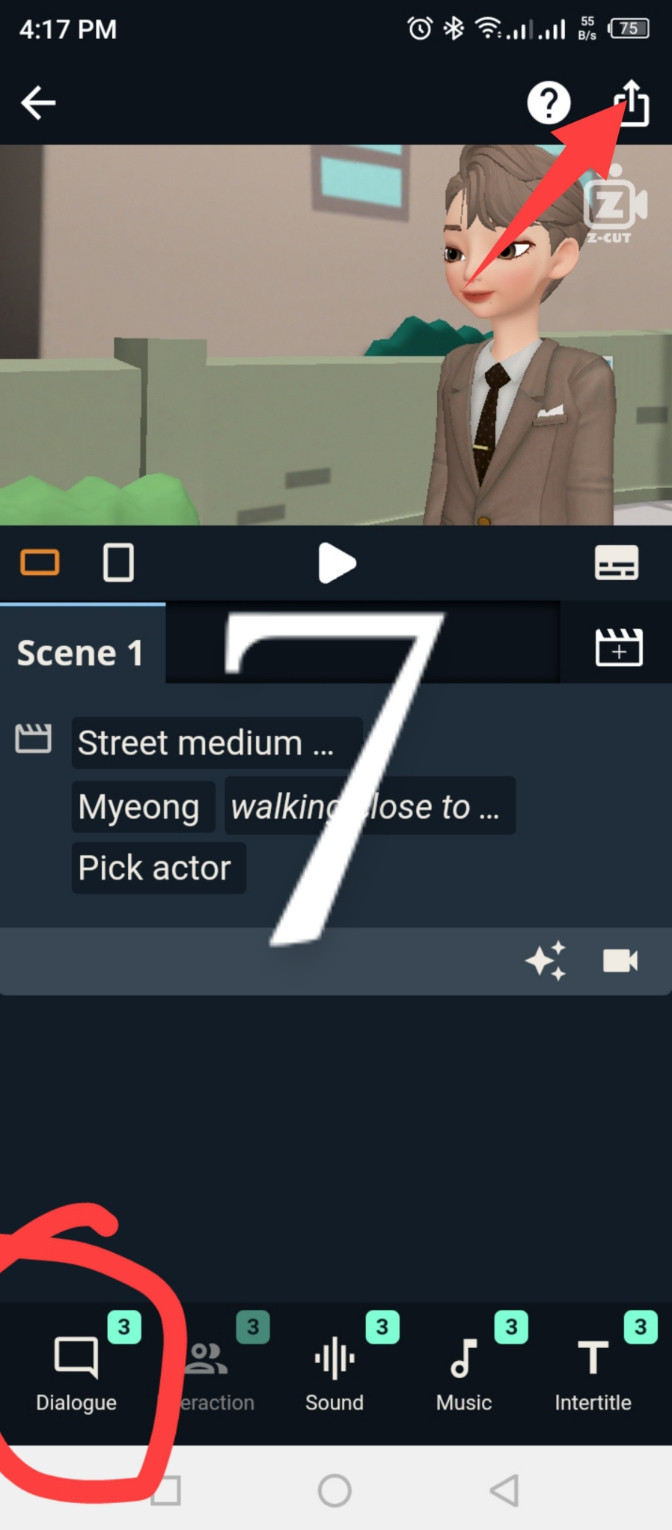
By clicking on the save icon shown below, you can save the video to your gallery.
Plotagon and Z-Cut are very popular and easy tools for creating cartoons. I create cartoons using these two apps.
Therefore, if you want to create cartoons, you can definitely use these apps.
Read more:
Add pop up subscribe button on blogger site