Leave a Review


Once again, the free internet offer for Robi and Airtel SIM is available. Today, I will share a free internet method for Robi and Airtel SIM users.
You can easily use free internet on your Robi or Airtel SIM. So, without talking too much, let's get started.
First, download TRM Tunnel from the Google Play Store.
After downloading the app, connect the VPN once using any available internet connection, such as mobile data or Wi-Fi.
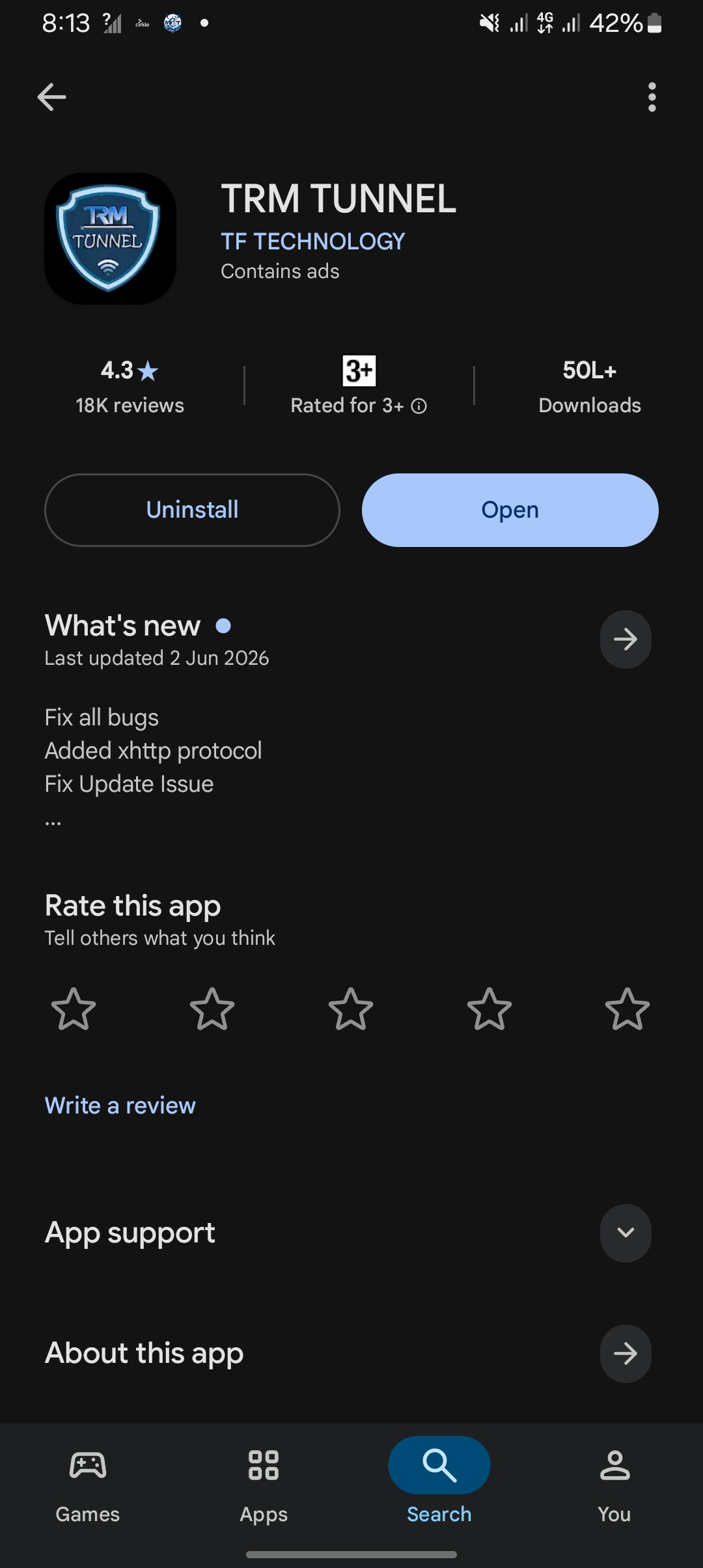
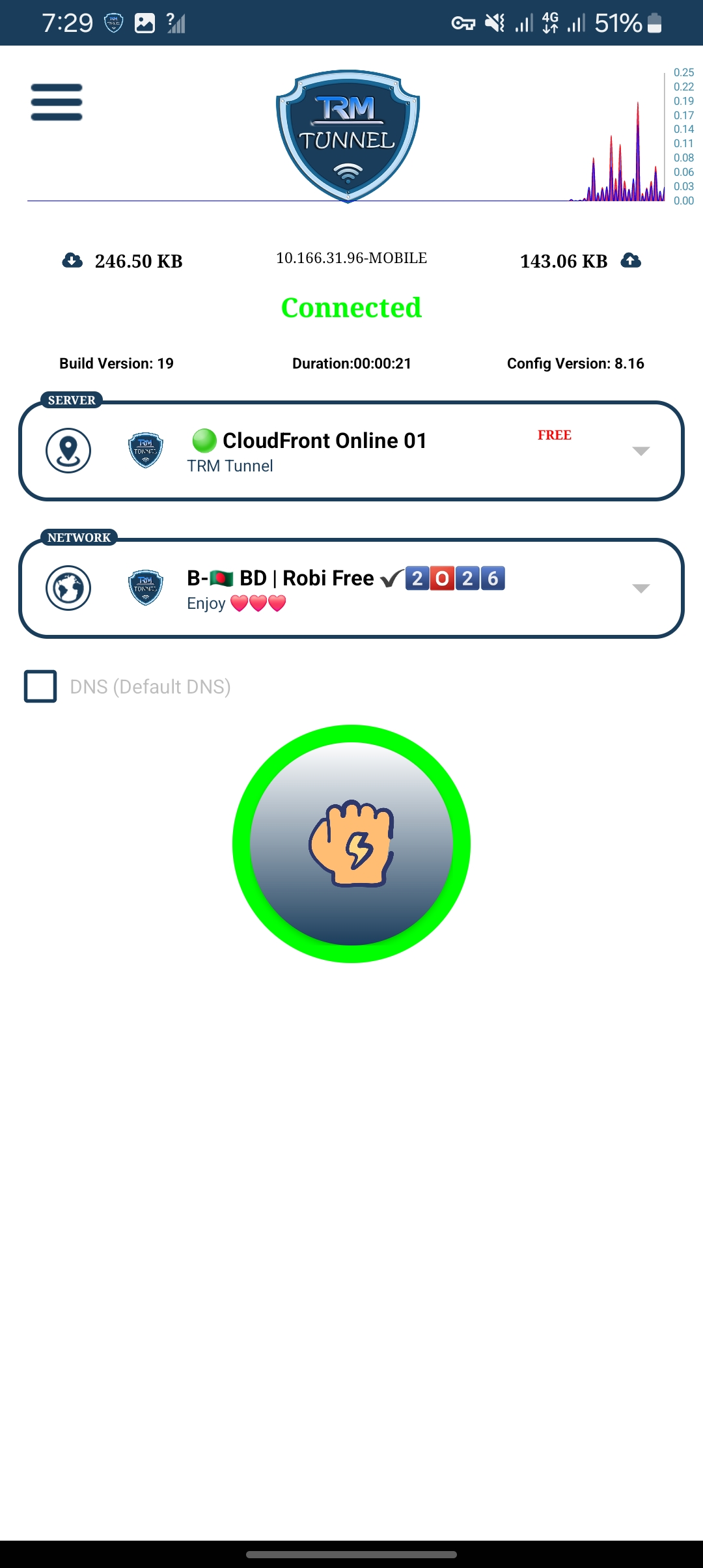
Now follow our screenshots and complete the settings exactly as shown. After completing the settings, you can try connecting to the internet.
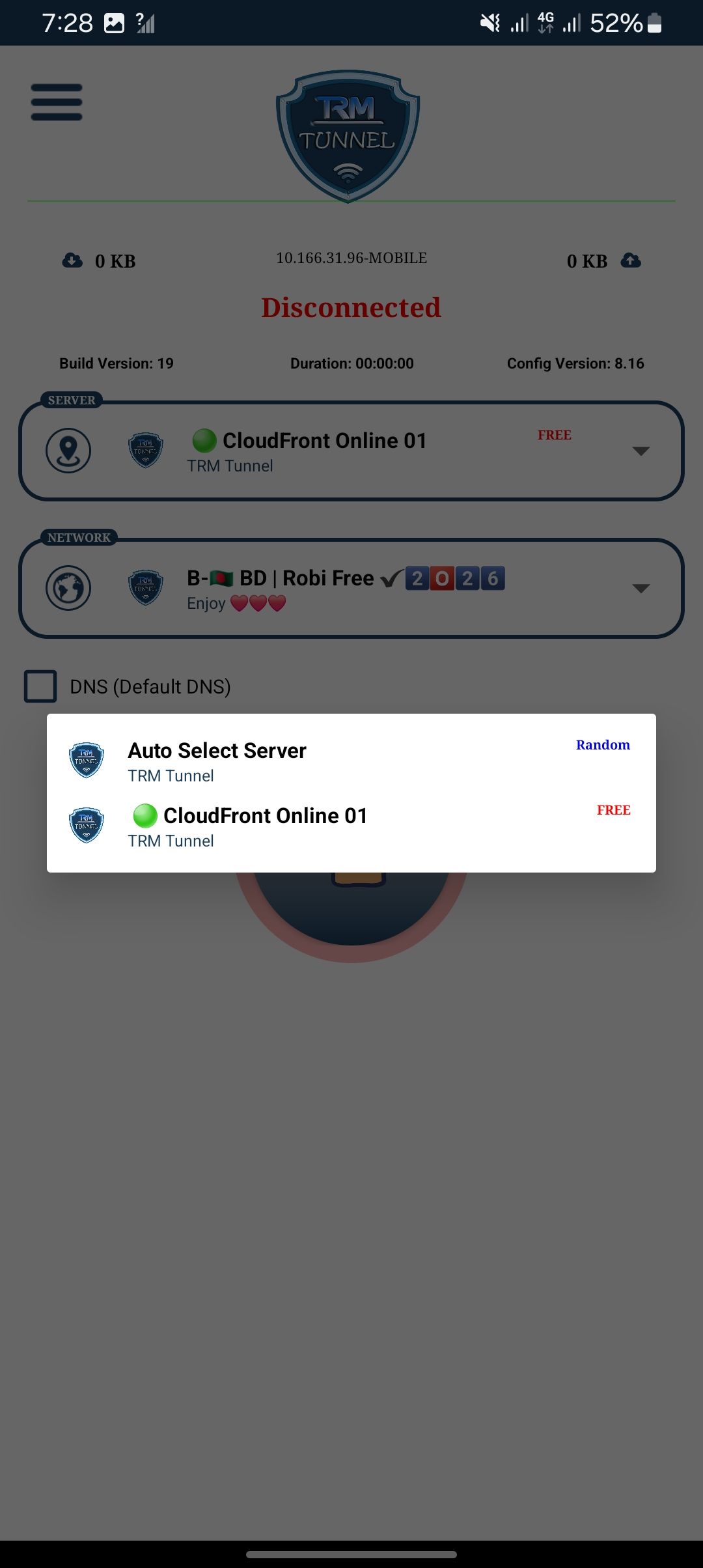
First, click on Auto Select Server.
As you can see in the screenshot, my phone currently has no internet connection and the notification shows that there is no internet available.
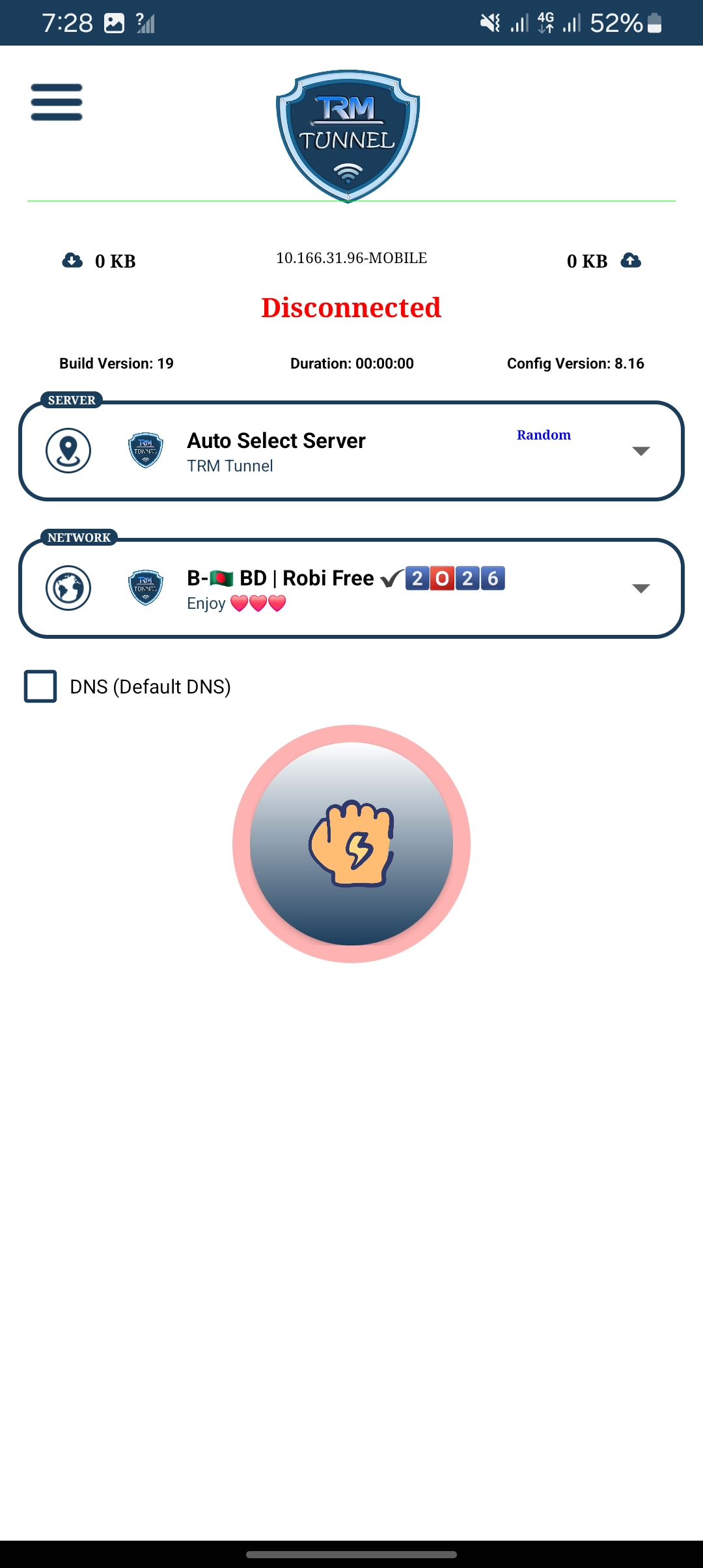
Then select any one of the available servers from Auto Select Server.
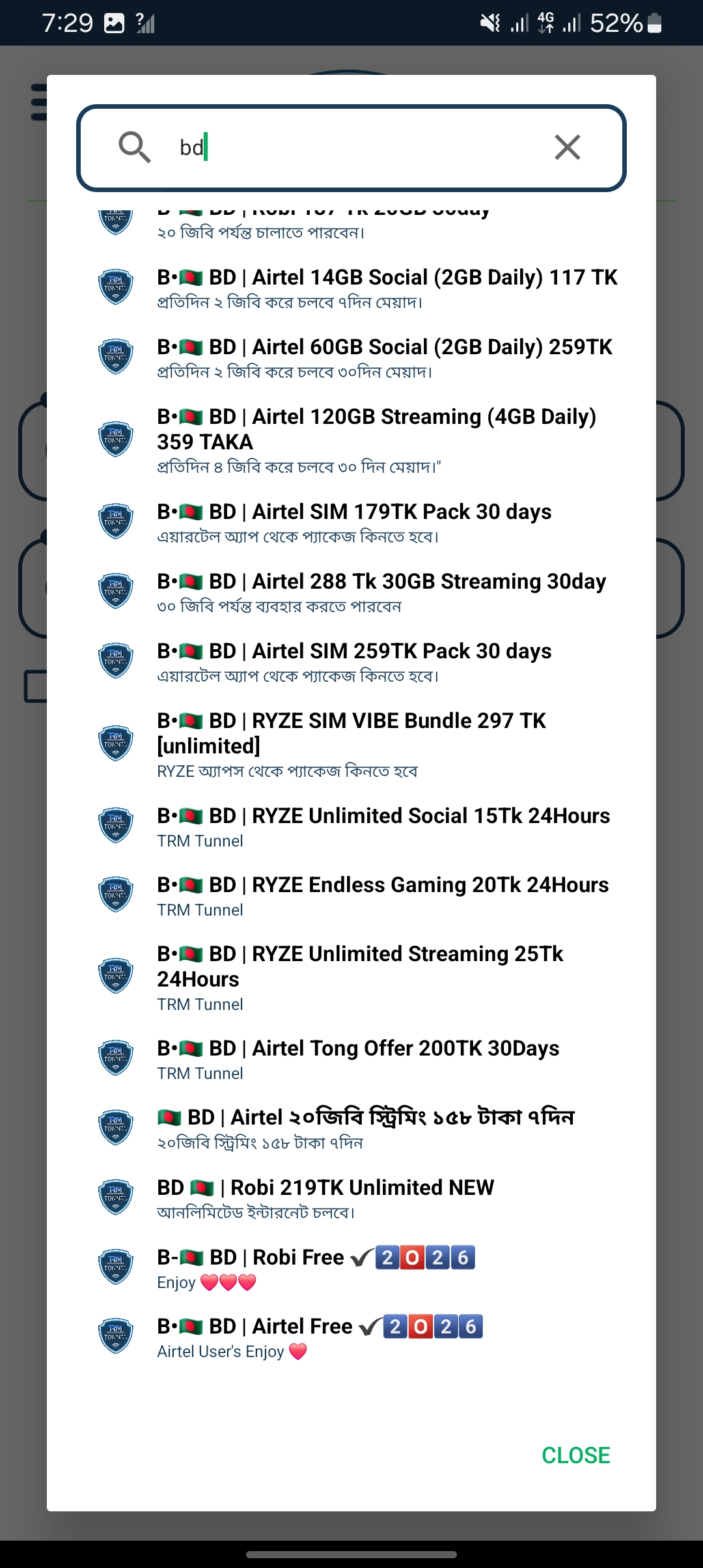
Now click on 2nd Network.
Then search for the available options. At the bottom of the BD section, you will see:
Select the option according to your SIM.
Now click on the VPN Connect button and wait for a few seconds.
If everything works correctly, the VPN should connect and your internet connection should become active.
As proof, I opened YouTube and showed that YouTube is running smoothly.

You can try the method yourself and check whether it works on your Robi or Airtel SIM.
For more free internet tricks and SIM offers, regularly visit the TrickandTech.com website.
Thank you everyone for reading the article carefully. If you face any problem, feel free to comment below. I will try my best to help you solve the problem.