Leave a Review


Do you want to buy Clash of Clans Gems and Gold Pass in Bangladesh? Many players do. Gems help you build faster. A Gold Pass gives you season rewards. But paying for them can be hard if you do not have an international card.
This guide shows the options in simple words. You will see the prices on Arora Shop, the steps to order, and ways to compare deals. You will also read about one safety point that many players miss. It is about account details and Supercell’s rules. Please read it with care.
Gems are the special currency in Clash of Clans. You can earn some by playing. You can also buy them. Players use Gems to speed up building, training, and research. They also use them to buy items and to finish tasks faster.
You do not need Gems to enjoy the game. But Gems save time. Time is the main thing you pay for in this game. A big upgrade can take days. Gems can cut that wait.
The Gold Pass is a seasonal pass. When you activate it, you get a track of rewards for that season. The perks and rewards can change from season to season. So always read the pass details inside the game before you buy.
On the official Supercell Store, Supercell says a Gold Pass bought there goes into your Supercell ID inventory. You can activate it at once or in a later season. You can keep up to 8 passes in your inventory at one time. You can see this on the official Gold Pass page.
The Arora Shop page also lists a Special Gold Pass, a Mini Event Pass, and an Event Pass. The page does not explain what each one includes. Check the in-game shop to see what each pass gives. Then pick the one you want.
Here are the Gem packs shown on the Arora Shop page when we wrote this article. We also did a simple math check. We divided the price by the number of Gems. This shows the cost of one Gem.
| Gem Pack | Price (BDT) | Cost per Gem (about) |
|---|---|---|
| 80 Gems | 125 ৳ | 1.56 ৳ |
| 500 Gems | 330 ৳ | 0.66 ৳ |
| 1,200 Gems | 650 ৳ | 0.54 ৳ |
| 1,850 Gems | 975 ৳ | 0.53 ৳ |
| 2,500 Gems | 1,320 ৳ | 0.53 ৳ |
| 6,500 Gems | 3,250 ৳ | 0.50 ৳ |
| 14,000 Gems | 6,500 ৳ | 0.46 ৳ |
You can see a clear pattern. The 80 Gems pack costs the most for each Gem. Bigger packs cost less per Gem. The 1,200, 1,850, and 2,500 packs are close to each other in cost per Gem.
This does not mean you should buy a huge pack. Buy what you need. Spend only money you can spare.
| Pass | Price (BDT) |
|---|---|
| Special Gold Pass | 195 ৳ |
| Mini Event Pass | 195 ৳ |
| Event Pass | 455 ৳ |
| Gold Pass | 650 ৳ |
Prices can change. Check the product page before you pay.
"Best price" does not only mean the lowest number. A very cheap deal can cost you more later. Here is how to compare in a smart way.
Open the in-game shop or the Supercell Store. Look at the price for the same pack. Write it down. This is your starting point. Prices can change by store and by region, so look at the one that shows for your account.
Divide the price by the number of Gems. Do the same for each seller. This shows the real cost. A bigger pack may look expensive, but it may cost less per Gem.
Supercell says purchases on its official Store earn Store Bonus points. It also says they earn ID Rewards points that you can use for rewards. You can read about this on Supercell’s Supercell Store help page. A third-party shop may not give these extras. Ask the shop before you buy.
Very cheap Gems can be a warning sign. Some sellers use stolen cards. If the payment is reversed later, the Gems may be taken back. This can put your account in trouble. Be careful with any deal that looks too good to be true.
Read what other buyers say. Arora Shop links to its Trustpilot page. Note that this product page shows no reviews yet. Also check that the shop has clear support and clear rules.
Arora Shop’s page says it offers the lowest price in Bangladesh. We could not verify that claim. We did not compare all sellers. Please compare for yourself.
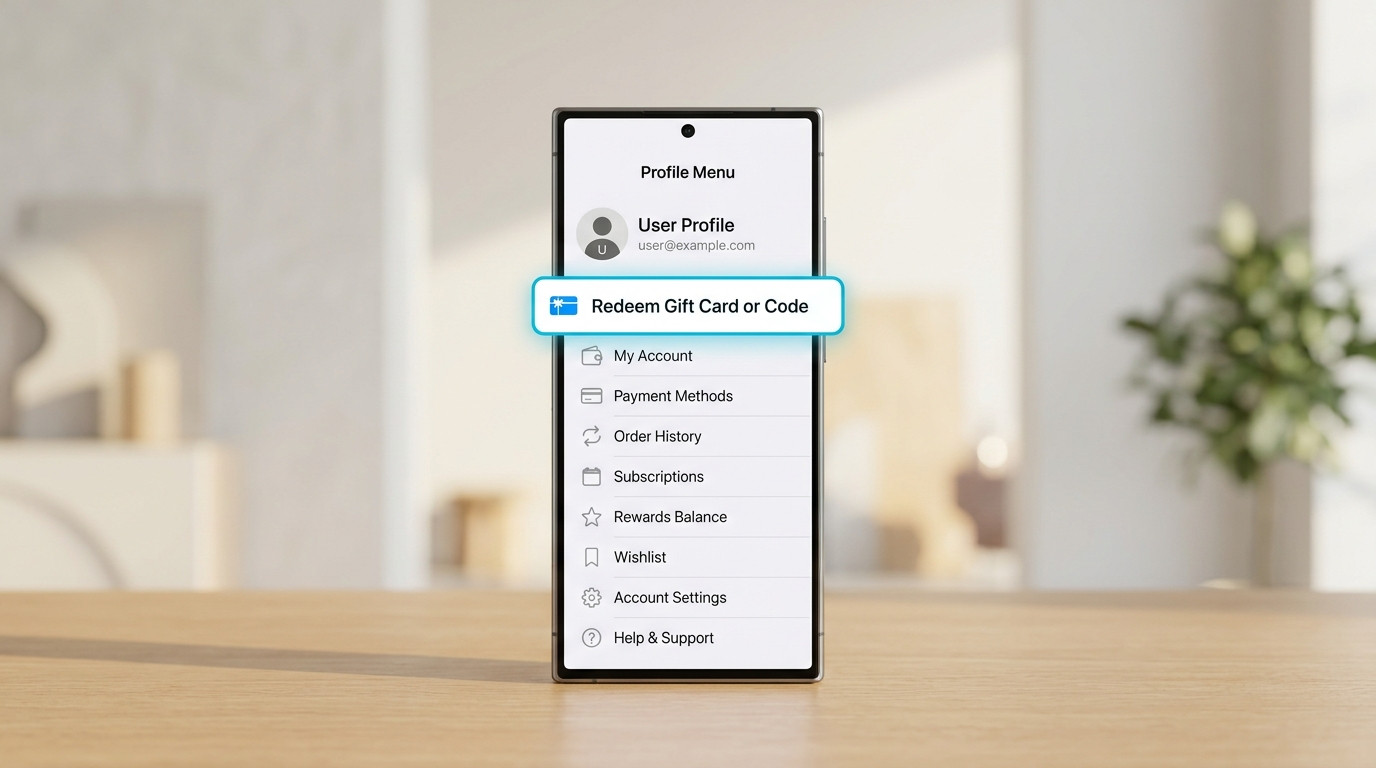
This is the most important part of the article. Please read it before you order from any third-party shop.
The Arora Shop page has a form with three boxes. They are Supercell Email, WhatsApp number or social ID, and Contact Number. The page also says it needs a login to deliver Gems and Gold Pass. It says to send your login email after you place the order.
The page does not say exactly what the shop needs after that. Some top-up shops ask for a verification code that Supercell sends to your email.
Supercell is the maker of Clash of Clans. Its support pages give clear advice:
You can read these rules on Supercell’s account safety page.
If a shop asks you to give login access or a login code, you may be going against Supercell’s advice. The risk is yours. It could mean a suspended account in the worst case. A village you built for years is worth more than a small saving.
If you decide to use a third-party shop, take these steps:

The safest way is to buy through official routes. These are the in-game shop and the Supercell Store. They are made for the game, and there is no need to share any login with a third party. The downside can be a higher price or fewer payment options in some places.
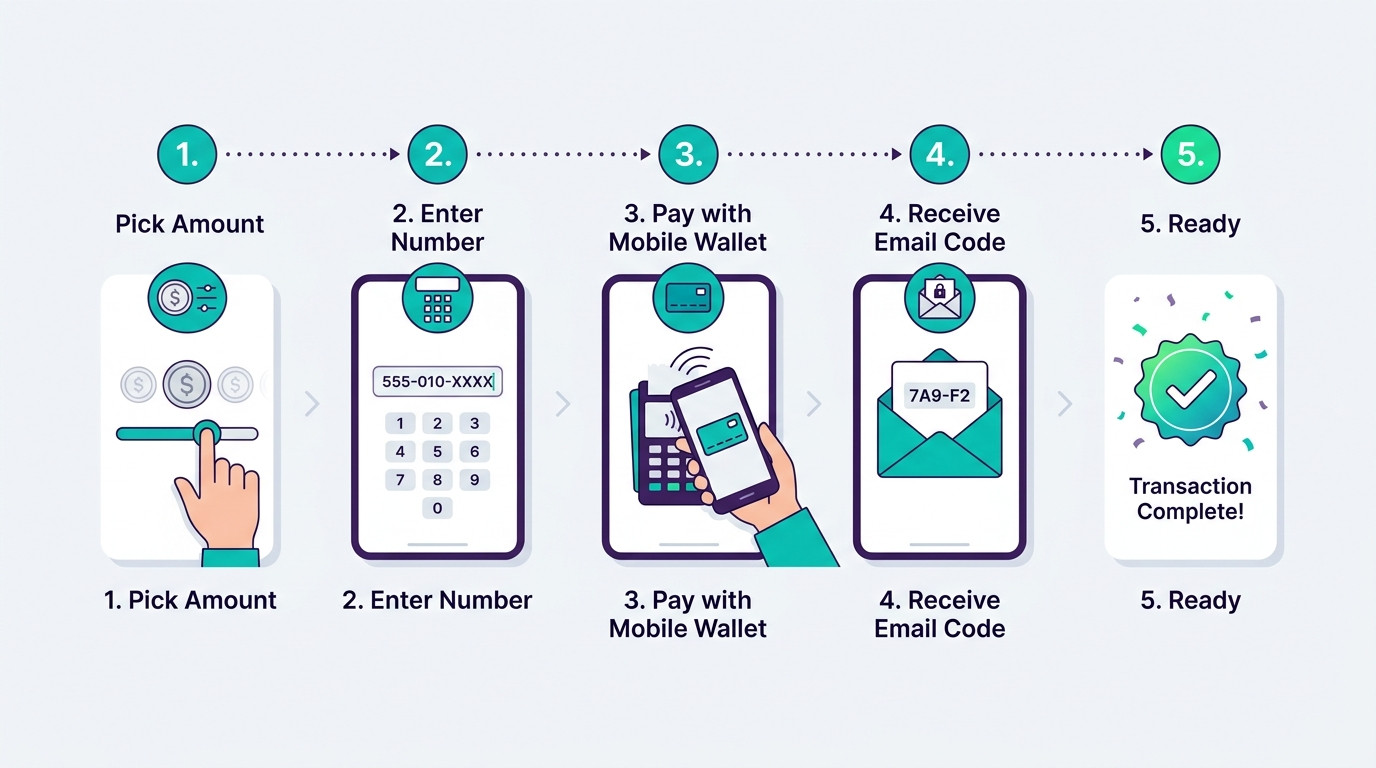
If you decide to buy from Arora Shop, here is how the process works. Please finish the safety checks above first.
Go to the Clash of Clans Gems and Gold Pass top-up page on Arora Shop. Read the notice at the top. It says to contact support with your order number if delivery takes more than 5 to 30 minutes.
Fill in your Supercell email, your WhatsApp number or social ID, and your contact number. Check each box twice. A small mistake can delay the order.
Choose a Gem pack or a pass. Check the price on the screen. You can set a quantity from 1 to 10.
Go to checkout and choose a payment method. The product page does not list payment methods. On its other product pages, Arora Shop lists bKash, Nagad, and Rocket. Check the checkout page to see what is open for this item.
Save your payment proof. Keep your order number.
The page says your order will be done within 1 hour at most. It also says delivery is within 60 minutes of purchase. Follow the shop’s directions while you wait. Then open the game and check your Gems or pass.
| Point | Official Routes (In-Game or Supercell Store) | Arora Shop |
|---|---|---|
| Who sells it | Supercell and app stores | A third-party shop |
| Account sharing | Not needed | Page asks for your Supercell email and says a login is needed |
| Extras | Store Bonus and ID Rewards points on the Supercell Store | Not stated on the page |
| Payment | Depends on store and region | Taka prices; check checkout for methods |
| Delivery | Usually at once | Within 60 minutes, per the page |
| Reviews on this page | Not applicable | None yet on the product page |
Neither choice is perfect. Pick the one that matches your needs and your comfort with risk.
Supercell warns against this. Scammers pretend to be support. Support never contacts you out of the blue to ask for codes.
Free Gem generators and mod apps do not work. Gem counts live on Supercell’s servers. These offers often steal logins or lead to a ban. Never use them.
Check the email address you enter. A typo can delay your order or send it to the wrong place.
Read Supercell’s rules and the shop’s rules. This page says no refund rule is shown, so ask about it before you pay.
Save your order number, chat, and payment proof. They help if you need support.
Big packs have a lower cost per Gem. But you only save money if you will use them. Start with what you need.
You can reach the shop through its contact page or by email at support@arorashop.com.
Do you play other games too? Arora Shop lists more items on its top-up page. This product page also lists PUBG Mobile UC, Mobile Legends Diamonds, and PUBG New State NC as related products. Each product has its own rules, so read each page.
You can buy inside the game or on the official Supercell Store. You can also use a third-party shop like Arora Shop, which lists Gem packs in taka. Compare the options and read the safety section first.
Arora Shop lists the Gold Pass at 650 ৳ when we wrote this article. It also lists a Special Gold Pass and a Mini Event Pass at 195 ৳ each, and an Event Pass at 455 ৳. Prices can change.
The smallest pack is 80 Gems at 125 ৳. The largest listed pack is 14,000 Gems at 6,500 ৳.
The page says within 60 minutes. It also says the order will complete within 1 hour at most. If it takes more than 5 to 30 minutes, the notice tells you to contact support with your order number.
The form asks for your Supercell email, a WhatsApp number or social ID, and a contact number. The page also says a login is needed to deliver the order. Ask the shop for exact steps before you pay.
Supercell says no. It says to never share login codes with anyone except Supercell Support through its in-game help. Account sharing also goes against Supercell’s Terms of Service. Think about this risk before you use any third-party top-up.
It is the safest choice because no third party needs your login. It also earns Store Bonus and ID Rewards points. But prices and payment methods can be harder for some players in Bangladesh.
You can earn some Gems by playing. Free Gem generators and mod apps do not work, and they can harm your account. Avoid them.
The product page does not list them. Arora Shop lists bKash, Nagad, and Rocket on its other product pages. Check the checkout page to see what you can use for this item.
The product page does not show a refund rule. Read the shop’s Terms of Use, or ask support before you pay.
Gems and the Gold Pass can make Clash of Clans more fun. In Bangladesh, you can use the official routes or a local shop. Arora Shop lists clear taka prices and a 60-minute delivery time. But its page also asks for your Supercell email and says a login is needed.
Supercell’s advice is to never share your account or login codes. So think about the risk, and ask the shop questions before you pay. Compare the cost per Gem. Save your proof. Keep your email safe.
Your village is worth protecting. Spend with care, and enjoy your next attack.