


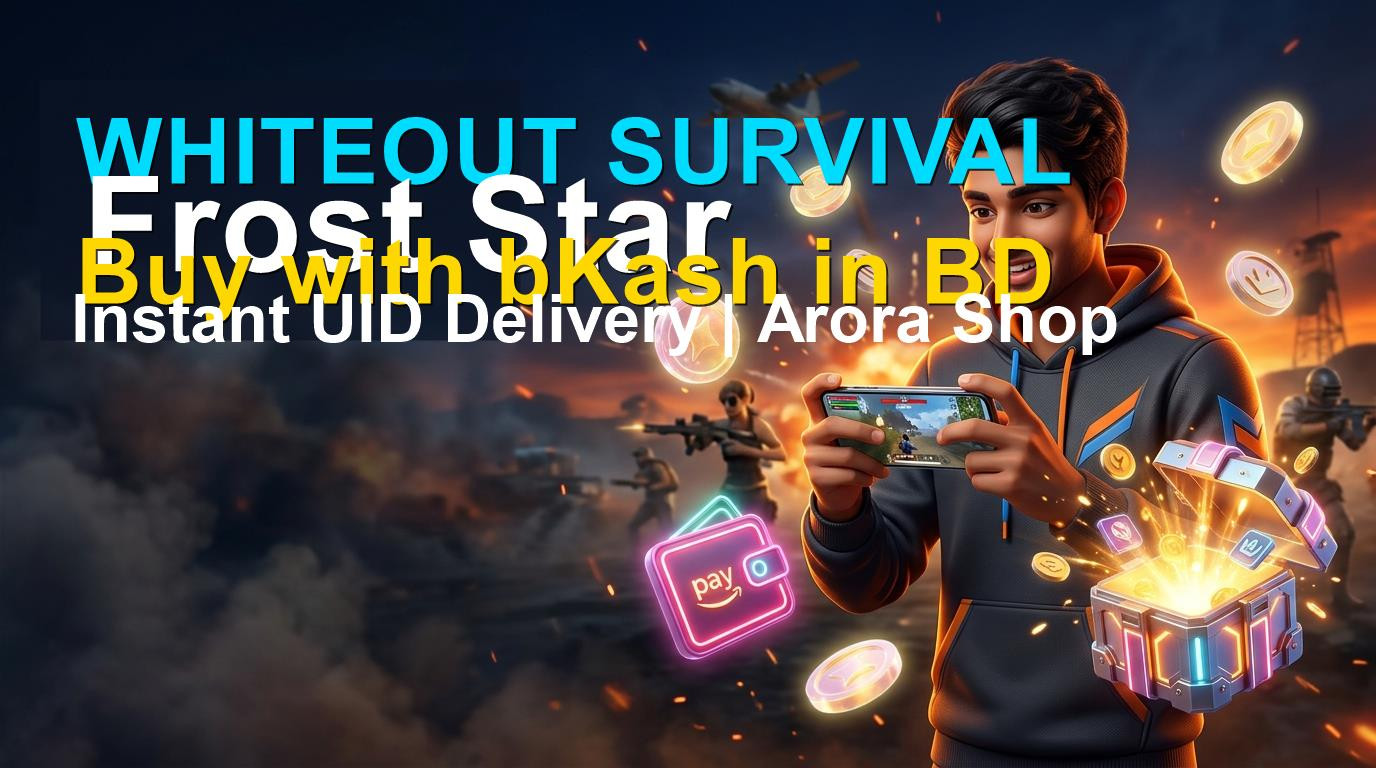
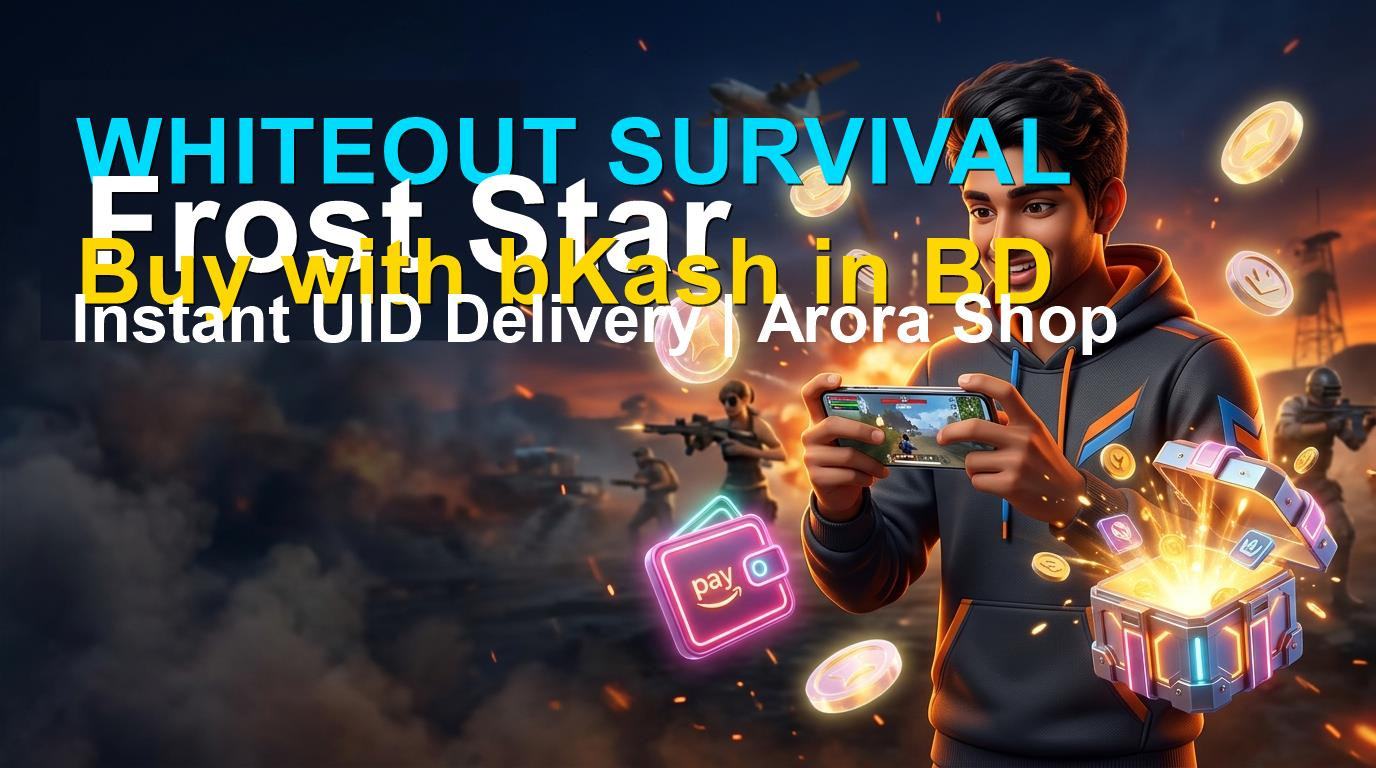
Whiteout Survival Frost Star Bangladesh: Buy with bKash
AroraShop Editorial & Fulfillment Team
Digital Gaming & FinTech Specialists (Dhaka, BD) • UpdatedWhiteout Survival Frost Star Bangladesh: How to Buy with bKash
Do you play Whiteout Survival? Do you want to buy Frost Star in Bangladesh and pay with bKash? Many players do. Frost Star is the paid currency of the game. It helps you grow your base faster.
Here is the short answer. You can buy Frost Star from the official store, or from a local top-up shop like Arora Shop. The shop lets you pay in taka with bKash, Nagad, Rocket, and more. This guide shows the prices, the steps, and a few safety checks.
Quick Answers
- What is Frost Star? It is the premium currency in Whiteout Survival.
- Can I buy it with bKash? Arora Shop's page says it accepts bKash, Nagad, Rocket, Upay, and bank transfer.
- What do I need? Your Game UID, a WhatsApp or social ID, and a contact number.
- Do I need my password? The shop says no. It says no login is needed.
- How long does it take? The page says most orders finish in a few minutes. Contact support after 20 minutes.
What Is Whiteout Survival?
Whiteout Survival is a mobile strategy game by Century Games. You rebuild a town in a frozen world. You gather resources, train your people, and upgrade your buildings. You can also team up with other players.
The game is free to start. It has in-app purchases. That means you can pay real money for extra items. Frost Star is one way to do that.
What Is Frost Star?
Frost Star is the premium currency. You buy it with real money. Guides describe it as the universal top-up currency in the game. You can spend it in the in-game store.
Many guides say that one Frost Star is worth one US cent. So 100 Frost Stars equal about $1. A 999 Frost Star pack equals about $9.99. These facts come from guides that quote the official store. Check the official store for the newest rates.
What Can You Do with Frost Star?
Guides say players use Frost Star to buy items and packs in the game store. For example, you can use it to buy gems. Arora Shop's page also lists uses like faster upgrades, heroes, and event items. The exact items can change over time. Open your in-game store to see what is on sale today.
You do not need Frost Star to enjoy the game. It is a choice. Spend only money you can spare.
Whiteout Survival Frost Star Price in Bangladesh (Arora Shop)
Here are the packs shown on the Arora Shop page when we wrote this article. We also did a simple math check. We divided each price by the number of Frost Stars. This shows the cost for each Frost Star.
| Pack | Price (BDT) | Cost per Frost Star (about) |
|---|---|---|
| 99 Frost Star | 185 ৳ | 1.87 ৳ |
| 299 Frost Star | 550 ৳ | 1.84 ৳ |
| 499 Frost Star | 895 ৳ | 1.79 ৳ |
| 999 Frost Star | 1,740 ৳ | 1.74 ৳ |
| 1,999 Frost Star | 3,400 ৳ | 1.70 ৳ |
| 4,999 Frost Star | 7,990 ৳ | 1.60 ৳ |
| 7,499 Frost Star | 12,300 ৳ | 1.64 ৳ |
| 9,999 Frost Star | 16,500 ৳ | 1.65 ৳ |
Here is something useful. The 4,999 pack has the lowest cost per Frost Star on this list. The 7,499 and 9,999 packs cost a little more per Frost Star. So the biggest pack is not always the cheapest.
Prices can change. Check the page before you pay.
How to Compare with the Official Store
The game maker, Century Games, has an official store. Several guides name it as store.centurygames.com/wos. You enter your Player ID, pick a pack, and pay. You can also buy inside the game through the App Store or Google Play.
Here is how to compare prices in a smart way:
- Open the official store or the in-game shop.
- Look at the price of the same pack in your currency.
- Write down the price and the number of Frost Stars.
- Divide the price by the Frost Stars to get the cost per star.
- Do the same for Arora Shop and other sellers.
Arora Shop's page says it has the lowest price in Bangladesh. We could not verify that. We did not compare every seller. Do the check yourself.
One Thing to Check: Top-Up Events
Some games run top-up events. These give bonus rewards when you spend. One guide says that buying through the official web store may not count for some in-game top-up events. We could not confirm how a third-party shop is counted. If you want event rewards, read the event rules in your game first. Ask support if you are unsure.
How to Buy Whiteout Survival Frost Star in Bangladesh with bKash
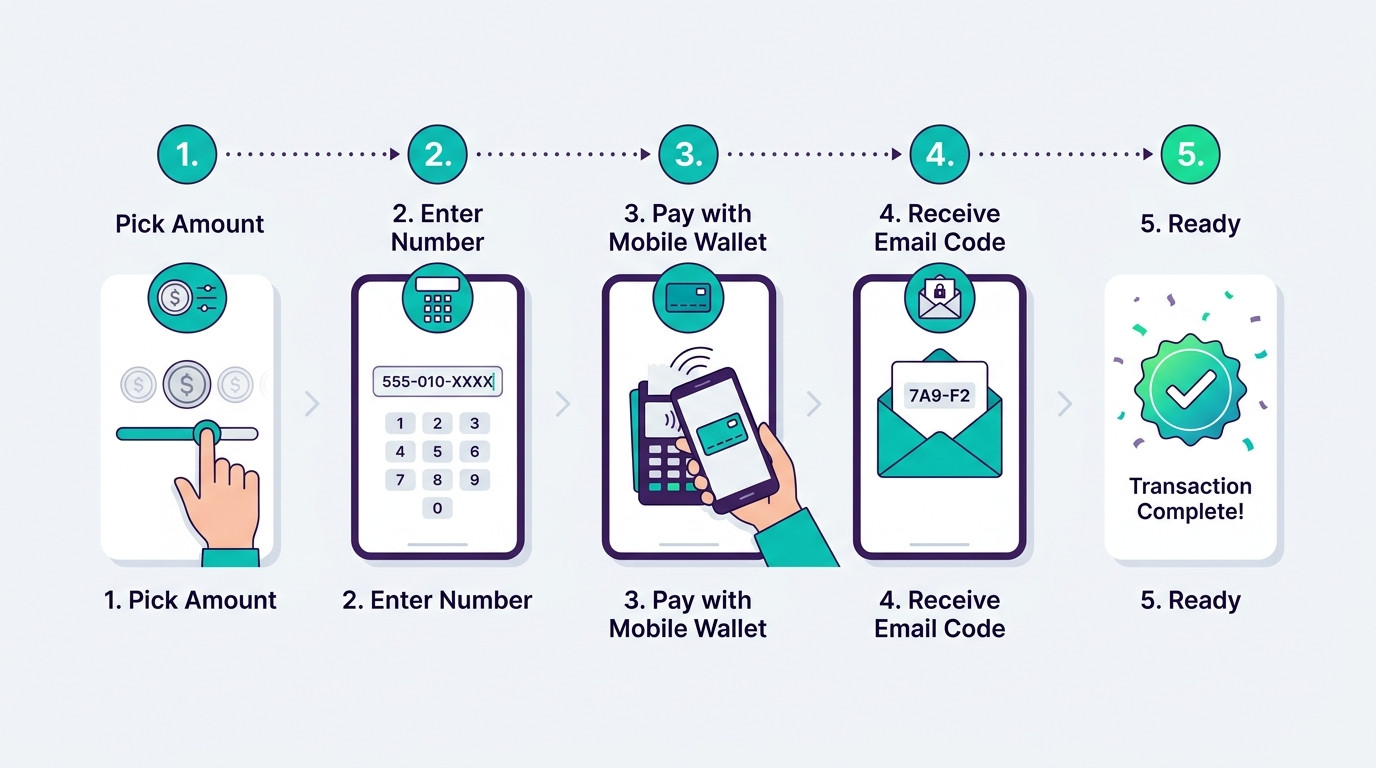
Here are the steps to order from Arora Shop. They are short.
Step 1: Find Your Game UID
Open Whiteout Survival. Tap your avatar or profile picture. Your Player ID or UID shows near your name. Tap the copy icon if you see one. Copy it. Do not type it by hand.
The Arora Shop page has a "How to find UID" box. It tells you to tap your avatar in the top-left corner. It also mentions a Zone ID. That is general help for many games. For Whiteout Survival, you only need your UID on this form.
Step 2: Open the Top-Up Page
Go to the Whiteout Survival Frost Star top-up page on Arora Shop. Read the notice at the top. It is in Bangla. It says to message support on the Facebook page or WhatsApp if delivery takes more than 20 minutes.
Step 3: Enter Your Details
Fill in three boxes: your WhatsApp or social ID, your Game UID, and your contact number. Check each one twice.
The page text also says that it needs a Server ID. But the form only shows a UID box. If you are not sure, ask support before you pay.
Step 4: Pick a Pack
Choose a Frost Star pack. Check the price on the screen. You can also set a quantity from 1 to 10.
Step 5: Pay with bKash
Go to checkout and choose bKash. Follow the steps on the screen. The shop's page says it also accepts Nagad, Rocket, Upay, and bank transfer. Save your payment proof and your order number.
Step 6: Check Your Game
Wait a few minutes. Then open Whiteout Survival and check your Frost Stars. If you do not see them, restart the game. If they still do not show, contact support.
Why Some Players Choose Arora Shop
There are many places to buy Frost Star. Here are the reasons some players pick Arora Shop. They come from what the shop says on its page, plus our own price check.
1. Local Payment Methods
You can pay with bKash, Nagad, Rocket, Upay, or bank transfer. You do not need an international card.
2. No Password Needed
The page says you only give your UID. It says it never asks for your email or password. This is a good safety rule. Never share your password with any seller.
3. Prices in Taka
You see the price in Bangladeshi taka. You can compare it with the official price in your own store.
4. Many Pack Sizes
You can start with 99 Frost Stars. You can also buy up to 9,999 at once. Small and big spenders both have a choice.
5. Support Through Chat
The notice tells you to reach support through Facebook or WhatsApp. The page also says there is 24/7 support. You can also use the shop's contact page or email support@arorashop.com.
6. A Page for Many Games
If you play other games too, check the top-up page. This product page also lists eFootball coins, Age of Empires Mobile Apex Coins, and Ludo World coins and item cards as related products. Each has its own rules.
What to Check Before You Buy
Arora Shop is a third-party shop. It is not the game maker. So think before you pay. Here is a short list:
- Reviews. This product page shows no reviews yet. Read the shop's Trustpilot page.
- Refund rule. The product page does not show one. Ask before you pay.
- Game rules. We did not find a statement from Century Games about third-party shops. If you want zero doubt, use the official store.
- Server details. Ask if a Server ID is needed.
- Event rules. Check if your purchase counts for top-up events.
Official Store vs Arora Shop: A Simple Comparison
| Point | Official Routes | Arora Shop |
|---|---|---|
| Who sells it | Century Games and app stores | A third-party shop |
| What you give | Player ID or in-app login | UID, WhatsApp or social ID, contact number |
| Payment | Depends on store and region | bKash, Nagad, Rocket, Upay, bank transfer (per the page) |
| Price | Official rate: about 100 Frost Stars per $1 | About 1.60 to 1.87 ৳ per Frost Star |
| Delivery | Usually quick | Few minutes; contact support after 20 minutes |
| Reviews on this page | Not applicable | None yet |

Neither choice is perfect. Pick the one that fits your needs and your comfort level.
Safety Tips for Buying Game Currency
- Never share your password. A UID top-up should not need it.
- Never share login codes. Those are only for you.
- Use the shop's checkout. Do not pay a random person in a chat.
- Beware of "free Frost Star" offers. Generators and mod apps are common tricks.
- Check the website address. Fake pages look like real ones.
- Start small. Try a small pack first with a new shop.
- Save proof. Keep your order number and payment screenshot.

Common Mistakes to Avoid
Typing the Wrong UID
This is the biggest mistake. The shop sends Frost Stars to the UID you give. A wrong UID means a wrong delivery. The page says this too. Copy and paste your UID.
Paying Before Reading the Pack
Check the number of Frost Stars and the price on the final screen. It is easy to tap the wrong pack.
Thinking Bigger Is Always Cheaper
On this shop's list, the 4,999 pack costs less per Frost Star than the 7,499 and 9,999 packs. Do the math first.
Forgetting the Event Rules
Some bonus events may not count every kind of purchase. Read the event rules before you buy.
Sharing Your Password
Do not do this, even if someone says they work for the shop. A UID is enough for this top-up.
Spending Too Fast
Limited offers can make you rush. Set a monthly limit. If you are young, ask an adult before you pay.
What to Do If Your Frost Stars Are Late
- Wait a few minutes.
- Close the game and open it again.
- Check your in-game balance and mail.
- If 20 minutes have passed, contact support.
- Send your order number, UID, and payment proof.
The page says to message the Facebook page or WhatsApp. Be calm and polite. Clear details help support fix it faster.
Smart Tips for Spending Frost Star
- Set a goal. Know what you want before you buy.
- Check the store. Look at the in-game offers first.
- Do not chase every bundle. Pick the ones that fit your plan.
- Keep your account safe. Use a strong password and link a safe email or login.
- Play and enjoy. Skill and teamwork matter more than spending.
Frequently Asked Questions
How do I buy Whiteout Survival Frost Star in Bangladesh?
You can use the official store, or the in-game shop. You can also use a local shop like Arora Shop. On Arora Shop, you enter your UID and contact details, pick a pack, and pay.
Can I buy Frost Star with bKash?
Arora Shop's page says it accepts bKash. It also lists Nagad, Rocket, Upay, and bank transfer. Check the checkout page for the exact options.
How much is Frost Star in Bangladesh?
On Arora Shop, 99 Frost Stars cost 185 ৳, and 999 cost 1,740 ৳ when we checked. The biggest listed pack, 9,999 Frost Stars, cost 16,500 ৳. Prices can change.
What is the official Frost Star rate?
Guides that quote the official store say about 100 Frost Stars equal $1. Check the official store for the newest price.
Do I need to give my password?
No. The shop says it needs only your UID. Never share your password.
How do I find my UID?
Open the game and tap your avatar. Your Player ID shows near your name. Copy it and paste it into the form.
Do I need a Server ID?
The page text mentions a Server ID. But the form only shows a UID box. Ask support to confirm before you pay.
How long does delivery take?
The page says most orders finish in a few minutes. If it takes more than 20 minutes, the notice says to message support.
What if I enter the wrong UID?
The Frost Stars may go to another account. The shop's page warns about this. Always check your UID before you pay.
Is Arora Shop the official store?
No. It is a third-party top-up shop. The official ways to buy are the in-game shop and the Century Games store.
Do top-ups from a shop count for in-game events?
We could not confirm this. One guide says official web store purchases may not count for some events. Read your event rules and ask support.
Can I get a refund?
The product page does not show a refund rule. Ask support before you pay.
Final Words
Buying Whiteout Survival Frost Star in Bangladesh is simple. Copy your UID, pick a pack, pay with bKash, and check your game. The whole thing can take just a few minutes.
Arora Shop offers taka prices, local payment methods, and a no-password method, according to its page. But it is a third-party shop. Compare the price with the official store, read the reviews, and ask about refunds and server details. Do the math on the packs too, because the biggest one is not always the cheapest.
Stay careful, protect your account, and spend with a plan. Now go and keep your town warm.
Sponsored
Categories
- Beginners Gamers 1
- Top Up 0
- Gift Card 3
- Announcement 0
- Technology 31
- Artificial intelligence 11
- Updates & Guides 306
- Games 3
- Business & Tech 1
- Freelancing & Career 2
- Tech Tips & Tutorials 1
- Make Money Online 1
- Tech & AI Tools 2
- Crypto & Airdrops 3
- Career & Business 1
- Money Making 2
- Guides 0
- Game Top-Up Guides 0
- Subscription Guides 1
Sponsored
Recent Posts

Sponsored