



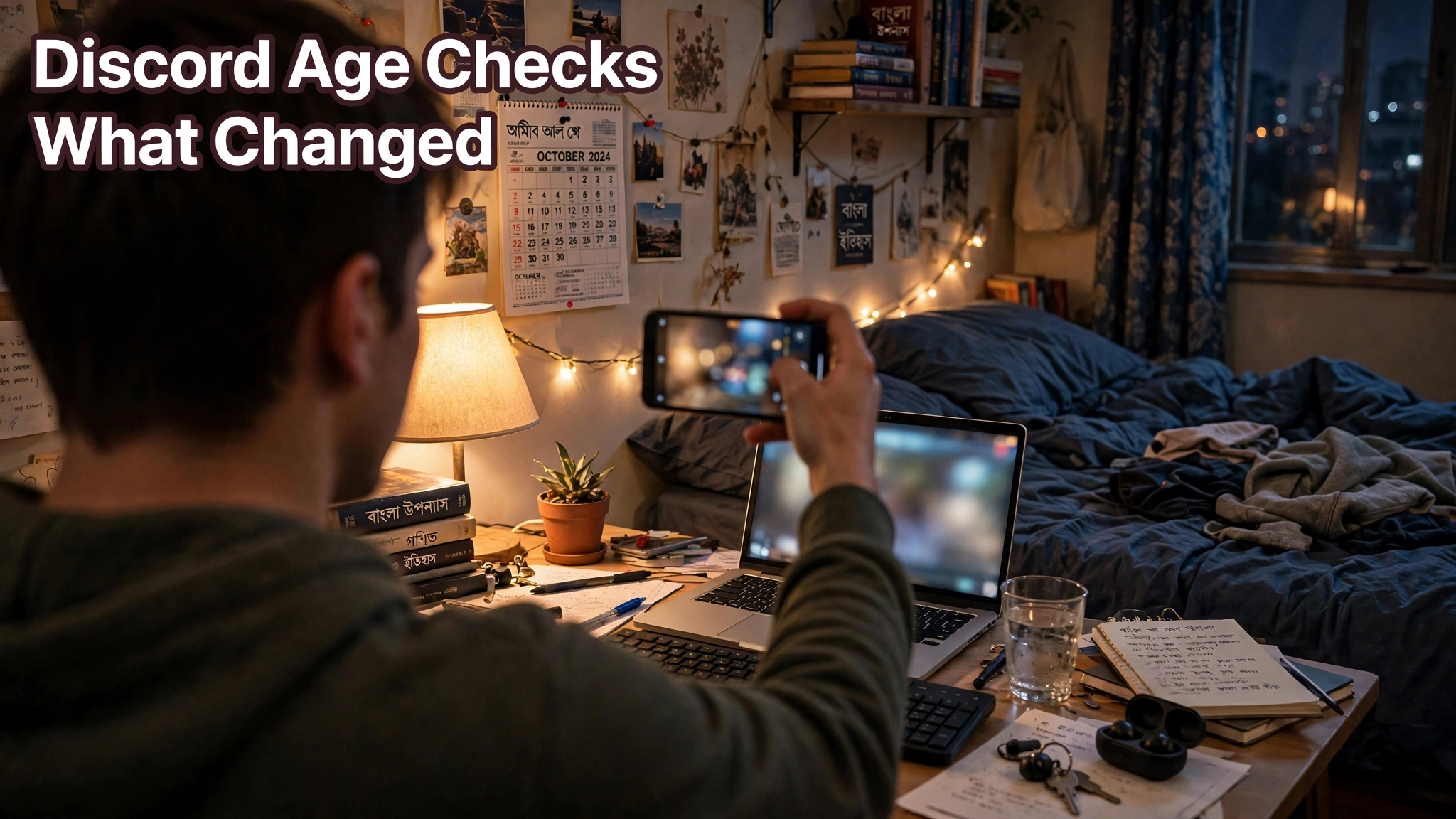
Discord Age Checks Are Now Global: What Changed and What You Need to Do in Bangladesh
AroraShop Editorial & Fulfillment Team
Digital Gaming & FinTech Specialists (Dhaka, BD) • UpdatedDiscord Age Checks Are Now Global: What Changed and What You Need to Do in Bangladesh
Since late September 2026, Discord puts every account into one of three groups. Adult, teen (13 to 17), or unconfirmed. Most people never see a check. Discord says it sorts over 90% of users on its own. It looks at things like how old your account is and how you use it. It says it doesn't read your messages. If it can't tell, you can prove your age with a quick selfie video or an ID. Teen accounts get safer settings, like a separate inbox for messages from strangers.

The short history
Discord first announced this in February 2026, for a March start. Many users were angry. So Discord pushed it back to later in the year and added more ways to verify. It finally rolled out on September 22, over a few days. If your account felt different around then, this is why.
What "teen by default" means
If your account is in the teen group, a few things change:
- Messages from people who aren't your friends go to a separate requests inbox.
- Age-restricted servers and channels are blocked.
- Sensitive images are blurred.
- Your full profile is visible only to friends and to members of smaller servers.
None of this stops you from chatting with friends or playing games with people you know. It mostly puts a wall between teens and strangers.
How Discord decides your age
For most accounts, Discord uses a computer model. It looks at how old the account is, what servers you're in, and how active you are. Discord says it doesn't read your messages or listen to your calls. It's not perfect. But it means most people never have to show anything.
The UK and Australia have their own laws for this, so the model isn't used there. Bangladesh gets the global system.
If Discord asks you to verify
You'll only be asked if the model can't place you, or if you choose to confirm you're an adult. The options are:
- A video selfie that's processed on your own device
- An ID scan
- A credit card check
- Sharing your age range from the Apple App Store or Google Play
- A Google Wallet ID
- AgeKey, a reusable age credential
For most people here, the selfie video is the easiest. Lots of people don't have a credit card. A selfie only needs your phone camera. Discord says its partners only send back an age group, then delete what they got. It also says staff no longer check ID photos by hand. It stopped that after a data leak at a former support company in 2025.
Don't want to share your face or an ID? You don't have to. You'll just stay in the group the model chose, or in the unconfirmed group.

What to do right now
For most people, nothing. Open Discord and use it as normal. If you see a message from Discord itself asking you to confirm your age, read it carefully, pick the selfie option if you're fine with it, and finish it in the app. If you're an adult and some servers suddenly look locked, that's probably a sign you were put in the wrong group. Look in your settings for the age check option and do it there. It takes a minute or two.
Watch out for fake "verify your age" messages
This is the part that worries us. Big changes like this bring scams. Someone sends a DM saying "Your account will be banned, verify your age here," with a link. The link leads to a fake login page, and your account is gone.
The real check happens inside the Discord app or on discord.com. It won't come as a DM from a stranger or a bot you've never seen. If a message asks you to log in through a link to "verify," close it. Turn on two-factor login while you're at it. Our 2FA guide shows how.
For parents
If your child uses Discord, the teen defaults help. Strangers' messages go to a separate inbox, adult content is blurred, and age-restricted servers are closed. But settings only go so far. Ask who they talk to, which servers they're in, and whether anyone has asked them for photos or to move to another app. Roblox made a similar change for chat this year. Our Roblox age check guide covers that side.
Does this affect Nitro or Shop items?
No. Age groups don't change what you've bought. Nitro, avatar decorations, and profile effects stay on your account whether you're in the teen, adult, or unconfirmed group. If you're thinking about Nitro, our Nitro Rewards guide explains what it includes in 2026, and you can buy it in Taka on the Discord Nitro page with bKash.
Frequently asked questions
Does everyone have to verify their age on Discord?
No. Discord says more than 90% of users are sorted automatically and won't see a check.
When did Discord's global age checks start?
The rollout began on September 22, 2026.
Does Discord read my messages to guess my age?
Discord says no. Its model uses account signals like account age, servers, and activity.
How can I verify my age on Discord without a credit card?
Use the video selfie on your phone, an ID scan, or age sharing from Google Play or the App Store.
What happens to teen accounts?
Strangers' messages go to a requests inbox, sensitive images are blurred, and age-restricted servers are blocked.
Will I lose Nitro if I'm placed in the teen group?
No. Your purchases stay on your account.
The short version
Most people won't notice a thing. If Discord does ask, use the selfie option, and only do it inside the app. Never on a link. Ignore any DM that says you'll be banned unless you click a link. And if you have a teenager at home, the new defaults are a good start, not the whole job.
Sponsored
Categories
- Beginners Gamers 1
- Top Up 0
- Gift Card 3
- Announcement 0
- Technology 31
- Artificial intelligence 11
- Updates & Guides 318
- Games 3
- Business & Tech 1
- Freelancing & Career 2
- Tech Tips & Tutorials 1
- Make Money Online 1
- Tech & AI Tools 2
- Crypto & Airdrops 3
- Career & Business 1
- Money Making 2
- Guides 0
- Game Top-Up Guides 0
- Subscription Guides 1
Sponsored
Recent Posts


Sponsored