

Discord Profile Frames vs Avatar Decorations vs Profile Effects: What's the Difference?
AroraShop Editorial & Fulfillment Team
Digital Gaming & FinTech Specialists (Dhaka, BD) • UpdatedThe Discord Shop now sells three kinds of profile items: Avatar Decorations, Profile Effects and the newest one, Profile Frames. They sound alike. So it's easy to buy the wrong one.
Here's what each one does, how to put it on, and how to buy it from Bangladesh without a card.
The three items, side by side
| Item | Where it shows | When people see it |
|---|---|---|
| Avatar Decoration | Around your profile picture | In chats, member lists and on your profile |
| Profile Effect | An animation on your profile card | When someone opens your profile |
| Profile Frame | A border around your whole profile | When someone opens your profile |
The short version: a decoration sits on your avatar, an effect plays across your profile, and a frame wraps around the outside of your profile.
Avatar Decorations
A decoration is a design that sits around your profile picture. Some move, some don't. Your picture shows next to every message you send. So people see your decoration all the time.
Want the one item people notice most? Get a decoration.
Profile Effects
A Profile Effect is a short animation on your profile card, like falling snow or glowing lights. People only see it when they click your name. It's a nice surprise, not something they see in chat.
Profile Frames: the newest item
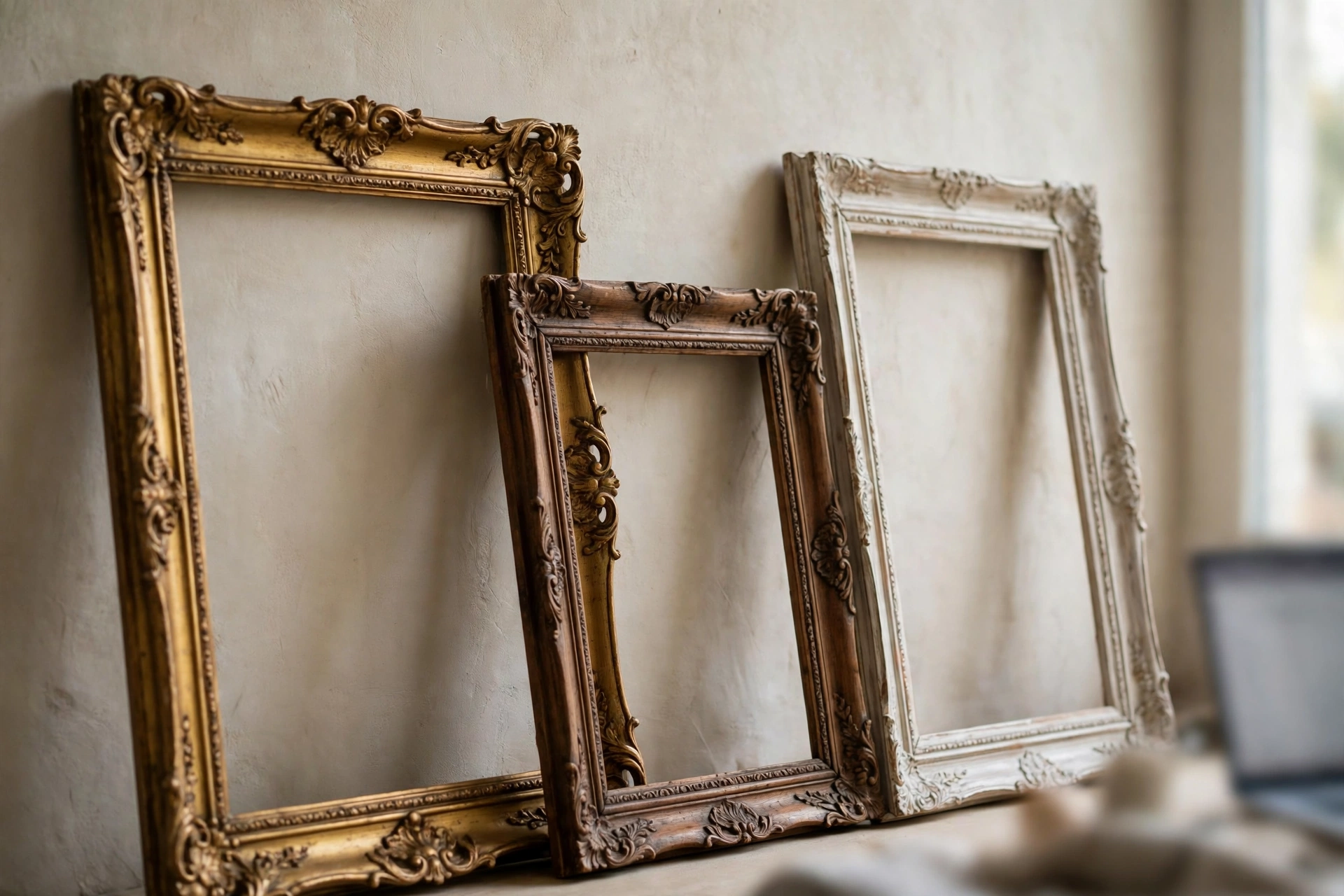
Discord added Profile Frames on July 29, 2026. In Discord's own words, frames are decorative borders that wrap around your profile. Here's what Discord's official blog and FAQ say about them:
- Where they show: on your full profile, and anywhere others open your card.
- Nitro first: some new frames come to Nitro members first. Everyone else gets them later.
- Nitro discount: Nitro members get a discount on frames.
- One per server: with Nitro, you can use a different frame in each server, if you own more than one.
- No Orbs: frames can't be bought with Orbs right now.
- No refunds: frames are non-refundable, so pick carefully.
Discord says that once you buy a frame, "the frame is yours." You don't need Nitro to see frames on other people's profiles.
Can you use all three at once?
Each item sits in a different place. One is on your picture, one is on your card, and one is around the edge. Discord lists frames and effects as two separate items, set in the same part of your settings. So you can build a full look with one of each. Just preview it before you save. Some designs don't look good together.
How to put them on your profile
On desktop or browser
- Open User Settings and go to Profiles.
- For a decoration, choose Change Decoration.
- For an effect or frame, look under Profile Effect and Frame, then choose Change Effect or Change Frame.
- Pick the item, tap Apply, then Save.
On mobile
- Tap your avatar, then Edit Profile.
- Scroll to the decoration, effect or frame section.
- Choose your item, tap Apply, then Save.
If a frame doesn't show up, Discord's advice is to update the app, check that the frame is selected in Edit Profile, and restart the app.
A quick tip before you buy
Add items you like to your Shop wishlist. Discord says this lets friends see what to gift you. It also helps you keep track of what you want, so you don't buy on a whim. Shop items rotate, so if you love something, don't wait too long.
Which one should you buy?
- Want people to notice you in chat? Get an Avatar Decoration.
- Want your profile to look special when someone clicks it? Get a Profile Effect or Frame.
- Already have Nitro? Check the Shop price first. Your Nitro discount applies on its own, and you may get early access to new frames.
If you buy items often, Nitro can pay for itself through the Shop discount. Our Discord Nitro Rewards guide explains what else Nitro gives you in 2026.
Mistakes to avoid
- Buying the wrong type. Check if the item says Decoration, Effect or Frame before you pay.
- Not checking the preview. Tap the item to see it on your own profile first.
- Trusting "free decoration" links. They're scams. Real items only come from the Shop, Quests or a gift.
- Sharing your login. No one needs your Discord password to give you an item.
How to buy Discord Shop items from Bangladesh
The Discord Shop wants a card that pays in dollars. On our Discord Avatar Decorations and Profile Effects page, you choose a package based on the item's price in the Shop, and pay with bKash, Nagad, Rocket or Upay:
| Shop item price | Our price |
|---|---|
| $6 item | ৳780 |
| $12 item | ৳1,560 |
| $13 item | ৳1,690 |
| $16 item | ৳2,080 |
| $24 item | ৳3,120 |
First, check the item's price in the Discord Shop. Then pick the package that matches. Want a Profile Frame? Ask our live chat before you order. Frames are newer, and some are only for Nitro members at first.
For a full list of decoration and effect prices, see our Discord decorations price list.
Frequently asked questions
What are Discord Profile Frames?
They're decorative borders that wrap around your Discord profile. Discord added them to the Shop on July 29, 2026.
What is the difference between an avatar decoration and a profile frame?
A decoration sits around your profile picture and shows in chat. A frame wraps around your whole profile and shows when someone opens it.
Do I need Nitro to buy Profile Frames?
Not always. Some new frame collections come to Nitro members first, then open to everyone. Nitro members also get a discount.
Can I buy Profile Frames with Orbs?
No. Discord says frames aren't currently available for Orbs.
Can I get a refund on a Profile Frame?
No. Discord says Profile Frames are non-refundable.
How do I equip a Profile Frame on mobile?
Tap your avatar, then Edit Profile, scroll to Profile Frame, pick one, tap Apply and then Save.
How can I buy Discord decorations in Bangladesh?
Pick the package that matches the item's Shop price on AroraShop and pay with bKash, Nagad, Rocket or Upay.
Sponsored
Categories
- Beginners Gamers 1
- Top Up 0
- Gift Card 3
- Announcement 0
- Technology 31
- Artificial intelligence 11
- Updates & Guides 326
- Games 3
- Business & Tech 1
- Freelancing & Career 2
- Tech Tips & Tutorials 1
- Make Money Online 1
- Tech & AI Tools 2
- Crypto & Airdrops 3
- Career & Business 1
- Money Making 2
- Guides 0
- Game Top-Up Guides 0
- Subscription Guides 1
Sponsored
Recent Posts

Sponsored