Leave a Review


To buy eFootball Coins in Bangladesh, pick a trusted top-up store, choose a coin pack, pay with bKash, Nagad, or Rocket, and check your in-game balance. With a store that accepts local wallets and delivers instantly, the whole job takes a few minutes. A legitimate top-up needs your account ID, never your password.
The problem is that buying coins is harder here than it looks. Many players have no international card, so the standard in-game route is often closed to them. Prices also move with exchange rates, and fake sellers target players who are in a hurry. One wrong tap on a bad site can cost you money and leave your account untouched.
This guide walks you through four steps: choosing a safe store, picking the right pack, paying with a mobile wallet, and confirming delivery. You will also see a price comparison for each pack size. AroraShop sells eFootball Coins with bKash, Nagad, and Rocket support, so the examples below follow that kind of flow.
eFootball Coins are the premium currency in the game. You spend them on in-game items and special offers, and a store credits them straight to your in-game account. Check three things before you pay: which account you play on, how you will pay, and which store you trust.
You can buy coins inside the game, on an official web store, or from a top-up shop. Each route suits a different kind of player.
Route You usually pay with Watch for In-game store Google Play, App Store, Steam, or console wallet Needs a card or store balance that many Bangladeshi players lack Official web store Payment options vary by region Check which methods your country page lists Top-up shop such as AroraShop bKash, Nagad, Rocket Confirm instant delivery and a public review recordFor most players in Bangladesh, a top-up shop with local wallets is the practical choice, because it removes the card problem.
The best place to buy eFootball Coins is the one that accepts the money you actually have.
Get your details ready before you open a store page. This prevents most failed orders.
Copy your ID from inside the game instead of typing it from memory. One wrong character sends the order to the wrong place.
Pick a store that shows a dedicated eFootball Coins page, accepts local wallets, states instant delivery, and has public reviews. If a shop misses any of these, skip it and keep looking. This step matters most, because everything after it depends on who holds your money.
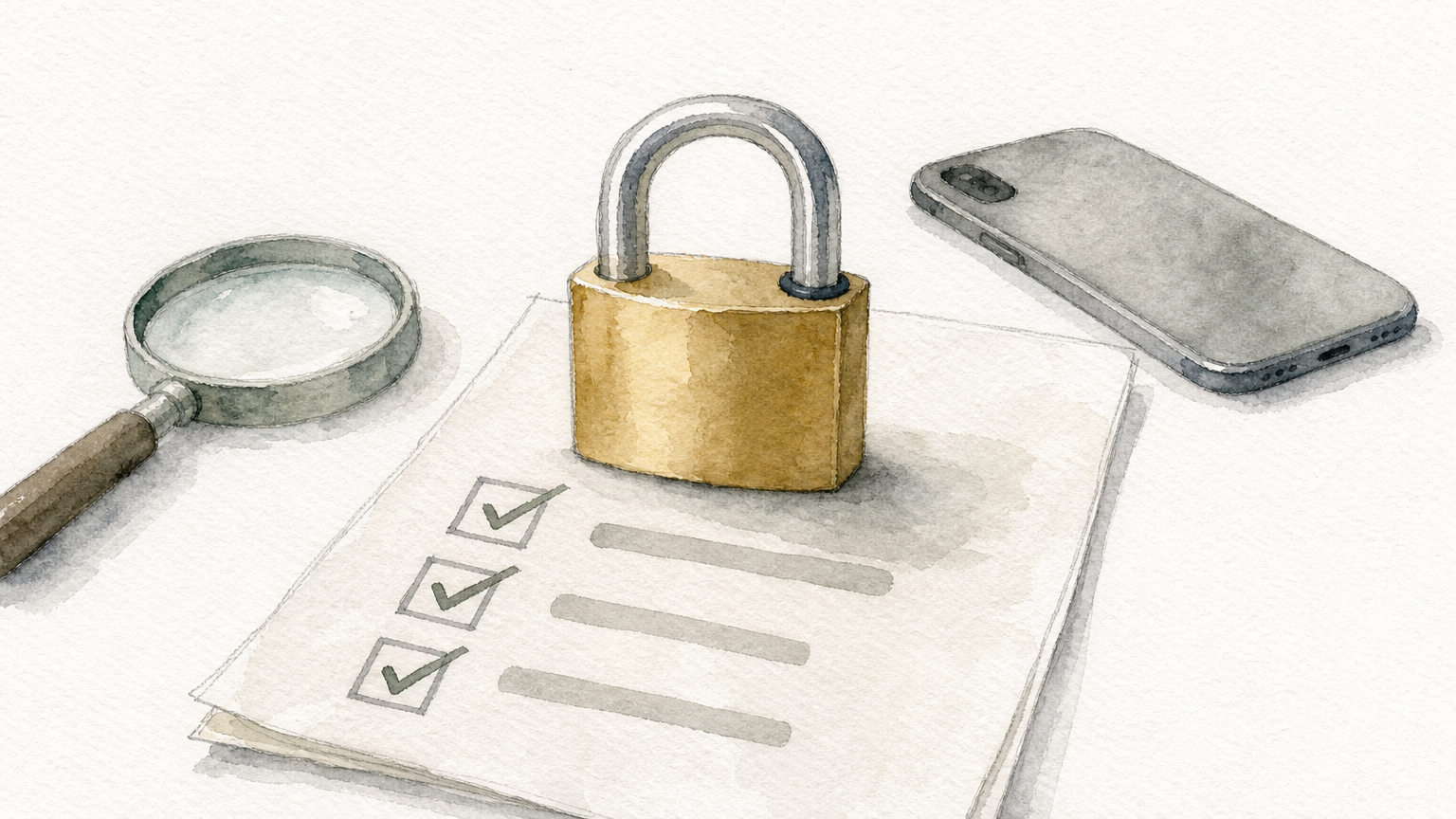
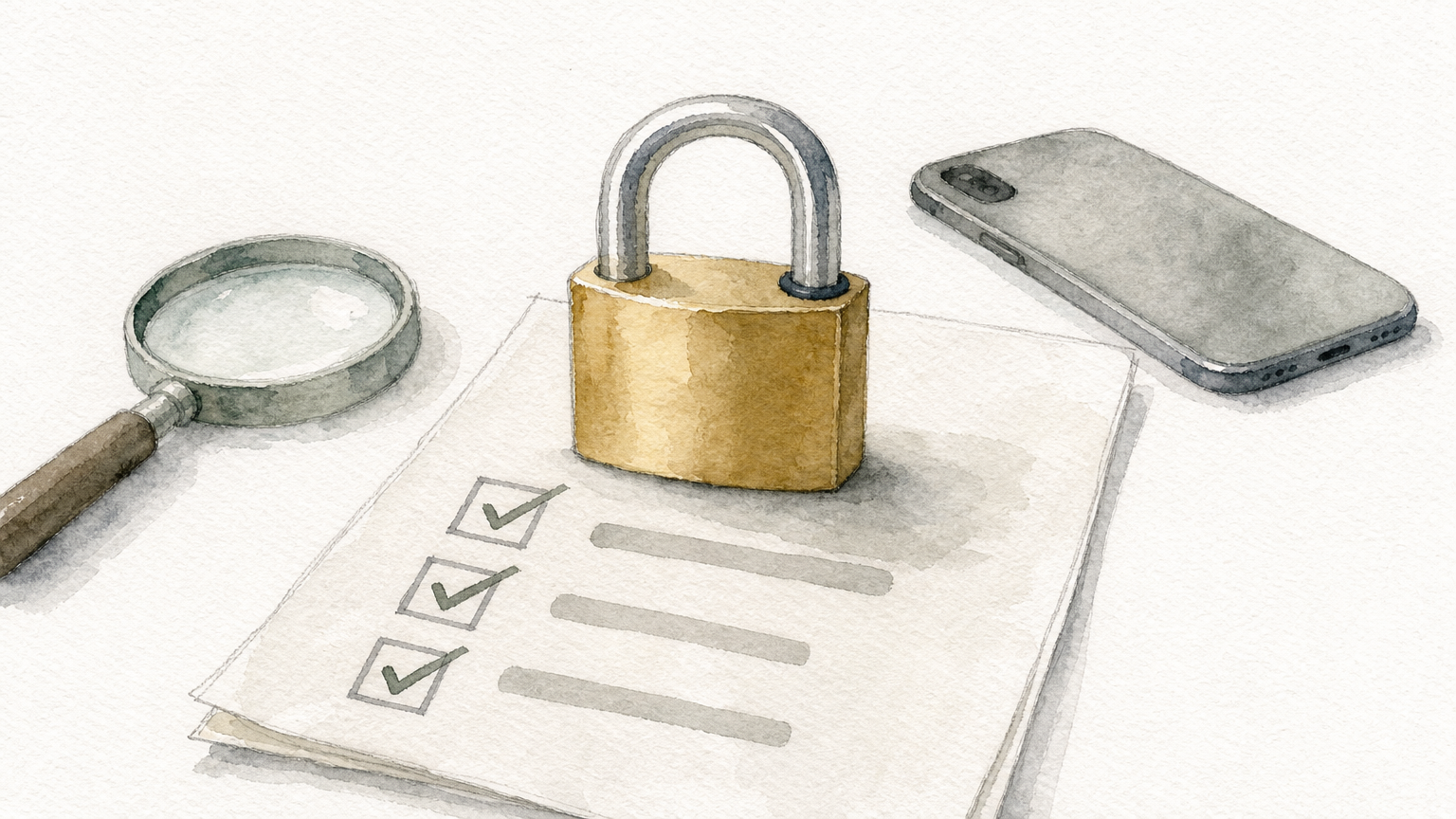
Run through this checklist on any store you have not used before:
If a seller asks for your password, you are not buying coins, you are handing over your account.
AroraShop runs a web store and an Android app on Google Play. If you want an eFootball coins shop for Android, the app gives you the same catalog in a mobile layout, plus app-only discounts. You can also open the AroraShop eFootball Coins page on the web, whichever feels faster on your phone.
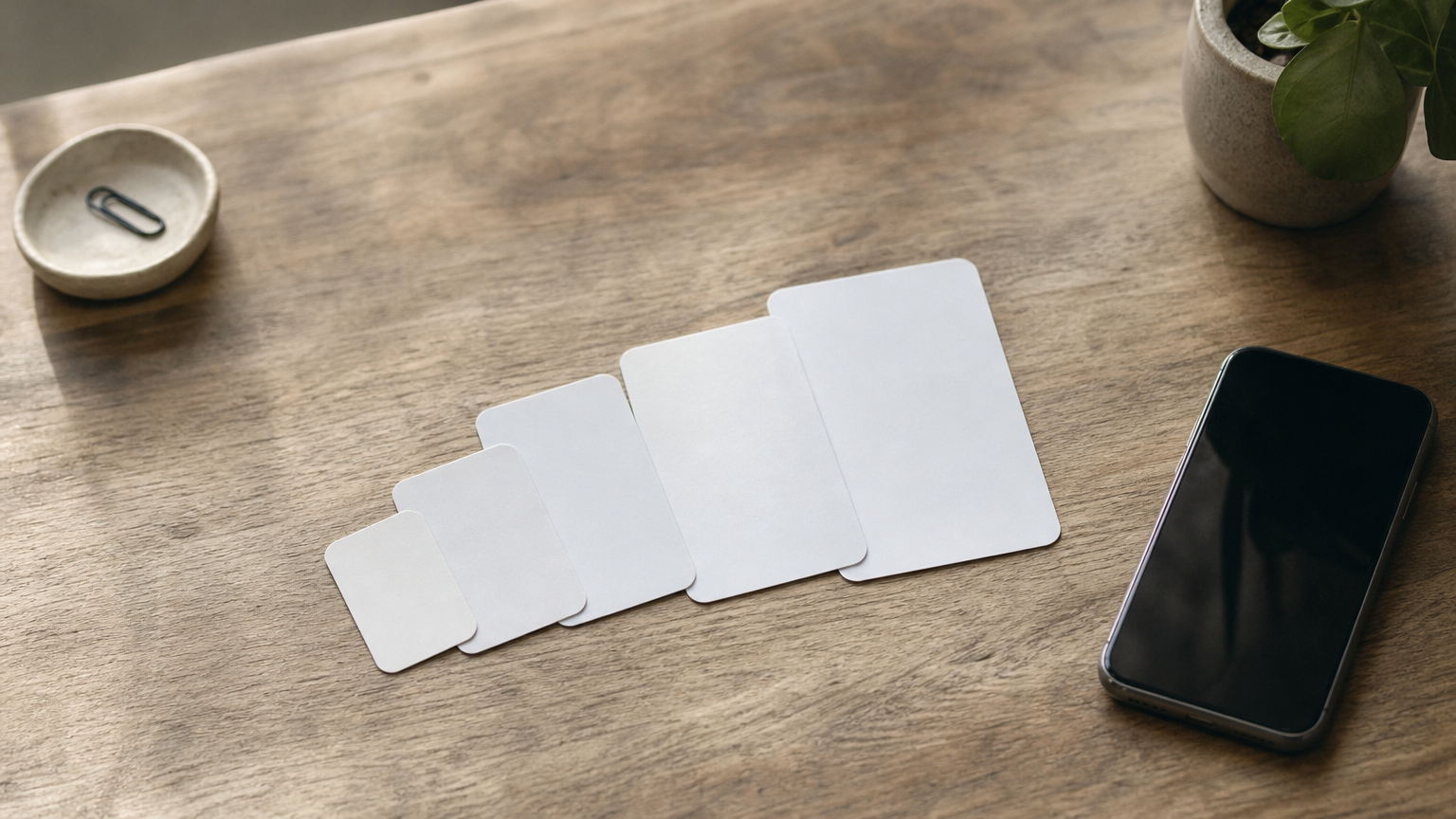
Choose the pack by your goal, not by the biggest number. Bigger packs give more coins per dollar, but only buy what you will use. For a clear reference, the Steam item store lists these eFootball Coins prices in USD, and you can use the ratios to judge any store.
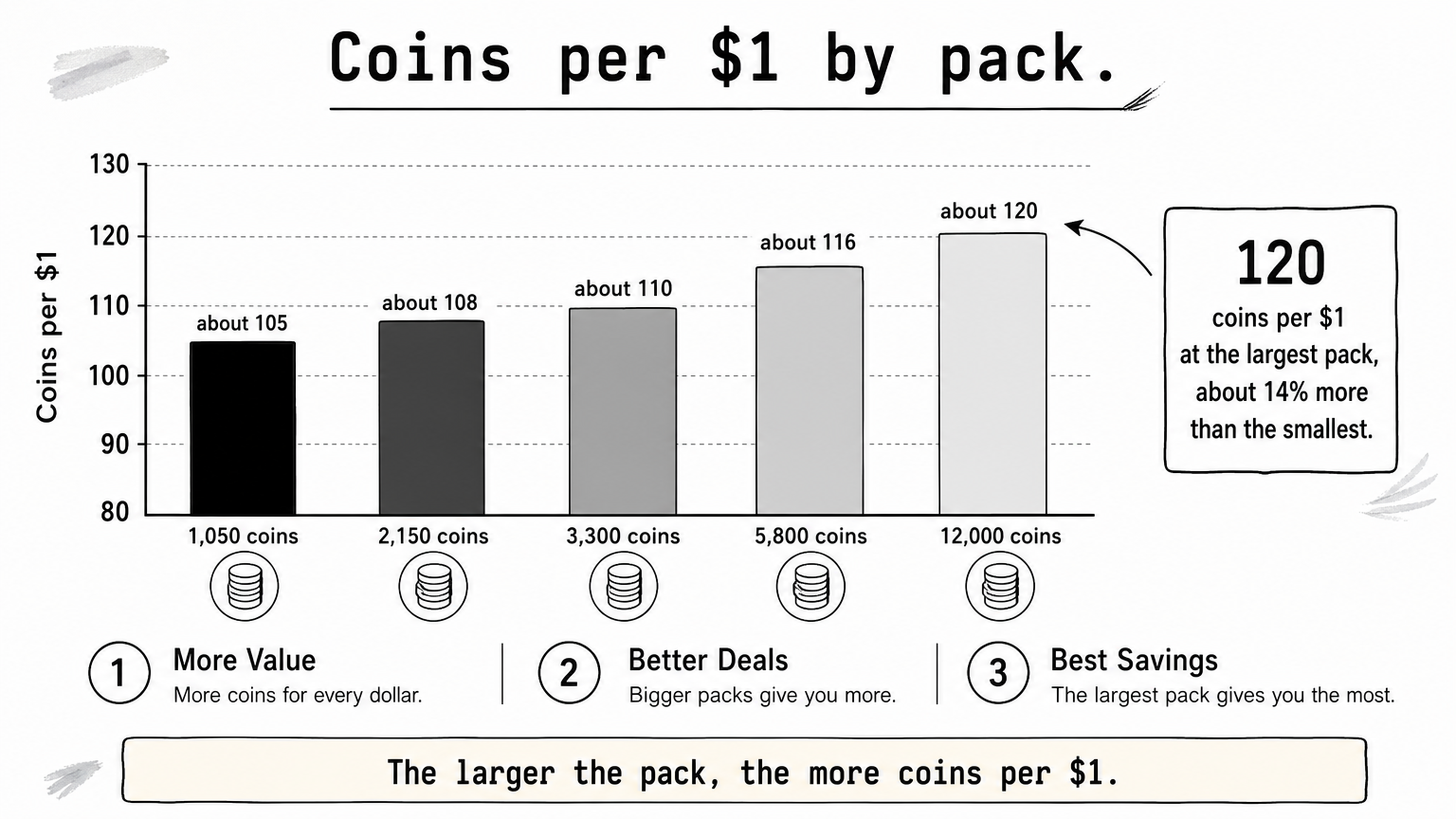
The gap between the smallest and largest pack is roughly 14%. That is real, but it only pays off if you will spend all the coins.
Local prices in taka depend on the store and the exchange rate. Konami itself adjusts coin prices when exchange rates move, so a price you saw last month may have changed. Always read the final taka amount at checkout.
If you want one specific pack or offer, buy the smallest pack that covers it. If you play every week and buy regularly, a mid-size pack of 3,300 or 5,800 coins gives better value without tying up much cash. Skip the 12,000 pack unless you already know where those coins will go.
A cheaper rate per coin only helps if you use every coin you buy.
Select your pack, enter your account details, choose bKash, Nagad, or Rocket, and confirm the payment inside your wallet. A normal eFootball top-up with bKash finishes in a few minutes. Follow the order below.
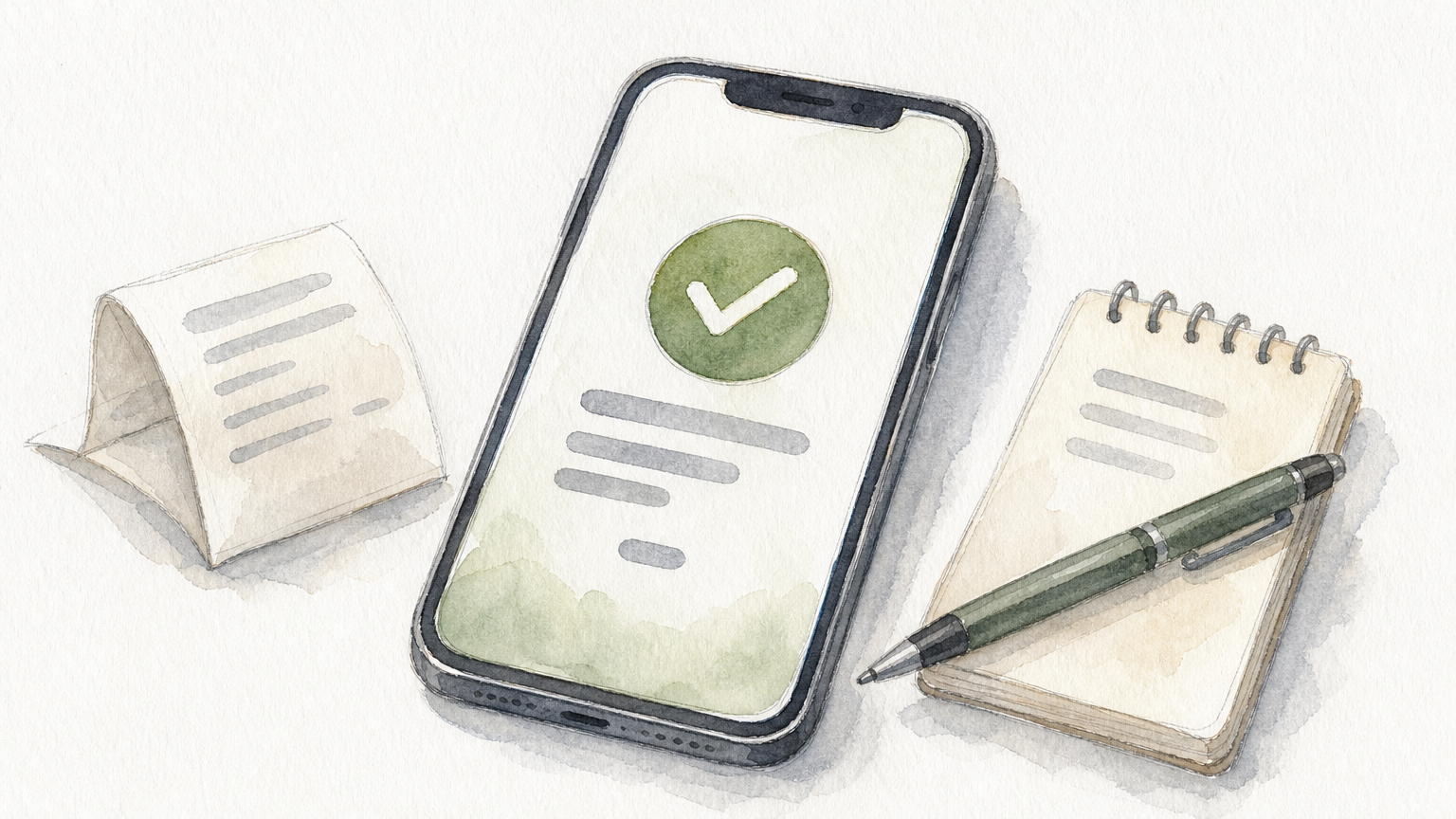
Do not close the page while the payment is processing. If the screen hangs, check your wallet history before you do anything else.
Only pay through the flow the store shows you. Never share your wallet PIN or an OTP with anyone, including someone claiming to be support. Check the amount on the wallet confirmation screen against the price you saw at checkout.
Your wallet PIN and OTP belong to you alone, and no real store will ask for them in chat.
Open eFootball, go to the store screen, and check that your coin balance rose by the pack size. A good store delivers within minutes. If it does not, wait a few minutes, recheck your ID, and then contact support with your transaction ID.
Restart the game if the balance looks unchanged. Then compare the new balance with your old one. Keep the order confirmation until you have used the coins, because it is your proof if something goes wrong.
First, confirm that the account ID on your order matches your in-game ID. Second, check your wallet history to see whether the payment went through. Third, send support your transaction ID, the pack, and the time of payment.
Do not repeat the purchase. Konami has warned players that when coin purchases hit a problem, repeated attempts can all be processed once the issue clears. Waiting costs you minutes, while a second order can cost you a full pack.
If your balance looks wrong or your account shows restrictions, check the notices on the official eFootball site. Konami has published guidance on negative coin balances and functional restrictions.
When an order stalls, wait and contact support instead of paying twice.
Buying eFootball Coins in Bangladesh comes down to four moves. Choose a store that shows its reviews and takes local wallets. Pick a pack that fits your real plans. Pay only through the wallet flow the store gives you. Then confirm the balance and keep your transaction ID until you have used the coins.
The next time you need coins, you can repeat this routine in a few minutes. If you want a store built around bKash, Nagad, and Rocket with instant delivery, shop eFootball Coins at AroraShop and top up your account today.