Leave a Review


You want diamonds in your Free Fire account, and you want them now. The problem is that most top-up options either ask for an international card or send you to sellers you can't verify. If you have ever sent money on bKash and then waited hours for nothing, you know how that feels. A free fire diamond top up should take a few minutes, not an afternoon of chasing support.
Here is the short answer. You can top up by player ID (UID), with no login and no password. Pick a diamond pack, enter your UID, pay with bKash, Nagad or Rocket, and the diamonds land in your account. Never share your password with any seller. A legitimate store only needs your UID.
This guide walks you through the process on AroraShop, step by step. You will see how to find your UID, which pack to choose, how to pay with bKash, and what to check before you send money. We also cover how to spot a fake top-up site and what to do if your diamonds do not arrive.
Preparation takes two minutes and prevents most failed top-ups. Before you open any free fire diamond top up page, get a few things ready on your phone. Each one removes a common reason for delays.
Start with this list. Everything on it is free, and you probably have it already.
Next, decide on your budget. Look at the pack sizes the store lists, from small packs like 20 or 100 diamonds up to bigger bundles. If a store is new to you, start with a small pack and check that it arrives before you spend more. A small test order costs little and tells you a lot about the seller.
Legitimate stores ask for your UID and nothing else. If a site wants your Facebook login, your Garena password or a verification code, close the tab. Those details give someone full control of your account, and no diamond pack is worth that risk.
A real Free Fire top up needs your UID, never your password.
Finally, check the seller's reputation before you pay. Look for public reviews on Trustpilot and Google Maps, and see whether the store has an official app on Google Play. A seller with a track record and visible customer feedback is far safer than a stranger on a social media page.
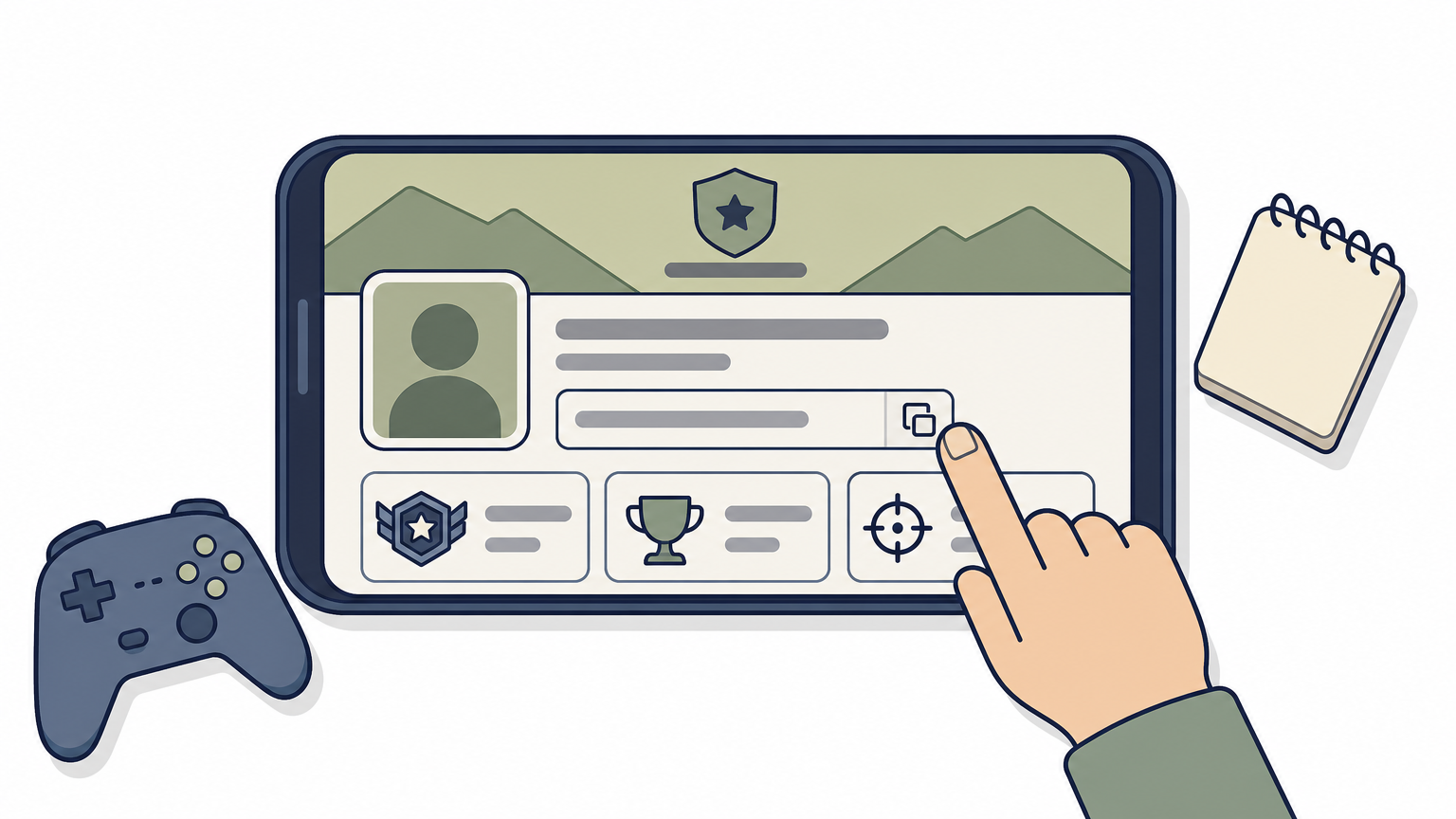
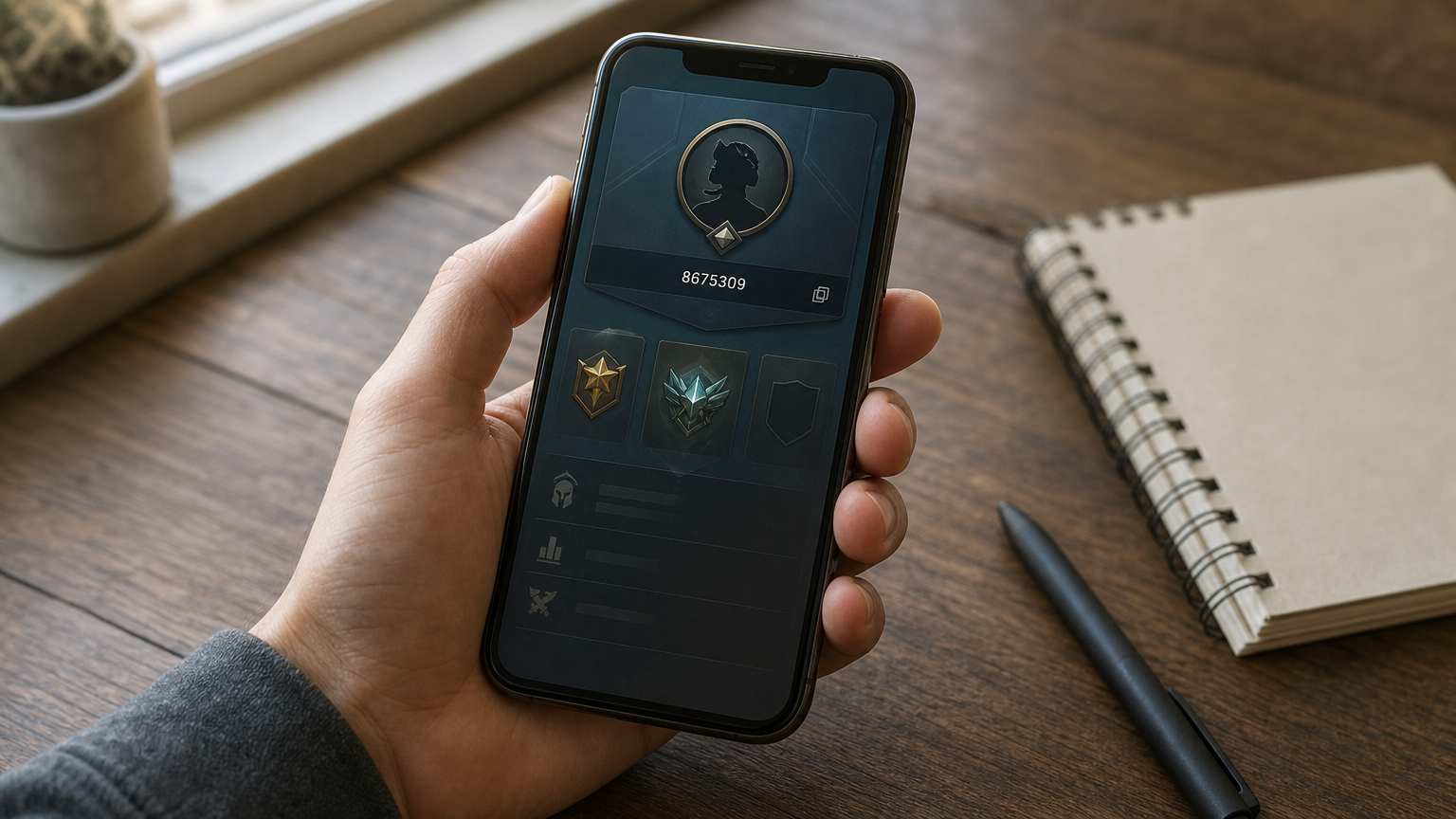
Every free fire diamond uid top up starts with one number. Your Free Fire diamond UID tells the store which account gets the diamonds, so it has to be exact.
You can copy your UID in under a minute from inside the game. Follow these steps:
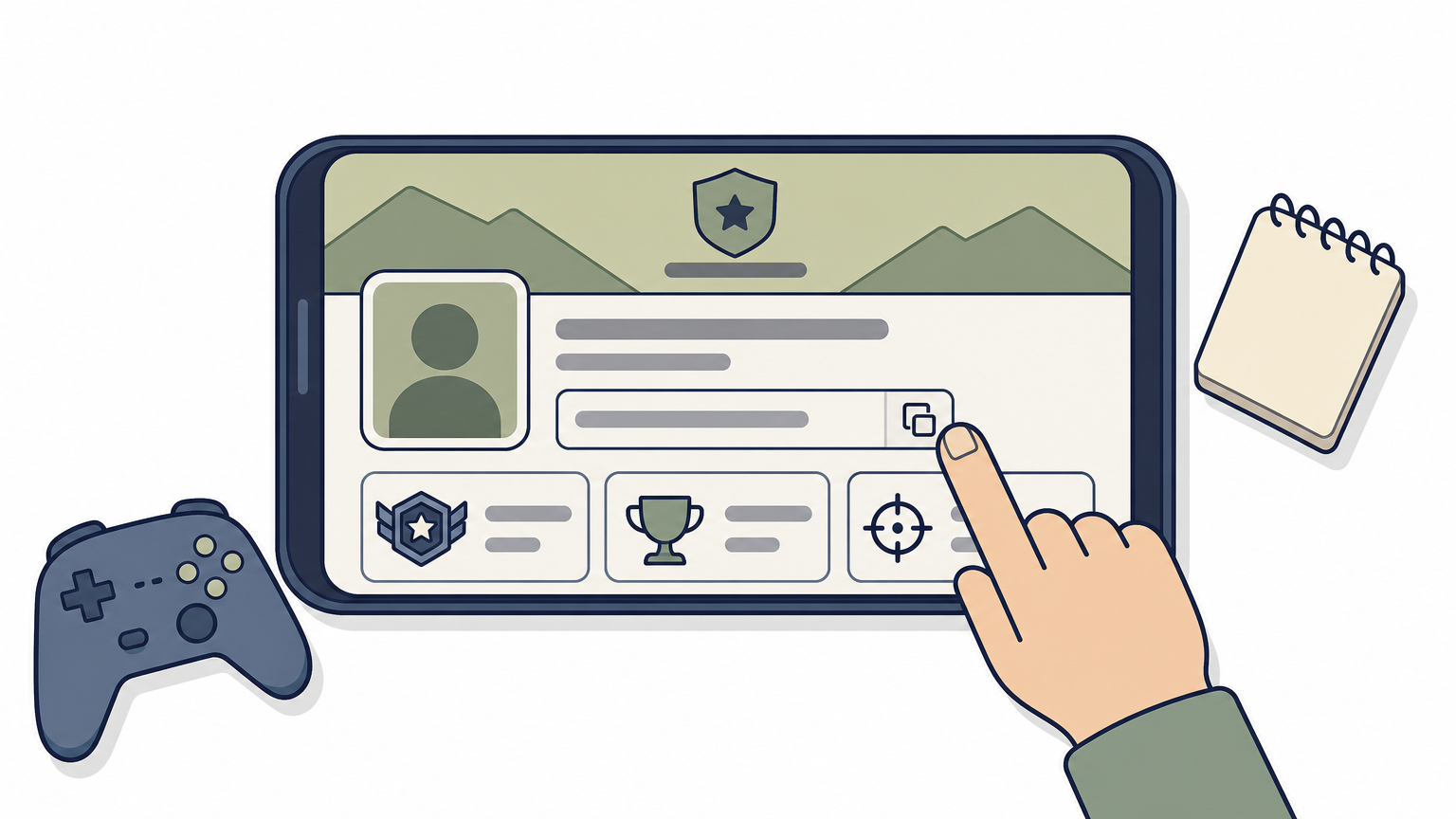
Paste your UID instead of typing it. One wrong digit can send your diamonds to a stranger, and delivered diamonds are very hard to get back.
Check your UID twice, because diamonds follow the number, not the person.
Before you pay, compare the first and last few digits with your profile screen. If the store shows your nickname after you enter the UID, confirm it matches your in-game name. Also make sure the UID belongs to the account you actually play on.
Any free fire diamond top up website can look polished, so judge it by proof, not design. A few quick checks take one minute and filter out most scams.
Trust a store that shows its reviews, not one that only shows low prices.
Both work, but an app suits repeat buyers. The official AroraShop Android app on Google Play offers app-only discounts and saves you retyping details. If you top up rarely, the AroraShop Top Up page in your browser is enough.
When you search for a free fire diamond top up app, install only the official Google Play listing. Ignore APK files sent through Facebook or Telegram, because fake apps are a common way to steal accounts.
With your UID and a trusted store ready, this step takes about two minutes. Go slowly anyway, because payment is final once you confirm.
Match the pack to what you need. A free fire 20 diamond top up works as a cheap test order. A free fire 100 diamond top up bd bkash order suits a regular purchase.
Check the price in BDT on the product page. Then compare it with the final total at checkout, so nothing surprises you.
Follow this order for any free fire diamond top up bd bkash purchase:
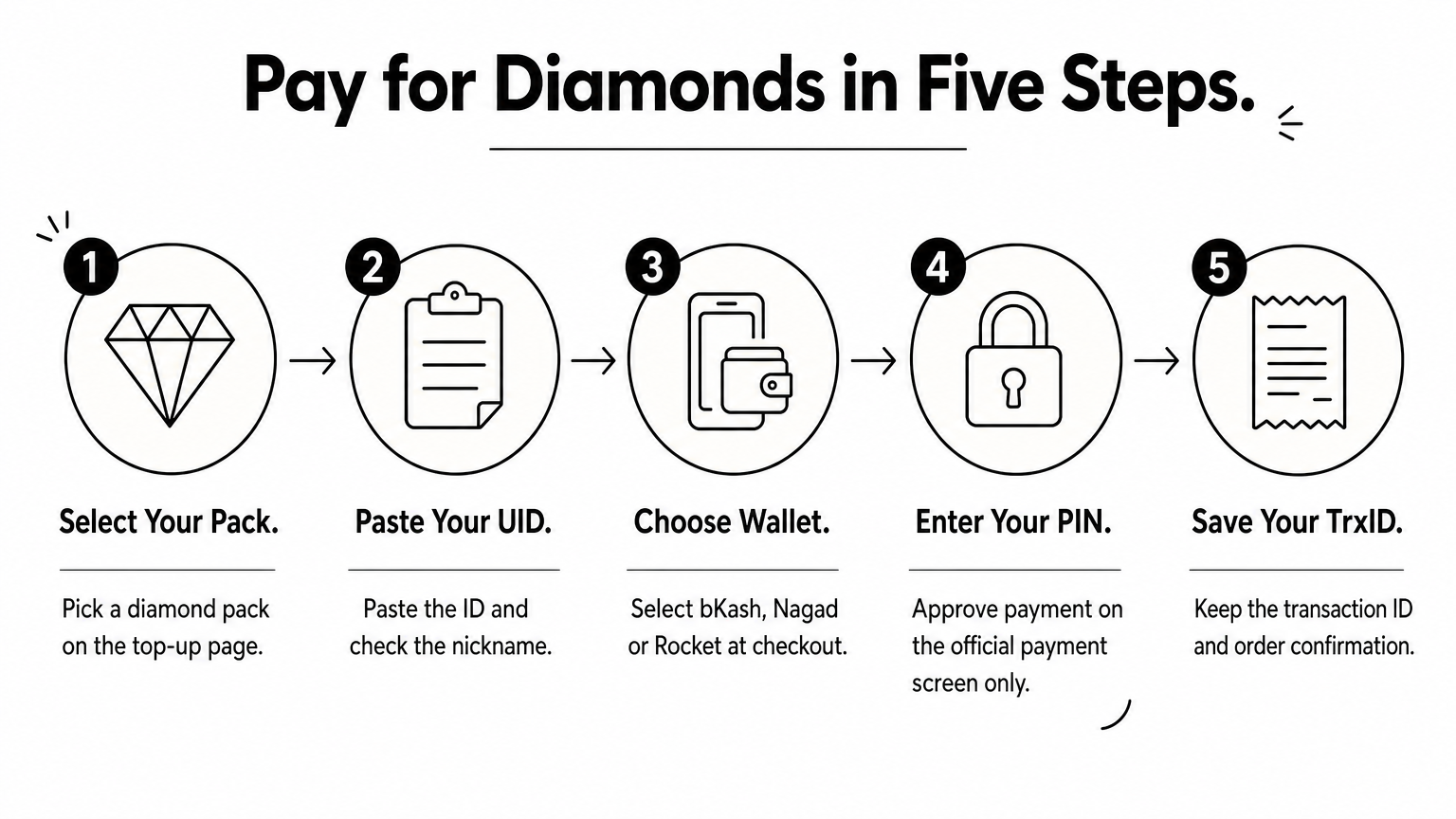
Never type your PIN or OTP anywhere except the official bKash payment screen. No seller or support agent needs it.
Your bKash PIN belongs in the bKash screen only, never in a chat with a seller.
Delivery should be fast, so check right away. A free fire diamond top up bangladesh order from a reliable store usually lands within minutes.
Open Free Fire and look at the diamond counter in the lobby's top bar. If the number went up, you are done. If not, close the game fully and reopen it, because the lobby sometimes shows an old balance.
Wait five to ten minutes first, then work through this list:
Keep your TrxID until the diamonds show up in your account.
Send support your UID, TrxID and a screenshot of the order. With those three details, an agent can trace the order in one message. If you paid a seller who has no contact page or reviews, you have no way to chase it, which is why Step 2 matters.
A good free fire diamond top up comes down to four habits. Copy your UID straight from the lobby, choose a store with public reviews, enter your PIN only on the official bKash screen, and keep your TrxID until the diamonds show up in your account.
Never hand over a password, and start with a small pack whenever a store is new to you. Follow those rules and your next top up in Bangladesh will take minutes, not hours.
Ready when you are? You can top up Free Fire diamonds on AroraShop with bKash, Nagad or Rocket. Paste your UID, confirm the nickname, pay once, and get back into the match with a full diamond balance.