



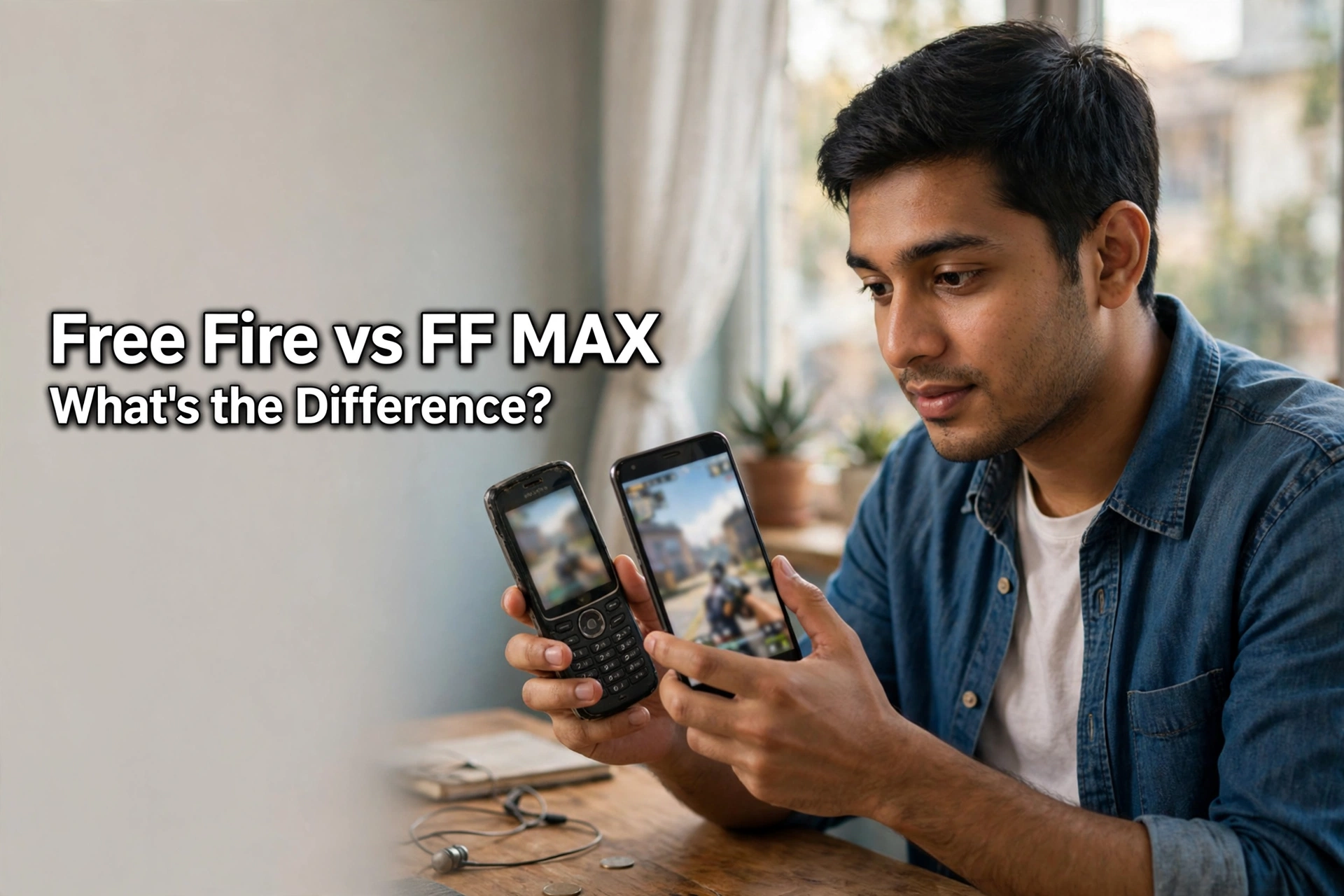
Free Fire vs Free Fire MAX: Differences, Phone Needs, and Do Diamonds Work in Both?
AroraShop Editorial & Fulfillment Team
Digital Gaming & FinTech Specialists (Dhaka, BD) • UpdatedFree Fire vs Free Fire MAX: Differences, Phone Needs, and Do Diamonds Work in Both?
Free Fire and Free Fire MAX are the same game with two different apps. MAX has sharper graphics, better lighting, and more detailed effects, but it needs a stronger phone. Your account, level, rank, items, and diamonds are shared between both through Garena's Firelink technology, and players on either app can play together. So you can top up diamonds once by UID and use them in whichever version you play.
Free Fire vs Free Fire MAX at a glance
| Free Fire | Free Fire MAX | |
|---|---|---|
| Graphics | Simpler, built for speed | Higher resolution, better textures and lighting |
| RAM (rough minimum, Android) | About 1 GB | About 2 GB, best with 4 GB or more |
| Download size | Smaller | Larger |
| Account and progress | Shared with MAX | Shared with Free Fire |
| Diamonds | Shared | Shared |
| Play together? | Yes | Yes |
RAM figures are rough guides from published comparisons. Check the Play Store or App Store page for the current requirements before you install.
What's actually different
The gameplay, maps, characters, and modes are the same. The difference is how the game looks and how hard your phone has to work.
- Graphics: MAX shows more detail in buildings, grass, water, and effects like smoke and explosions.
- Performance: Free Fire is tuned to run smoothly on budget phones. MAX can lag or heat up a weaker phone.
- Storage: MAX takes more space, and both apps download extra files after you install them.
What stays the same
Through Firelink, one account works in both apps. Your level, rank, characters, items, and diamonds carry across. You can also join the same squads and matches, so a friend on Free Fire can play with you on MAX.
One warning: guest accounts may not carry over. Before you switch apps, link your game to a Google or Facebook account in the settings. That also protects your account if you lose your phone.

Which one should you install?
- Phone with 2 GB of RAM or less, or little free storage: Free Fire.
- Phone with 4 GB of RAM or more and space to spare: Free Fire MAX, if you care about graphics.
- Phone gets hot or laggy in MAX: switch to Free Fire. Your progress comes with you.
- Not sure: start with Free Fire. You can always move to MAX later.
Many players keep Free Fire for long sessions and use MAX only on a stronger phone. Since the account is shared, there's no loss either way.
How to switch from Free Fire to MAX (or back)
- Open the app you use now and go to Settings.
- Link your account to Google or Facebook if you haven't already.
- Install the other app from the Play Store or App Store.
- Open it and log in with the same Google or Facebook account.
- Check that your level, items, and diamonds are there.
- Once you're happy, you can remove the old app to free up space.
Don't uninstall the old app before you've logged in to the new one. That way, if something goes wrong, you still have a working app.
Topping up diamonds for either version
Because diamonds are shared, there's no separate "MAX diamond" top-up. You use the same UID for both.
- Open either app and tap your profile banner in the top-left corner.
- Copy your ID from under your name.
- Go to the Free Fire Diamond page and paste your UID.
- Pick a pack and pay with bKash, Nagad, Rocket, or Upay.
- Open whichever app you play and check your diamonds.
The UID is the same in both apps for a linked account. For more help, read how to find your game UID.
Free Fire diamond prices on AroraShop
| Pack | Price |
|---|---|
| 115 Diamonds | ৳80 |
| 240 Diamonds | ৳160 |
| 610 Diamonds | ৳400 |
| 1,240 Diamonds | ৳799 |
| 2,530 Diamonds | ৳1,570 |
| Weekly Membership | ৳157 |
| Monthly Membership | ৳780 |
Smaller packs are listed too. See every pack and its cost per 100 diamonds in our game top-up price list.

Tips for smoother play
- Lower the graphics setting in MAX if your phone gets warm.
- Close other apps before a match.
- Keep at least a few GB of free storage for updates.
- Play on Wi-Fi when you download big updates, to save mobile data.
- Skip "free diamond" apps and mod APKs. They can get your account banned.
Wondering how Free Fire compares to PUBG Mobile? Read Free Fire vs PUBG Mobile. If diamonds ever go missing, see Free Fire diamonds not received.
Frequently asked questions
Is Free Fire MAX the same as Free Fire?
It's the same game with better graphics. Your account and progress are shared between both apps.
Do Free Fire diamonds work in Free Fire MAX?
Yes. Diamonds are shared through Firelink, so a top-up shows in both apps.
Can Free Fire and Free Fire MAX players play together?
Yes. Players on both apps can join the same squads and matches.
How much RAM does Free Fire MAX need?
Published guides list about 2 GB as a minimum, with 4 GB or more for smooth play. Check the store page for current requirements.
Will I lose my progress if I switch apps?
Not if your account is linked to Google or Facebook. Guest accounts may not carry over.
Is the UID the same in both apps?
Yes, for a linked account. Use that UID to top up.
Do I need to buy diamonds twice to use both apps?
No. One top-up is enough. The diamonds show up in whichever app you open.
Can I remove Free Fire after installing MAX?
Yes, once you've logged in to MAX with your linked account and checked that your progress is there.
Which is better for a low-end phone?
Free Fire. It's built to run smoothly on budget phones.
Conclusion
Choose the app that suits your phone. Free Fire runs on almost anything, and MAX looks better on stronger phones. Link your account first, and your level, items, and diamonds follow you wherever you play.
Top up Free Fire diamonds on AroraShop with bKash. They work in both Free Fire and Free Fire MAX.
Sponsored
Categories
- Beginners Gamers 1
- Top Up 0
- Gift Card 3
- Announcement 0
- Technology 31
- Artificial intelligence 11
- Updates & Guides 256
- Games 3
- Business & Tech 1
- Freelancing & Career 2
- Tech Tips & Tutorials 1
- Make Money Online 1
- Tech & AI Tools 2
- Crypto & Airdrops 3
- Career & Business 1
- Money Making 2
- Guides 0
- Game Top-Up Guides 0
- Subscription Guides 1
Sponsored
Recent Posts


Sponsored

