



How to Gift Free Fire Diamonds to a Friend in Bangladesh (2 Easy Ways)
AroraShop Editorial & Fulfillment Team
Digital Gaming & FinTech Specialists (Dhaka, BD) • UpdatedWant to surprise a friend with Free Fire diamonds for their birthday, or help a teammate buy the Booyah Pass? It's easy, but there's one thing most people don't know: you can't send diamonds from your own account to someone else inside the game.
There are two ways that do work. You can top up diamonds straight to your friend's Player ID, or you can buy an item in the game's Gift shop and send it to them. Here's how both work, which one to pick, and how to do it safely from Bangladesh.
Can you send diamonds inside Free Fire?
No. Free Fire doesn't let you move diamonds or gold from your account to another player. TopUpLive's gifting guide says this clearly, and it's why so many "diamond transfer" videos are fake.
So when people say "gift diamonds", they mean one of these two things:
| Method | What your friend gets | Who picks what to buy |
|---|---|---|
| Top up their Player ID | Diamonds in their account | Your friend |
| In-game Gift shop | A skin, bundle, emote or Booyah Pass | You |

Method 1: top up diamonds to your friend's Player ID
This is the simplest gift. Your friend gets diamonds and spends them on whatever they like. All you need is their Player ID, the number under their name on their profile.
- Ask your friend to copy their Player ID from their profile and send it to you. Don't type it from a screenshot.
- Open our Free Fire diamond top-up page.
- Paste their Player ID into the UID box.
- Pick a pack and pay with bKash, Nagad, Rocket or Upay.
- The diamonds go straight to their account, usually within minutes.
You don't need their password, and they don't need yours. If anyone asks for a password to "send a gift", that's a scam.
How much to gift
Here are some gift ideas with our current prices:
| Gift | Price | Good for |
|---|---|---|
| 115 diamonds | ৳85 | A small surprise |
| 240 diamonds | ৳170 | A few emotes or small items |
| Weekly Membership | ৳159 | A friend who plays every day |
| 610 diamonds | ৳415 | Enough for the Premium Booyah Pass |
| Monthly Membership | ৳799 | A big gift for a daily player |
Want to add a personal touch? Send your friend a message when you order, so they know who the diamonds came from. They'll just see the diamonds appear, with no sender name.
For a friend who logs in every day, a membership gives more diamonds over time than a normal pack, because they claim some every day. For a friend who plays now and then, a normal pack is better. Our guide on Weekly vs Monthly Membership explains the difference.
Method 2: send an item from the Gift shop
If you already know what your friend wants, you can buy it for them in the game. You pay with your own diamonds.
- Open Free Fire and go to the Store.
- Tap the Gift tab.
- Pick the item, then tap Give.
- Choose your friend from the list, or enter their Player ID.
- Add a short message if you like, then confirm.
According to TopUpLive, the gift lands in your friend's in-game mailbox right away. Items you can gift include outfits, character and weapon skins, bundles, pets, emotes and the Booyah Pass.
If the Gift button doesn't show up for an item, it's either not giftable, or you haven't met the friendship or level rules yet. Those rules can change, so check the Gift tab in your own game.

Which method should you pick?
- Not sure what they want? Top up diamonds. They choose.
- They keep talking about one skin? Gift that item from the Gift shop.
- Booyah Pass for this month? Either works. You can gift the pass in the game, or top up enough diamonds for them to buy it. This month's pass is Stellar Scorpions. See our November Booyah Pass guide.
- Want to use your own diamonds? Only the Gift shop lets you do that.
Stay safe when gifting
Gifts can't be undone. So a few simple rules save a lot of trouble:
- Check the Player ID twice. One wrong number sends the diamonds to a stranger, and they can't be pulled back.
- Copy, don't type. Ask your friend to copy the ID from their profile and paste it to you in a message.
- Never share passwords. Real gifting never needs one.
- Ignore "free diamond gift" links. Sites that promise free or unlimited diamonds are almost always scams, and they're after your login.
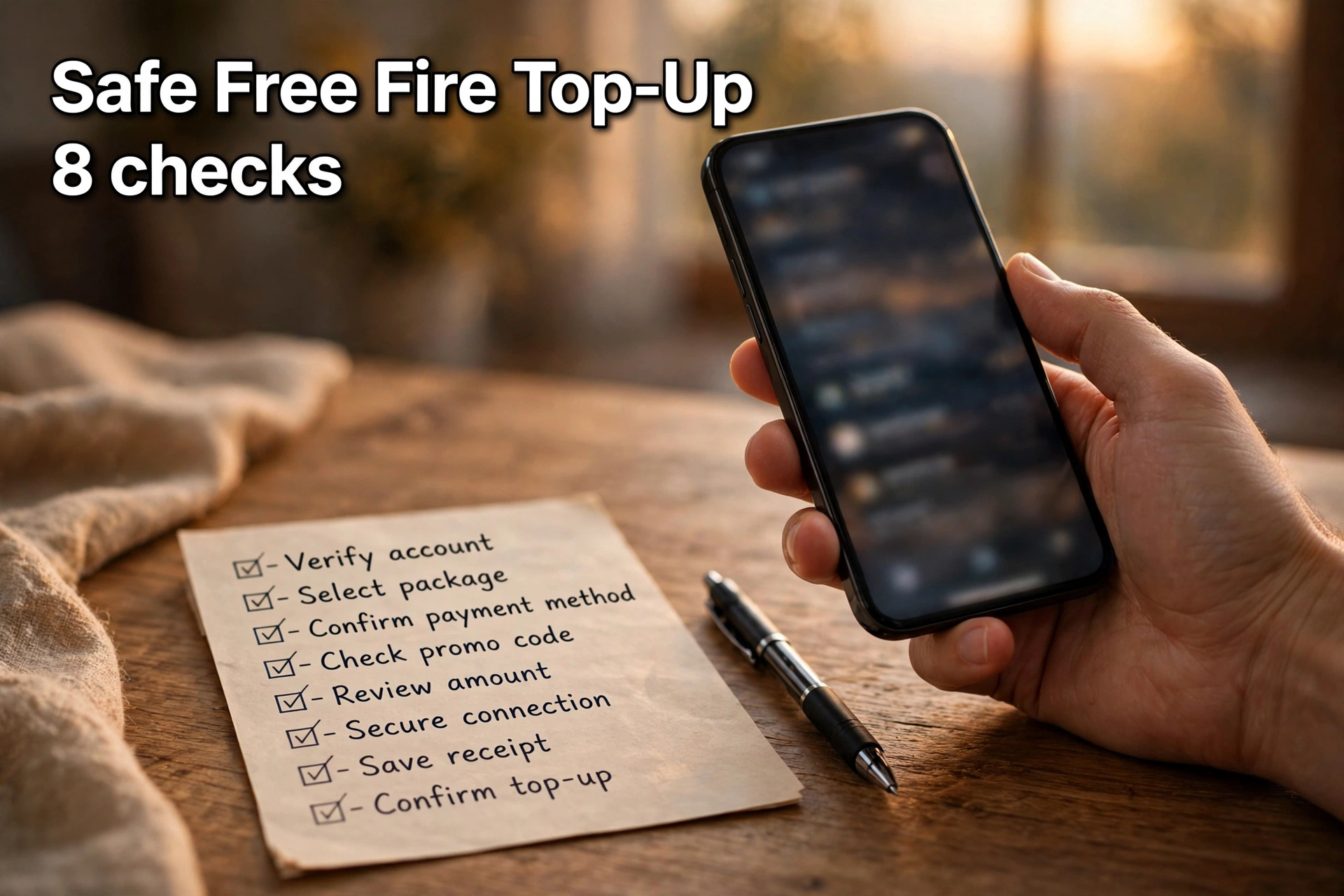
- Keep your receipt. If something goes wrong, your order number helps support find the problem fast.
If diamonds went to the wrong ID or haven't shown up, read our guide on what to do when diamonds don't arrive.

A note for parents
If your child asks for diamonds as a gift, topping up their Player ID is a safe way to do it. No card is saved in the game, so there are no surprise charges later. You decide the amount, and that's all they get.
Frequently asked questions
Can I send diamonds to a friend in Free Fire?
Not from inside the game. You can top up diamonds to your friend's Player ID on a top-up site, or gift them an item from the in-game Gift shop.
What do I need to gift Free Fire diamonds?
Only your friend's Player ID. You don't need their password.
Can I gift the Booyah Pass in Free Fire?
Yes. The Booyah Pass can be gifted from the Gift tab in the Store, or you can top up enough diamonds for your friend to buy it.
Why can't I see the Gift button in Free Fire?
The item may not be giftable, or you may not meet the friendship or level rules yet.
Can I cancel a Free Fire gift?
No. Gifts can't be undone, so check the Player ID before you send.
How much does a small Free Fire diamond gift cost?
On AroraShop, 115 diamonds cost ৳85 and 240 diamonds cost ৳170, paid with bKash or Nagad.
Can I gift a Free Fire membership?
Yes. Enter your friend's Player ID when you order the Weekly or Monthly Membership, and it goes to their account.
Sponsored
Categories
- Beginners Gamers 1
- Top Up 0
- Gift Card 3
- Announcement 0
- Technology 31
- Artificial intelligence 11
- Updates & Guides 334
- Games 3
- Business & Tech 1
- Freelancing & Career 2
- Tech Tips & Tutorials 1
- Make Money Online 1
- Tech & AI Tools 2
- Crypto & Airdrops 3
- Career & Business 1
- Money Making 2
- Guides 0
- Game Top-Up Guides 0
- Subscription Guides 1
Sponsored
Recent Posts


Sponsored