Leave a Review


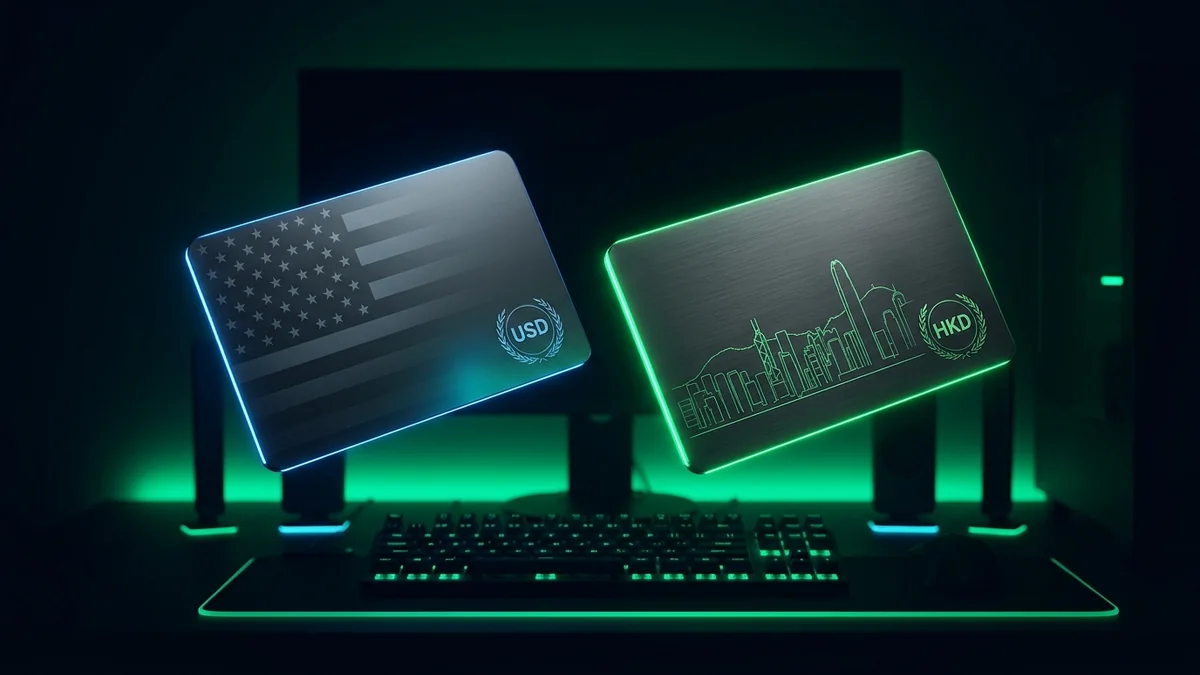
Direct Answer: Under Valve’s strict currency-matching policy, a Steam US (USD) Gift Card (৳725 – ৳14,500 on AroraShop) only redeems on Steam accounts set to United States / South Asia USD, whereas a Steam Hong Kong (HKD) Gift Card (৳208 – ৳2,210) only redeems on Hong Kong (HKD) accounts. Bangladeshi PC gamers can buy both official regions instantly in BDT via bKash, Nagad, Rocket, and Upay with 1–5 minute dashboard code delivery.
The single most common mistake PC gamers in Bangladesh make when topping up their Steam Wallet is buying the wrong currency code for their account’s Store Country. Since Valve updated its global wallet redemption rules, Steam no longer auto-converts physical or digital gift card currencies across regions. Therefore, verifying whether your Steam profile uses USD ($) or HKD (HK$) before ordering saves time and guarantees instant activation.
“According to AroraShop Digital Fulfillment Telemetry (2026 fulfillment study, n = 52,400 orders in Bangladesh), matching the exact Steam Store currency prior to checkout eliminates 99% of wallet redemption errors, with in-stock USD and HKD codes delivered automatically in 1 to 3 minutes.” — AroraShop Digital Fulfillment Operations Report (Dhaka, Bangladesh)
Here is how the two primary Steam Wallet regions used by Bangladeshi PC gamers compare across BDT entry price, regional game pricing, and account compatibility on AroraShop.
| Comparison Factor | Steam Gift Card USA (USD) | Steam Gift Card Hong Kong (HKD) |
|---|---|---|
| Live BDT Price Range | ৳725 – ৳14,500 BDT (7 denominations) | ৳208 – ৳2,210 BDT (4 denominations) |
| Required Account Currency | USD ($) — United States or South Asia USD Store | HKD (HK$) — Hong Kong Store Country |
| Minimum Entry Cost | Starts at ৳725 (ideal for full games & Battle Passes) | Starts at ৳208 (ideal for small microtransactions & CS2 keys) |
| Regional Publisher Pricing | Standard US / South Asia USD pricing; 100% global catalog availability | Frequently 10%–25% lower publisher pricing on Asian & indie releases |
| CS2 / Dota 2 Market Access | Full Steam Community Market & in-game item store support | Full Steam Community Market & in-game item store support |
| Delivery Speed & Payment | 1–5 Mins Dashboard PIN via bKash, Nagad, Rocket, Upay | 1–5 Mins Dashboard PIN via bKash, Nagad, Rocket, Upay |
Before selecting between Steam Wallet USD and Steam Wallet HKD, confirm your active currency inside the Steam desktop client or mobile app:
store.steampowered.com/account/redeemwalletcode (or open Steam Client → Games → Redeem a Steam Wallet Code).Bangladeshi Steam accounts natively operate in the South Asia — USD currency zone. Check your Steam Account Details first: if your wallet displays USD ($), USD Steam Wallet codes redeem smoothly; if your account is set to Hong Kong (HK$), you must use a Steam Hong Kong HKD card instead.
No. Under Valve's anti-abuse policy, changing an existing Steam Store Country requires completing a purchase using a local payment method issued in that target country; gift cards alone cannot switch an existing account's region.
Yes. Adding the equivalent of $5.00 USD or more to your Steam Wallet via an official Steam Gift Card lifts Valve's Limited User Account restrictions, enabling friend invites, Steam Community Market trading, and profile customization.
In-stock Steam US and Steam Hong Kong digital codes are delivered automatically within 1 to 5 minutes after bKash or Nagad payment confirmation directly inside your AroraShop Order Dashboard.
Steam displays a currency-mismatch warning and leaves the code unredeemed. Because digital voucher PINs cannot be re-sealed once viewed, always verify whether your wallet shows USD or HK$ in Steam Account Details before ordering.

Please login to live chat or contact via WhatsApp