Leave a Review


Want to add money to your App Store account? An Apple iTunes gift card is a simple way to do it. You can pay in Taka with bKash or Nagad. You do not need a foreign card.
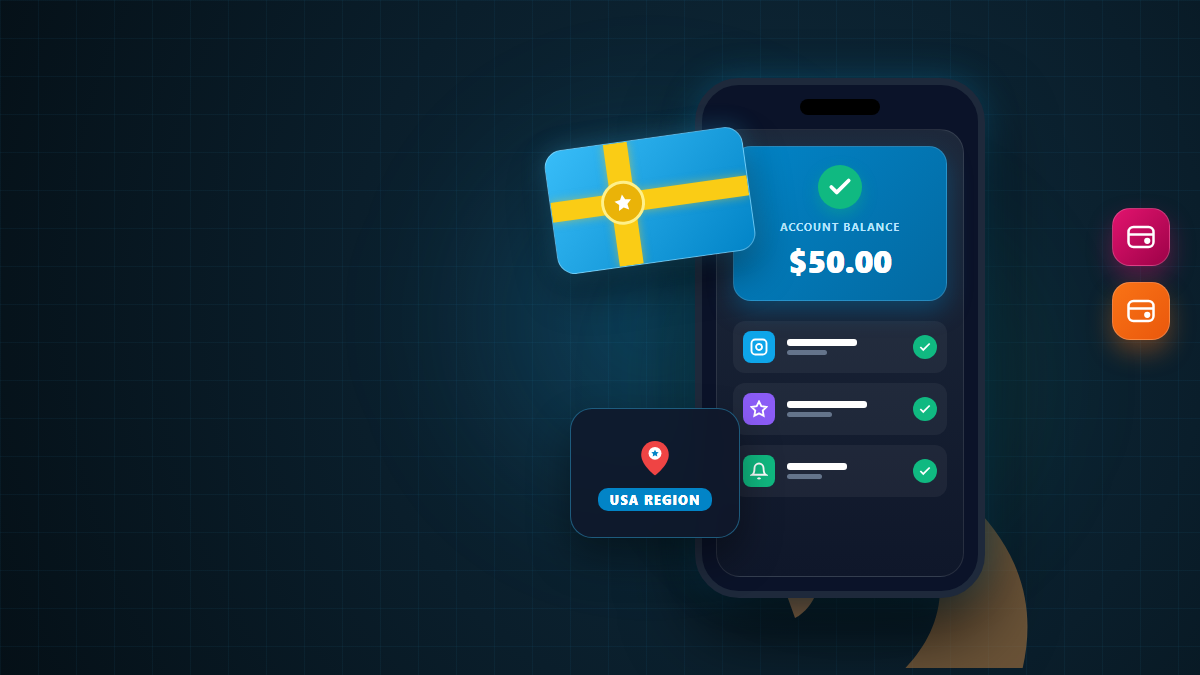
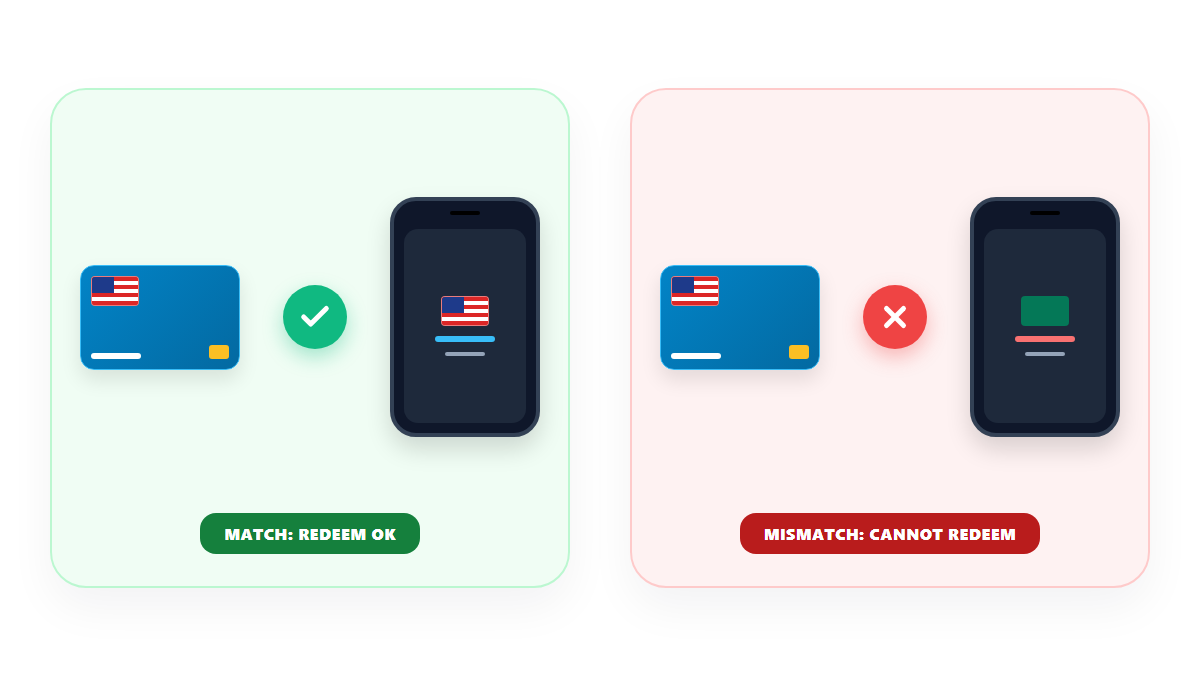
But there is one rule you must know first. Apple gift cards are tied to a country or region. If the region is wrong, the code will not work.
This guide explains how to do an apple itunes gift card buy in Bangladesh the right way. You will see prices in BDT, what you can buy, how to redeem a code and how to avoid common mistakes.
On AroraShop, the Apple iTunes Gift Card (USA) starts at ৳280 for $2. It goes up to ৳13,000 for $100. We checked these prices on October 31, 2026.
You pay with bKash, Nagad, Rocket or Upay. After payment, you copy your code from your order dashboard. Then you redeem it in the App Store on your iPhone or iPad.
Most important: A USA card works only on a USA Apple Account. Check your account region before you buy.

An Apple iTunes gift card is a prepaid card. You redeem it with a code. The money then goes into your Apple Account balance.
You may see two names. One is "Apple Gift Card." The other is "App Store & iTunes Gift Card." Apple's help pages explain that both add money to your Apple Account balance after you redeem them.
The word "iTunes" is older. Many people still use it. In Bangladesh, shops often use both names for the same kind of card.
A digital gift card has no plastic. You get a code on your screen. You type that code into your Apple device.
Your balance works like store credit. You can spend it on Apple services and content. Here are common uses:
In some countries, you can also use the balance to buy products and accessories at apple.com. This depends on your country. Check Apple's help page for your region.
Balance has limits. Apple says that in some countries it cannot pay for some subscriptions, such as AppleCare+. You can read the rules on Apple's page about what you can buy with your balance.
Gift cards also cannot be turned into cash. Apple also does not let you use balance to send gifts or other gift cards, according to Apple community posts that quote the rules. Read Apple's terms if you are not sure.
Some stores and apps may not be available in every country. So check what works in your region.
Apple says you cannot redeem a gift card outside the country or region where it was bought. For example, a card bought in France does not work in the US App Store.
That is why you must match the card to your Apple Account. A USA card is for a USA Apple Account. A Turkey card is for a Turkey Apple Account.
If the regions do not match, Apple may show a message. The message says the code must be redeemed in another storefront. That means the card is from a different country or region.
The menu names can change with new iOS versions. If you cannot find it, search "Country/Region" inside Settings.
Pick the same region as your Apple Account. AroraShop's Apple iTunes Gift Card listing shows two regions: USA and Turkey. The USA listing says it is for USA accounts. There is also a separate iTunes Gift Card for the Turkey (TRY) region.
If your account uses another region, do not guess. Wait until you find a card that matches.
Some people think about changing their Apple Account region to match a card. This is a big step. Apple lists things you must do before you change it. For example, you may need a payment method for the new region and a billing address there.
Read Apple's official steps before you try. Also check your remaining balance and subscriptions. We do not suggest changing your region only to use one card.
Here is the price list for the USA card on AroraShop. The last column shows the cost of one US dollar. We worked it out by dividing the price by the card value.
| Card Value (USA) | Price in BDT | Cost per $1 (about) |
|---|---|---|
| $2 | ৳280 | ৳140 |
| $5 | ৳660 | ৳132 |
| $10 | ৳1,320 | ৳132 |
| $25 | ৳3,300 | ৳132 |
| $50 | ৳6,500 | ৳130 |
| $100 | ৳13,000 | ৳130 |
Note: Prices can change with the exchange rate. Always read the live price on the checkout page before you pay.
The gap is small. So buy the amount you need. Do not buy a big card only to save a few taka.
Look at the price of what you want to buy. Then pick a card that covers it. Here are simple examples:
Check the final price in the App Store before you buy. Prices differ by app and region.
The steps are the same for bKash and Nagad. Here is the full process:
Take a screenshot of your order number and your payment message. You may need them if there is a problem.
Yes. AroraShop lists the delivery method as a digital voucher. You do not get a plastic card. The page also says there is no refund after the code is dispatched.
So check the region and the value before you click Buy.
Apple's steps are simple. Use these steps on your device:
Your balance is updated after you redeem the code. You can see it on your account page. Apple also explains the steps on its help pages. You can read more at Apple's page about codes that will not redeem.

After you redeem a code, the money sits in your Apple Account. You can use it when you buy things. You do not need a card on file for purchases that your balance fully covers.
If a price is higher than your balance, you may need another payment method for the rest. The purchase screen shows what you will pay. Read it before you confirm.
Balance is tied to your account, not your phone. If you change your phone, sign in with the same Apple Account to use it.
Keep your Apple Account password private. Anyone who gets into your account may use your balance.
It can be safe if you follow simple rules. Gift card scams are common. Use these tips:

The product page lists delivery in 1 to 5 minutes. Delivery happens after your payment is confirmed. Your code appears in your order dashboard.
The page also has a notice. It asks you to contact support with your order number if your order is late by more than 5 to 30 minutes. So if your order is late, do not wait too long.
Do not panic. Try these steps in order:
You can reach AroraShop through its contact page. The site also has a WhatsApp support link.
AroraShop lists bKash, Nagad, Rocket and Upay as payment options. All of them can work. Use the wallet that has enough balance.
Check your wallet app for limits and fees. These can change, so we do not list numbers here. Also make sure your phone has a good internet signal before you start.
Choose a trusted online shop. Pick the card region and value. Pay in Taka with bKash or Nagad. Then copy the code and redeem it in the App Store.
On AroraShop, the USA card costs ৳280 for $2 and ৳13,000 for $100. Other values fall in between. Prices can change, so check the live price.
Only if your Apple Account is set to the USA region. Apple does not let you redeem a card outside the country or region where it was bought. Check your account region first.
Yes. AroraShop lists bKash as a payment method. It also lists Nagad, Rocket and Upay.
Open the App Store. Tap your profile picture. Tap Redeem Gift Card or Code. Enter the 16-digit code and tap Redeem.
They are close. Both add money to your Apple Account balance after you redeem them. The iTunes name is older.
AroraShop says there is no refund after the code is dispatched. So check the region and value before you buy.
In some countries, Apple lets you use your balance to buy products at apple.com. This depends on your country. Check Apple's help page for your region.
That message means the card is from a different country or region. Check your account region. Then contact support with your order number.
Buying an Apple iTunes gift card in Bangladesh is easy. The key step is region matching. Check your Apple Account region, choose the right card and pay in Taka.
Then copy your code and redeem it in the App Store. Keep the code private. Save your proof of payment. These small steps protect your money.
Want to see more digital cards? Browse the AroraShop gift cards page. You can also read about Steam gift card region rules in Bangladesh, or see digital subscriptions and game top-ups.

Please login to live chat or contact via WhatsApp