Leave a Review


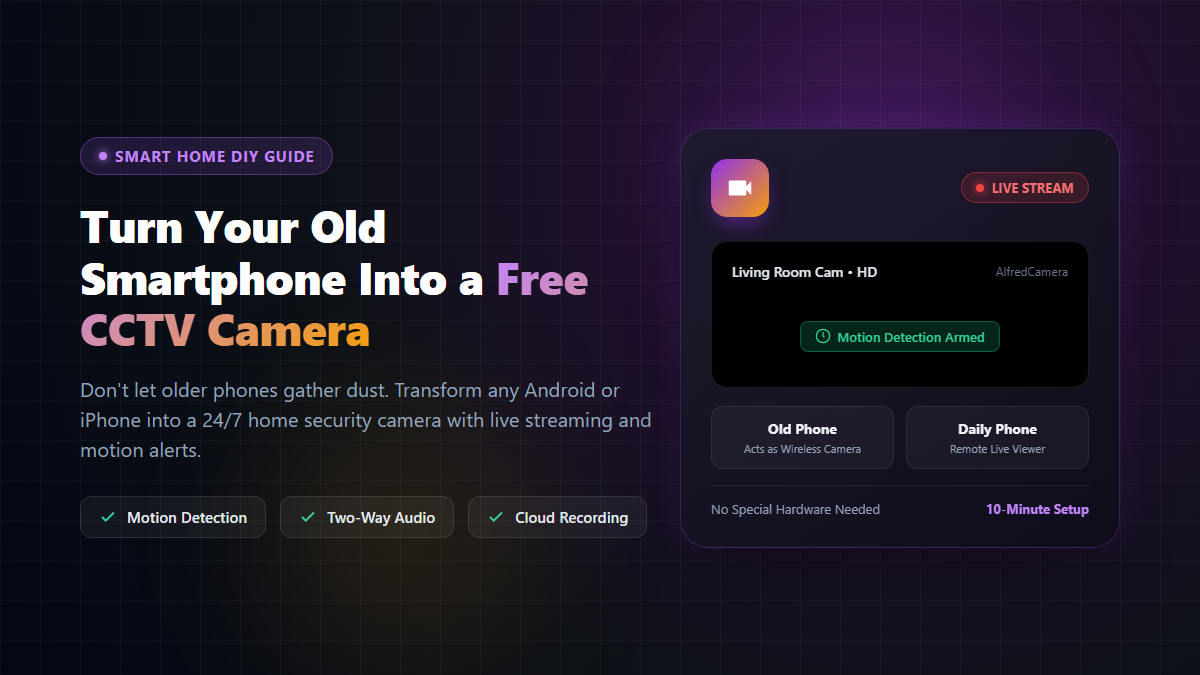
I had an older smartphone sitting forgotten in a desk drawer for almost two full years. Its battery had degraded slightly, but both the camera lenses and the Wi-Fi connectivity worked without a single glitch. I didn't want to throw it away or sell it for pennies, yet it was serving zero practical purpose.
Then a friend made an unexpected suggestion: "Why don't you turn that old phone into a wireless home CCTV security camera?"
At first, I laughed off the idea thinking it would require complicated networking and pricey surveillance software. But after trying it myself, I realized how effortless it actually is. The entire setup took less than 10 minutes, didn't cost a single taka, and works reliably day in and day out.

You do not need any technical know-how or complex IP configuration. Here is the exact walkthrough:
Install the AlfredCamera Home Security app on both your old phone and your current everyday smartphone. It is freely available on both the Google Play Store (for Android) and the Apple App Store (for iOS).
Find a strategic vantage point in your home where you want extra visibility: pointed toward the front entryway, overlooking the living room, or positioned in a corner of your baby's nursery.
Crucial step: Plug the phone into a wall charger permanently. Because streaming video and motion processing keep the processor and Wi-Fi chip awake, running solely on an aging battery will drain the device within a few hours.
Unlike many surveillance tools that lock basic features behind aggressive paywalls, AlfredCamera's free tier provides everything needed for standard domestic monitoring:
Note: A paid premium subscription exists for users who want continuous HD recording, zoom features, and extended cloud history, but for basic home security and pet monitoring, the free plan is more than adequate.
Because the camera phone remains connected to power 24/7 while streaming, it naturally generates heat. Never place the phone inside enclosed spaces, under pillows, near curtains, or beneath fabric. Place it on a hard, open surface (like a wooden shelf or wall mount) where ambient air can circulate freely.
Position your camera thoughtfully. It should strictly cover your own private indoor spaces or entry points. Never aim the camera toward a neighbor's window, shared apartment balconies, or tenant bedrooms where privacy is legally protected.
While an old smartphone makes an outstanding domestic nanny cam, door monitor, or pet camera, it relies on standard home Wi-Fi and consumer phone hardware. It should not be treated as a replacement for wired, commercial-grade security systems in banks, jewellery shops, or high-risk retail stores.
Before leaving an old smartphone to gather dust in a drawer or tossing it into electronic waste, give this setup a try. Within ten minutes, you can turn a forgotten gadget into a valuable, money-saving home security monitor that keeps you connected to your home wherever you go.

Please login to live chat or contact via WhatsApp