Leave a Review


You want eFootball Coins in your account, and you want them without fighting an international card form that never accepts your payment. That is the usual problem in Bangladesh. The in-app store asks for a Visa or Mastercard, and most players only have bKash, Nagad or Rocket.
The short answer: you can buy eFootball Coins with bKash from a trusted web store, pay in taka, and get the coins delivered digitally in minutes. You do not need a foreign card. You only need your eFootball account details and a bKash balance that covers the price.
At AroraShop, we handle eFootball top ups for players in Bangladesh every day, so this guide follows the exact steps we see work. You will learn how to place an order step by step, how to check that a shop is safe before you pay, what to expect on price and delivery time, and which free-coin methods are actually worth your time. Keep your game ID ready and read on.
eFootball Coins are the premium currency in the game. You spend them on Box Draws, player packs and limited event offers. Delivery is digital and each order goes to one account, so there is no refund once coins land. Check your details before you pay, not after.
Every efootball top up bd order asks for the same few details. Gather them first and the whole order takes about two minutes.
Any efootball coins shop online can look polished, so judge it by what it asks you to do. A legitimate shop takes your game ID and a payment, nothing more. Run through this checklist before you send money:
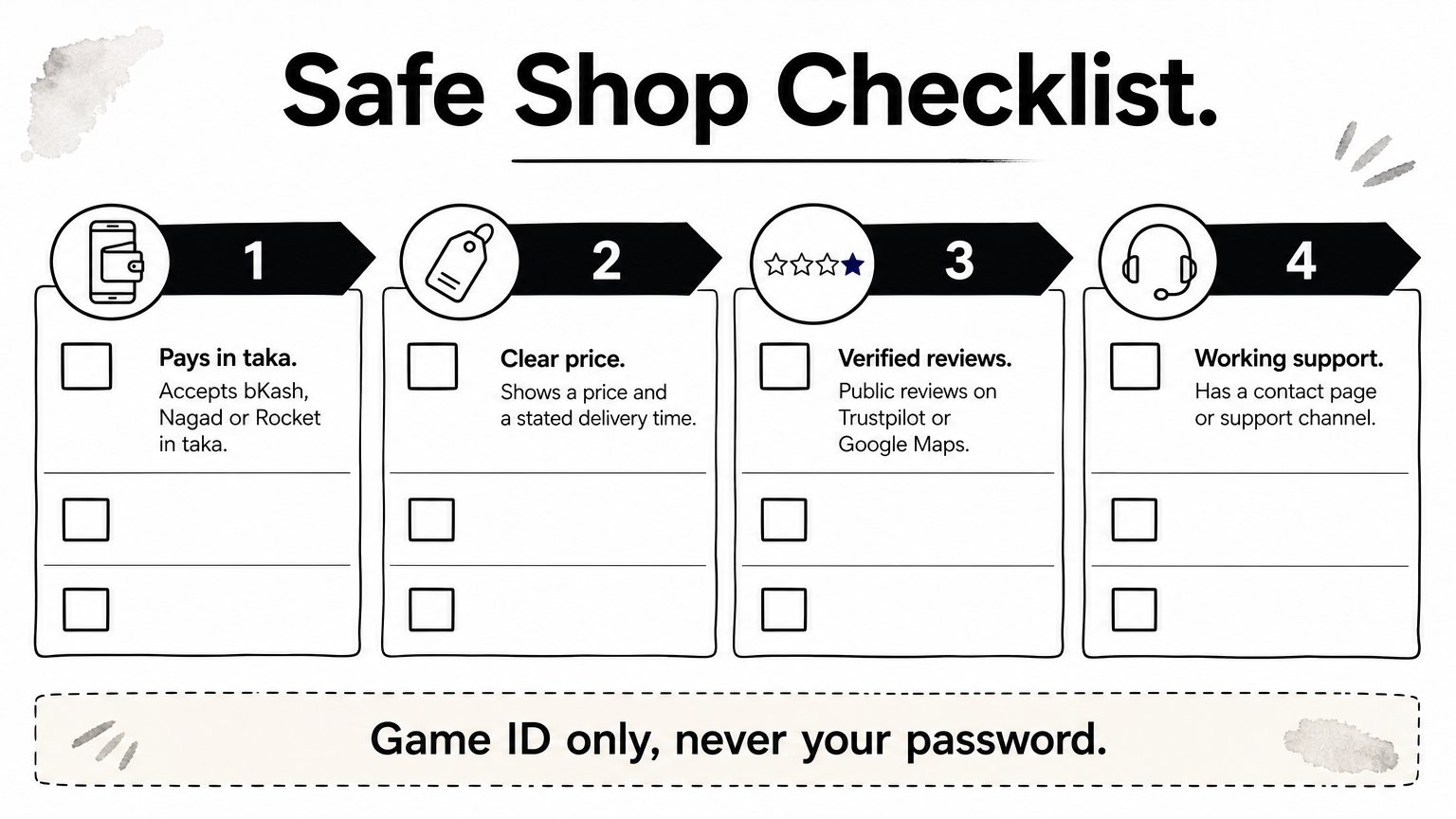
A safe top up needs your game ID, never your password.
If a seller asks for your login details, walk away — the same password and OTP scams to avoid show up in Free Fire top ups. Also be wary of prices far below everyone else's, because unusually cheap coins often come from stolen cards and can put your account at risk. Finally, if this is your first top up efootball order, start with a small pack. You confirm the process works before you commit more money.
Linking comes first because a KONAMI ID ties your coins and progress to you, not to one phone. Without it, a lost or reset device can wipe your purchases.
Do this once, on the device you play on. Menu names change slightly between updates, but the flow stays the same:
Next, open your in-game profile and note your eFootball user ID. A shop uses this number to find your account for any efootball coin top up. Copy it exactly, because one wrong digit can send coins to a stranger.
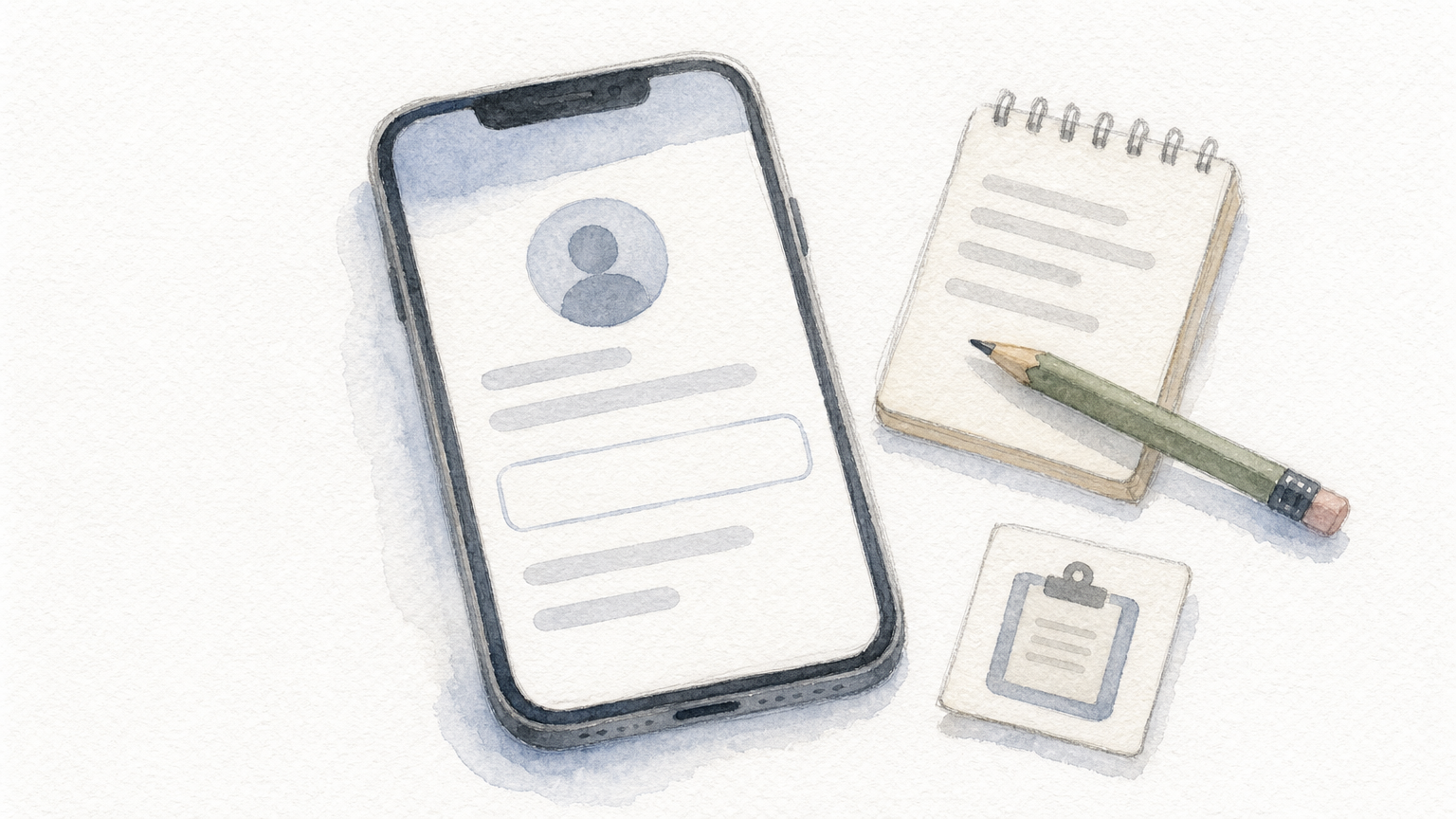
Your user ID is the delivery address, so check every digit.
Then save it in your notes app. Pasting beats retyping, and you will reuse the same ID for every later order.
Open the eFootball product page and compare the listed packs. For an efootball coins buy bd order, the taka price is what you pay, so check it against your bKash balance. Use this guide:
Your situation Pack to choose First order with a new shop Smallest pack One Box Draw or event offer Pack that covers its cost Regular player Larger pack, fewer ordersPrices move with events, so read the live price on the page. Do not trust old screenshots, and do not chase the biggest pack unless you will spend it.
Platform matters because coins can be tied to where you play. If you are searching for an efootball coins shop android option, pick Android. iPhone players pick iOS. A mismatch is the most common reason an order stalls.
Pick the platform you actually play on, then the smallest pack that covers your goal.
Finally, add the pack to your cart and keep your user ID ready. A fast top up efootball order depends on correct details, not on rushing.
Checkout takes about a minute once your details are ready, and it follows the same bKash top up flow used for Free Fire diamonds. For an efootball coins purchase, follow these steps:
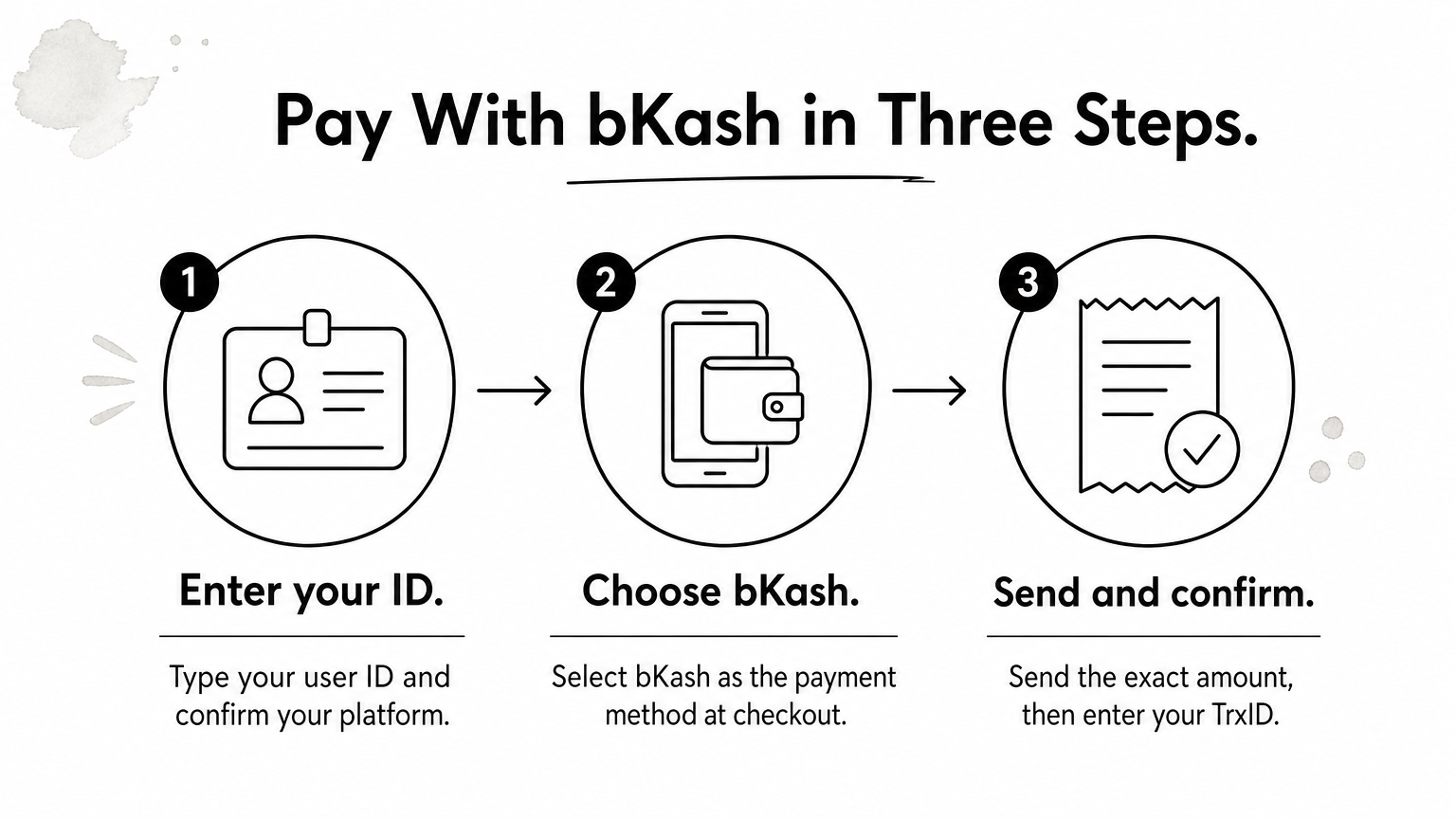
Before you confirm, recheck the user ID and the amount. A typo in either one is hard to undo, and your TrxID is proof of payment if anything goes wrong.
Delivery is digital, so coins usually land within minutes. Open eFootball, go to the store, and check your coin balance. If the number looks unchanged, restart the game, because the store sometimes needs a refresh.
Keep your TrxID and the bKash SMS until the coins show in your balance.
If nothing appears after the stated delivery time, check the order instructions and support channel right away. Send your user ID and TrxID so they can trace the order. Step 4 covers what to do if the problem continues.
If your efootball top up bkash order has not arrived, run three checks before you panic. Most delays come from a small detail you can fix yourself.
Still nothing? Message support with your user ID and TrxID, plus a screenshot of the order. That gives them everything needed to trace it quickly.
Most stalled orders come from a wrong ID or platform, so check those first.
Free coins exist, but they are small and come from the game itself. Watch for login bonuses, event rewards and campaign missions. Amounts change with each event, so check the in-game event banners for what is live.
Never use a "free coin generator." These sites ask for your KONAMI login and can get your account stolen or banned. If you want to top up efootball coin balance without risk, a trusted shop beats any generator.
Buying eFootball Coins in Bangladesh comes down to four moves. Link your KONAMI ID, pick the right pack and platform, pay with bKash, and confirm the coins arrived. Get the details right and the order is quick and safe. Skip the generators, never share your password, and keep your TrxID until the balance updates.
Now you have a process you can repeat for every future order. Save your user ID in your notes, start with a small pack on any new shop, and check the live price before you pay. That habit protects both your money and your account.
When you are ready, open the eFootball Coins top up page for Bangladesh, choose your pack, and pay with bKash in taka. Delivery is digital, so you can be back on the pitch within minutes. Good luck with your next Box Draw.