



How to Check CapCut Pro Price in Bangladesh and Pay Locally
AroraShop Editorial & Fulfillment Team
Digital Gaming & FinTech Specialists (Dhaka, BD) • UpdatedHow to Check CapCut Pro Price in Bangladesh and Pay Locally
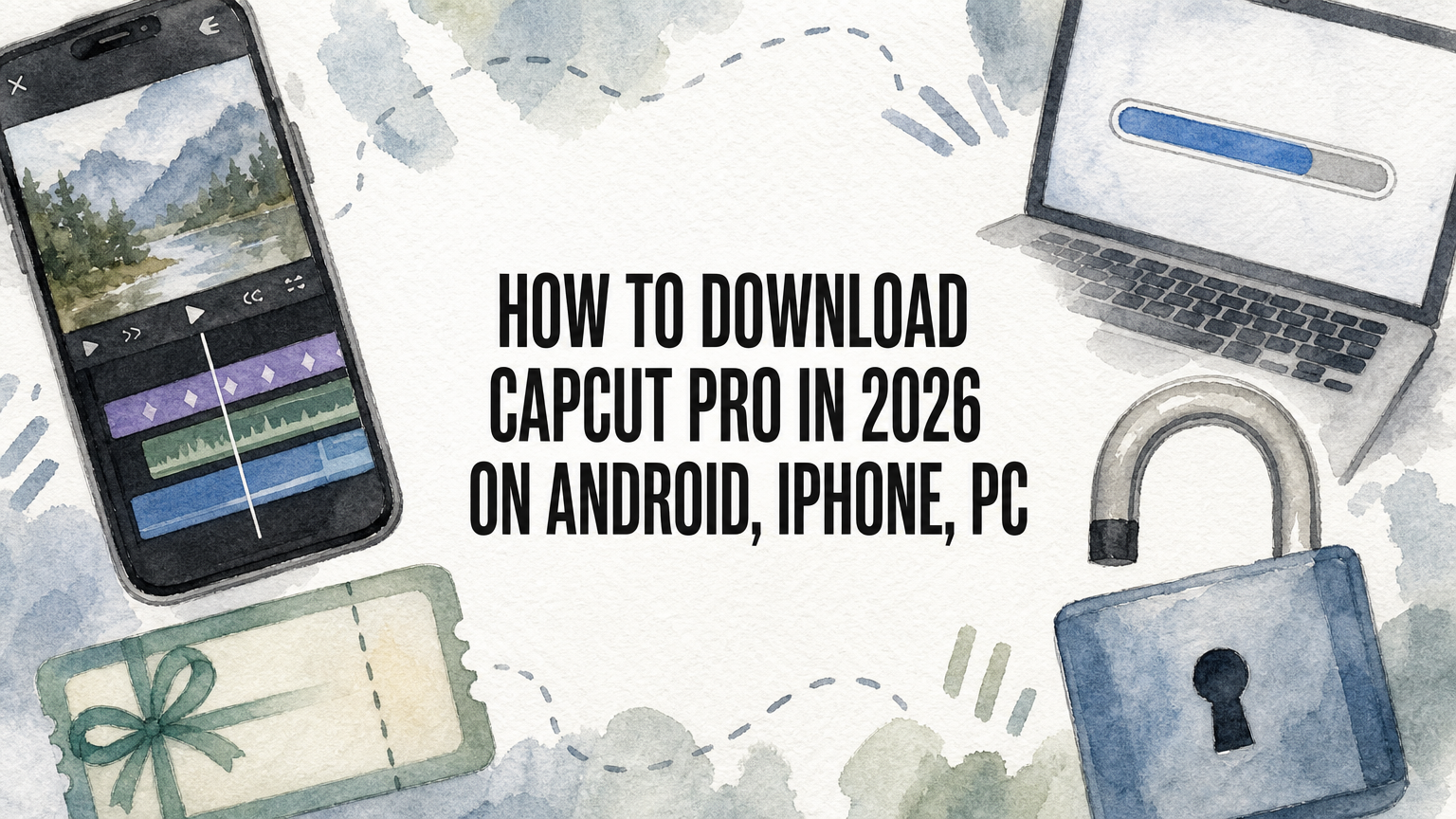
CapCut Pro price in Bangladesh depends on the seller. Local resellers list a 30-day plan from about ৳200 to ৳700, and AroraShop sells a 30-day CapCut Pro subscription for ৳250. You pay with bKash, Nagad or Rocket and receive a digital voucher, so you do not need a dollar card. Pick the plan length, choose a seller with clear terms, pay locally, then activate the plan when you are ready to edit.
The problem is that CapCut bills in US dollars, and many Bangladeshi debit cards are not enabled for international payments. Local listings fill the gap, but the price for the same 30 days can differ by more than three times. Some sellers also hand out shared accounts that stop working in the middle of a project. It is hard to tell a fair price from a trap.
This guide shows the price ranges you will see for CapCut Pro subscription listings in BD. Then it walks through four steps: choose a plan, vet the seller, pay, and activate. We sell CapCut Pro at AroraShop, so we use our own 30-day plan as the worked example.
What CapCut Pro costs in Bangladesh and why it varies
CapCut Pro costs roughly ৳200 to ৳700 for one month through local sellers in Bangladesh. Longer plans cost more in total but less per month. The spread is wide because sellers differ in account type, source and margin.
Price ranges you will see in BDT
Local listings for CapCut Pro in BD currently fall into these bands. Treat them as a guide, because sellers change prices without notice.
| Plan length | Typical local price (BDT) |
|---|---|
| 1 month | ৳200 to ৳700 |
| 3 months | About ৳550 in one listing |
| 6 months | About ৳1,000 in one listing |
| 12 months | Roughly ৳4,000 to ৳9,500 |
AroraShop lists CapCut Pro Subscription 30 Days at ৳250. It is a digital voucher for a private account with full access, and the 30 days start counting after activation.
Why the same plan has different prices
Three things explain most of the gap. The first is account type: a private account costs more to run than a shared login that several buyers use. The second is what the seller actually delivers, such as a voucher, a ready account or a login you must manage yourself. The third is platform and region, since CapCut's official price is charged in dollars and changes by country and by app store. Check the official price inside the CapCut app before you compare.
A very low price is only a bargain if the account stays yours for the full 30 days.
Step 1. Pick the plan length that fits your editing
Start with a 30-day plan unless you already trust the seller. One month is enough to finish a project, test the effects and confirm that the account works for you.
Compare the cost per month
Divide the total by the number of months before you decide. A 3-month listing at ৳550 works out to about ৳183 a month, and a 6-month listing at ৳1,000 is about ৳167 a month. Buying AroraShop's 30-day plan at ৳250 three times costs ৳750, and twelve times costs ৳3,000.
Longer bundles can be cheaper per month, but they lock more of your money into a seller you have not tested. Buy one month first, then move to a longer plan once the delivery and the account have worked properly.
Confirm what you need unlocked
CapCut Pro opens the premium templates, effects, filters and fonts, and it removes the watermark from exports. Before you pay, check that you will edit on a device the seller supports, whether that is your phone, a PC or both. If the product page does not say, ask support first.
Buy the shortest plan first and judge the seller by what you receive, not by what the listing promises.
Step 2. Choose a seller you can trust
Trust the seller that states its terms clearly and lets you pay in a way you can trace. Scams around digital subscriptions are common, so check these points before you send money.
Check five things on the product page
- Account type: the page should say whether you get a private account or a shared one.
- Delivery time: a stated window, plus a way to reach someone if it runs late.
- Refund rule: read it before paying. AroraShop's CapCut Pro page states that there is no refund after dispatch.
- Payment method: bKash, Nagad or Rocket through the gateway listed on the site, not a random personal number sent over chat.
- Support: a real contact channel. AroraShop offers 24/7 support, WhatsApp chat and the email support@arorashop.com.
Spot the red flags
Be careful with a price far below the rest of the market, a seller with no order page or policy, and anyone who asks for your CapCut password. Also look for outside reviews. AroraShop shows a 4.9/5 rating and links to its Trustpilot and Google reviews, so you can read them yourself.
If a seller cannot tell you what you get and when, do not pay.
Step 3. Pay with bKash, Nagad or Rocket
You can buy CapCut Pro in BD in a few minutes with a mobile wallet, and no international card is involved. Here is the flow on AroraShop.
Place the order
- Create an account on arorashop.com. The site asks for one to give you full service.
- Open the CapCut Pro Subscription 30 Days product page and confirm the price of ৳250.
- Add it to your cart and continue to checkout.
- Choose bKash, Nagad or Rocket and pay through the gateway listed on the site.
- Keep your transaction ID until the voucher arrives.
If you shop often, the official AroraShop Android app on Google Play carries app-only discounts, so check it before you pay.
What to expect after payment
The product page lists delivery as instant, usually 1 to 5 minutes, with a notice that it can take 1 to 3 hours. Delivery time also depends on payment verification, so do not pay twice if it takes a little longer. If an hour passes without a voucher, message support on WhatsApp with your order number and transaction ID.
Pay once, keep your transaction ID, and contact support instead of paying again.
Step 4. Activate your plan and avoid common problems
Activate the voucher only when you are ready to edit, because the 30 days start after activation. A plan activated on Monday and used on Friday has already lost four days.
Activate and test the account
Follow the instructions delivered with your voucher and sign in to the account provided. Then run a quick test. Export a short clip with a premium effect or font and check that the watermark is gone. Do this on the first day, while support can still fix a problem and before you start a big project.
Plan for renewal and refunds
The plan runs for 30 days and then ends, so set a reminder around day 25 and buy the next month before you need it. Remember that there is no refund after dispatch, which is why Steps 1 and 2 matter. If something is wrong with the account, report it to support right away with your order details.
Test the account on day one, because that is when problems are easiest to fix.
Getting CapCut Pro without a dollar card
CapCut Pro costs about ৳200 to ৳700 a month in Bangladesh, and the cheapest listing is not always the safest. Start with 30 days, check the account type, delivery window and refund rule, pay through a local wallet, and test the account on the day you activate it.
If you want to skip the guesswork, you can buy CapCut Pro with bKash, Nagad or Rocket at AroraShop. The 30-day plan is ৳250, and support is available if your delivery is late.
Sponsored
Categories
- Beginners Gamers 1
- Top Up 0
- Gift Card 3
- Announcement 0
- Technology 31
- Artificial intelligence 11
- Updates & Guides 258
- Games 3
- Business & Tech 1
- Freelancing & Career 2
- Tech Tips & Tutorials 1
- Make Money Online 1
- Tech & AI Tools 2
- Crypto & Airdrops 3
- Career & Business 1
- Money Making 2
- Guides 0
- Game Top-Up Guides 0
- Subscription Guides 1
Sponsored
Recent Posts
Sponsored

