Leave a Review


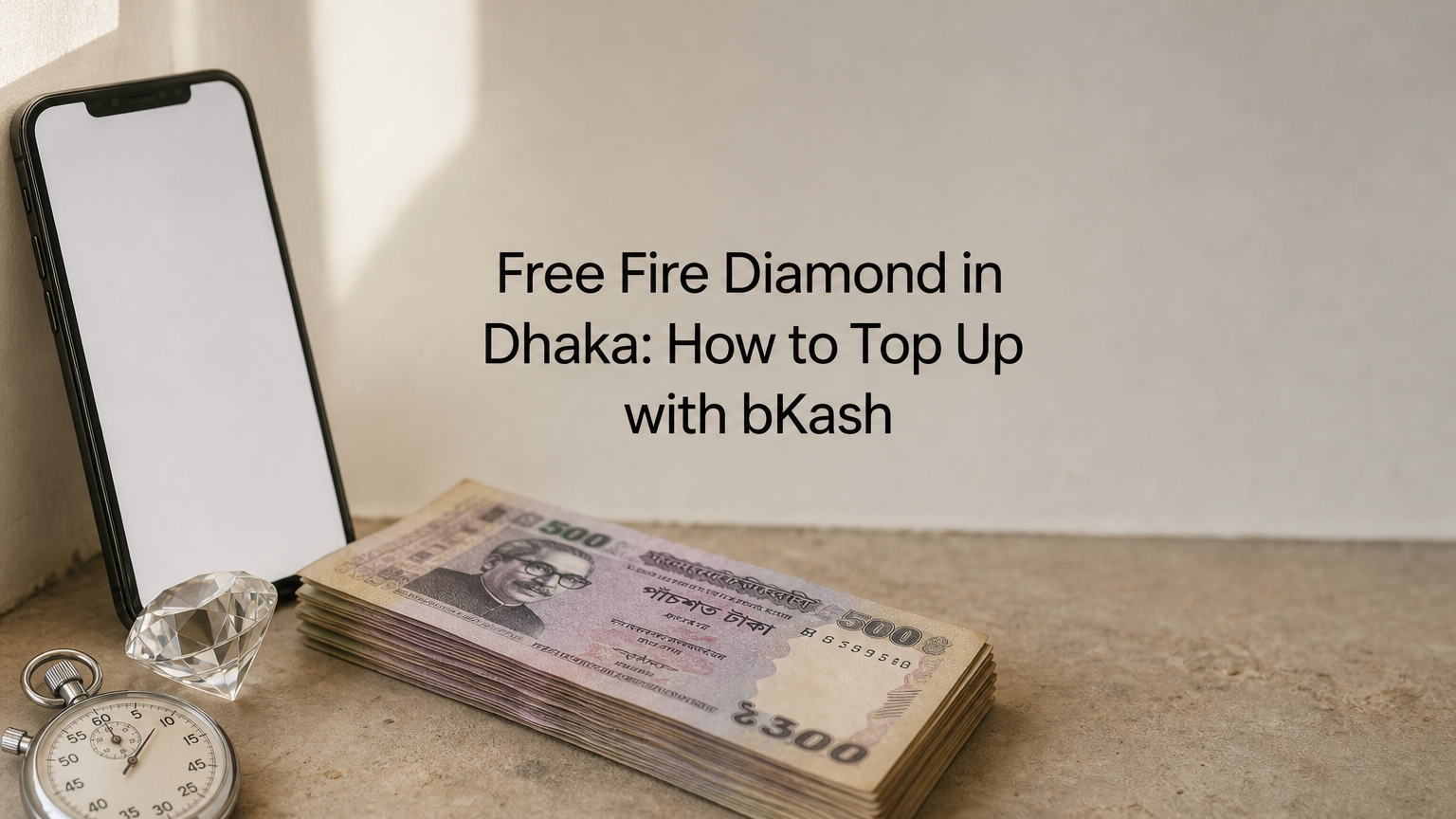
To buy a Free Fire diamond pack in Bangladesh, copy your Player ID from the game, choose a pack in a trusted shop, pay with bKash, Nagad or Rocket, and wait one to two minutes. You never share your password. If your UID is correct, confirmation usually lands within one to two minutes, and you do not need an international card.
Most failed top-ups come from three mistakes. Players type the wrong UID, buy for a server the shop does not support, or pay a seller who disappears after the payment. Diamonds sent to the wrong UID cannot be refunded or transferred, so a small slip costs real money. Scams are common in this market, which is why careful buyers keep their gaming account safe by looking for clear prices and reachable support.
This guide walks you through the process the way we handle it at AroraShop for players in Dhaka and Chittagong. You will learn what to prepare, how to find your UID, how pack prices compare, how to pay safely, and what to do if the diamonds are late.
Before you pay, confirm that your account is on a supported server, that you have your UID, and that your wallet has enough balance. Then run a quick trust check on the shop. These two minutes prevent nearly every top-up problem.
Diamonds buy weapons, pets, outfits and store items, and they let you join Luck Royale and Diamond Spin. Gather these items first:
A good diamond shop for Free Fire passes five checks. Run through them before you enter any payment details:
AroraShop shows a 4.9/5 rating with Trustpilot and Google review links, so you can verify the claim yourself.
A real diamond shop asks for your UID and never for your password.
Open Free Fire, tap your profile picture at the top-left of the main screen, and look under your name. The number shown there is your Player ID. Tap it to copy it.
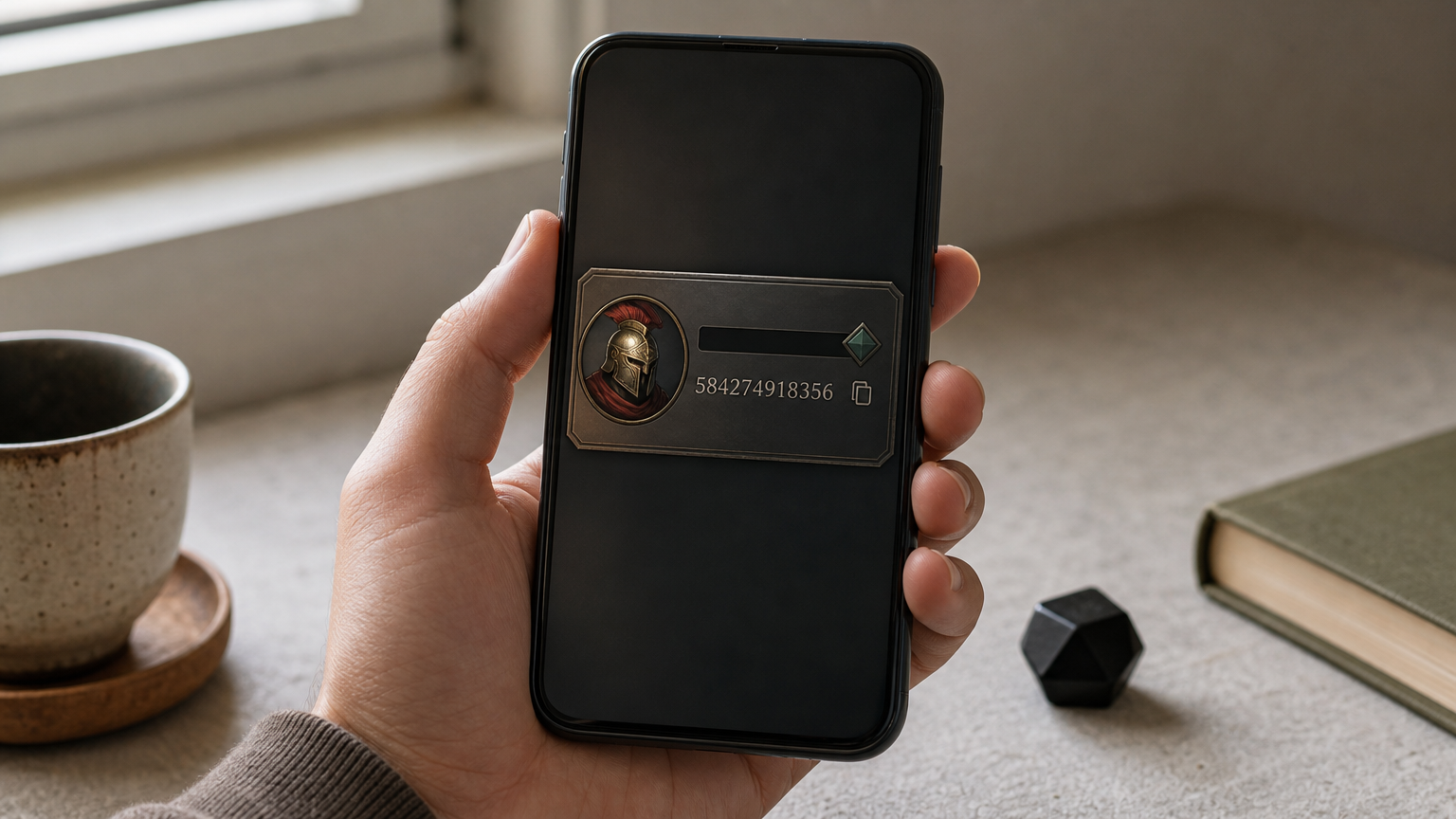
Use the copy function instead of reading the number by eye. Your UID is 8 to 10 digits long, so a misread digit is easy. The order form may also ask for your nickname, so check that it matches your in-game name.
Diamonds delivered to a wrong UID cannot be refunded or transferred. They land on a stranger's account, and no shop can pull them back. Paste your UID into the order field instead of typing it. Then compare the first three and last three digits with your profile screen before you press pay.
Paste your UID, never type it, and check the last three digits before you pay.
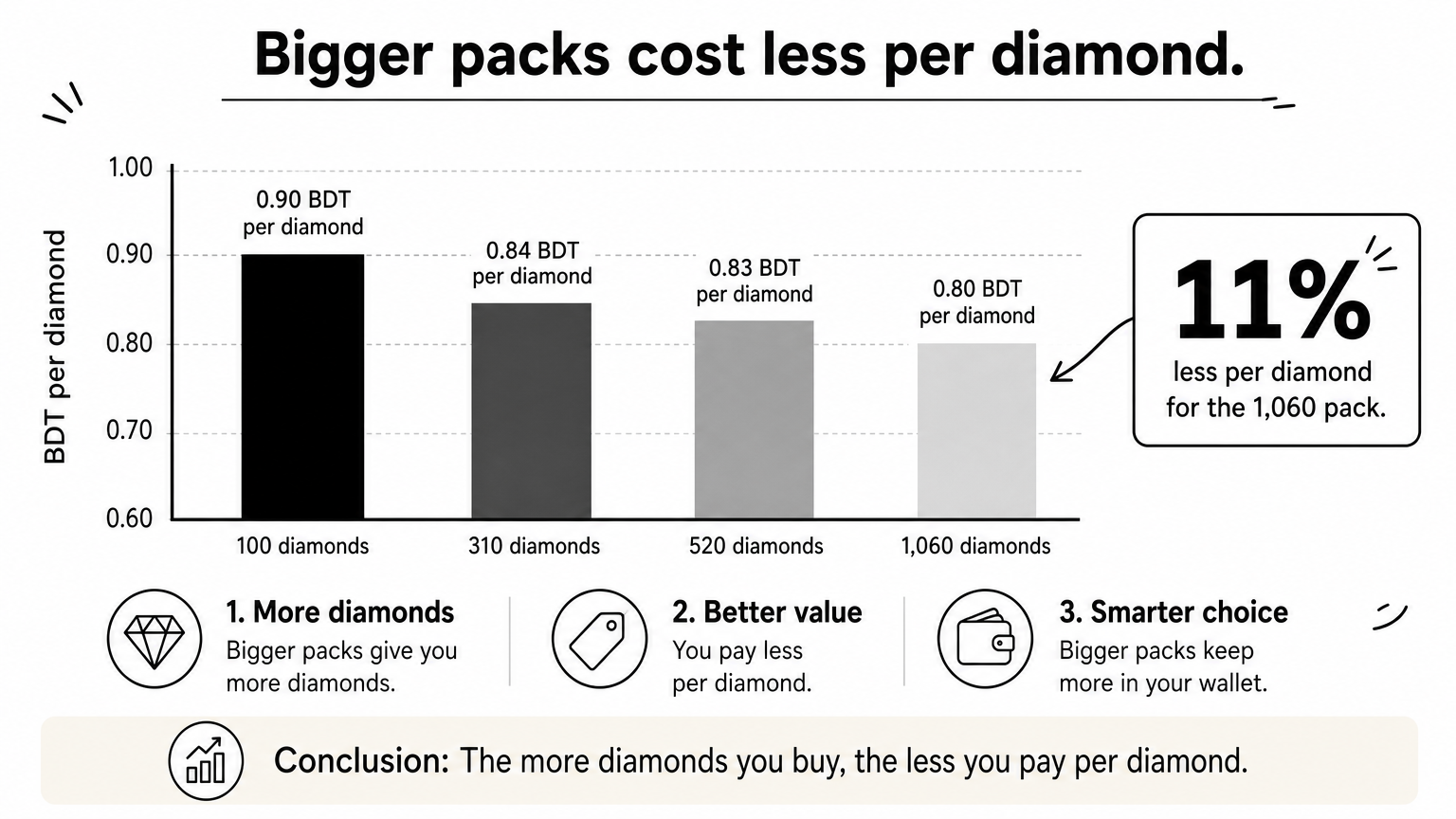
Free Fire diamond packs at AroraShop range from 60 to 1,800+ diamonds, and larger packs cost less per diamond. Prices below are approximate, and the product page shows the exact figure at checkout because prices can change.
| Pack | Approx. price (BDT) | Approx. price per diamond |
|---|---|---|
| 100 diamonds | ~90 | ~0.90 |
| 310 diamonds | ~260 | ~0.84 |
| 520 diamonds | ~430 | ~0.83 |
| 1,060 diamonds | ~850 | ~0.80 |
Other items on the same page are priced separately:
| Item | Price (BDT) |
|---|---|
| Level up pack, Level 10 | 66 |
| Weekly Membership | 157 |
| Monthly Membership | 780 |
Say you want about 1,000 diamonds. Ten packs of 100 would cost roughly 900 ৳ for exactly 1,000 diamonds. One 1,060 pack costs roughly 850 ৳, so you pay about 50 ৳ less and get 60 diamonds more. That is about 11% less per diamond. Buy one large pack when you can, and use small packs only to top up a small gap.
The biggest pack you can afford is almost always the cheapest way to buy diamonds.
Open the Free Fire Diamond page on arorashop.com or in the app, select your pack, enter your UID, and pay with bKash, Nagad or Rocket. AroraShop's app also carries app-only discounts, so check it before you pay full price on the website.
Pay only through the gateway listed on the checkout page. Do not send money to a personal number that someone gives you in a chat. Screenshot the payment confirmation and keep the transaction ID until the diamonds show up. You will need both if you ever have to contact support.
Pay only through the checkout gateway, and keep the transaction ID until your diamonds arrive.
Open Free Fire and check your diamond balance in the store. Confirmation usually lands within one to two minutes. If you see nothing yet, wait a little before you worry.
Restart the game if the balance looks old. Then open the store and compare the balance with what you bought. A new balance plus your payment confirmation means the order is complete.
Delivery can be slower at busy times, and AroraShop's average is 20 to 60 minutes after the transaction is verified. If an hour has passed, contact support with your UID, pack, payment time and transaction ID. Support runs 24/7 through WhatsApp, at support@arorashop.com, or by phone at +8801867859776, and the average reply takes under 15 minutes. Refund and return rules are on the Refunds and Returns policy page, so read it before you order.
If an hour passes without diamonds, send support your UID and transaction ID.
A safe top-up comes down to four moves: copy your UID, pick the largest sensible pack, pay through the checkout gateway with bKash, Nagad or Rocket, and check your balance. Skip any of these and you risk a lost payment or a wrong delivery.
When you are ready, you can buy Free Fire diamonds on AroraShop with just your Player ID and a local wallet.