Leave a Review


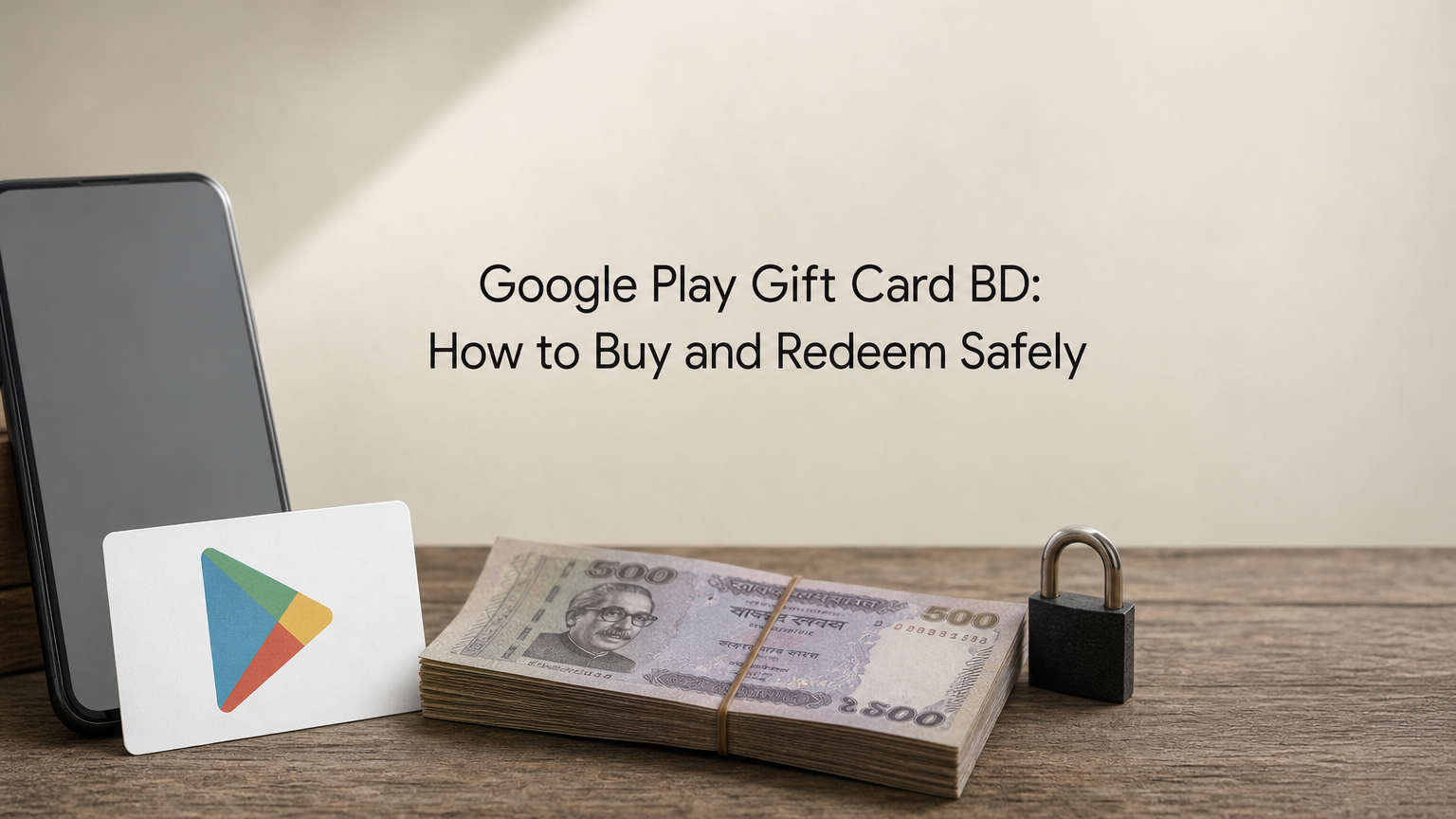
Google Play Gift Cards are the most secure way for gamers and app enthusiasts in Bangladesh to purchase premium games, subscriptions, and in-game diamonds without needing an international credit card. In this complete guide, we will walk you through how to choose the right gift card denomination and redeem your digital code in seconds.
Many popular titles like Genshin Impact, Free Fire, PUBG Mobile, and eFootball require in-app payments. Having a Google Play balance allows you to manage your gaming budget effectively and avoid exposing your bank credentials.
Before purchasing a Google Play gift card, ensure your Google account region matches the card's currency. Most gamers in Bangladesh use either a US (USD) or Global account:
Once you receive your instant digital code from a trusted store like AroraShop, redeeming it takes less than 30 seconds:
Your Play Store balance is updated immediately and ready for instant checkout across all your favorite games and apps.