Leave a Review


To buy a Google Play gift card BD buyers can actually use, match the card's region to the account and the physical location where you will redeem it. Then compare the taka price per dollar, pay with bKash, Nagad or Rocket, and enter the code in the Play Store. The region match is the step most guides skip, and it decides whether your money is spent or stuck.
The problem is that many Bangladeshi shops list US and Indian cards with fast delivery and low prices, then add a small warning that the code may not redeem from Bangladesh. Buyers see "instant delivery" and a taka price, pay, and then hit an error. Google's own gift card page says a card is valid only in the original country of purchase, and that rule is not negotiable.
This guide walks you through four steps: choosing the right card region and amount, working out a fair price in taka, paying with a mobile wallet, and redeeming the code. AroraShop sells gift cards, Google Play included, to Bangladeshi buyers who pay with local wallets. So this guide is written to help you buy with your eyes open.
A Google Play gift card is a regional product, not global money. It works only in the country it was issued for, and Google checks where you actually are when you redeem it. Read this section before you spend a taka.
Google states that a card is valid only in the original country of purchase, and its terms apply to the card, not to the shop that sold it. A US card belongs to the US Play Store. An Indian card holds rupees and belongs to the Indian Play Store.
Bangladeshi sellers repeat the same warning on their product pages. They say a card cannot be redeemed from inside Bangladesh, even when your account region matches the card. They also say a VPN does not fix it, because Google reads your real location. Treat those warnings as the rule, not as fine print.
A Google Play gift card is only as good as the country you redeem it in.
The cases below show where cards tend to work and where they fail.
That makes the question "Indian Google Play gift card in Bangladesh" easy to answer. The card is denominated in rupees and is meant for Indian accounts used in India. It is not a workaround for Bangladesh.
This guide therefore fits you if the card will be redeemed in the country it was issued for. Examples are a relative abroad, a trip, or an account you manage there. If you plan to redeem it from Dhaka, expect trouble and do not buy.
Choose the region first and the amount second. The region must match the account and the place where the code will be redeemed.
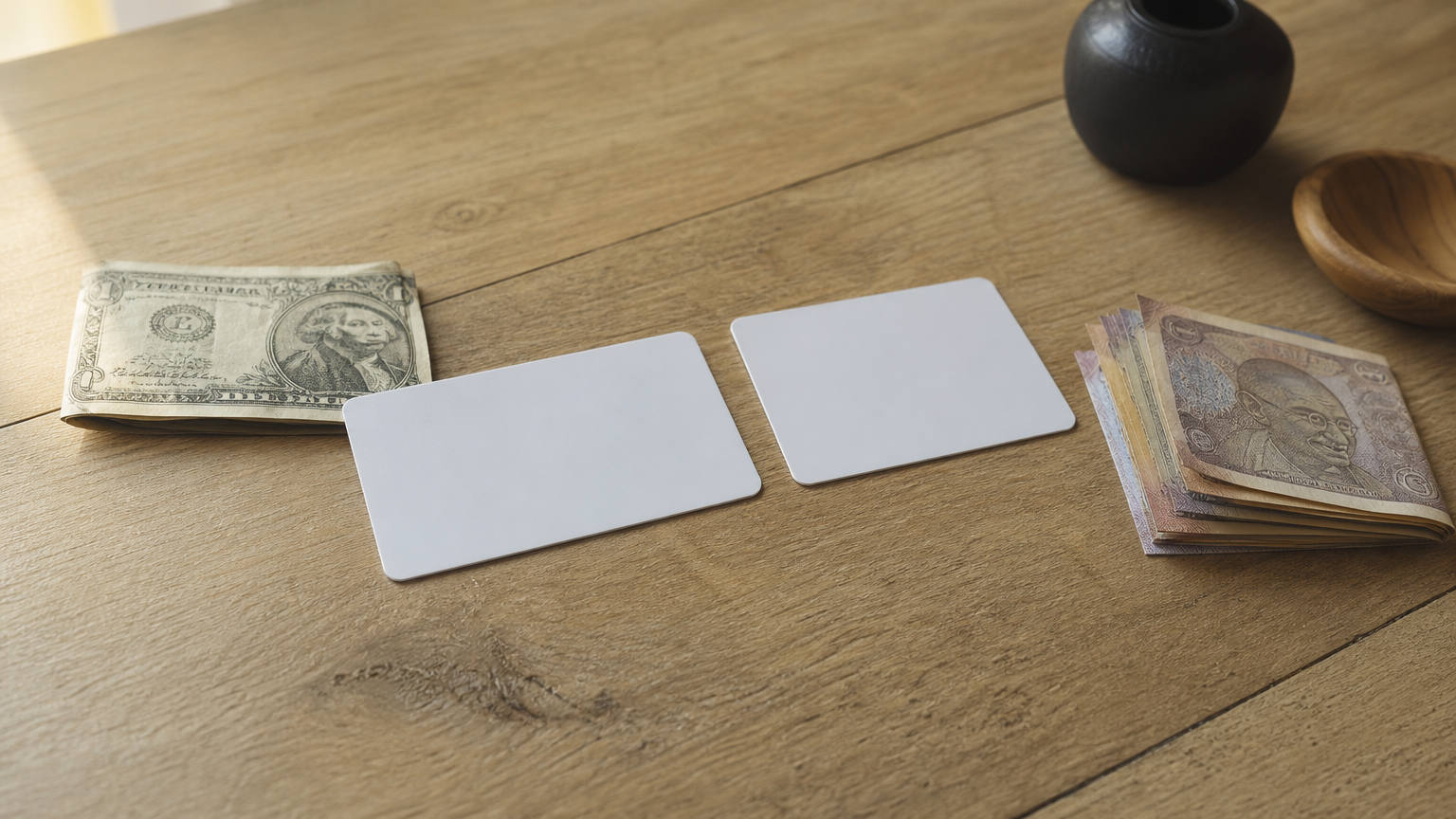
Here is how the two regions compare, using the denominations one Bangladeshi seller lists.
| US card | India card | |
|---|---|---|
| Currency | USD | INR |
| Listed amounts | $5, $10, $15, $25, $35, $50, $100 | ₹10, 25, 50, 100, 300, 500, 1000, 1500 |
| Account country needed | United States | India |
| Where you must be | United States | India |
Open your Play Store profile and check the country under account settings. If it does not match the card, do not buy the card yet. Changing country settings has its own Google rules, so check Google's help pages before you try it.
The smallest US amount in those listings is $5. A $1 Google Play gift card is not a standard denomination there, so a listing that promises "1 dollar Google Play gift card BD" deserves a closer read. Confirm the exact value, the region and the delivery method on the product page before you pay.
Balances do not expire, so you can buy $10 and spend it over time. Google does not refund gift cards except where the law requires it. Buy what you plan to spend, not a large balance "just in case".
Confirm the region and the exact denomination before you look at the price.
The price you pay is the dollar value multiplied by the seller's rate, plus any payment charge. Compare sellers by price per dollar, not by the headline number.
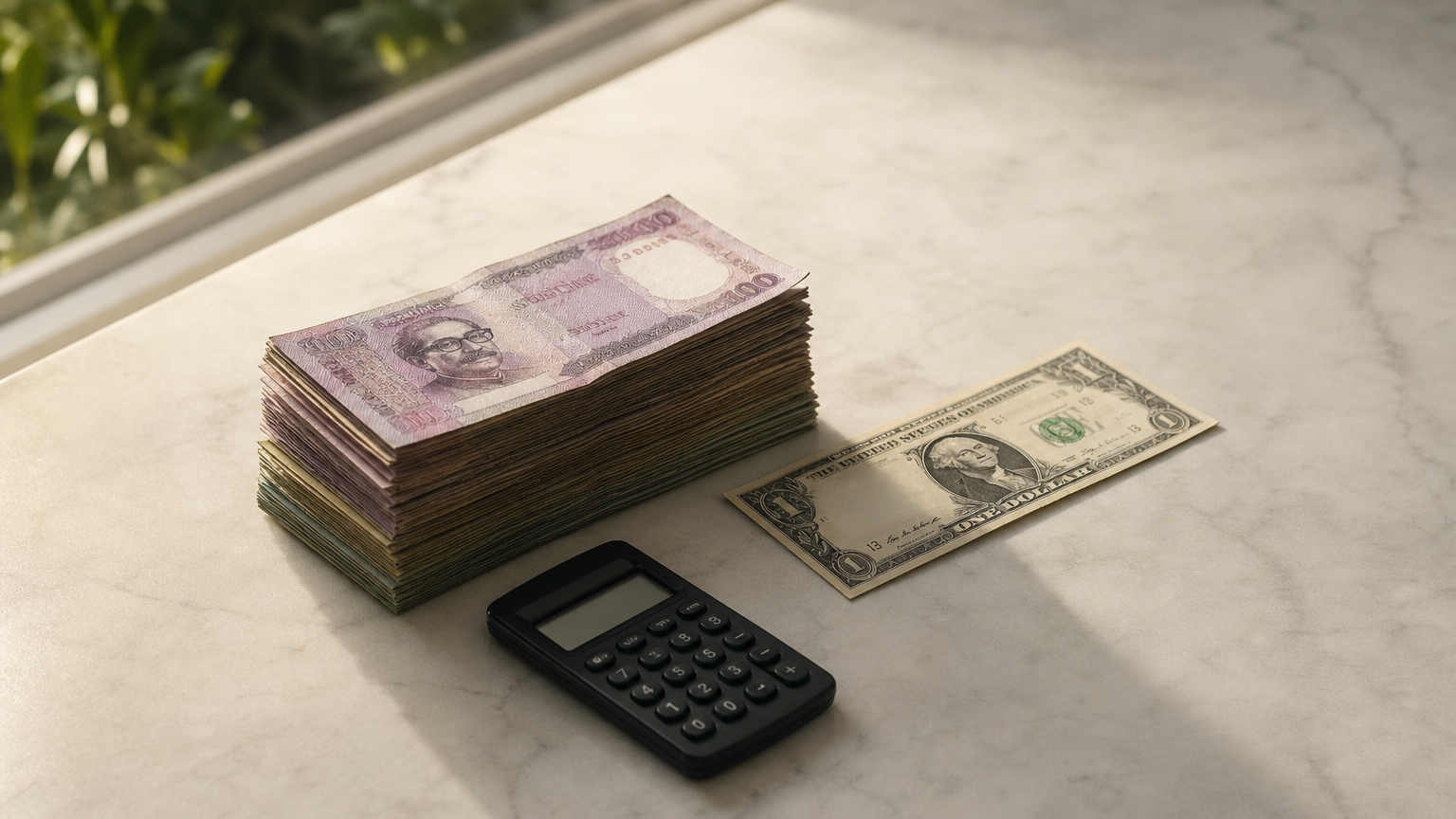
One large Bangladeshi marketplace has listed US-region cards at the prices below. Divide the taka price by the dollar value to get the rate.
| Card | Listed price | Price per dollar |
|---|---|---|
| $25 US | ৳2,350 | ৳94 |
| $100 US | ৳9,500 | ৳95 |
Use about ৳95 per dollar as a yardstick, not a quote. Rates move with the dollar and with each seller's margin. Small cards sometimes carry a higher per-dollar mark-up, so check the $5 price separately. Also look for a payment charge added at checkout and compare the final total, not the listing.
Say you want one $5 card and one $10 card. At ৳95 per dollar, the $5 card costs about ৳475 and the $10 card about ৳950. The total is about ৳1,425 for $15.
If a seller quotes ৳1,600 for the same $15, you are paying about ৳107 per dollar. That is roughly 12% more than the yardstick. Ask what the extra covers, such as faster support or a guarantee. Otherwise move on.
Compare sellers by taka per dollar, then by the final checkout total.
Buy from a seller that shows the card region, the amount and the refund terms before payment, and pay through its checkout. Do not pay through a personal "send money" number.
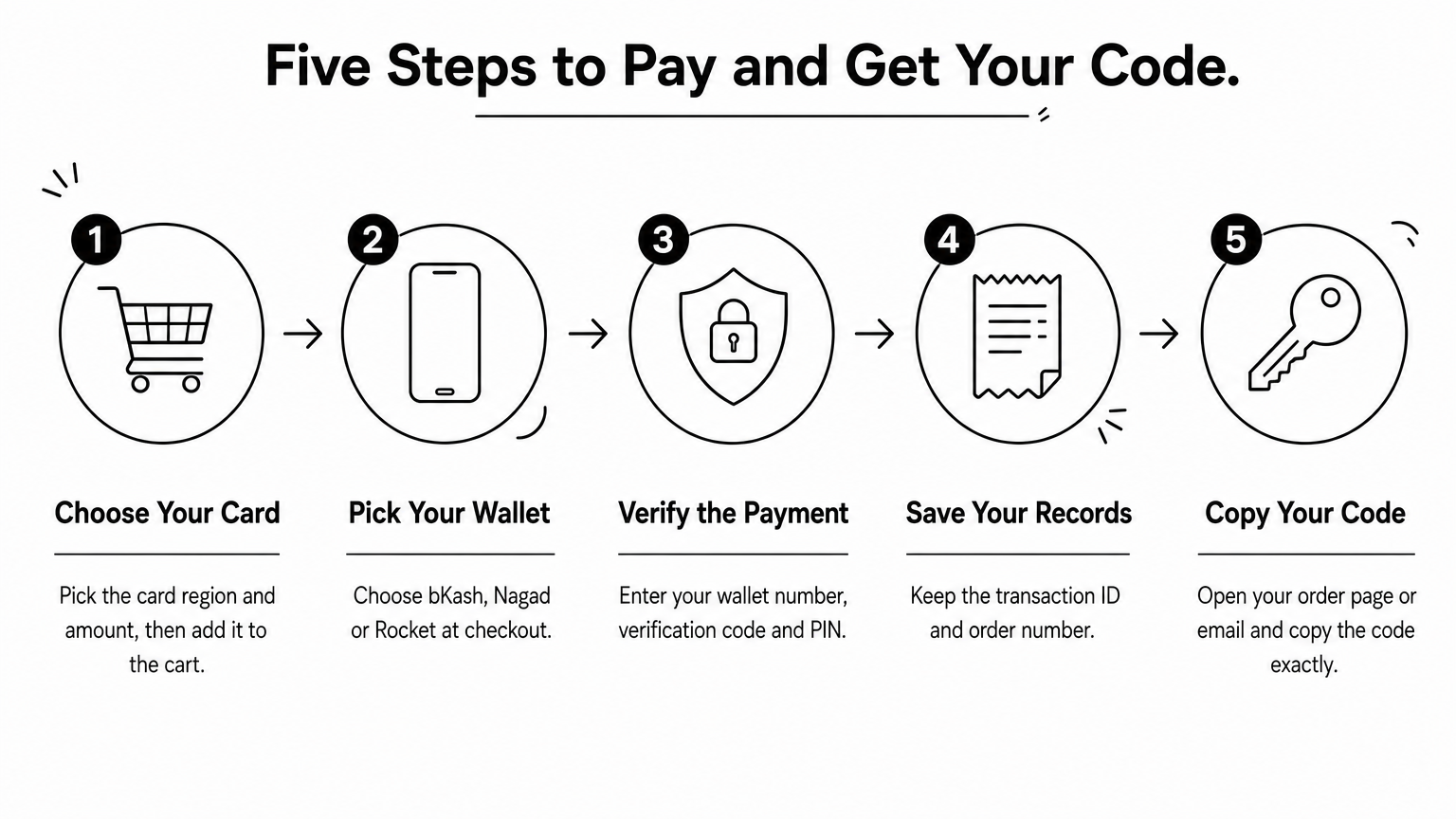
Use this checklist before you enter any wallet details:
AroraShop lists Google Play among its gift cards and takes bKash, Nagad and Rocket at checkout. Check the product page for the region and amounts before you pay.
The flow is similar on most Bangladeshi shops.
Never share your wallet PIN or the verification code with a seller or support agent. Your wallet's checkout is the only place those belong.
Pay only inside a checkout that names the region and the refund terms.
Redeem the code in the country, on the account, that matches the card. The Play Store takes about a minute to confirm it.
Follow these steps, which match Google's own flow:
Use a code only on Google Play. Anyone who asks for a gift card code as payment is running a scam, and Google explains how to spot them in its gift card scam guidance. Redeem soon after purchase so any problem reaches the seller while the order is fresh.
Work through these checks in order:
Be realistic about refunds. Google does not refund gift cards, and Bangladeshi sellers often state that a region failure is not covered. A VPN is not a fix, because it conflicts with Google's terms and sellers report it does not work. Codes can be deactivated if account settings and location do not line up.
A region error is a rule problem, not a typing problem, so do not keep buying cards to test it.
Buying a Google Play gift card in Bangladesh comes down to one rule. Choose the region where you will actually redeem the card, then compare the price per dollar, pay through a proper checkout with bKash, Nagad or Rocket, and redeem the code exactly as Google describes. If the card will be redeemed from inside Bangladesh, do not buy it.
When the region matches and the price makes sense, the rest is quick. Check the product page, save your order number, and redeem soon after delivery. If you want to compare amounts and see how the checkout works, check the Google Play gift card listings at AroraShop before you pay.