



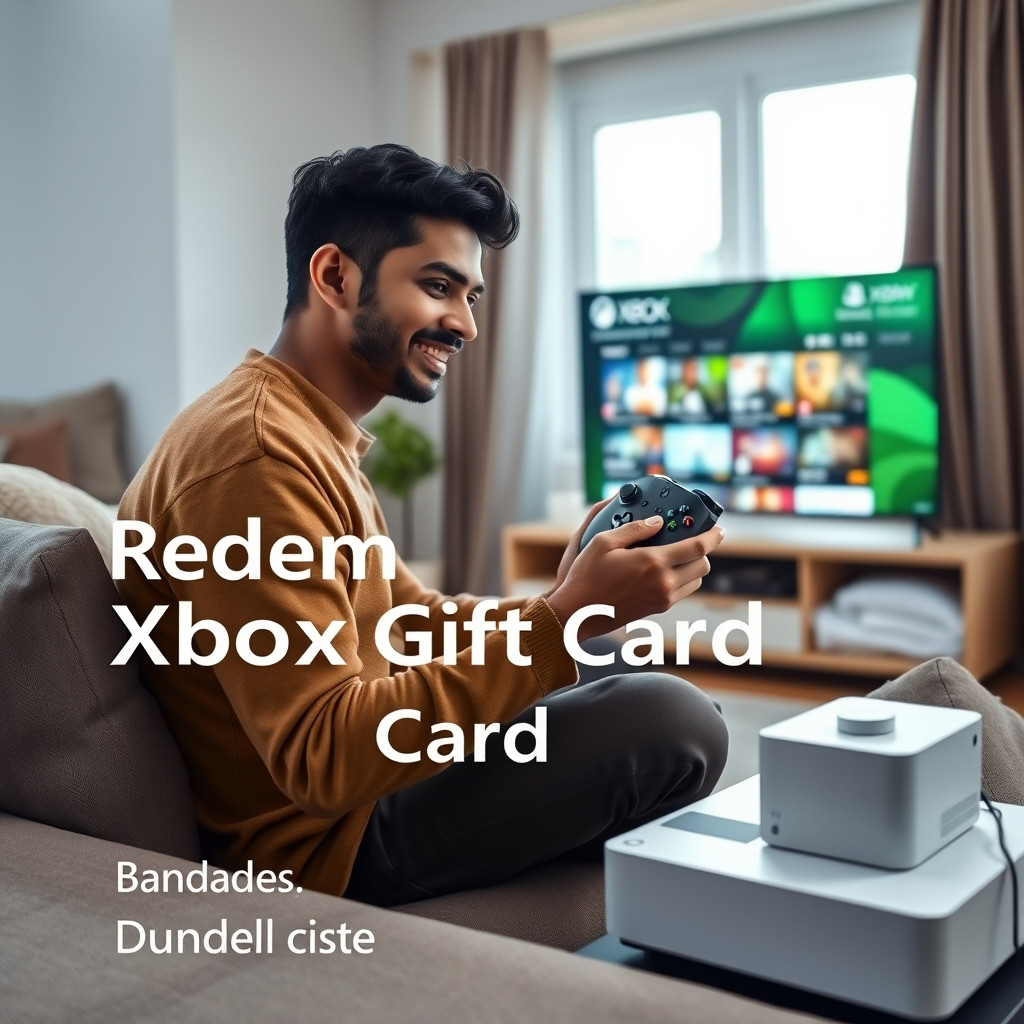
How to Redeem an Xbox Gift Card in Bangladesh: Game Pass, Region Rules, and Fixes
AroraShop Editorial & Fulfillment Team
Digital Gaming & FinTech Specialists (Dhaka, BD) • UpdatedBought an Xbox Gift Card and not sure what to do next? You can redeem it on the web, on your Xbox, or on a Windows PC. The most important rule is simple: your Microsoft account region must match the card's region. The Xbox Gift Card on AroraShop is a USA card, so your account should be set to the United States.
This guide shows you how to redeem the code, what you can buy with it, how Game Pass works, and how to fix common errors.

Xbox Gift Card Price in Bangladesh
If you still need a card, here are the current prices on AroraShop:
| Card Value | Price in BDT |
|---|---|
| $10 | ৳1,180 |
| $15 | ৳1,770 |
| $20 | ৳2,360 |
| $25 | ৳2,950 |
| $50 | ৳5,899 |
| $100 | ৳11,800 |
All cards are USA region. Delivery takes 1 to 5 minutes, and you can pay with bKash, Nagad, Rocket, or Upay. Check the live price on the Xbox Gift Card page on AroraShop.
Step 1: Check Your Account Region First
Xbox gift cards are locked to a region. A USA card only works on a Microsoft account set to the United States.
Here is how to check:
- Sign in to your Microsoft account on the web.
- Open Your info.
- Look at Country or region.
If it says United States, you are ready. If it says something else, stop and ask AroraShop live chat before you redeem.
A warning: Don't change your region just to use one card. Your balance does not move when you change region, and some items may stop working. There is no safe trick, like a VPN, to get around region locks.

Step 2: Redeem Your Xbox Gift Card
Pick the way that suits you. The money goes to the Microsoft account you are signed in to, and it can't be moved later. So check you are on the right account first.
On the web (works on a phone too)
- Open a browser and go to xbox.com/redeem.
- Sign in to your Microsoft account.
- Paste your 25-character code.
- Click Next and confirm.
Tip: The Xbox phone app can't redeem codes. Use your phone's browser instead.
On an Xbox console
- Press the Xbox button and open the Store.
- Press the View button to open the side menu.
- Choose Redeem.
- Enter the code and follow the steps.
On a Windows PC
- Open the Microsoft Store app.
- Click your account picture at the top right.
- Choose Redeem code or gift cards.
- Enter the code and confirm.
What Can You Buy With Your Xbox Balance?
Once redeemed, your money becomes Microsoft account balance. You can use it for:
- Xbox and PC games from the Microsoft Store
- Add-ons and DLC
- In-game money, like coins or points
- Game Pass (see below)
You can't use it to buy hardware like consoles or controllers. You also can't turn it into cash or send it to another account.

Can I Use an Xbox Gift Card for Game Pass?
Yes, Microsoft account balance can pay for Game Pass. But there is a catch for many people in Bangladesh.
Game Pass is a subscription that renews. Microsoft may ask you to add a backup payment method, like a card or PayPal, when you sign up with balance. If you don't have one, ask AroraShop live chat about your options before you buy.
Here are some simple tips:
- Make sure your balance covers the full Game Pass price.
- Choose your account balance as the payment method at checkout.
- Turn off auto-renew if you only want one period. You can do this in your Microsoft account under Services and subscriptions.
Common Problems and Quick Fixes
| Problem | Likely Cause | What to Do |
|---|---|---|
| "Not available in your region" | Account is not set to USA | Don't keep retrying. Contact AroraShop support. |
| "Code not valid" | A misread letter, like 0 and O or 1 and I | Copy and paste the code from your order instead of typing it. |
| "Code already redeemed" | It was used on another account | Check if you are signed in to a different Microsoft account. |
| Balance greyed out at checkout | Not enough balance, or a subscription needs a backup | Check the item price and your payment settings. |
Got a code problem with another card? Our Steam code not working guide has more tips that also help.
How to Buy an Xbox Gift Card with bKash
- Go to the Xbox Gift Card page.
- Add your contact number.
- Pick a card value from $10 to $100.
- Click Buy and pay with bKash, Nagad, Rocket, or Upay.
- Open your Dashboard, go to Orders, and copy your code.
If your order takes longer than 30 minutes, contact support with your order number.
Still deciding between consoles? Read our PlayStation vs Xbox vs Nintendo gift card comparison or our list of the best places to buy Xbox gift cards.
Frequently Asked Questions
Where do I redeem my Xbox gift card?
Go to xbox.com/redeem in a browser, sign in, and paste your code. You can also redeem on an Xbox console or in the Microsoft Store app on Windows.
Will a USA Xbox card work on my account?
Only if your Microsoft account region is set to the United States. Check this in Your info before you redeem.
Can I redeem an Xbox code on the Xbox mobile app?
No. The Xbox app can't redeem codes. Use your phone's web browser and go to xbox.com/redeem.
Can I buy Game Pass with an Xbox gift card?
Yes. Microsoft account balance can pay for Game Pass, but Microsoft may ask for a backup payment method because it is a subscription.
Can I move my balance to another account?
No. The balance stays on the account you redeemed it on. It can't be moved or turned into cash.
How much is an Xbox gift card in Bangladesh?
On AroraShop, USA Xbox gift cards cost from ৳1,180 for $10 up to ৳11,800 for $100.
What if my code doesn't work?
Copy and paste it again, check you are on the right account, and check your region. If it still fails, contact AroraShop support with your order number.
Conclusion
Redeeming an Xbox Gift Card is quick once you know the rules. Check that your account is set to the USA, redeem on xbox.com/redeem, and spend your balance on games, add-ons, or Game Pass.
Need a card? Buy your Xbox Gift Card on AroraShop with bKash today. Our live chat team can help in Bangla or English.
Sponsored
Categories
Sponsored
Recent Posts
Sponsored

