



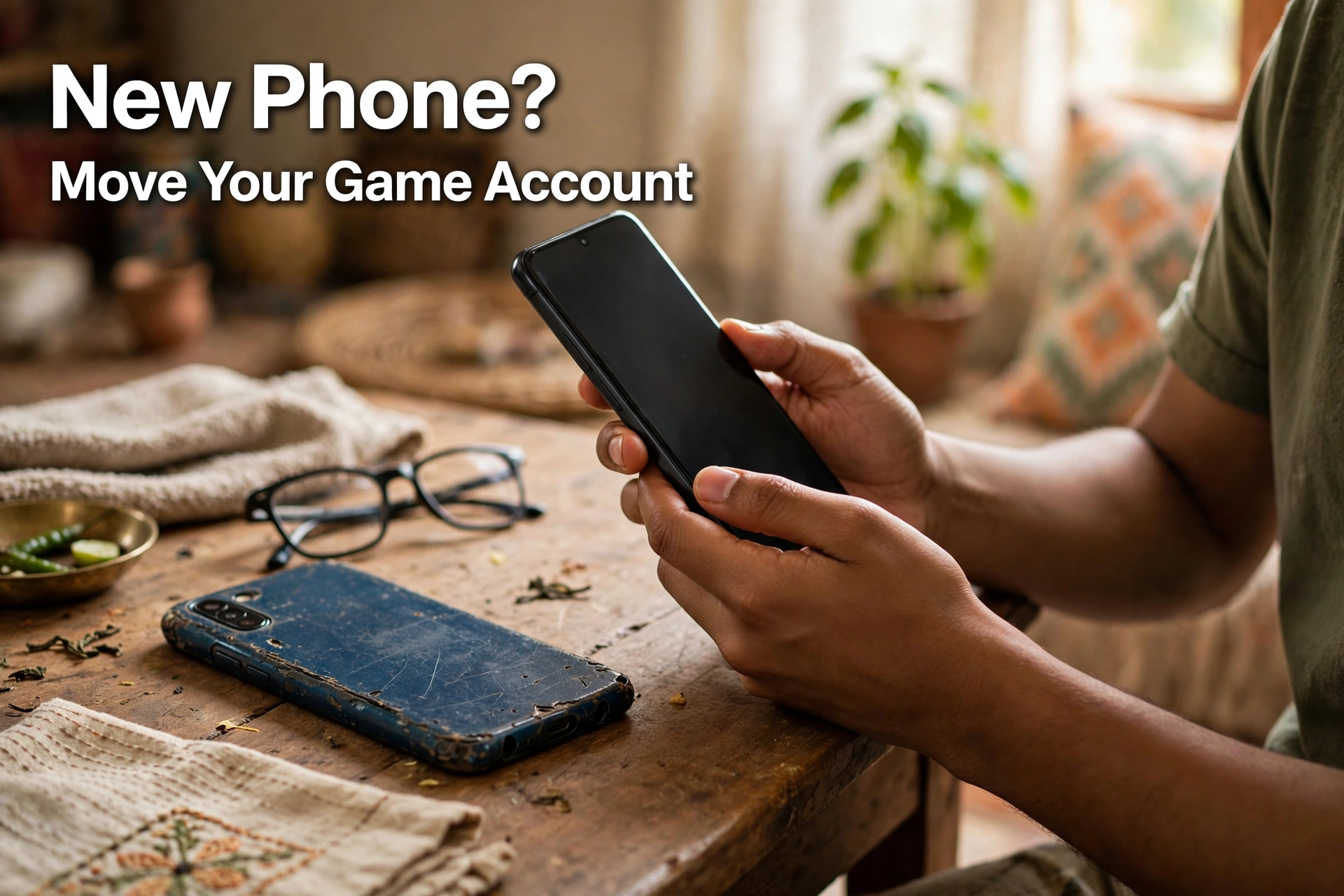
Getting a New Phone? How to Move Your Free Fire, PUBG, MLBB, and Clash of Clans Accounts Without Losing Anything
AroraShop Editorial & Fulfillment Team
Digital Gaming & FinTech Specialists (Dhaka, BD) • UpdatedGetting a New Phone? How to Move Your Free Fire, PUBG, MLBB, and Clash of Clans Accounts Without Losing Anything
The one thing that decides whether your game account survives a new phone is simple: is it linked to a login, or is it a guest account? A linked account moves in a minute. You install the game, sign in with the same Google, Facebook, or game ID, and everything is there, including diamonds, UC, skins, and rank. A guest account lives only on the old phone. Lose that phone, reset it, or delete the game, and the account can be gone for good. So link first, switch phones second.
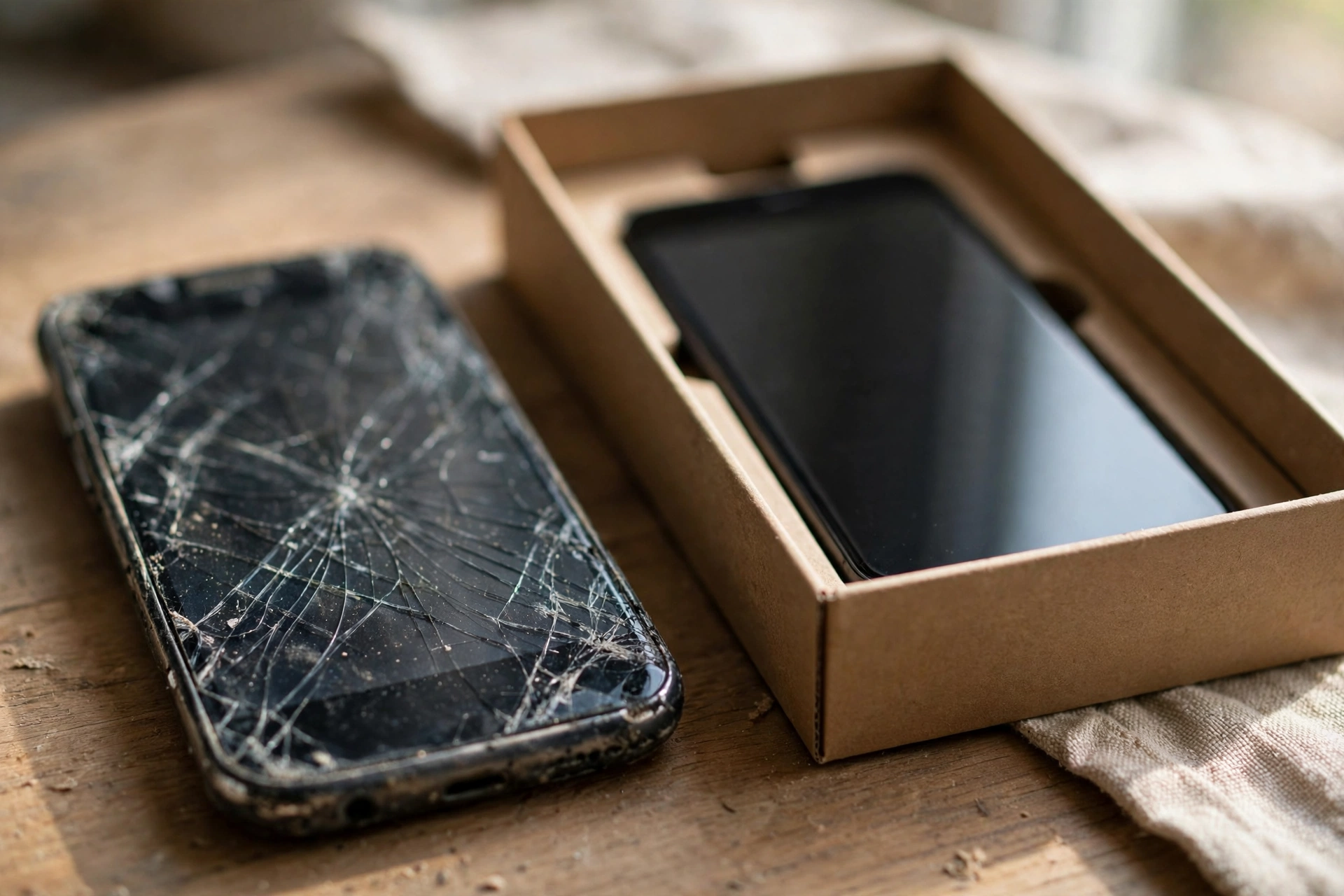
Why guest accounts are a trap
When you first open most mobile games, they let you play as a guest. No sign-up, no password. It's easy, and a lot of people just keep going that way for years.
The problem shows up later. A guest account is tied to that one phone. If the phone is stolen, breaks, or gets reset, there's no login to recover it with. Support teams usually can't help much either, because there's nothing to prove the account is yours. People lose years of progress and everything they ever bought this way.
If you take one thing from this page, make it this: open your games today and check whether you're on a guest account. It takes two minutes.
Free Fire
In Free Fire, open your profile or settings and look for the account binding option. You can link to a social login, such as Google or Facebook. Once it's linked, on your new phone just pick the same login when the game opens.
Your diamonds, outfits, and weapons stay with the account, not the phone. Your Player ID stays the same too, so top-ups keep working exactly as before. That's the ID you use on our Free Fire Diamond page.
PUBG Mobile
PUBG Mobile works the same way. Go to settings and find the link options, then connect a login like Google Play or Facebook. On the new phone, install the game and sign in with that same login.
If you're thinking of trying the new lighter PUBG Mobile Flash app on a cheaper phone, the same login works there too. Your Player ID doesn't change, so UC top-ups on our PUBG Mobile UC page still go to the right account.
Mobile Legends
MLBB uses a Moonton account, and you can also bind social logins to it. Open the account center in settings and make sure at least one login is linked. Write down the email you used for the Moonton account somewhere safe.
Your user ID and server ID stay the same on the new phone. So top-ups on our Mobile Legends Diamond page keep going to the right account.
Clash of Clans
Clash of Clans uses Supercell ID, which is just your email address. In settings, connect your village to Supercell ID if you haven't. On the new phone, open the game, choose Supercell ID, enter your email, and type the code Supercell sends you.
That email matters even more than usual, because it's how you log in. Keep it safe, and turn on two-step login for the email account itself.
A simple checklist before you switch
- Open every game and check that it's linked to a login, not a guest account.
- Write down which login each game uses. "Free Fire: Google, PUBG: Facebook" is enough.
- Make sure you can still get into those Google and Facebook accounts. Check your password and recovery number.
- Turn on two-step verification for your Google and Facebook accounts.
- Only then reset or sell the old phone.
Step 3 is the one people skip. If your Google account is tied to an old SIM you no longer have, you might not be able to log in on the new phone. Fix that first. Our Google account security checkup walks you through it.

Selling your old phone? Read this
Before you hand your old phone to anyone, log out of every game, then do a full factory reset. If you skip this, the next owner might open your game straight into your account. A few clicks protects years of play.
If your phone was lost or stolen instead, act fast. Change your Google and Facebook passwords from another device, then log in to your games on the new phone. Our guide on what to do after a lost or stolen phone has more steps.
Never share your game login
It's worth saying again. You never need to give anyone your password to top up. Free Fire, PUBG, and MLBB top-ups only need your Player ID. If a seller asks for your Google password or a login code, walk away. That's how accounts get stolen.
Frequently asked questions
Will I lose my diamonds if I change phones?
No, if your account is linked to a login. Diamonds, UC, and skins stay with the account.
What happens to a guest account on a new phone?
It usually can't be moved. Link it to a login on the old phone first.
Does my Player ID change on a new phone?
No. It stays the same, so top-ups keep working.
How do I move Clash of Clans to a new phone?
Connect your village to Supercell ID on the old phone, then log in with the same email on the new one.
Should I log out before selling my phone?
Yes. Log out of every game and factory reset the phone.
Can a top-up seller ask for my password?
A real seller doesn't need it. Free Fire, PUBG, and MLBB top-ups only need your Player ID.
The short version
Link every game to a login, make sure you can open that login, and only then switch phones. It takes ten minutes now and saves you from losing years of progress later. Our live chat answers in Bangla and English if you have questions about top-ups on your new phone.
Sponsored
Categories
- Beginners Gamers 1
- Top Up 0
- Gift Card 3
- Announcement 0
- Technology 31
- Artificial intelligence 11
- Updates & Guides 305
- Games 3
- Business & Tech 1
- Freelancing & Career 2
- Tech Tips & Tutorials 1
- Make Money Online 1
- Tech & AI Tools 2
- Crypto & Airdrops 3
- Career & Business 1
- Money Making 2
- Guides 0
- Game Top-Up Guides 0
- Subscription Guides 1
Sponsored
Recent Posts

Sponsored