
How to Buy a Roblox Gift Card in Dhaka and Redeem It Fast
AroraShop Editorial & Fulfillment Team
Digital Gaming & FinTech Specialists (Dhaka, BD) • UpdatedHow to Buy a Roblox Gift Card in Dhaka and Redeem It Fast
To make a Roblox gift card buy from Dhaka, pick a US-region card on a local store, pay with bKash, Nagad or Rocket, and wait for the digital code. Then log in at roblox.com/redeem, enter the code, and use the credit to buy Robux. When delivery is instant, the whole process takes about five minutes, and you never need an international card.
The problem is that Roblox cards are sold through overseas retailers whose checkouts expect a Visa or Mastercard, which many players in Bangladesh do not have. Social media posts offering cheap codes fill the gap, and that is where most scams happen. A code in the wrong region, a code that was already used, or a code that never arrives costs you real taka, and digital sellers rarely refund a code once it has been sent.
This guide follows the purchase in the order you do it: what to know first, how to choose a seller and an amount, how to pay, how to redeem, and what to do when something goes wrong. The prices and delivery details come from AroraShop's own Roblox Gift Card listing, so you can check every number against a real product page.
What to know before you buy a Roblox gift card
Three facts matter before you pay: the card adds US dollar credit to your account, AroraShop's listing is for the United States region, and there is no refund after dispatch. The rest of this guide follows from those three.
How the card works
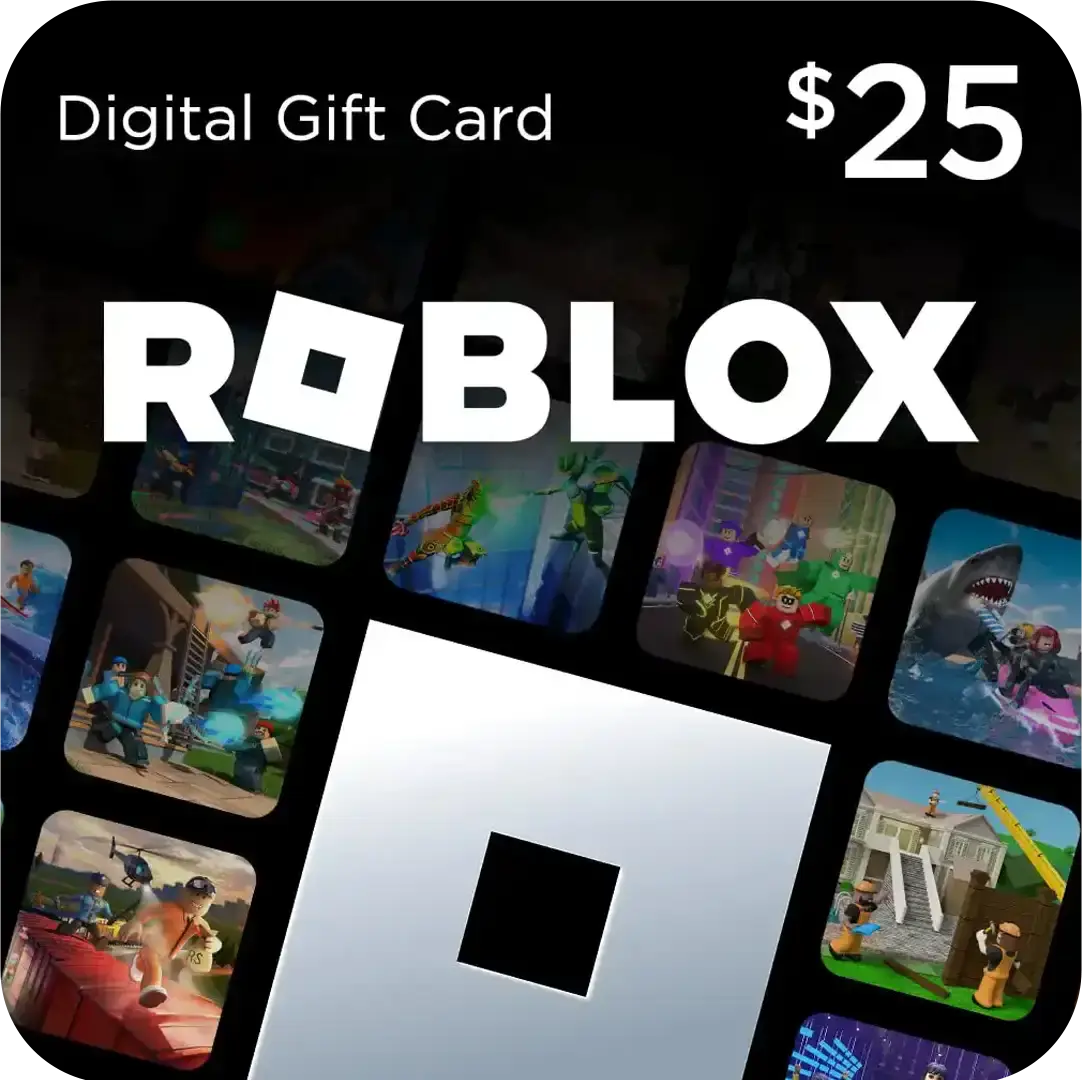
The Roblox Gift Card on AroraShop is a digital voucher that you redeem at roblox.com/redeem. After redeeming, the value sits in your account as credit, and you spend it on Robux or Premium. You do not need a physical card, and you do not enter the code inside a game.
Whoever redeems a code first keeps its value, so keep the code private until you are logged in to the right account. The seller cannot take a code back once it is sent, which means a wrong email address or the wrong account is your risk.
A gift card code works like cash, so enter it only on roblox.com while logged in to your own account.
What each package costs
The listing shows six packages: three named by Robux amount and three by dollar value. The dollar cards are the ones most people mean when they search for a Roblox $10 gift card.
| Package | Price | Note |
|---|---|---|
| 100 Robux | 750 ৳ | Smallest package |
| 200 Robux | 950 ৳ | |
| 400 Robux | 1,050 ৳ | |
| $10 | 1,300 ৳ | 130 ৳ per dollar |
| $25 | 3,250 ৳ | 130 ৳ per dollar |
| $50 | 6,550 ৳ | About 131 ৳ per dollar |
Here is a worked example. If you want $35 of credit, buy one $25 card and one $10 card: 3,250 + 1,300 = 4,550 ৳. Prices can change, so confirm the total on the product page at checkout.
Step 1. Choose a trusted seller and package
Choose a seller that takes local wallets, states the card region, and shows its delivery time and refund rule before you pay. A seller that hides any of these is not worth your money.
Check the seller
Run through this list before you add anything to a cart:
- It accepts bKash, Nagad or Rocket on its own website, not through a chat message.
- The product page names the region of the card.
- It gives a delivery time. The AroraShop listing says instant, in 1 to 5 minutes.
- It states the refund rule. AroraShop says no refund after dispatch.
- It has support you can reach. AroraShop lists 24/7 support and WhatsApp chat.
- It has public reviews you can verify. AroraShop links its Trustpilot and Google reviews.
Treat random posts in gaming groups with suspicion. A seller who only works through direct messages gives you no order page, no receipt and no one to complain to.
Choose the amount
For most players, the $10 card at 1,300 ৳ is the sensible starting point, because it covers a decent Robux purchase and leaves little unused credit. Move up to $25 or $50 only if you buy Robux often, since the price per dollar barely changes.
If you were searching for a Roblox 500 Robux gift card, note that the listing has 100, 200 and 400 Robux packages but no 500 Robux package. Check the product page to see exactly what each Robux package delivers. If you need an exact amount, use the Request Product option on AroraShop and ask for it.
Pick the amount you will spend within a month, because credit sitting in an account earns you nothing.
Step 2. Pay with bKash, Nagad or Rocket
To pay, add the package to your cart, log in, choose bKash, Nagad or Rocket, and complete the payment through the gateway the website lists. Do not send money to a personal number from a chat.
Place the order
- Open the Roblox Gift Card page on arorashop.com and select your package.
- Log in, or create an account. The site asks for one to give you full service.
- Check the package, the price in taka and your email address. Customers are responsible for address mistakes.
- Choose bKash, Nagad or Rocket and pay in the gateway.
- Watch your order page and your email for the code.
Pay safely
Keep a screenshot of the payment confirmation and the transaction ID until the code is redeemed. If support ever has to trace your order, these two details settle it quickly. Pay only through the gateway shown on the website, because AroraShop states it may cancel suspicious orders and suspend accounts that attempt fraud.
The AroraShop Android app on Google Play carries app-only discounts, so look at the app price for the same package before you pay on the website.
Never pay a seller through a number they send you in chat, because only the checkout gives you an order record.
Step 3. Redeem the code on your Roblox account
To redeem, log in to the right account, open roblox.com/redeem, enter the code, and confirm. The credit appears in your account right away, and you can then spend it.
Enter the code
- Open roblox.com/redeem in a browser and log in to the account you want to credit.
- Copy the code from your order page or email and paste it into the box. Pasting avoids typing errors such as 0 for O.
- Click Redeem and wait for the confirmation message.
- Go to the Robux purchase page, choose your amount, and pay with your credit. Premium works the same way.
Check the username in the top corner before you click Redeem. Credit goes to whichever account is logged in, and moving it afterward is not something you can count on.
If the code is rejected
Stop retrying after one or two failed attempts. First compare the code with your order page character by character, then confirm that you are on roblox.com and not a lookalike address. If the code still fails, send support your order number, a screenshot of the error and the transaction ID.
Check the logged-in username before you press Redeem, because the credit cannot be assumed to move afterward.
Step 4. Fix delays and avoid scams
If a code is late, check your order page and email first, then contact support with your order details. Most Roblox gift card codes from AroraShop are listed as arriving in 1 to 5 minutes.
When the code is late
Look in your spam folder and on the order page before you assume something went wrong. Payment verification can add time. If 15 minutes pass with nothing, call support at +8801867859776 or write to support@arorashop.com. Include your order number and payment screenshot, and expect a reply in under 15 minutes on average.
Red flags to walk away from
Be wary of a price far below the roughly 130 ৳ per dollar the listing shows, since someone has to cover the difference. Leave any seller who asks you to pay a personal wallet number, who has no order page, or who pushes you to hurry. Anyone offering a "Robux generator" or asking for your gift card code in exchange for free Robux is trying to take the credit for themselves.
If the deal needs you to skip the checkout, it is not a deal.
Your Roblox code, start to finish
A Roblox gift card buy comes down to four moves: understand that you are buying US dollar credit, choose a seller with clear terms, pay through the listed local gateway, and redeem the code on your own account at roblox.com/redeem. Keep your payment proof, and contact support early if a code runs late.
If you want to skip the guesswork, you can buy a Roblox gift card on AroraShop and pay with bKash, Nagad or Rocket. Check the current price on the product page, redeem the code, and get back to playing.
Sponsored
Categories
- Beginners Gamers 1
- Top Up 0
- Gift Card 3
- Announcement 0
- Technology 31
- Artificial intelligence 11
- Updates & Guides 281
- Games 3
- Business & Tech 1
- Freelancing & Career 2
- Tech Tips & Tutorials 1
- Make Money Online 1
- Tech & AI Tools 2
- Crypto & Airdrops 3
- Career & Business 1
- Money Making 2
- Guides 0
- Game Top-Up Guides 0
- Subscription Guides 1
Sponsored
Recent Posts
Sponsored