Leave a Review


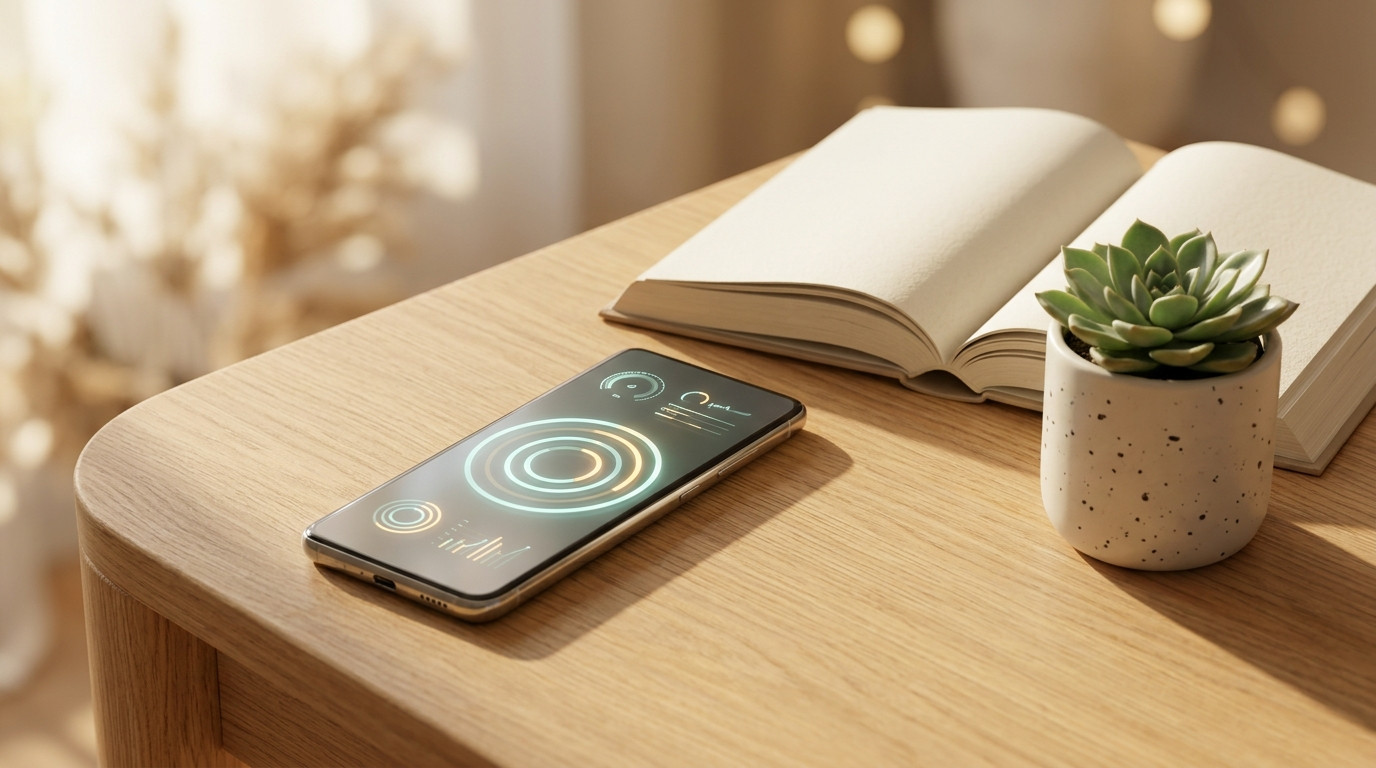
One day, out of curiosity, I opened Digital Wellbeing in my phone settings—my daily screen time was 5.5 hours! I was surprised myself. Yet it felt like I didn't do much on my phone. In fact, picking up the phone repeatedly in small moments adds up to hours.
Reducing screen time doesn't mean giving up your phone—it means cutting out unnecessary time. Here is how I reduced mine.
First, measure it. Digital Wellbeing under Settings on Android, Screen Time on iPhone—on both, you can see how much time is being spent on each app. If you track it for a week, you will understand which one is the real "time thief." In my case, it was a social app.
Then set limits. Put a 1-hour daily limit on those apps. Once the limit is reached, the app will pause itself—you won't have to rely on willpower.
And two small habits proved very useful for me. First, keeping the phone away during meals and one hour before sleep. Second, keeping the phone in grayscale mode for a few days—when the appeal of colorful screens fades, the urge to pick up the phone also decreases, which I experienced firsthand.
To be honest, it will feel a little uncomfortable for the first few days. Your hand will repeatedly reach for the phone. But after a week, you will see that you have more free time—for reading books, walking, and chatting with family.
What is your screen time? Check it and let me know in the comments, let's see what everyone gets!