Leave a Review


To use a Google Play gift card, you buy a code from a seller, pay with bKash, Nagad or Rocket, and redeem it in the Play Store under Payments and subscriptions, then Redeem gift code. One rule decides whether this works: Google lets you redeem a card only in the country it was issued for. A US code works for a US account used from the US. It does not work from a phone in Dhaka, even if your account region is set to the US.
That rule is why many buyers in Bangladesh end up with a dead code and no refund. The checkout works, the code arrives in minutes, and then the redeem screen shows an error. Digital codes are rarely refunded once they are dispatched, so the mistake is expensive.
This guide takes you through the process in the right order: check that a card can work for you, choose an amount and buy it, redeem it, and fix errors. At AroraShop we sell digital cards and top-ups to buyers across Bangladesh, so we also show you when a different product serves you better than a Play card.
A Google Play gift card is a prepaid code that adds Play balance to a Google account. You spend that balance inside Google Play on apps, games, in-app items, movies and books. Google says its cards carry no fees and no expiration date, so an unused balance simply waits for you.
The balance works only on Android and inside Google Play. You cannot move it to Steam or an iPhone, and you cannot turn it back into cash. Once a seller dispatches the code, treat the sale as final.
Google's terms say the card is valid only in the original country of purchase, and you can read them in the Google Play gift card terms. In practice, you must redeem the code from the country it was issued for, on an account set to that country. Matching the account region alone is not enough, because Google looks at where you actually are. Buyers in Bangladesh who tried a VPN report that it does not help, and it also breaks the terms.
This is why the $100 card on AroraShop is a US card, and why its product page says it cannot be used from Bangladesh and works only on US accounts. We would rather you read that before paying than after.
A Google Play code is tied to a country, not only to an account.
Before you pay anyone, answer three questions. All three answers must point to the same country.
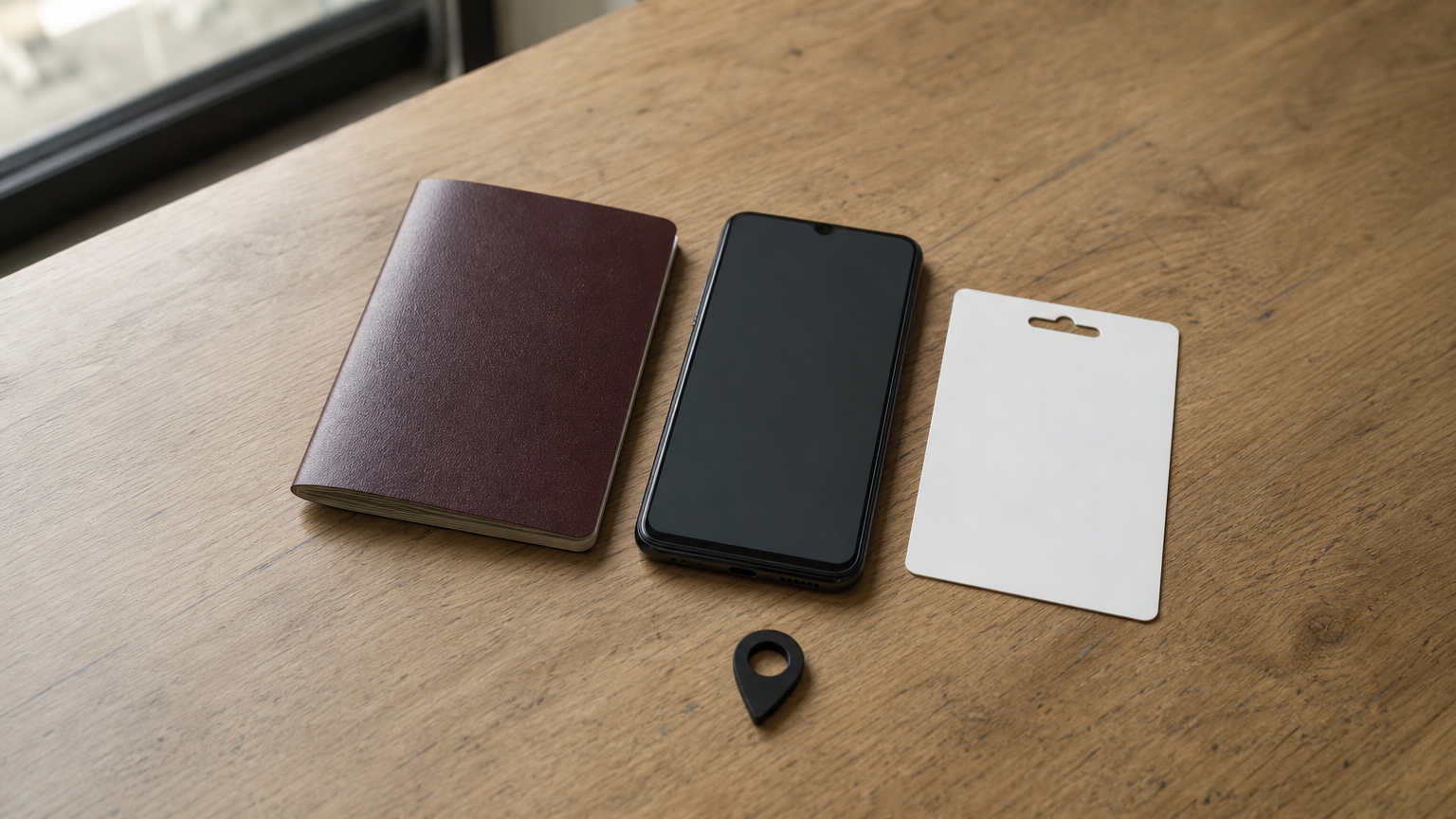
If one answer differs, the code will fail. If a listing does not state the card region at all, do not buy from it.
Most failed purchases fit one of the rows below. Find your situation before you spend money.
| Your situation | What happens |
|---|---|
| In the US, US account, US card | Redeems normally |
| In Bangladesh, US account, US card | Fails, because Google reads your real location |
| In Bangladesh, VPN on, US card | Do not try. It breaks the terms, buyers report it fails, and Google can deactivate the code |
| Buying for a friend or relative who lives in the US | Works if they redeem it on their US account |
| Card region, account region and your location all match | Redeems normally |
The honest reading for a reader in Dhaka is simple. A US card is a good purchase only if the person redeeming it is in the US. If you are in Bangladesh and the only goal is your own spending, skip to the last section before buying.
If your location, your account and the card do not match, the code will not redeem.
Pick the smallest amount that covers what you need, because there is no refund after dispatch. Google Play cards come in fixed amounts, and a $10 card or a $50 card is common in the US. AroraShop's current listing is the $100 US card at 15,400 ৳. Check the product page for the amounts in stock, since prices move with exchange rates.
Here is a worked example. 15,400 ৳ for $100 means 154 ৳ per dollar. As a rough guide only, a $10 card at that rate would land near 1,540 ৳ and a $50 card near 7,700 ৳. When you look for a cheap Google Play gift card, compare the Taka cost per dollar between sellers, not the headline price. Be careful with listings far below the usual rate, because they often hide a wrong region or a fake code.
Buying a Google Play gift card online from a local seller takes a few minutes. At AroraShop the steps are:
The product page lists delivery at 1 to 5 minutes. AroraShop's average across orders is 20 to 60 minutes after transaction verification, so allow up to an hour before you worry. If the code is late, message support on WhatsApp, where the average response is under 15 minutes.
Keep the code private. Google warns that any request for a gift card code outside Google Play is a scam, and you can read how to protect yourself at play.google.com/giftcardscam.
Pay only through the seller's listed gateway, and give the code to nobody but Google Play.
Redeeming a Google Play gift card takes under a minute on an Android phone, as long as the region check from Step 1 passed. Follow these steps:
A success message tells you the balance was added. If you see an error instead, stop and go to the last section before you retry.
You can also redeem a code on a computer. Go to play.google.com/redeem, sign in with the same Google account and enter the code. The balance is tied to the account, so it shows up on your phone afterwards.
To confirm it worked, open Payments and subscriptions in the Play Store app and check your Google Play balance. When you buy an app or in-app item, the balance appears as a payment option at checkout. Check that the amount matches the card before you spend any of it.
Redeem the code on the exact account you plan to spend from, because balance does not move between accounts.
Most errors come down to region or typing. Use this table to find your case.
| What you see | Likely cause | What to do |
|---|---|---|
| Code cannot be redeemed in your country | Region mismatch with your location | Stop. Do not retry through a VPN. Contact the seller and expect no refund, since the card was dispatched |
| Code invalid or already used | Typing mistake, or a code that was redeemed before | Re-enter slowly, check zero versus the letter O, then send the seller your order number |
| No code received | Delay in verification or email | Check your order page and inbox, wait up to an hour, then message support |
Keep your order number and a screenshot of the error ready. A support team can only help if it can trace the order.
If your goal is to play, you often do not need Play balance at all. Direct game top-ups put currency straight into your game from your player ID. AroraShop offers PUBG Mobile UC, Free Fire Diamonds, Call of Duty Mobile CP and Mobile Legends Diamonds this way, paid with bKash, Nagad or Rocket.
For PC games, a US Steam gift card is delivered instantly, with $10 at 1,450 ৳ and $50 at 7,250 ৳. Check that the code matches your Steam account region first. If you cannot find what you need, use the Request Product option on the site.
For your own gaming spend inside Bangladesh, a direct top-up beats a Play code you cannot redeem.
A Google Play gift card is easy to buy and easy to pay for with bKash or Nagad. The hard part is the region rule: your location, your account and the card must all match. Run the three-point check first, buy the smallest amount you need, redeem it in Payments and subscriptions, and keep your order number if anything goes wrong.
If you are buying for someone in the US, the card is a fine gift. If you are in Dhaka and want to spend on games, a direct top-up or a Steam gift card gets you playing without the risk. You can see every option, with Taka prices and instant delivery, in the AroraShop gift card and top-up catalog.