



Top Up Koro BD: How to Add Free Fire Diamonds by UID
AroraShop Editorial & Fulfillment Team
Digital Gaming & FinTech Specialists (Dhaka, BD) • UpdatedTop Up Koro BD: How to Add Free Fire Diamonds by UID
If you searched top up koro bd, the process is short. Pick a Bangladeshi store that tops up by UID, enter your Free Fire UID, choose a diamond pack, pay with bKash or Nagad, and wait one to two minutes for the diamonds to arrive. You never need to share a password. The real risks are a wrong UID, a wrong server and a fake store, and this guide shows you how to avoid all three.
Most failed top-ups come from the same few mistakes. Players type their nickname instead of their UID, pay a seller they found in a Facebook comment, or hand over a login when the store only needs a number. Diamonds sent to the wrong UID cannot be refunded or moved, so one typo costs real taka.
AroraShop is a Bangladesh-based store for digital goods, and it sells Free Fire diamonds by UID. The steps below follow that flow. You will check what you need, find your UID, compare packs and offers, pay, and confirm delivery.
What you need before you top up
You need four things: your Free Fire UID, an account on the store, a funded bKash or Nagad wallet, and a few spare minutes. Check them first, because rushing is how typos happen.
Why a UID top-up is safer than a login
A UID top-up sends diamonds straight to your account using only your player ID and nickname. No password is involved. Anyone who asks for your Facebook, Google or Garena login can take over your account along with every diamond and skin on it, so treat that request as a scam, not a shortcut.
Payment stays local too. At AroraShop you can pay with bKash, Nagad or Rocket, so you do not need an international card. Free Fire diamonds can also be paid for with cards or other wallets.
A real UID top-up needs your UID and nickname, never your password.
How to spot a trustworthy store
Run any store through this checklist before you pay:
- It shows the price of each pack before you pay.
- It asks only for your UID and nickname.
- It sends you to a payment gateway listed on its own site.
- It has support you can reach by WhatsApp, phone or email.
- It publishes a refund policy page and review links you can open. AroraShop shows a 4.9/5 rating with Trustpilot and Google links.
Step 1. Find your UID and check your server
Your UID is the 8 to 10 digit number on your Free Fire profile, and it is the only thing the store uses to find your account. Your in-game nickname will not work.
Find your UID in the game
- Open Free Fire and wait for the lobby to load.
- Tap your profile picture in the top left corner.
- Find the ID number shown with your nickname.
- Copy it if a copy button is shown, or write it down.
Check the server before you pay
Free Fire diamond top-up at AroraShop is not available for Indonesian servers. If your account runs on the Indonesian server, do not order. Confirm your server first, because a payment cannot be undone.
Then read your UID back against the game screen, digit by digit. Diamonds sent to the wrong UID cannot be refunded or transferred, and that rule is the main reason to slow down at this step.
Check the UID twice, because a wrong one cannot be fixed after payment.
Step 2. Choose a diamond pack or offer
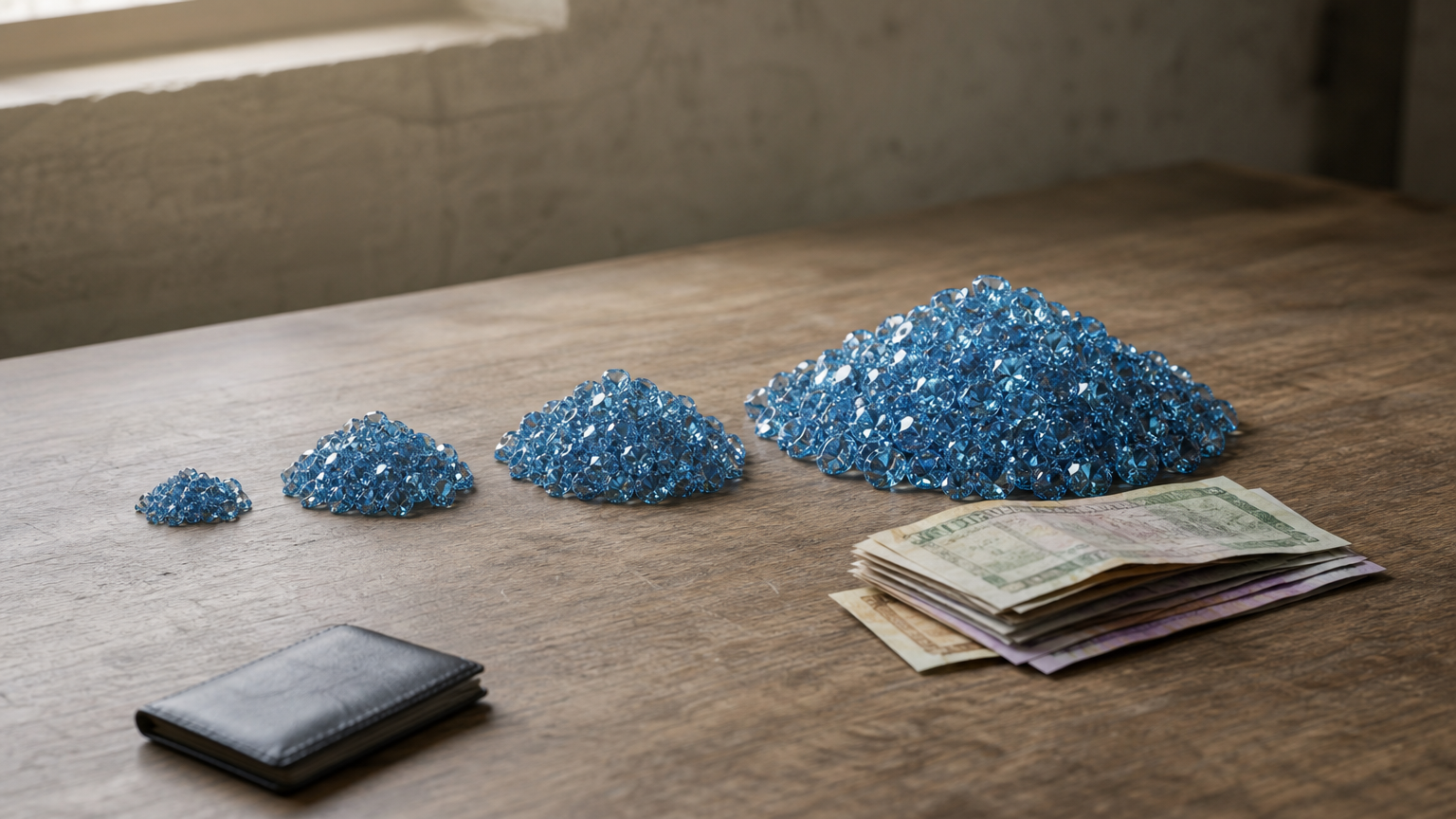
Choose the largest pack you will realistically use, because the price per diamond falls as packs grow. Free Fire diamond packs run from 60 to 1,800+ diamonds.
Compare pack prices
These are approximate prices for popular packs at AroraShop:
| Pack | Approx. price | Approx. cost per diamond |
|---|---|---|
| 100 diamonds | ~90 ৳ | 0.90 ৳ |
| 310 diamonds | ~260 ৳ | 0.84 ৳ |
| 520 diamonds | ~430 ৳ | 0.83 ৳ |
| 1,060 diamonds | ~850 ৳ | 0.80 ৳ |
Say you want about 1,000 diamonds. Ten 100-diamond packs would cost roughly 900 ৳. One 1,060-pack costs roughly 850 ৳ and gives you 60 extra diamonds for about 50 ৳ less. The product page shows the exact current price, and prices can change without notice.
Buy one big pack instead of several small ones.
Offers, memberships and the app
Free Fire diamond offers at AroraShop include three items sold separately from diamond packs:
- Weekly Membership: 157 ৳
- Monthly Membership: 780 ৳
- Level up pack, Level 10: 66 ৳
Read what each one includes on its product page before you buy. Offers change, so check the page on the day you buy instead of trusting an old screenshot.
If you prefer an app for diamond top-ups, AroraShop has an official Android app on Google Play with app-only discounts. Compare the app price with the website price on the same pack, then pick the lower one.
Step 3. Pay with bKash or Nagad
Place the order on the store's own site or app, then pay through the gateway it lists, using bKash, Nagad or Rocket.
Place the order
- Open arorashop.com or the app and sign in. An account is required for full service.
- Go to Top Up and choose Free Fire Diamond.
- Enter your UID and nickname.
- Select your diamond pack.
- Choose bKash, Nagad or Rocket and complete the payment.
Keep your wallet safe
Enter your wallet PIN and OTP only on the official bKash or Nagad payment screen. No store, seller or support agent needs them, so never type them into a chat.
AroraShop requires payment through the gateway listed on its website and may cancel orders it finds suspicious. Do not send money to a personal number from a message, however friendly the seller sounds. Save your transaction ID or a screenshot until the diamonds arrive.
Pay only inside the gateway the store lists, and never share your PIN.
Step 4. Confirm delivery and fix problems
Diamonds usually arrive within one to two minutes, so open the Free Fire store and check your balance. Give it a few minutes before you assume something went wrong.
Check your balance
If the balance looks unchanged, close the game completely and reopen it. Delivery time can depend on your location and payment verification, so a short delay is not unusual.
Wait a few minutes, restart the game, then contact support with your details.
What to do if diamonds are late
AroraShop support runs 24/7 by WhatsApp chat, phone on +8801867859776, or email at support@arorashop.com. Its average response time is under 15 minutes. Send everything in one message so support can trace the order fast:
Order: Free Fire Diamond, [pack size]
UID: [your UID]
Nickname: [your nickname]
Payment: [bKash or Nagad], transaction ID [ID]
Time paid: [time]
Problem: Diamonds have not arrived. Screenshot attached.
If the cause was a wrong UID, the diamonds cannot be returned. Refund rules for other cases are on the store's Refunds and Returns policy page.
Top up with confidence
A safe Free Fire top-up in Bangladesh comes down to four habits: use your UID instead of a login, confirm your server, pay only through the store's listed gateway, and keep your transaction ID until the diamonds arrive. Do those and the order usually finishes in minutes.
When you are ready, you can top up Free Fire diamonds at AroraShop with bKash, Nagad or Rocket. Check the live price on the product page first, and keep your UID in front of you while you order.
Sponsored
Categories
Sponsored
Recent Posts


Sponsored

