



Google Play Gift Card $5: How to Buy and Redeem in Dhaka
AroraShop Editorial & Fulfillment Team
Digital Gaming & FinTech Specialists (Dhaka, BD) • UpdatedGoogle Play Gift Card $5: How to Buy and Redeem in Dhaka
To buy a Google Play gift card $5 in Dhaka, first confirm that your Google account's Play country matches the card's region, which is almost always the United States. Then buy the code from a seller that delivers digitally and accepts bKash, Nagad or Rocket. Redeem it in the Play Store under Payments & subscriptions. If your account is set to Bangladesh, a US code will not work, so make that check before you pay.
Most results for a 5 Google Play gift card show a price and a buy button. Few of them say that Google gift cards redeem only in the country that issued them. Buyers in Bangladesh pay, receive a valid code, and then see a region error. Digital codes are usually non-refundable once sent, so that mistake costs real taka.
This guide covers the process in order: understanding the region rule, checking your account, choosing a seller, paying with a local wallet, and redeeming the code. AroraShop sells digital gift cards to customers in Dhaka and Chittagong Division with local payment, so the examples use its listed prices and delivery terms.
Why a $5 Google Play card needs a region check
A $5 Google Play gift card only works on an account whose Play country matches the card's country. This one rule decides whether your purchase succeeds, and it matters more than the price or the seller.
How region locking works
Google states that gift cards can be redeemed only in the country where they were issued, and the balance is held in that country's currency. The cards sold online to Bangladeshi buyers are US cards, so they need a US Play account. AroraShop's own Google Play Gift Card page says the card is US region and cannot be used from Bangladesh. Other local seller pages carry the same warning.
A valid code is useless when the card's region and your account's region do not match.
What a $5 card costs in taka
AroraShop lists its Google Play card at 15,400 ৳ for the $100 option, which is 154 ৳ per dollar. At that rate a $5 card would come to about 770 ৳. That is an estimate from the $100 price, not a quote. Check the product page for the current price, and use the Request Product option if a $5 denomination is not shown.
The table compares $5 US-region cards from AroraShop so you can see what each platform costs.
| $5 card (US region) | Price | Per dollar |
|---|---|---|
| Apple iTunes | 620 ৳ | 124 ৳ |
| Steam | 725 ৳ | 145 ৳ |
| Google Play (estimated from the $100 card) | about 770 ৳ | 154 ৳ |
Prices follow exchange rates and can change without notice. Treat these figures as a guide and trust the live product page.
Step 1. Check your Play account country
Open the Play Store, tap your profile picture, and look for your country under Settings, General, Account and device preferences, Country and profiles. Menu names shift a little between app versions, but the country is always listed there.
Find your country in five taps
- Open the Google Play Store app.
- Tap your profile picture at the top right.
- Tap Settings.
- Open General, then Account and device preferences.
- Read the country under Country and profiles.
If it says United States, a US card is safe to buy. If it says Bangladesh, stop here.
What to do if it says Bangladesh
Do not buy a US Google Play card for a Bangladesh account. The code will arrive, but redemption will fail. Google limits how often you can change your Play country and usually asks for a payment method from the new country. Using a VPN or a made-up address to get around this can put your account and balance at risk.
Never buy first and hope the region works out later.
You still have options. If you want the balance for iPhone apps, a US Apple iTunes card is a different product with its own region rule. For PC games, the Steam card tops up a wallet. For Roblox, a Roblox gift card redeems on roblox.com/redeem. Pick the card that matches the platform you actually play on.
Step 2. Pick a seller you can trust
Choose a seller that states the card's region, delivers a digital code, accepts a local wallet and publishes its refund terms. Because most codes cannot be refunded after dispatch, you are really picking the seller who will answer your questions.
Where to buy a 5 Google Play gift card
Start with Google's own help page on Google Play gift cards and where to buy them. It shows what an official card looks like and what it can buy. In Bangladesh, the practical route is a local digital store that takes bKash, Nagad or Rocket, since most buyers have no international card.
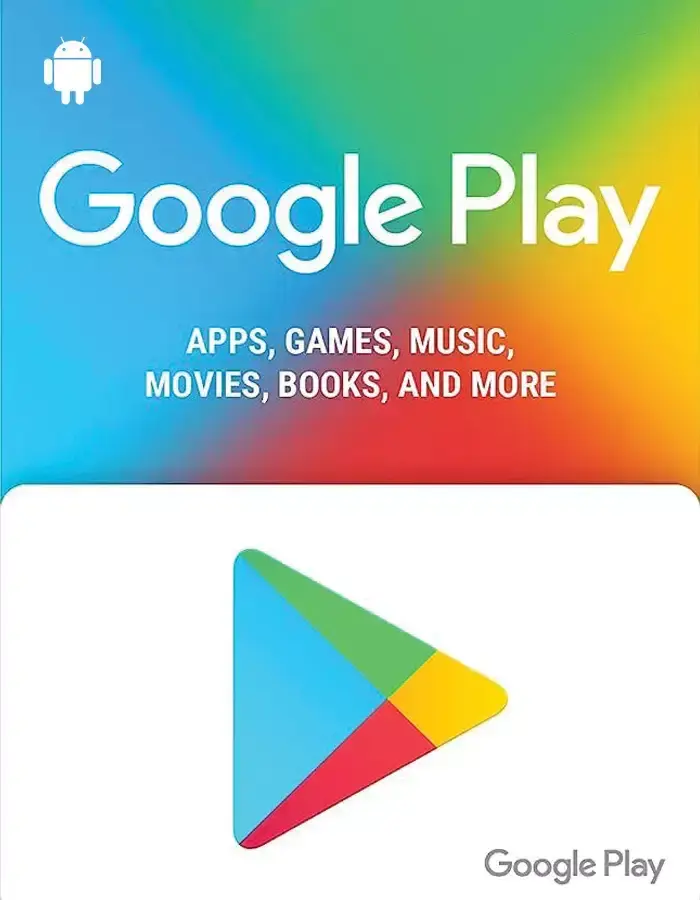
AroraShop's Google Play Gift Card page lists the card as a US-region digital voucher. It shows instant delivery of 1 to 5 minutes and payment by bKash, Nagad, Rocket or card. The listed option is $100, so ask for a $5 card through the site's Request Product option.
Checklist before you pay
- The page states the region, and it matches your account.
- The denomination you want is actually listed.
- Payment goes through a gateway shown on the site, not a personal number sent over chat.
- Delivery time and the refund rule are written down. AroraShop's pages say no refund after dispatch.
- Support is reachable. AroraShop offers 24/7 support and WhatsApp chat.
If a seller will not state the region, do not buy from them.
Step 3. Pay and wait for your code
Create an account on the store, add the card to your cart, pay with your wallet, and watch your email for the code. AroraShop requires an account for full service, so sign up before checkout to avoid delays.
Pay with bKash, Nagad or Rocket
- Sign in or register on the store.
- Select the card and denomination.
- At checkout, choose bKash, Nagad or Rocket.
- Complete payment through the gateway the site lists, and keep your transaction ID.
- Wait for the verification, then check your email and your order page for the code.
Suspicious orders can be cancelled, so pay only through the listed gateway.
If the code is late
The product pages promise delivery in 1 to 5 minutes. AroraShop's stated average across top-ups and vouchers is 20 to 60 minutes after your transaction is verified, and it varies by location. Wait up to an hour. If nothing arrives, contact support with your transaction ID by phone at +8801867859776 or at support@arorashop.com. The store reports an average response time under 15 minutes.
Never pay a second time for the same order. Contact support first.
Step 4. Redeem your $5 code on Google Play
Open the Play Store, tap your profile picture, choose Payments & subscriptions, tap Redeem gift code, and enter the code. The balance appears on your account right away if the region matches.
Redeem in the Play Store app
- Open the Play Store while signed in to the US-region account.
- Tap your profile picture, then Payments & subscriptions.
- Tap Redeem gift code.
- Type the code exactly as delivered, or paste it.
- Confirm, then check the balance under Payments & subscriptions.
Do not share a screenshot of the code. Anyone who redeems it first keeps the money.
Redeem on the web and fix errors
You can also redeem at play.google.com/redeem while signed in. If the code is rejected, check these causes in order:
- Region error: your account country does not match the card. Go back to Step 1.
- Already redeemed: the code was used. Contact the seller with your order details.
- Typing mistake: zero versus the letter O is a common slip. Paste instead of typing.
- Wrong account: you are signed in to a different Google account than you intended.
Most failed redemptions come from region or typing errors, and both are easy to rule out in a minute.
Check the region, then buy with confidence
A $5 Google Play card is cheap, but only if it matches your account. Check your Play country, buy a card in that region from a seller that states its terms, pay with your wallet, and redeem it through Payments & subscriptions. If your account is set to Bangladesh, choose a card for another platform instead.
When you are ready, browse the digital gift cards at AroraShop and compare the Google Play, iTunes and Steam cards. Pay with bKash, Nagad or Rocket and get the code by email.
Sponsored
Categories
Sponsored
Recent Posts
Sponsored

