Leave a Review


The fastest way to top up ML Weekly Diamond Pass is to enter your Mobile Legends user ID and server ID on a trusted store, pick the pass, pay with bKash, Nagad or Rocket, and then claim your diamonds in the game each day. The whole purchase takes about two minutes. You never share your password, and the pass pays out 220 diamonds across a week.
The problem is that the choice looks harder than it is. Dozens of sites sell the same pass at different prices. Some ask for card payments that most players in Bangladesh cannot make. Others show "250 diamonds" without saying whether that is a normal pack or a first-recharge deal. One wrong digit in your server ID, and the diamonds go to the wrong account.
This guide walks you through the purchase in four steps, after a short look at what the pass actually gives you. You will learn where to find your IDs, how to compare prices, what the 250 diamond offer really is, how to pay safely with local mobile wallets, and how to claim every reward so none of it expires.
The Weekly Diamond Pass is a seven-day reward pass that pays out 220 diamonds in total, plus extra items, for a small one-time price. You buy it once and then collect the rewards by logging in to Mobile Legends: Bang Bang.
You receive 80 diamonds right away, then 20 diamonds every day for the next seven days. That adds up to 220. Some stores describe the same thing as 100 diamonds on day one and 20 a day after that. The total is identical. The pass also carries a few extras, listed below.
The daily Choice Bundle lets you pick items such as Starlight fragments, Magic Dust or tickets, and you must claim it within 24 hours. The daily diamonds also depend on you logging in, which is why the Late Sign-in Card matters.
The pass only pays in full if you open the game every day for a week.
Stores price the pass well below the same diamonds bought as a regular pack. International listings put it at roughly $1.50 to $1.60, while 220 diamonds bought the standard way would cost about $1.99. At a price of $1.59, you pay about 20% less for the same 220 diamonds, and you still get the Starlight points and bundles on top.
Here is a worked example. Say you want about 880 diamonds a month. Four passes give you exactly 880 diamonds for roughly $6.36 at that price. You also collect 840 Starlight points and 28 Choice Bundles. If you play daily, the pass is clearly the better deal. If you log in only a few times a week, regular packs suit you better, because you would miss daily claims.
Every top-up needs two numbers from your account: your user ID and server ID. Both appear together in the game, and a store cannot deliver anything without them.
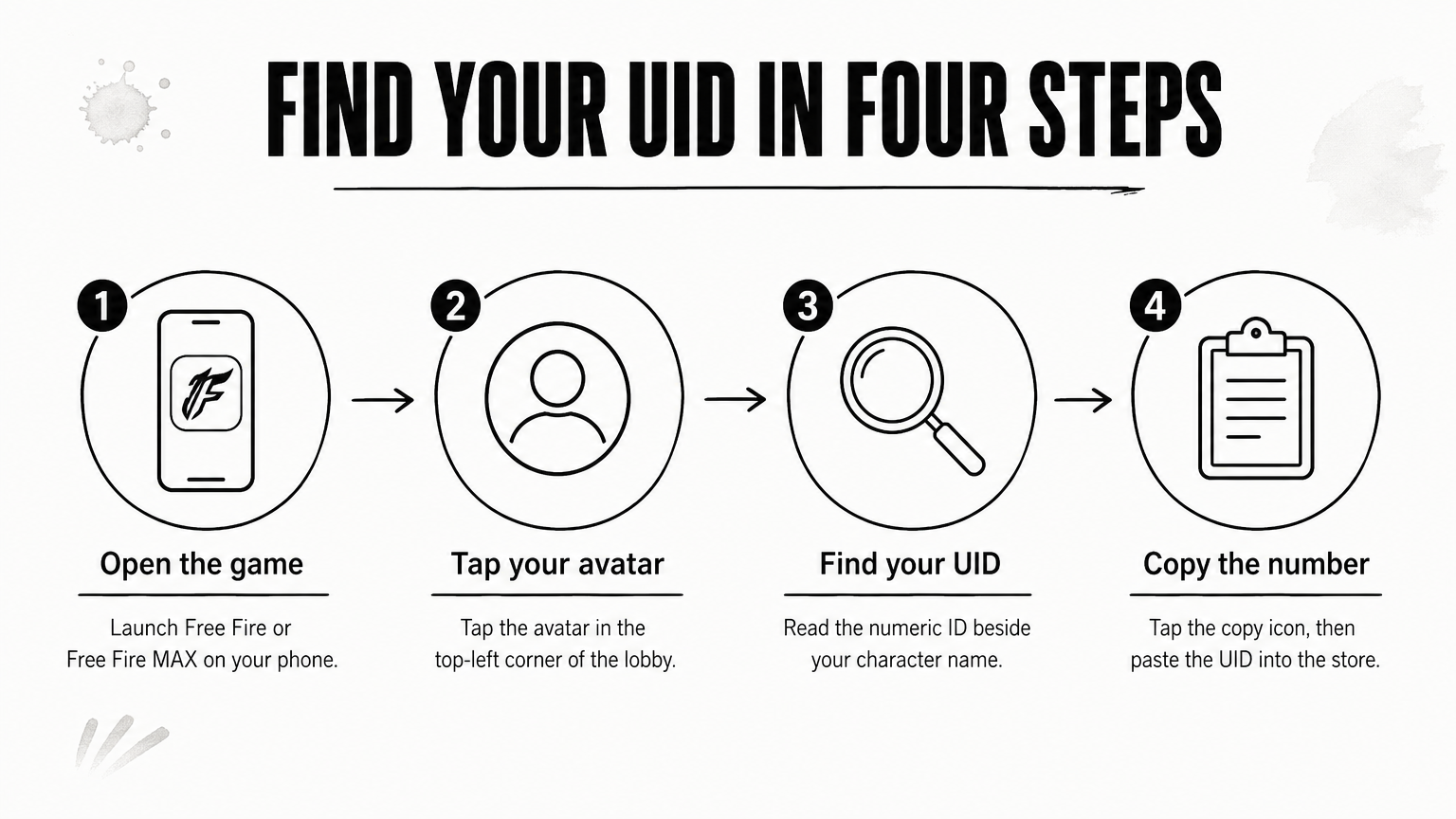
Open Mobile Legends and tap your avatar in the top left corner of the main screen. Go to the Basic Info tab. Your ID sits under your nickname in this format: 12345678(1234). The first number is your user ID. The number in brackets is your server ID.
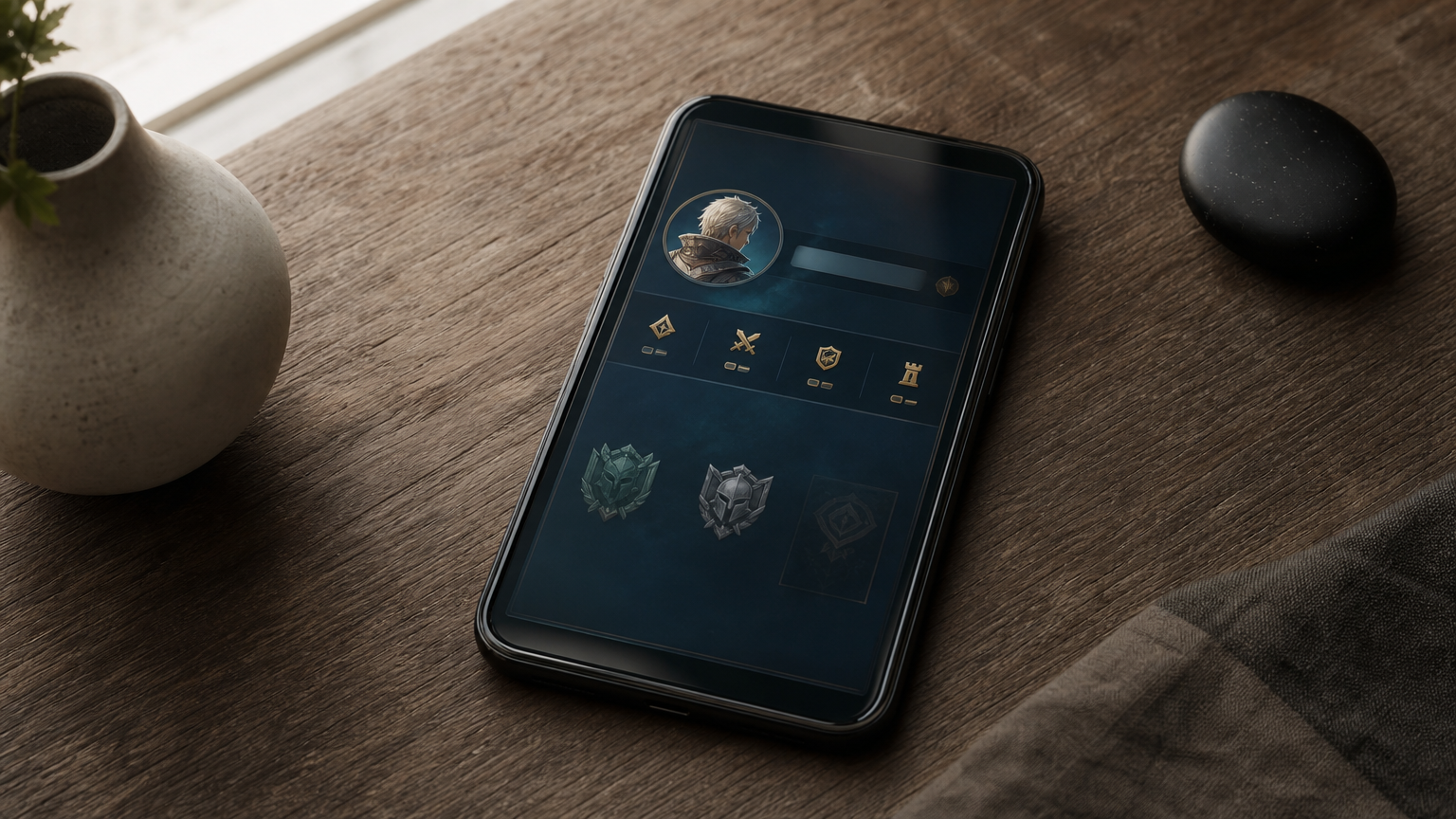
Enter both exactly as shown. Most stores give you two fields, one for each number. Some stores accept the full string in one box. Follow the example text on the checkout form.
Copy the ID from your game screen character by character, because a wrong digit sends your diamonds elsewhere.
Check each digit twice before you pay. The most common errors are swapping two digits, leaving out the server ID, and typing the ID of a friend's account by accident. Diamonds delivered to a wrong but valid ID are hard to recover.
Never type your password, your Moonton login, or a verification code into a top-up page. A legitimate top-up needs only the two IDs. If a site asks for more, close the tab.
Also read the product page for region notes. Some sellers restrict a pass to accounts from certain regions. You can avoid a failed order by checking this before you pay.
Pick the Weekly Diamond Pass if you log in daily, and pick regular diamond packs if you need a specific amount at once. Then compare the final price in taka across stores before you commit.
The pass drips diamonds over a week, so it suits steady spenders. A pack gives you everything immediately, which suits you when you want one skin or a Starlight upgrade today. Bangladeshi stores list regular packs at roughly Tk 1.5 per diamond. One store lists 325 diamonds for Tk 500, for example, which works out to about Tk 1.54 each. Use that rate as a quick check against any offer you see.
"Top up ML 250 diamonds" usually means one of two things. The first is the first-recharge tier of 250 + 250 bonus, which gives you 500 diamonds. It works only on accounts that have never topped up and never received double diamonds on any platform. The second is a regular amount that you assemble from standard packs.
Option Total diamonds Condition First recharge, 250 + 250 bonus 500 Account has never topped up 223 + 22 + 5 packs 250 Store lists these denominations 336 pack (303 + 33 bonus) 336 Nearest single pack above 250Pack sizes differ by store, so confirm the denominations on the product page. If your account qualifies for double diamonds, the first-recharge tier is the best value you will find, so use it before any regular pack.
Compare the price after any discount, in taka, on the payment screen. AroraShop also has an Android app with app-only discounts, so check the app price against the website price before you pay. Look for a price that shows no extra fees at checkout.
Compare the final taka price at checkout, not the headline price on the product card.
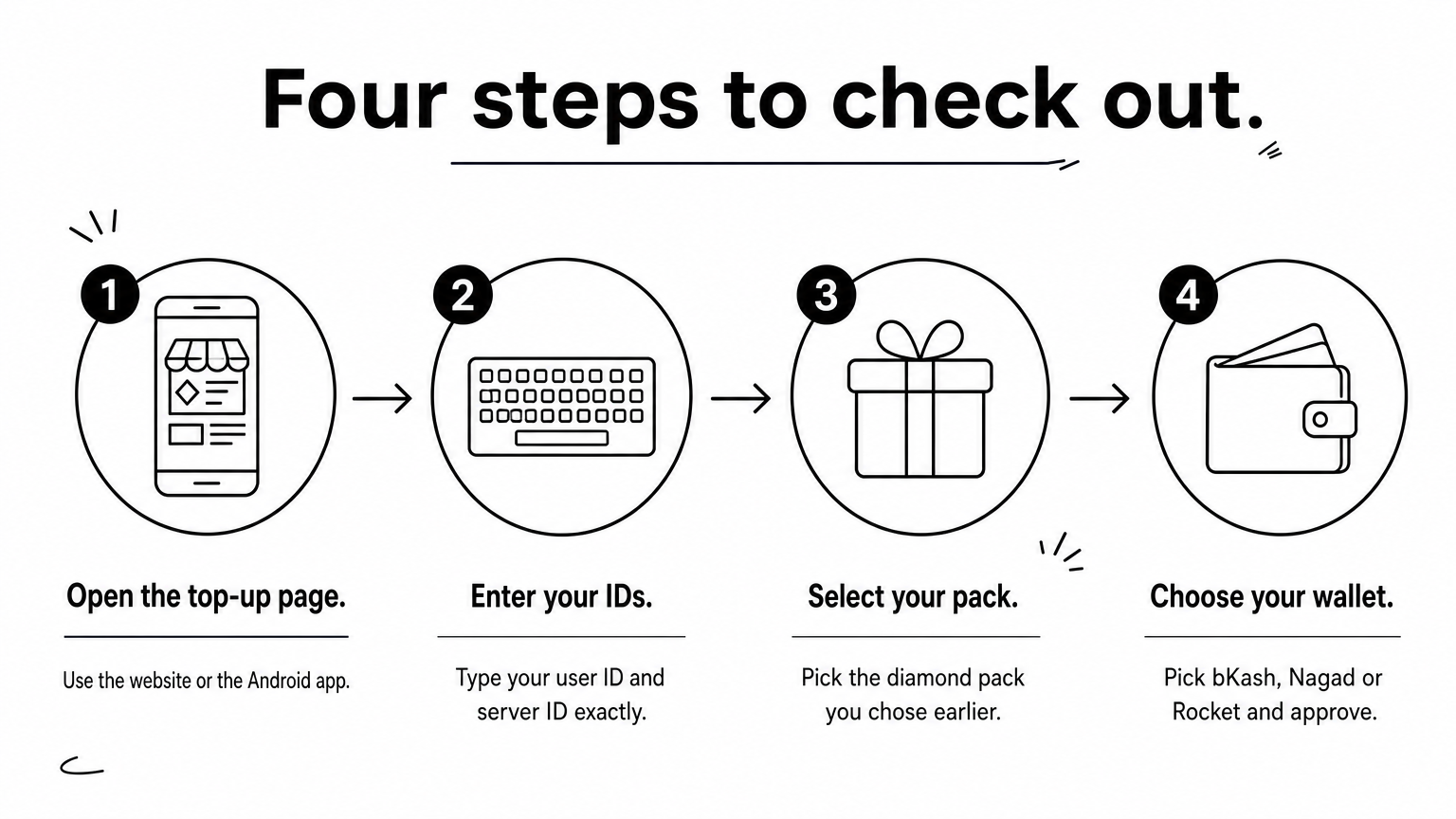
Local mobile wallets are the easiest way to pay, since no international card is needed. Choose your wallet at checkout, confirm the amount, and approve the payment in your wallet app.
AroraShop supports bKash, Nagad and Rocket, and it delivers digital products instantly after purchase. Follow this order:
Keep the transaction ID from your wallet. It is your proof if you ever need support.
Buy only from a store that sells official top-ups and shows clear contact options. Check the URL before you enter any payment details, and avoid links from random chat groups. Skip any seller that offers prices far below the market, because an unusually cheap pass often means a risky source.
Do not pay a seller by sending money to a personal wallet number. Pay inside the checkout flow, where your order is recorded against your ID. Never share your OTP or wallet PIN with anyone, including someone claiming to be support.
Pay inside a store checkout and never send money to a personal wallet number.
Once the payment clears, open Mobile Legends and claim the rewards from the Weekly Diamond Pass section. The pass pays out daily, so you need a habit to collect everything.
Claim the first 80 diamonds straight after the purchase. After that, log in once a day and collect the 20 diamonds plus the daily Choice Bundle. The bundle expires 24 hours after it appears, so claim it on the same day.
If you miss a day, use the Late Sign-in Card that comes with the pass. You get only one, so save it for a real emergency. If you buy more than one pass, the days add up, so a second pass extends your daily rewards. Stores may cap how many passes you can stack, so check the limit on the product page.
Most orders arrive within seconds. If nothing appears, wait 5 to 15 minutes, because occasional delays come from the game server and not from your payment. Then check the order status in your store account and confirm that the IDs you entered match your Basic Info screen.
If the order is still missing, contact the store's support with your transaction ID, your user ID and your server ID. Having these three details ready speeds up the fix.
A late order is usually a server delay, so wait a few minutes and then contact support with your transaction ID.
To top up the Weekly Diamond Pass, copy your user ID and server ID from Basic Info, choose the pass or a pack, pay with bKash, Nagad or Rocket, and claim your rewards daily. The pass gives you 220 diamonds, 210 Starlight points, seven Choice Bundles and a Late Sign-in Card for a small price. If your account has never topped up, take the 250 + 250 first-recharge tier before anything else.
Do the checks first: right IDs, final taka price, a trusted checkout. Then the purchase is quick and low-risk. When you are ready, you can top up Mobile Legends on AroraShop and get your diamonds delivered instantly.