Leave a Review


The only reliable Windows 7 activation key is the one that belongs to your copy of Windows. Check the Certificate of Authenticity sticker on the PC, your purchase email, or the disc sleeve. Then enter the 25-character key under Computer properties or with the slmgr command, and activate online or by phone. If you have no key, buy a legitimate license. Free key lists and activator tools will not give you one.
The problem is that Windows 7 reached end of support on January 14, 2020, and Microsoft no longer sells it. Many PCs in shops, offices, and homes still run it. When the grace period ends, you get a black desktop, constant warnings, and a copy flagged as not genuine. Search results push you toward shared keys that are already blocked and cracks that often carry malware. Neither fixes the problem for long.
This guide gives you six steps: check your status, find a key you already own, enter it, use phone activation as a fallback, get a valid license if you have none, and protect the result. AroraShop sells digital Windows license keys with instant delivery and payment through bKash, Nagad, and Rocket, so the buying step is covered too.
A valid Windows 7 activation key proves to Microsoft that your copy of Windows is genuine and licensed for this PC. Without it, Windows runs for a trial period and then starts nagging you. This section explains what activation does, which key type you hold, and which shortcuts to skip.
Activation links a product key to your hardware and registers the copy as licensed. Windows 7 gives you a 30-day grace period after installation. After that, you see "This copy of Windows is not genuine" notices, the desktop background resets to black at intervals, and some optional downloads are restricted. The PC still boots and your files stay intact.
Activation also does not fix the security situation. Windows 7 stopped receiving regular security updates on January 14, 2020. The only exception was paid Extended Security Updates for businesses, which ended in January 2023. A licensed Windows 7 PC is legal and tidy, but it is still an unpatched system. Step 6 shows how to reduce that risk.
Activation proves your license is genuine. It does not make an unsupported system safe.
Most home users hold either a retail key or an OEM key. Volume keys belong to companies and schools. The type decides whether you can move the license to another PC.
Key type Where it comes from Can it move to a new PC? Retail Boxed copy or digital purchase Yes, to one PC at a time OEM (COA sticker) Pre-installed by the PC maker or builder No, tied to the original PC Volume MAK Company or school agreement No, limited activation count Volume KMS Same agreements, activated by an internal server No, must renew about every 180 daysYour key also has to match your edition. A Home Premium key will not activate Professional or Ultimate. Both the 32-bit and 64-bit versions use the same key for a given edition, so the edition matters more than the architecture. Step 1 shows you how to read yours.
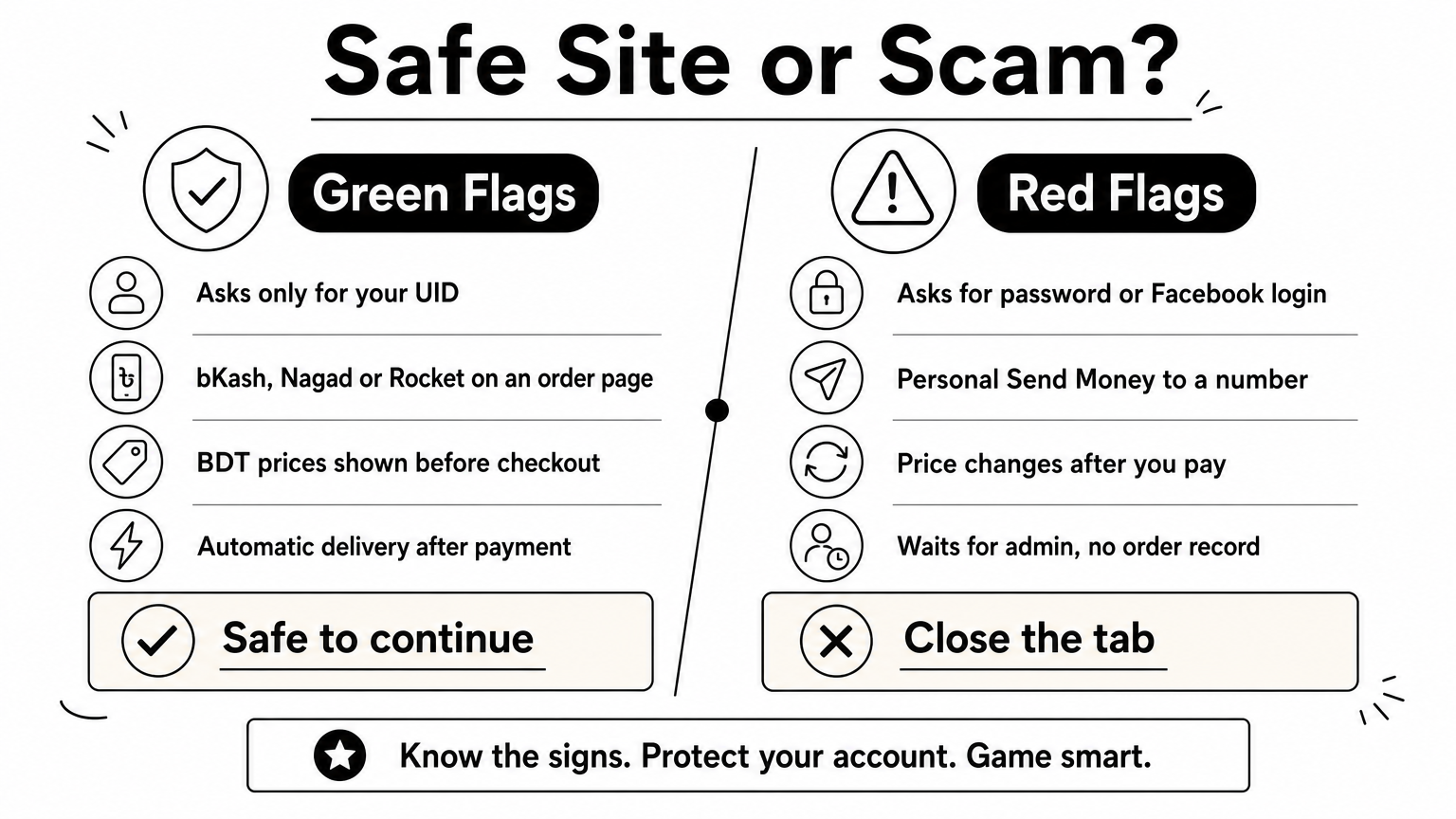
Shared key lists on forums and video descriptions are used thousands of times. By the time you type one in, Microsoft's servers have usually blocked it or hit its activation limit. You waste time and gain nothing.
Activator tools are worse. They patch system files or fake a company activation server. They are a common way to spread malware, and they break Microsoft's license terms. Depending on your country's law, using them can also be illegal. A PC you use for banking or freelance work should never run one.
Open Computer properties and read the Windows activation line at the bottom. It tells you whether you need a Windows 7 activation key at all, how many days remain, and which edition you run. Do this before you hunt for a key.
Right-click Computer on the Start menu or desktop and choose Properties. Scroll to the bottom of the System window. You will see one of three messages:
At the top of the same window, note the Windows edition and the System type (32-bit or 64-bit). You need both when matching or buying a key. The Product ID shown here looks like a key, but it is not one. It will not activate anything.
Windows 7 includes the Software Licensing Management Tool, slmgr. Click Start, type cmd, right-click Command Prompt, and choose Run as administrator. Then run the commands below.
Command What it shows slmgr /dli Basic license info, including the last five characters of the installed key slmgr /dlv Detailed info, including the license channel such as OEM, Retail, or Volume slmgr /xpr Whether activation is permanent or when it expiresBy default, slmgr shows its results in pop-up dialogs. If you prefer text in the console, add the script path:
cscript C:\Windows\System32\slmgr.vbs /dlvThe license channel line is the useful part. If it says RETAIL, your key can move to another PC. If it says OEM, the key belongs to the original machine. If it says VOLUME_KMSCLIENT, the PC activates through a company server, and you will not find a personal key.
The channel line in slmgr /dlv tells you whether your key can move, before you waste time on the wrong fix.
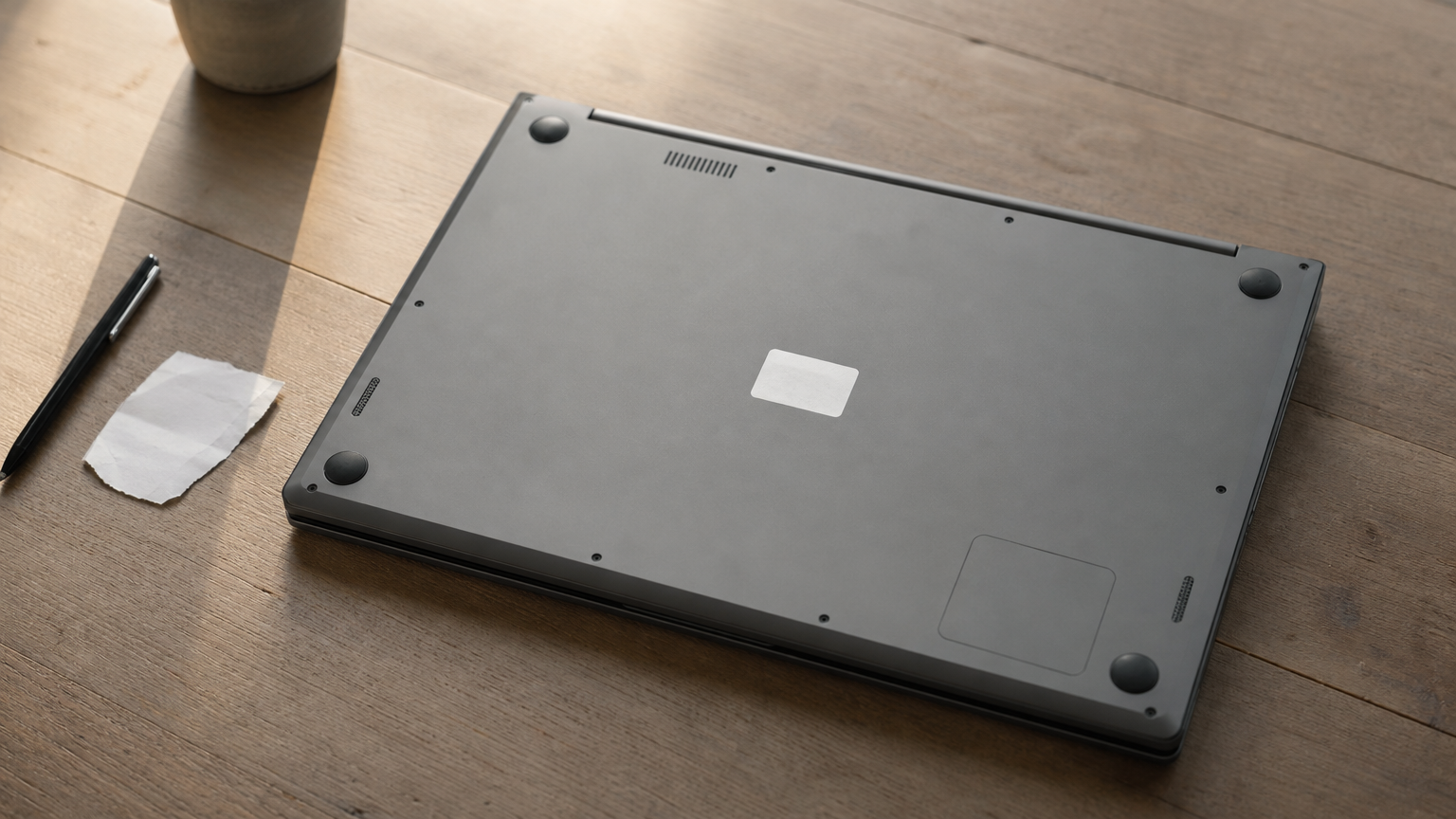
Your Windows 7 activation key is most likely already in your possession, on a sticker, in a document, or inside the installed system. Check the physical and paper sources first, then read it from the running PC.
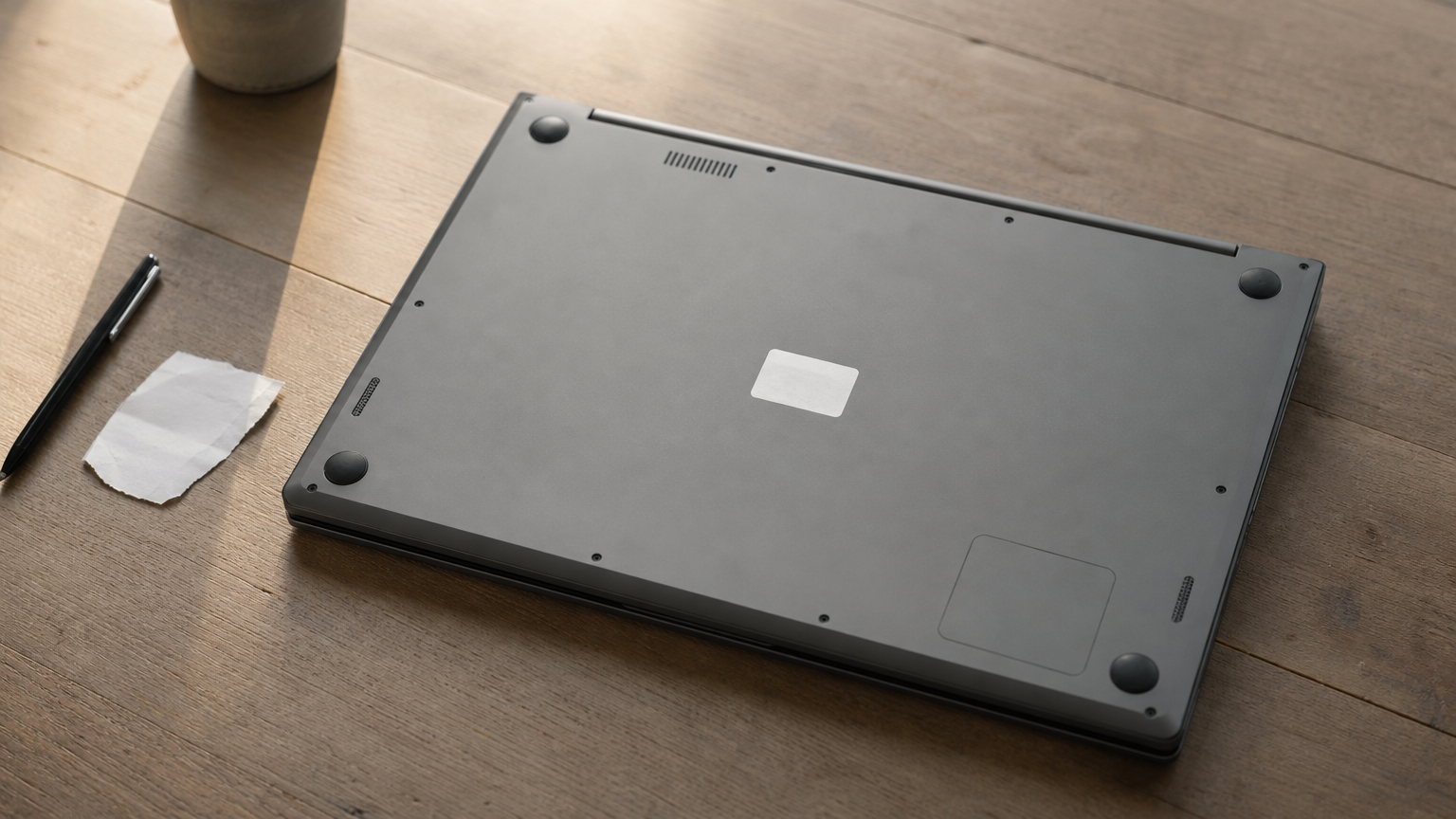
A genuine key is 25 characters, in five groups of five, separated by hyphens. Look in these places:
Check that the sticker says Windows 7. A Windows 8 or Windows 10 sticker holds a different kind of key that will not activate Windows 7. Once you find your sticker, photograph it before it wears off.
If the sticker is gone, Windows stores an encoded copy of the key in the registry. A short script can decode it. Open Notepad, paste the code below, and save it as showkey.vbs. Set "Save as type" to All Files so Windows does not add .txt. Then double-click the file.
Set WshShell = CreateObject("WScript.Shell") MsgBox ConvertToKey(WshShell.RegRead("HKLM\SOFTWARE\Microsoft\Windows NT\CurrentVersion\DigitalProductId")) Function ConvertToKey(Key) Const KeyOffset = 52 i = 28 Chars = "BCDFGHJKMPQRTVWXY2346789" Do Cur = 0 x = 14 Do Cur = Cur * 256 Cur = Key(x + KeyOffset) + Cur Key(x + KeyOffset) = (Cur \ 24) Cur = Cur Mod 24 x = x - 1 Loop While x >= 0 i = i - 1 KeyOutput = Mid(Chars, Cur + 1, 1) & KeyOutput If (((29 - i) Mod 6) = 0) And (i <> -1) Then i = i - 1 KeyOutput = "-" & KeyOutput End If Loop While i >= 0 ConvertToKey = KeyOutput End FunctionA caveat matters here. On branded PCs that came with Windows 7 pre-installed, the script often returns a generic maker key shared by every machine of that model. That key only works through the PC's BIOS certificate and will not activate a different computer. Your sticker key is the one to use when you reinstall. Also, slmgr /dli shows only the last five characters, so it cannot recover a full Windows 7 activation key.
A key read from an OEM PC is often a generic one. Your sticker key is the one that counts.
Enter the key in Computer properties, connect to the internet, and let Windows contact Microsoft's activation servers. This takes about a minute. If the dialog fails, the slmgr command does the same job.
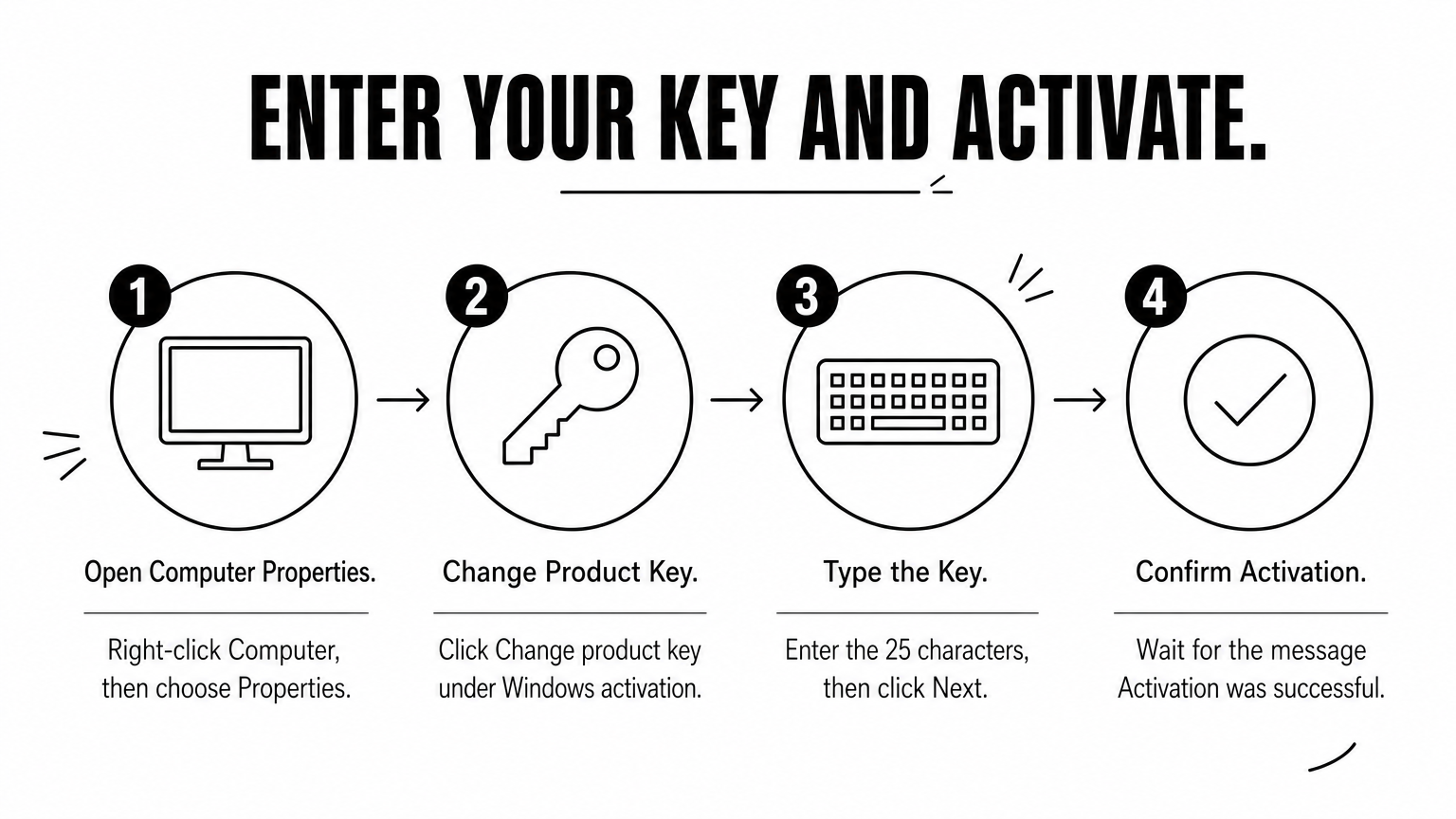
Make sure the PC is online and the system date and time are correct. Then follow these steps:
Afterward, return to Computer properties. It should say Windows is activated. If you typed a key for a different edition, Windows rejects it right away, which is why Step 1 matters.
Open an administrator Command Prompt and run these two commands, replacing the X characters with your key:
slmgr /ipk XXXXX-XXXXX-XXXXX-XXXXX-XXXXX slmgr /atoThe first command installs the key. The second asks Microsoft to activate it online. A dialog reports success or an error code. This route is also handy when you can't open the System window because a notification is covering it.
Error codes point to the cause. These are the ones you are most likely to meet:
Code Usual meaning What to do 0xC004F050 Key is mistyped or wrong for this edition Re-enter it slowly, and confirm the edition 0xC004F061 Upgrade key used on a clean install Use a full-version key, or install the earlier qualifying Windows first 0xC004C008 Key has been used on more PCs than allowed Try phone activation (Step 4), or replace the key 0x80072EE7 or 0x80072EFD PC cannot reach the activation servers Check the connection, proxy, and firewall, then retry 0x80070005 Access denied Run Command Prompt as administrator 0x8007232B A volume key cannot find its company server Connect to the organization's network, or use a retail or OEM keyRead the error code before retyping the key. The code usually tells you whether the key, the edition, or the connection is at fault.
Phone activation works when your Windows 7 activation key is valid but online activation fails, for example on a PC with no internet or a blocked connection. You read a number to an automated line and type back a code. It takes five to ten minutes.
Make sure the key is entered first, using Step 3. Then click Start, type slui 4 in the search box, and press Enter. Follow these steps:
Keep the PC on and the window open during the call. If you close it, you need to start again with a new Installation ID, so keep a pen and paper ready to avoid mistakes.
You can do the same from an administrator Command Prompt. It is useful if the activation window will not open:
slmgr /dti slmgr /atp CONFIRMATION-ID-HERE slmgr /atoThe first command shows your Installation ID. After you get the Confirmation ID by phone, /atp applies it. If the key has been used on too many machines, the automated line may stop and refuse activation. In that case the key is the problem, not your PC, and the fix is a replacement key from the seller. Step 5 covers where to get one.
If you cannot find a Windows 7 activation key, you have to buy a legitimate license. Microsoft no longer sells Windows 7, so the practical choice is usually a current version of Windows. This section compares your options and warns you about second-hand keys.
Second-hand Windows 7 keys deserve extra care. Many are resold volume keys that fail with the 0xC004C008 error within days. If you buy one, ask for proof of origin and activate it immediately, so you can ask for a refund while the seller is still reachable.
Windows 11 is the supported choice, and you can activate Windows 10 or 11 with official methods. It requires a 64-bit processor on Microsoft's supported list, 4 GB of RAM, 64 GB of storage, UEFI with Secure Boot, and TPM 2.0. Most PCs built for Windows 7 miss at least one of these. Windows 10 reached end of support on October 14, 2025, so it is only a stopgap. Check your hardware before you pay.
If your PC cannot run Windows 11, a free Linux distribution is safer than an unsupported Windows 7 with a dubious key.
Pick a seller that delivers a genuine key and has a public record you can check. AroraShop lists Windows license keys next to its game top-ups, gift cards, and software subscriptions. Keys arrive instantly after purchase, and you can pay with bKash, Nagad, or Rocket, so you do not need an international card.
Before you pay, read the product page for the Windows version and edition. A key is version-specific. A Windows 11 key will not activate Windows 7, and a Home key will not activate Pro. Keep the order confirmation. You need it if you ever have to reinstall or prove ownership.
Some users report that a Windows 7 key activated a fresh Windows 10 install. Microsoft's free upgrade offer ended in 2016, and the company does not promise that an old key will convert. Treat it as a bonus if it works, not as a plan.
Once Windows is activated, record your key, learn what forces reactivation, and reduce the risks of running an unsupported system. Ten minutes here saves you from repeating Steps 2 to 5 later.
Take a photo of the COA sticker and save it with your purchase email. Store the 25 characters in a password manager or a printed note kept with your PC papers. Also write down the edition and the license channel from slmgr /dlv. If you ever reformat, you need to install the same edition the key belongs to.
Use the original installation disc or the maker's recovery media for the reinstall. After setup, activate right away while your records are still at hand. A reinstall on the same hardware usually reactivates without trouble, because Microsoft has already seen the key tied to that machine.
Replacing a hard drive, adding RAM, or changing a graphics card normally does not cost you your activation. A new motherboard is the change most likely to require reactivation. An OEM key tied to the old board may be refused on the new one. A retail key can move, but only one PC at a time, so deactivate or retire the old install first.
If activation fails after a big hardware change, try phone activation from Step 4 and explain what you replaced. Then keep your key records in the same place as the receipt for the new part.
Windows 7 has not received regular security updates since January 2020, and major browsers have dropped support for it. If you still need it, use these habits:
A Windows 7 PC with a valid key is a legal PC. Treat it as an offline tool, not your daily machine.
Start with the free route. Check your activation status, find the sticker or receipt, and enter the key with Computer properties or slmgr. If online activation fails, use phone activation. Most people with a genuine Windows 7 activation key finish in under fifteen minutes.
If you have no key, do not rely on shared lists or activators. They fail quickly and put your files at risk. A paid license from a seller with real reviews costs less than rebuilding a PC infected by a crack. Then back up your key and plan your move away from an unsupported system.
When you are ready to buy, you can get a genuine Windows license key at AroraShop, delivered instantly and payable with bKash, Nagad, or Rocket.